



Cooling System Coolant
Volkswagen ID.4 cooling system guidance covering coolant-related service information, inspection points and important precautions for thermal management components.
Read guide




The high-voltage battery of the Volkswagen ID.4 can be charged using alternating current (AC) at a charging station or household GFI outlet, or using direct current (DC) at a rapid charging station for significantly faster charging times.
Connecting the charging cable
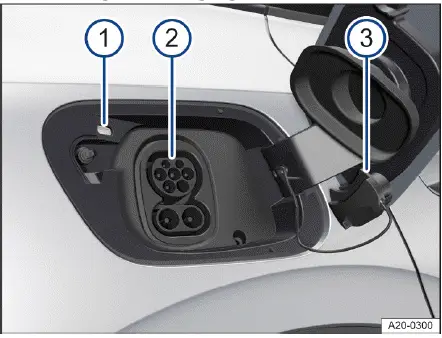
Fig. 1 Behind the rear-right charging socket flap: Charging
socket.
1. Unlock the Volkswagen ID.4.
2. Press gently on the charging socket flap to open it.
3. Remove the charging cable from the charging station or connect it to the power supply and fully unwind it.
Charging cable for household sockets: The integrated protective device performs an automatic self-test before charging begins (→ Charging cable for GFI outlets).
4. Insert the charging connector straight into the charging socket and ensure it is fully engaged → fig. 2.
The charging connector locks automatically to prevent accidental disconnection.
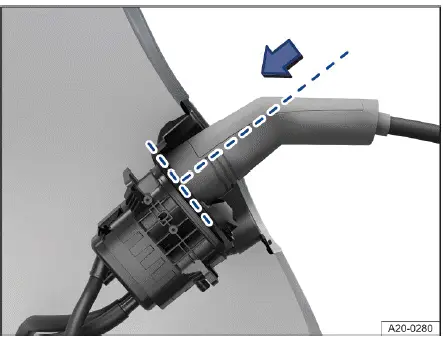
Fig. 2 Fully inserted charging connector (general example).
 When the charging connector is properly connected, a white indicator light appears in the instrument cluster of the Volkswagen ID.4.
Starting the charging process
1. To achieve the desired driving range, set the maximum battery charge level in the charging menu of the Volkswagen ID.4 Infotainment system.
2. Activate the charging station if required.
The charging process will begin immediately or according to a scheduled delay, depending on your configured charging settings.
 While charging is in progress, the green indicator light in the Volkswagen ID.4 instrument cluster flashes.
Interrupting the charging process
The charging process of the Volkswagen ID.4 can be paused or stopped at any time.
1. Tap
 in the Infotainment system.
Or: Press the central locking button when using AC charging via a charging station or household outlet.
If the automatic release function for the AC charging cable is enabled in the Volkswagen ID.4 settings, the connector will unlock automatically.
2. To resume charging, tap
 .
.
3. In some cases, the charging station may require reactivation.
After charging
Once charging is complete, the charging indicator on the charging socket of the Volkswagen ID.4 will illuminate green.
Charging station or GFI outlet (AC charging):
1. Unlock the Volkswagen ID.4.
Or: If automatic cable release is enabled, the connector will unlock automatically.
2. Disconnect the charging connector within approximately 30 seconds.
3. Disconnect the charging cable from the power source and reinstall protective caps.
4. Close the charging socket flap securely until it clicks into place.
Rapid charging station (DC charging): After charging, the connector unlocks automatically and can be safely removed.
Charging for the first time and charging after the vehicle is parked for a long time
If the high-voltage battery of the Volkswagen ID.4 is new or has not been charged for an extended period, it may require several charging cycles to reach its full capacity. This is normal behavior and does not indicate a malfunction.
If the Volkswagen ID.4 remains unused for a long time, the high-voltage battery should be recharged at least once every four months (→ Battery capacity).
 The DC charging cable used at rapid charging stations should not exceed approximately 30 meters (about 98 feet) in length.
 Charging performance of the Volkswagen ID.4 may be limited in extremely high or low ambient temperatures, which can affect charging speed and efficiency.
The Volkswagen ID.4 offers flexible charging options for both daily use and long-distance travel, combining convenience with advanced battery management for optimal performance and longevity.

Selected owner and service information from our Volkswagen ID.4 manual library.
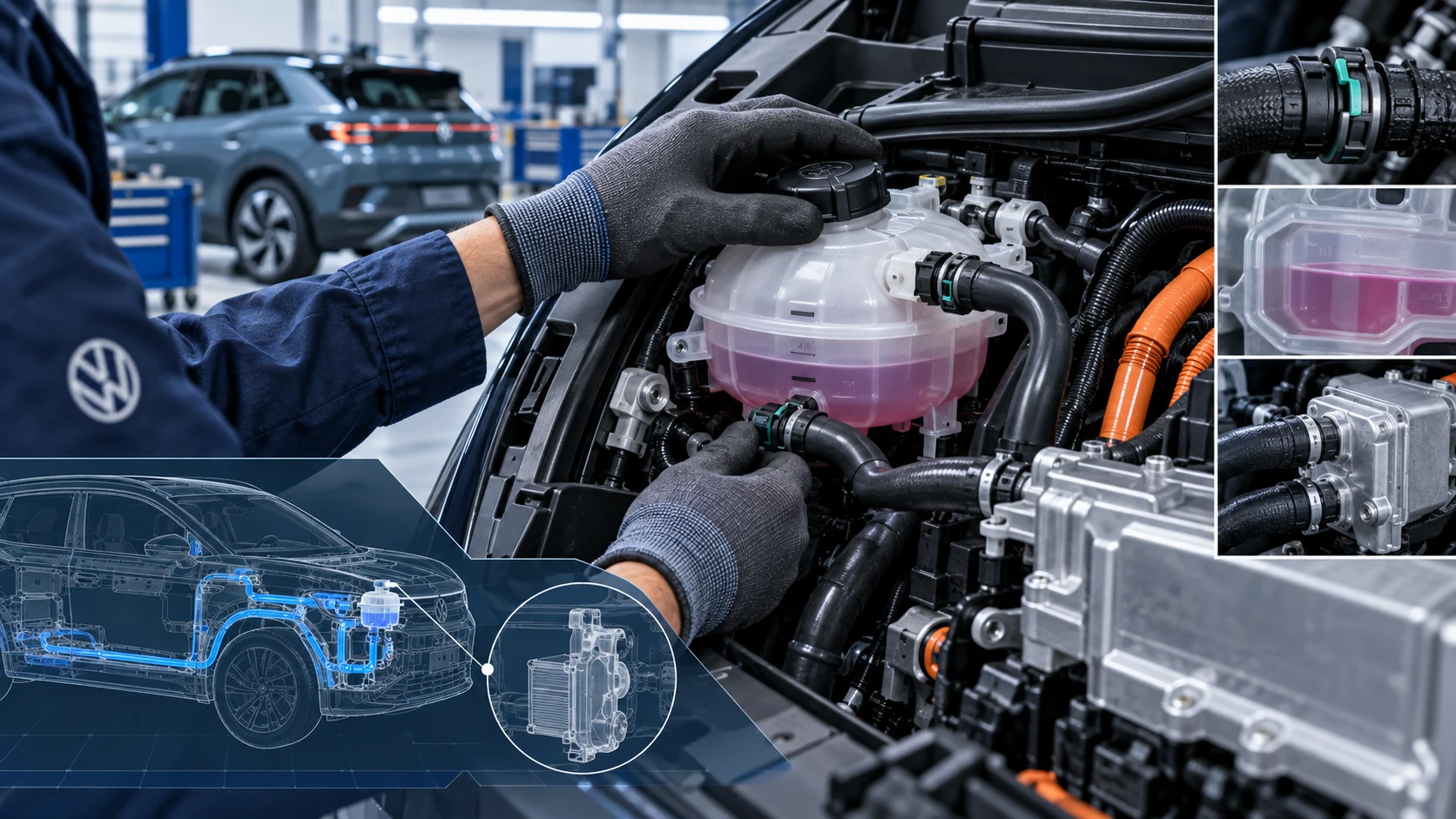 ID.4 Guide
Volkswagen ID.4 cooling system guidance covering coolant-related service information, inspection points and important precautions for thermal management components.
Read guide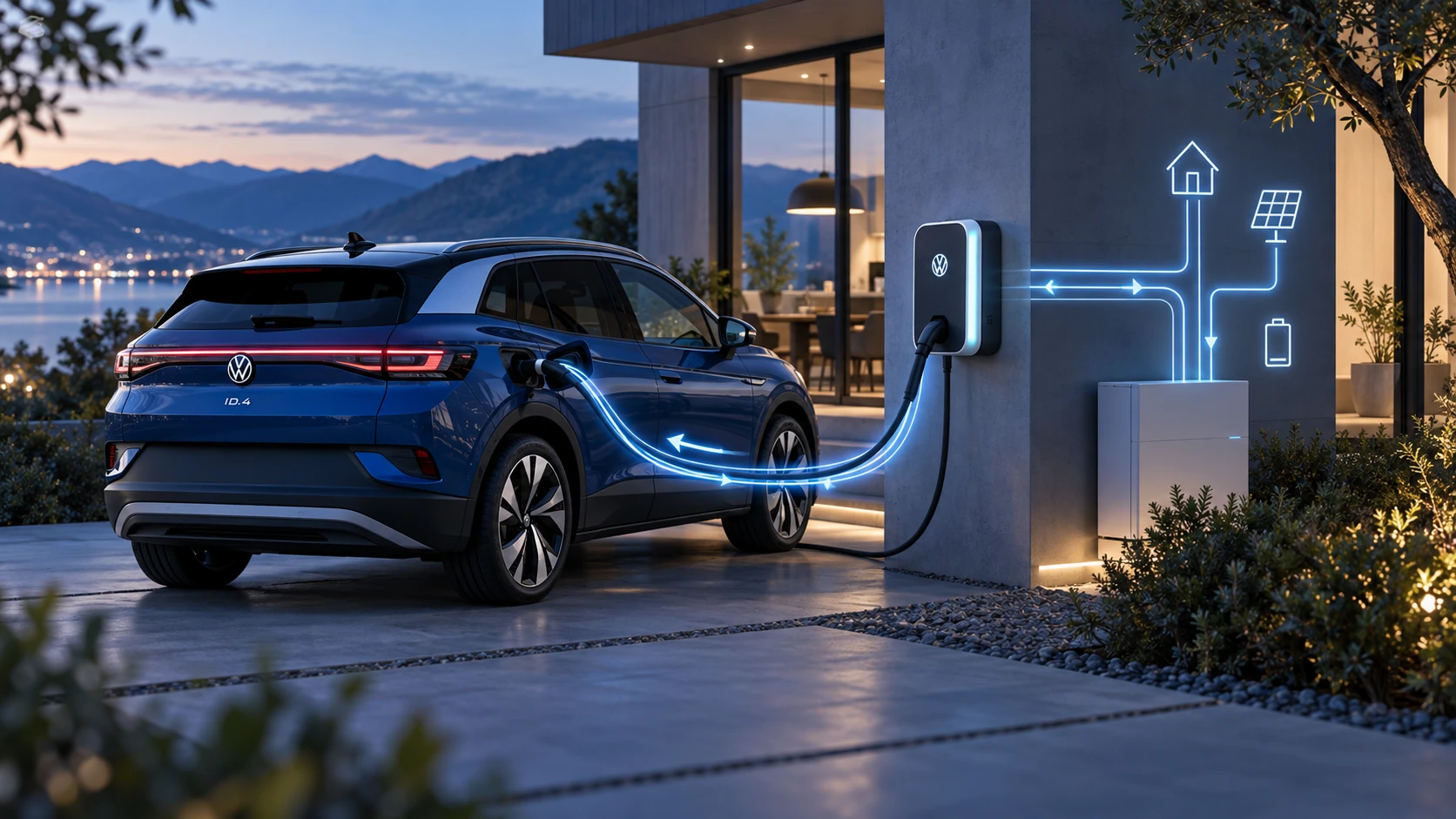 ID.4 Guide
Learn the basics of Volkswagen ID.4 bidirectional charging, including energy flow concepts, home power use and vehicle-to-home charging capability.
Read guide