



Plastic Repair
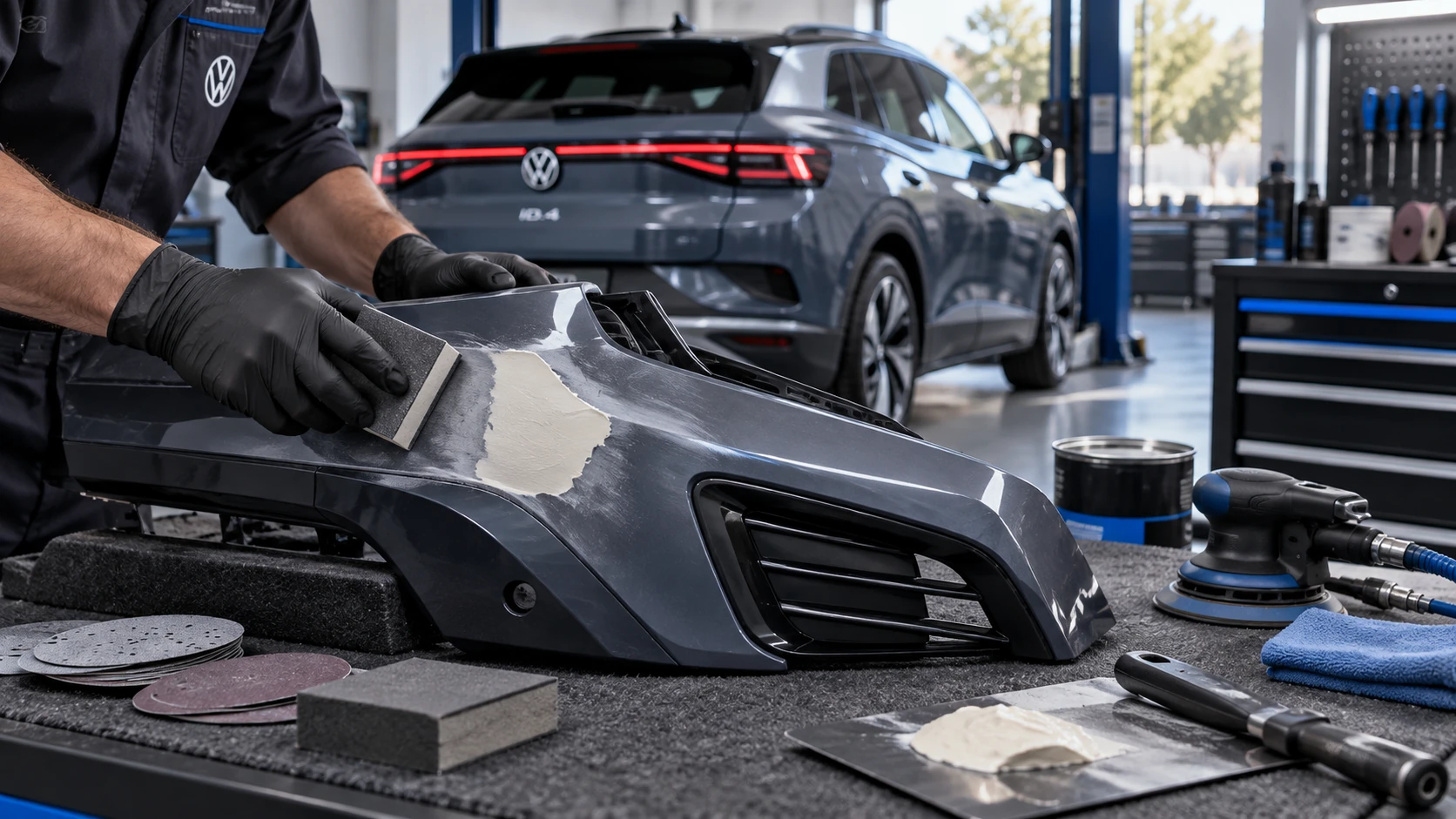
Volkswagen ID.4 plastic repair procedures covering surface preparation, filler work, sanding and restoration of damaged plastic exterior components.
Read guide




Charging locations can be configured in the Infotainment system of the Volkswagen ID.4. Once saved, the vehicle automatically detects a known charging location and applies the corresponding charging settings for optimized performance and convenience.
Location data
The Volkswagen ID.4 uses real-time geolocation data (coordinates) when creating or recognizing a charging location, ensuring that the correct profile and preferences are applied automatically.
Creating a charging location
1. Tap HOME in the Infotainment system.
2. Tap
 Charging.
3. Open the
 Charging locations menu.
4. Add a new charging location and assign it a custom name (up to five locations can be saved in the Volkswagen ID.4).
Removing a charging location
1. Open the
 Charging locations menu.
2. Tap
 .
.
3. Select
 to remove the selected charging location.
Setup
 All charging settings saved in the Volkswagen ID.4 are automatically applied to the currently recognized charging location.
If a departure time is configured for a charging location, it is still possible to switch to immediate charging via the Infotainment exit menu (→ Exit menu).
Available settings include:
Reduce charging current for household grid stability.
Automatically release the AC charging cable (availability depends on country regulations).
Departure times (maximum of three) for scheduled charging (→ Delayed charging).
Lower battery charge limit (→ Battery charge limits).
Upper battery charge limit (→ Battery charge limits).
Integration with a home energy management system (depending on vehicle equipment), allowing the Volkswagen ID.4 to communicate with charging stations and solar systems.
Preferred charging times, which help optimize energy costs or reduce load on household electrical systems.
Display of address or geolocation data for each saved charging location.
 Different charging profiles and settings can be stored for a single charging location in the Volkswagen ID.4.

Selected owner and service information from our Volkswagen ID.4 manual library.
 ID.4 Guide
Volkswagen ID.4 plastic repair procedures covering surface preparation, filler work, sanding and restoration of damaged plastic exterior components.
Read guide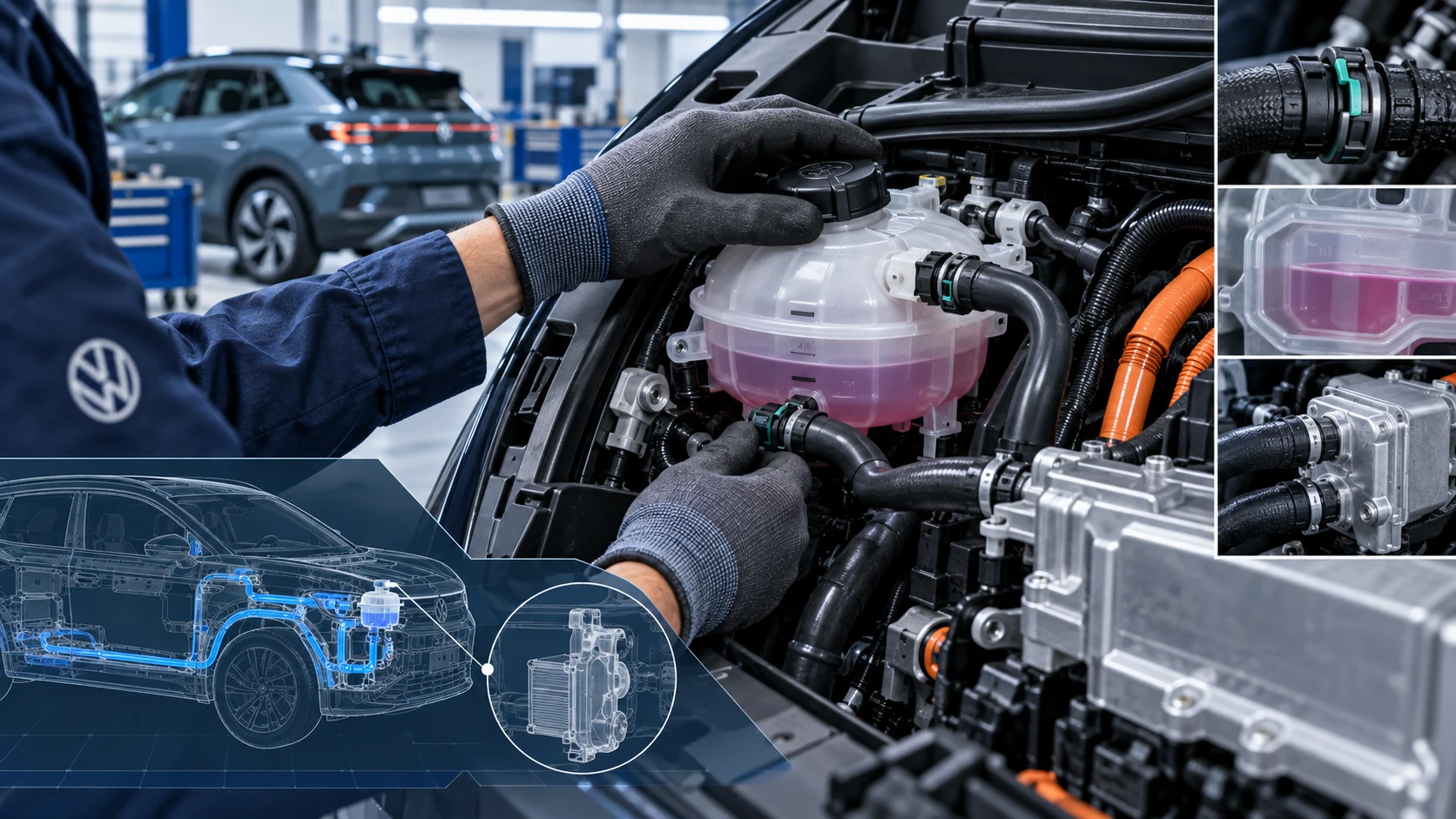 ID.4 Guide
Volkswagen ID.4 cooling system guidance covering coolant-related service information, inspection points and important precautions for thermal management components.
Read guide