



Welding Plastic Attachments
Professional Volkswagen ID.4 repair guidance for welding plastic attachments, securing damaged mounting points and restoring plastic components correctly.
Read guide




In the Volkswagen ID.4, the
 parking light function ensures that the vehicle remains clearly visible when stationary. When activated, both headlights illuminate along with the parking lights, selected sections of the taillights, the license plate illumination, and various interior control buttons, improving overall visibility and safety.
In the Volkswagen ID.4, the automatic headlight system is also triggered once the vehicle exceeds approximately 10 km/h (6 mph) or after traveling around 100 meters (328 feet), ensuring optimal lighting conditions without driver intervention.
If the Volkswagen ID.4 is not locked externally after the ignition is switched off, the continuous parking lights on both sides will automatically activate after about ten minutes. This intelligent function helps reduce unnecessary strain on the 12 V battery while still maintaining visibility (→ Parking light).
Switching the parking light on and off
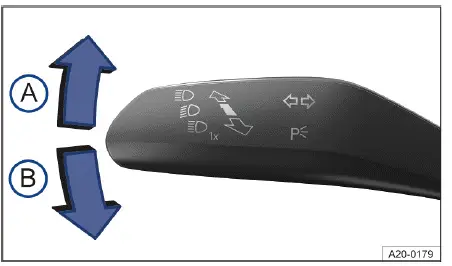
Fig. 1 On the left side of the steering column: turn signal and high beam lever.
 switched on.
 switched on.
Switching on a parking light on one side of the vehicle
When a single-side parking light is activated in the Volkswagen ID.4, only the corresponding headlight, side light, and parts of the taillight will illuminate. This feature is particularly useful when parking on narrow roads, as it consumes less energy and can remain active for approximately twice as long as full vehicle parking lights.
1. Switch the ignition off.
2. Move the turn signal and high beam lever from the neutral position to the desired side → fig. 1.
Switching on the continuous parking lights on both sides of the vehicle
When continuous parking lights are activated in the Volkswagen ID.4, both headlights, side lights, and sections of the taillights remain illuminated to maximize visibility:
1. Switch on the parking light
 .
.
2. Switch the ignition off.
3. Lock the vehicle from the outside.
Automatic side or parking light deactivation
The Volkswagen ID.4 is equipped with intelligent battery management that monitors the charge level of the 12 V battery. If the battery charge drops, the system will automatically deactivate the parking lights or continuous parking lights early enough to ensure that the drive system can still be started, but not before at least two hours of operation.
If the battery capacity is insufficient to maintain lighting for two hours, the 12 V battery in the Volkswagen ID.4 may discharge to a level where the vehicle can no longer be started →
 .
.
WARNING
If the Volkswagen ID.4 is stopped without sufficient lighting and is not clearly visible to other road users, this may lead to accidents resulting in serious injury or death.

Selected owner and service information from our Volkswagen ID.4 manual library.
 ID.4 Guide
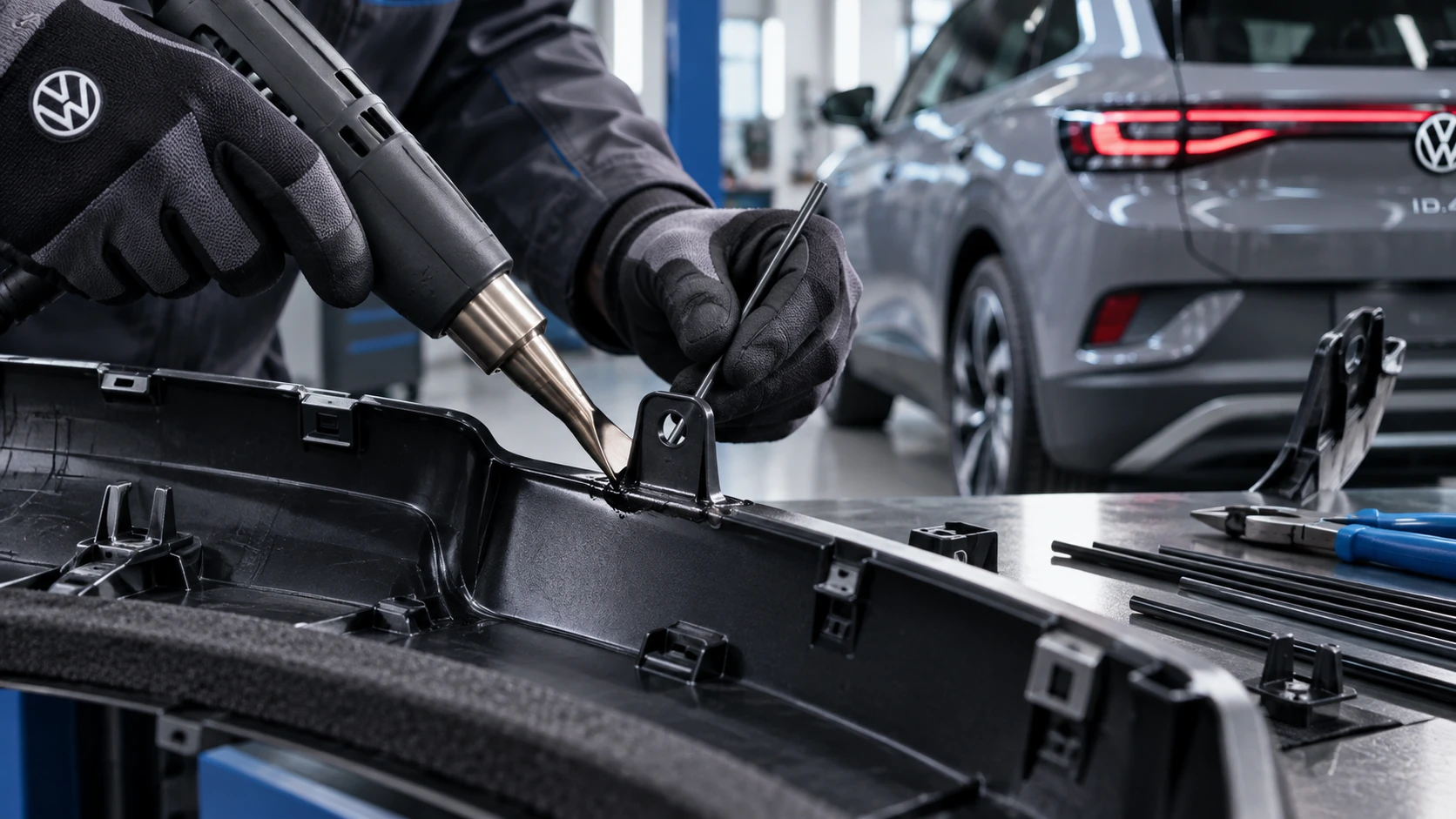
Professional Volkswagen ID.4 repair guidance for welding plastic attachments, securing damaged mounting points and restoring plastic components correctly.
Read guide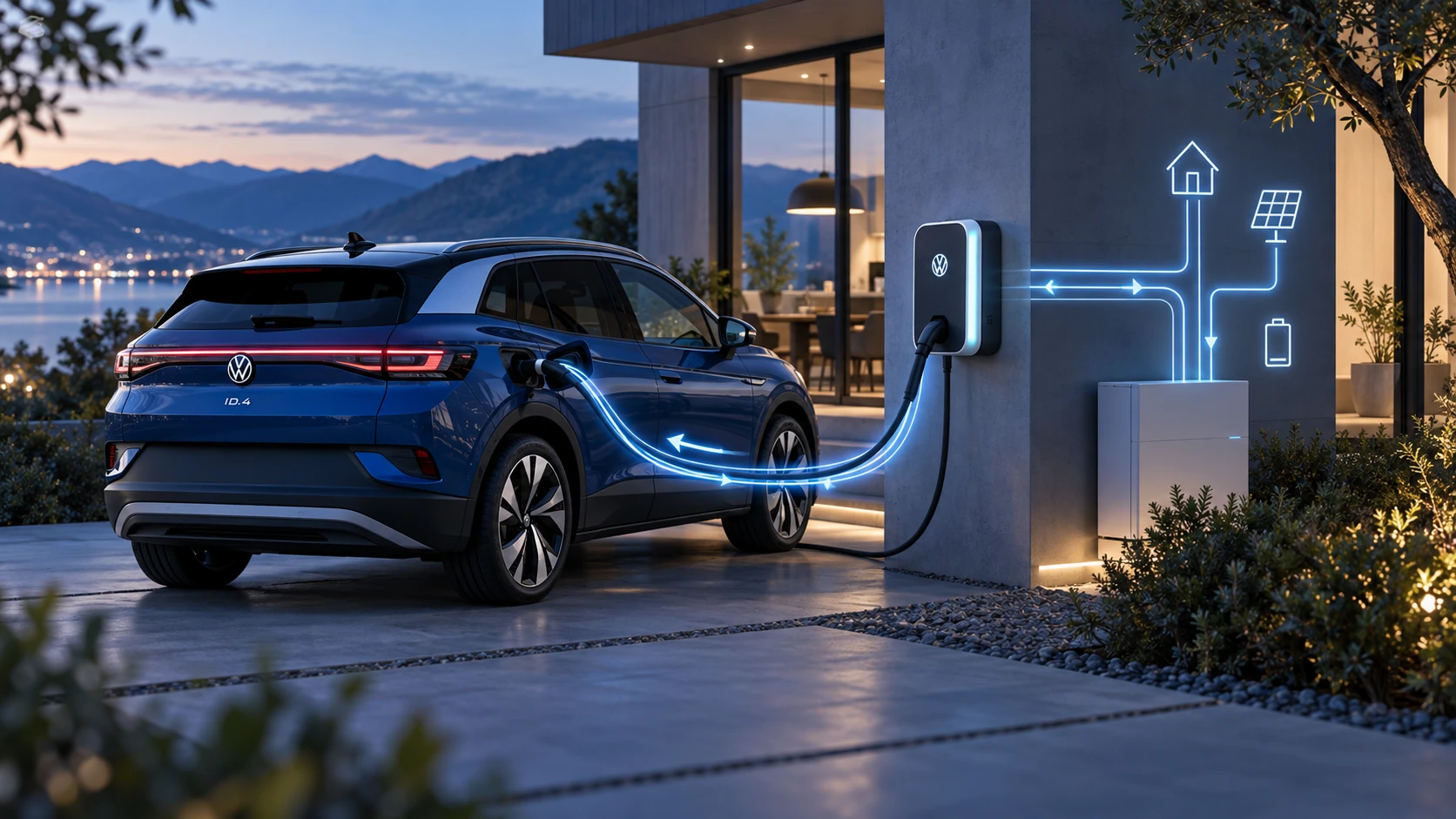 ID.4 Guide
Learn the basics of Volkswagen ID.4 bidirectional charging, including energy flow concepts, home power use and vehicle-to-home charging capability.
Read guide