



Symbols in the Instrument Cluster
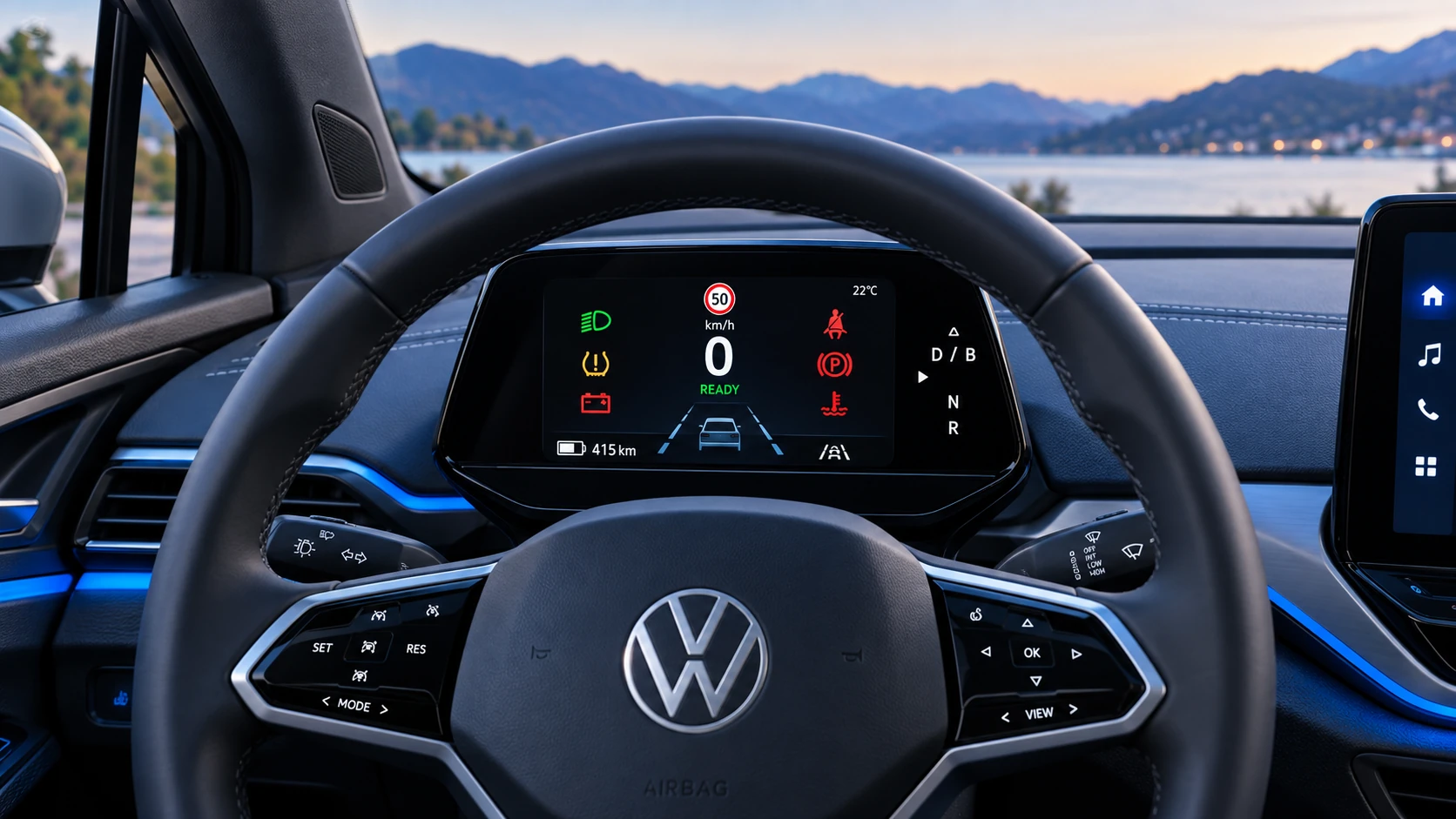
A practical overview of Volkswagen ID.4 instrument cluster symbols, warning lights and status indicators to help drivers understand the display quickly.
Read guide




In the Volkswagen ID.4, poor weather lights are designed to enhance visibility by illuminating the road surface more effectively during adverse conditions such as fog, heavy rain, or snowfall.
These lights in the Volkswagen ID.4 can only be activated when the ignition is switched on, ensuring they are used appropriately during driving.
Switching on the Poor Weather Lights
1. Switch the ignition on in your Volkswagen ID.4.
2. Tap the
 button (→ Low beam headlight).
The green indicator light in the button will illuminate, and a corresponding indicator will briefly appear in the instrument cluster of the Volkswagen ID.4.
Switching off the Poor Weather Lights
1. Tap the
 button again.
 If the poor weather lights are activated while the lighting system is off
 ,
the Volkswagen ID.4 will automatically switch on the parking lights or activate automatic headlights
,
the Volkswagen ID.4 will automatically switch on the parking lights or activate automatic headlights
 .
In this case, the low beam headlights will also turn on regardless of ambient lighting conditions.
.
In this case, the low beam headlights will also turn on regardless of ambient lighting conditions.
Troubleshooting
 Turn signal indicator light
The green indicator light flashes.
If a turn signal bulb in the Volkswagen ID.4 is faulty, the indicator light will flash at double speed.
1. Inspect all turn signal lights and replace defective bulbs if necessary (→ Exterior lighting).
2. If the issue continues, consult a qualified technician. Volkswagen recommends visiting an authorized Volkswagen service center.
 Trailer turn signal indicator light
The green indicator light flashes.
If a trailer turn signal or the entire trailer lighting system fails, the indicator light will not illuminate.
1. Check all trailer lights and replace any faulty bulbs as needed.
2. If the malfunction persists, contact a qualified service specialist.
 Exterior lighting malfunction
The yellow warning light appears.
This indicates that one or more headlights on the Volkswagen ID.4 have partially or completely failed.
1. Check the exterior lighting system and replace bulbs if required.
2. If the problem continues, seek professional assistance.
 Rain/light sensor malfunction
The yellow warning indicator lights up.
If the automatic headlights
 are active, the Volkswagen ID.4 lighting system may no longer switch automatically.
1. Turn the ignition off and then on again.
2. If the malfunction persists, contact a qualified Volkswagen service provider.
Dynamic cornering light
The dynamic cornering light function in the Volkswagen ID.4 adjusts the direction of the light beam based on steering input and selected driving mode, improving visibility when cornering.
If a malfunction occurs, a message will appear in the instrument cluster. In such cases, consult a qualified professional.
Controls are responding differently than expected
Moisture, dirt, or grease can affect the operation of control elements in the Volkswagen ID.4.
1. Always keep all control panels clean and dry for optimal functionality.
Switching on and off the rear fog light
The rear fog lights in the Volkswagen ID.4 can only be activated when the ignition is on (→ Low beam headlight):
Switching the rear fog light on
1. Tap the
 button.
The indicator in the button illuminates, and the yellow warning light
 appears in the instrument cluster.
Switching the rear fog light off
1. Tap the
 button again.
 If the rear fog light is activated while the lighting system is off
 ,
the Volkswagen ID.4 will automatically activate parking lights or automatic headlights
,
the Volkswagen ID.4 will automatically activate parking lights or automatic headlights
 ,
and the low beam headlights will switch on regardless of ambient brightness.
,
and the low beam headlights will switch on regardless of ambient brightness.
 For Volkswagen ID.4 models equipped with a factory-installed trailer hitch: if a trailer with its own rear fog lights is connected, the vehicle’s rear fog lights will not activate.
For maximum safety and visibility, always ensure that all lighting systems in your Volkswagen ID.4 are functioning correctly and are used appropriately according to current weather and road conditions.

Selected owner and service information from our Volkswagen ID.4 manual library.
 ID.4 Guide
A practical overview of Volkswagen ID.4 instrument cluster symbols, warning lights and status indicators to help drivers understand the display quickly.
Read guide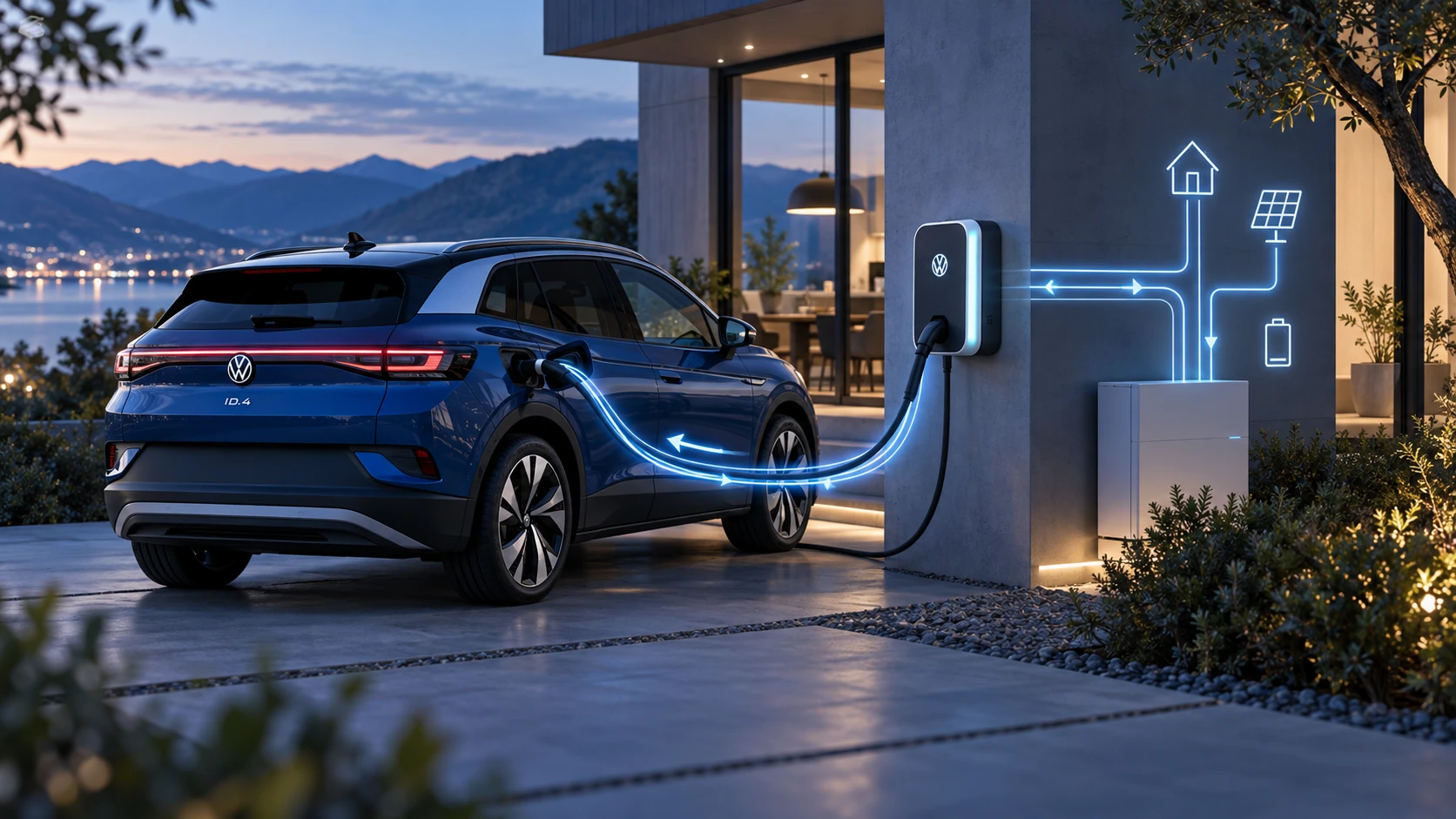 ID.4 Guide
Learn the basics of Volkswagen ID.4 bidirectional charging, including energy flow concepts, home power use and vehicle-to-home charging capability.
Read guide