



Switching the Ignition On and Off
How to switch the Volkswagen ID.4 ignition on and off correctly, including the basic operating conditions and what the driver should expect from the vehicle.
Read guide




You can update or remove your personal user data and login credentials at any time. Changes made to your Volkswagen ID will automatically apply across all Volkswagen platforms and services connected to your Volkswagen ID.4.
Changing User Data via myVolkswagen
1. In the myVolkswagen customer portal, open your Volkswagen ID account settings and navigate to one of the following sections:
2. Select Volkswagen ID and click Adjust data.
3. Modify your user information and save the changes.
4. Follow any additional instructions displayed on the screen to complete the process for your Volkswagen ID.4.
Deleting User Data via myVolkswagen
1. In the myVolkswagen portal, go to User data and settings
 Adjust data.
2. Select Delete data and confirm your decision.
Your personal data will be removed, but your Volkswagen ID account itself will remain active for future use with your Volkswagen ID.4.
Introduction
The Privacy settings function in the Volkswagen ID.4 allows you to control how data is shared between the vehicle and online services, providing different levels of connectivity and data protection.
However, communication with external devices and legally required services such as the eCall Emergency System cannot be disabled via these settings.
 Each user of the Volkswagen ID.4 can define individual privacy preferences. These settings may differ from those preferred by the vehicle owner.
Opening the Privacy settings menu
1. Switch on the ignition of the Volkswagen ID.4.
The currently selected privacy mode will be displayed in the Infotainment system.
2. Tap HOME
 .
.
3. Tap Privacy settings.
Selecting Online Mode or Offline Mode
1. Open the Privacy settings menu.
2. Enable or disable Vehicle/usage data in the corresponding menu.
Depending on the selected mode,
 or
or
 will be displayed.
Selecting online mode with location data
1. Open the Privacy settings menu.
2. Activate the Send location data option.
 A confirmation message will appear in the Volkswagen ID.4 display.

Selected owner and service information from our Volkswagen ID.4 manual library.
 ID.4 Guide
How to switch the Volkswagen ID.4 ignition on and off correctly, including the basic operating conditions and what the driver should expect from the vehicle.
Read guide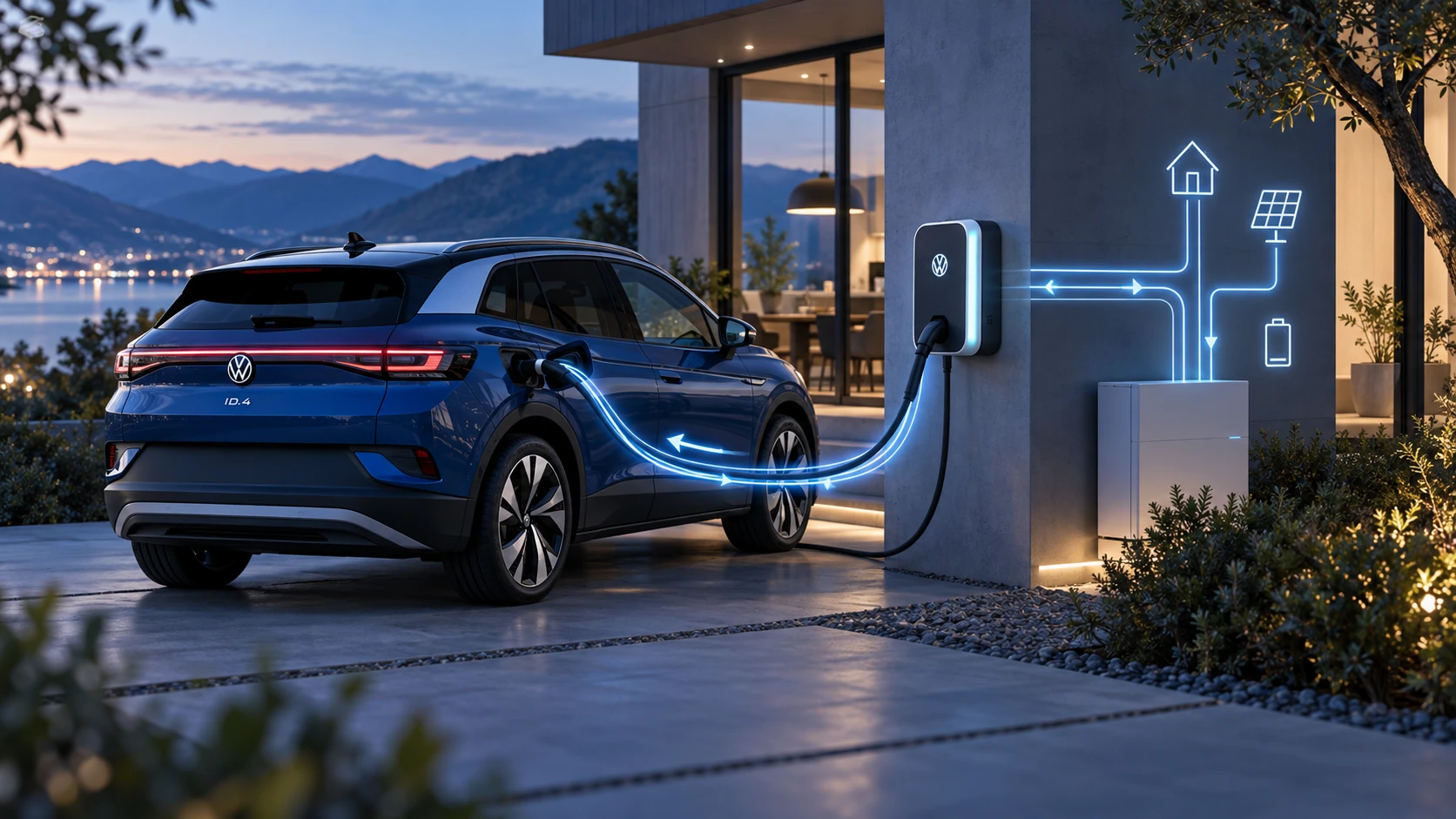 ID.4 Guide
Learn the basics of Volkswagen ID.4 bidirectional charging, including energy flow concepts, home power use and vehicle-to-home charging capability.
Read guide