



Bidirectional Charging
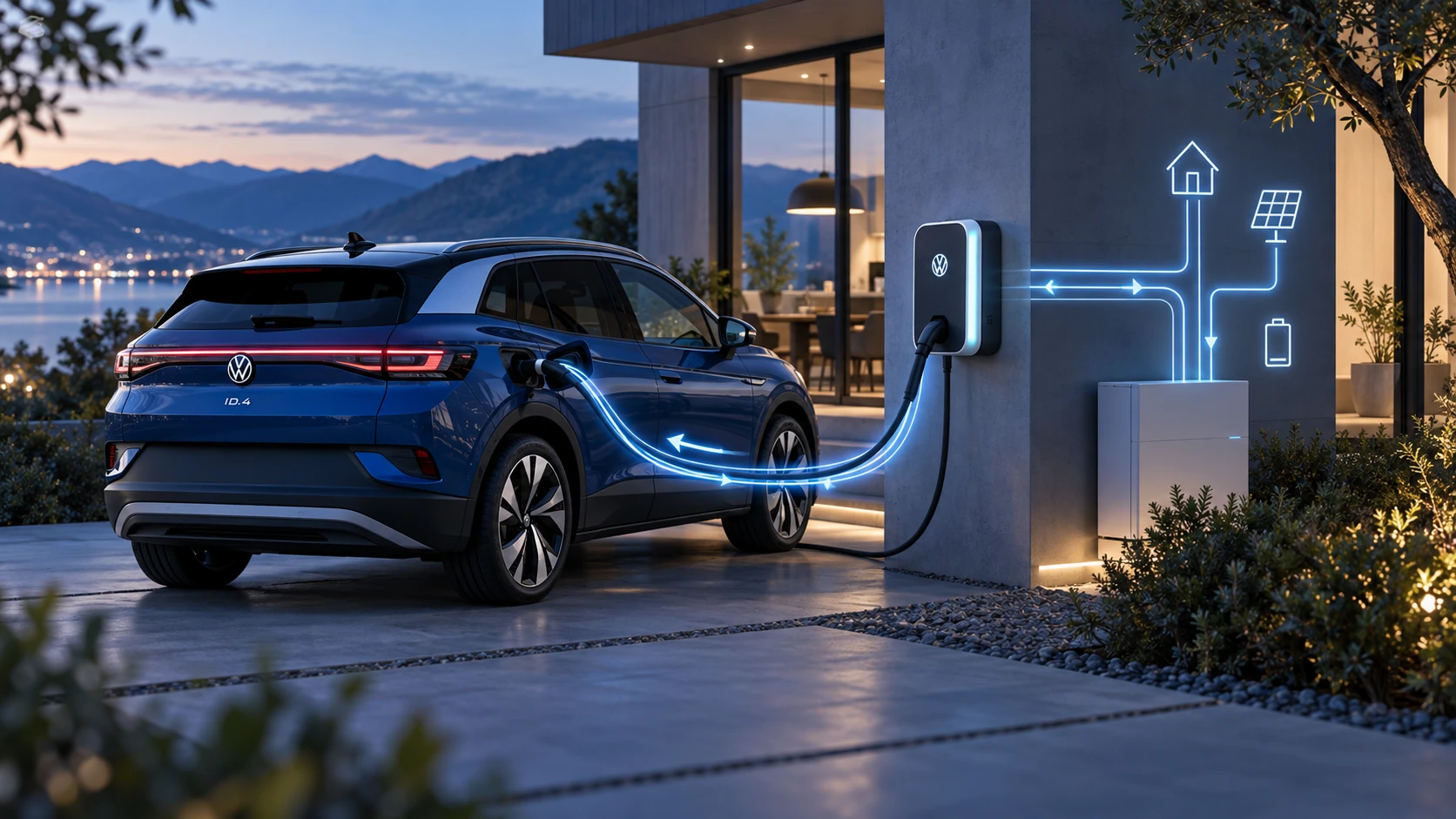
Learn the basics of Volkswagen ID.4 bidirectional charging, including energy flow concepts, home power use and vehicle-to-home charging capability.
Read guide




Once registration and identity verification are completed, the primary user of the Volkswagen ID.4 can manage user permissions and access.
 The Volkswagen ID.4 supports different user types, including primary users, registered guest users, and anonymous users. Only guest users can be managed.
Creating Guest Users via myVolkswagen
The primary user of the Volkswagen ID.4 has full control over assigning access to additional users.
1. Open the Vehicle administration section.
2. Select Invitations and enter the email address and username of the guest user.
3. Click Send.
The invited user will receive an email invitation. Once accepted, access permissions can be granted.
Invitations can be revoked at any time via the Secondary user section.
Removing Guest Users via myVolkswagen
1. Open the Vehicle administration section.
2. In the Secondary user area, select Remove secondary user authorization next to the relevant user.
Deleting a primary user
If you sell or transfer your Volkswagen ID.4, it is strongly recommended to perform a factory reset of the Infotainment system.
This process removes the primary user, all connected services, and stored personal data from the Volkswagen ID.4.
During the reset process, a confirmation prompt will appear asking whether you want to remove the primary user.
Once confirmed, all links between the Volkswagen ID.4 and the previous user account are permanently deleted.
A factory reset restores the system to its default state and irreversibly deletes stored data, settings, and configurations depending on the selected options.
Regularly managing users and maintaining account security ensures safe and efficient use of all connected features in the Volkswagen ID.4.

Selected owner and service information from our Volkswagen ID.4 manual library.
 ID.4 Guide
Learn the basics of Volkswagen ID.4 bidirectional charging, including energy flow concepts, home power use and vehicle-to-home charging capability.
Read guide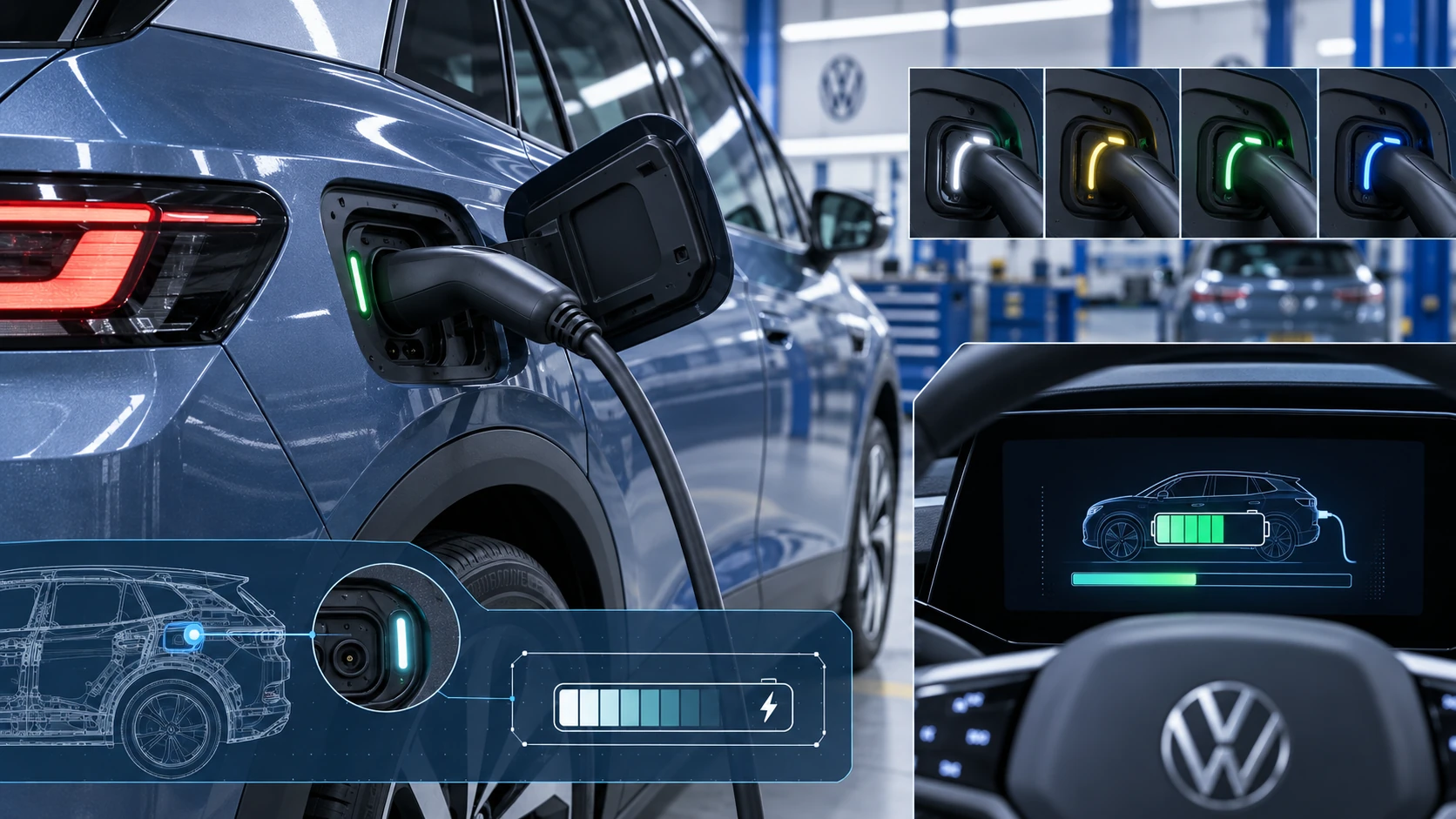 ID.4 Guide
Learn how the Volkswagen ID.4 charging process indicator shows charging status, progress and key visual signals during AC and DC charging.
Read guide