



Symbols in the Instrument Cluster
A practical overview of Volkswagen ID.4 instrument cluster symbols, warning lights and status indicators to help drivers understand the display quickly.
Read guide




Hiding a message
Driver Alert System notifications in the Volkswagen ID.4 instrument cluster can be dismissed as follows:
1. Press the
 button on the multi-function steering wheel.
Switching on and off
The Driver Alert System in the Volkswagen ID.4 can be activated or deactivated through the Assistance menu in the Infotainment system. However, when the vehicle enters drive-ready mode, the system is automatically enabled by default via the vehicle settings.
Introduction
The Volkswagen ID.4 is equipped with a Dynamic Road Sign Display system that uses a camera located near the interior rearview mirror to detect and interpret standard traffic signs. The system informs the driver about speed limits, overtaking restrictions, and potential hazards, enhancing situational awareness.
The system can also recognize additional signs indicating time-based or conditional restrictions. Even in areas without visible signage, the Volkswagen ID.4 may continue displaying the last detected valid speed limit.
When driving on highways or dual carriageways in Germany, the system can additionally display signs indicating the end of all restrictions. In other countries, it typically shows the applicable speed limit.
The detected traffic signs are displayed in the Volkswagen Digital Cockpit and, depending on the system configuration, may also appear in the Infotainment system or the head-up display of the Volkswagen ID.4.
The Dynamic Road Sign Display is automatically active whenever the ignition is switched on.
Road sign display
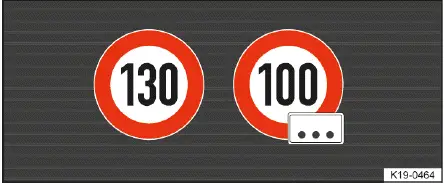
Fig. 1 In the instrument cluster display: Example of a detected speed limit with generic additional sign.
After analyzing data from the camera, navigation system, and vehicle sensors, the Volkswagen ID.4 can display up to two relevant traffic signs along with an additional contextual indicator → fig. 1 :
1st position:
The currently valid traffic sign is displayed on the left side, for example a speed limit such as 30 km/h.
2nd position:
A secondary sign, such as a warning or hazard indicator, may be shown alongside the primary sign.
Additional signs:
If an additional condition applies (e.g., time restrictions), it is displayed beneath the main sign. In some cases, a generic symbol may be used instead of the exact detected sign. In the head-up display of the Volkswagen ID.4, this information is also supplemented accordingly.
The hazard warning display is not available in all regions, and not every road sign may be detected reliably by the system.
Entry restriction warning
If the Volkswagen ID.4 detects that you are entering a prohibited area, such as a one-way street in the wrong direction or a restricted highway entry, it will issue both a visual and audible warning in the instrument cluster.
WARNING
The Dynamic Road Sign Display in the Volkswagen ID.4 is not a substitute for driver awareness and operates within technical limitations.
The system may fail to detect certain road signs, respond with delays, or provide incorrect information. Displayed recommendations may differ from actual road conditions.
 Some settings in the Volkswagen ID.4 can be saved within driver personalization profiles and automatically applied when switching users.

Selected owner and service information from our Volkswagen ID.4 manual library.
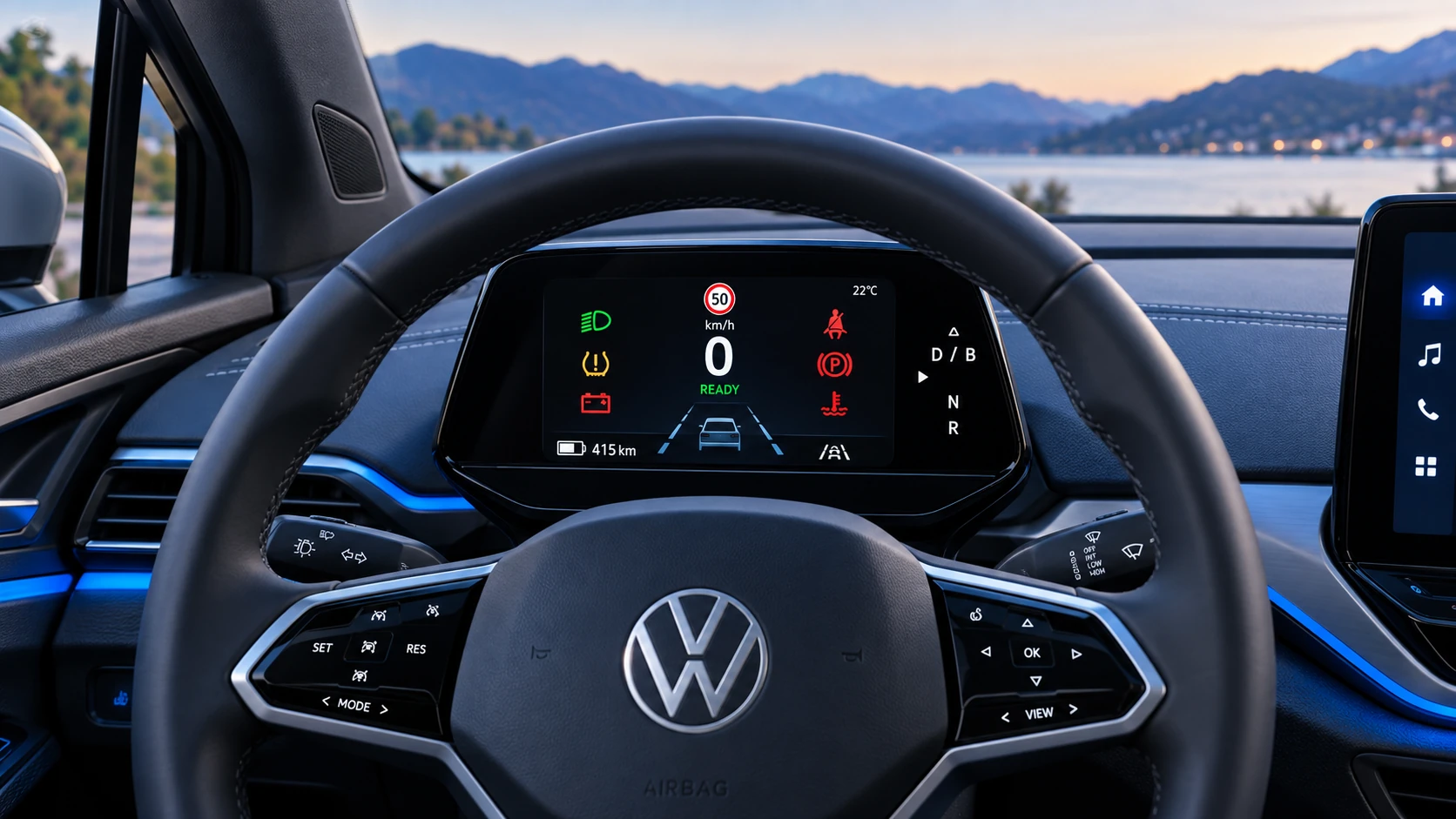 ID.4 Guide
A practical overview of Volkswagen ID.4 instrument cluster symbols, warning lights and status indicators to help drivers understand the display quickly.
Read guide ID.4 Guide
Practical Volkswagen ID.4 service procedures for joining and separating components, connectors and assemblies correctly and without unnecessary damage.
Read guide