



Apple CarPlay
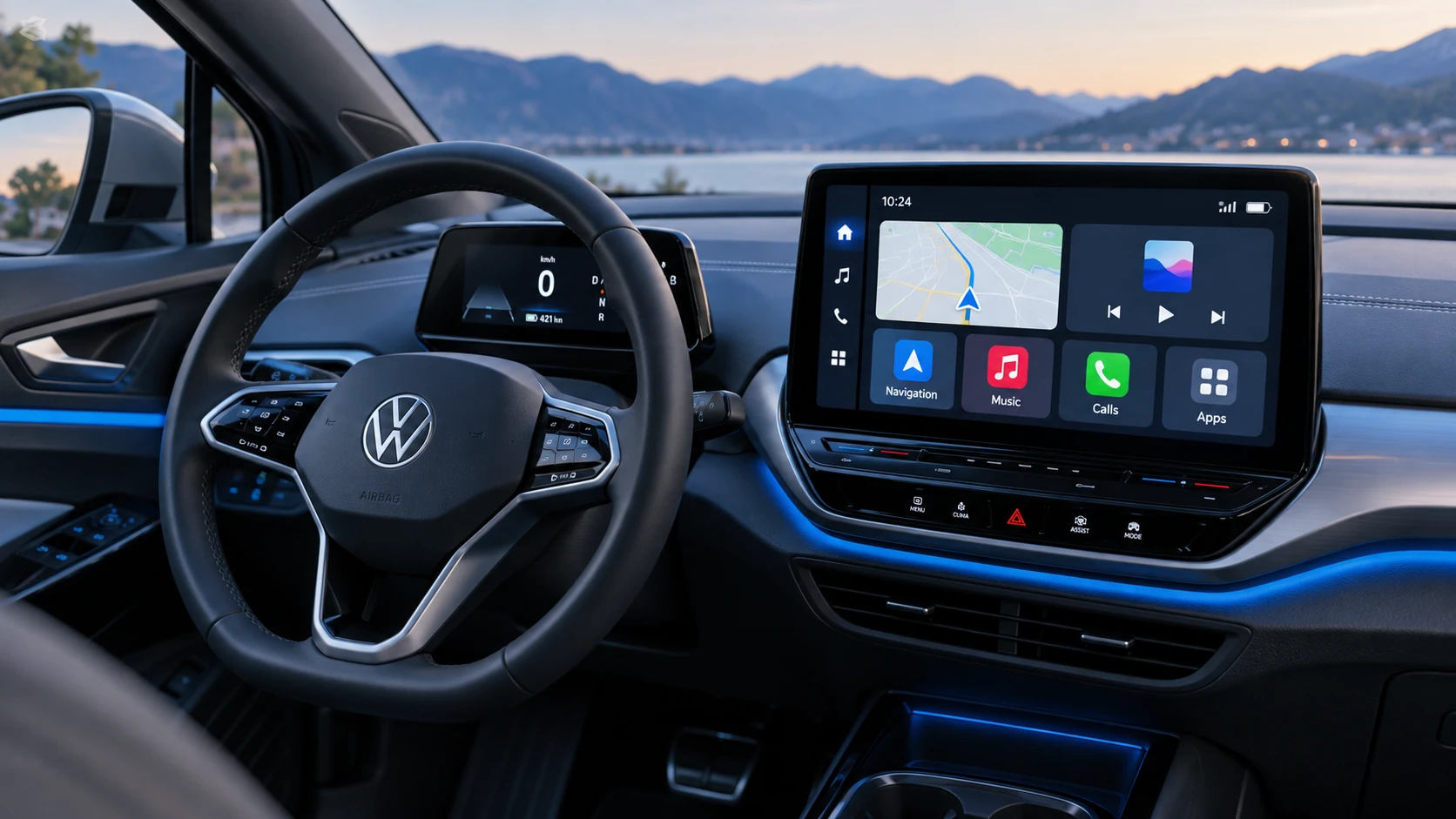
See how Apple CarPlay works in the Volkswagen ID.4, including smartphone integration, navigation, calls, music and key infotainment functions.
Read guide




Voice commands
The voice control system in the Volkswagen ID.4 recognizes commands only in the language currently selected in the Infotainment system. This ensures accurate interpretation and smooth operation of voice-based functions.
For optimal performance of voice control in the Volkswagen ID.4, observe the following recommendations:
✓ Speak clearly and at a natural volume. Increase your volume slightly when driving at higher speeds.
✓ Avoid strong accents or exaggerated pronunciation.
✓ Do not pause excessively between words.
✓ Minimize background noise for better recognition.
✓ Avoid directing air vents toward the microphone or headliner area.
Open suggestions for speech commands
1. Tap HOME
 .
.
 To ensure accurate recognition of contacts in the Volkswagen ID.4, you may need to adjust the order of first and last names depending on how they are stored in the phonebook.
Starting voice control
You can activate voice control in the Volkswagen ID.4 using several methods, depending on the vehicle equipment:
 .
.
 Depending on the connected smartphone and its operating system, you can also activate the phone’s voice assistant by pressing and holding
 .
.
Ending voice control
Voice control in the Volkswagen ID.4 can be deactivated in several ways:
 General.
 .
.
Selected owner and service information from our Volkswagen ID.4 manual library.
 ID.4 Guide
See how Apple CarPlay works in the Volkswagen ID.4, including smartphone integration, navigation, calls, music and key infotainment functions.
Read guide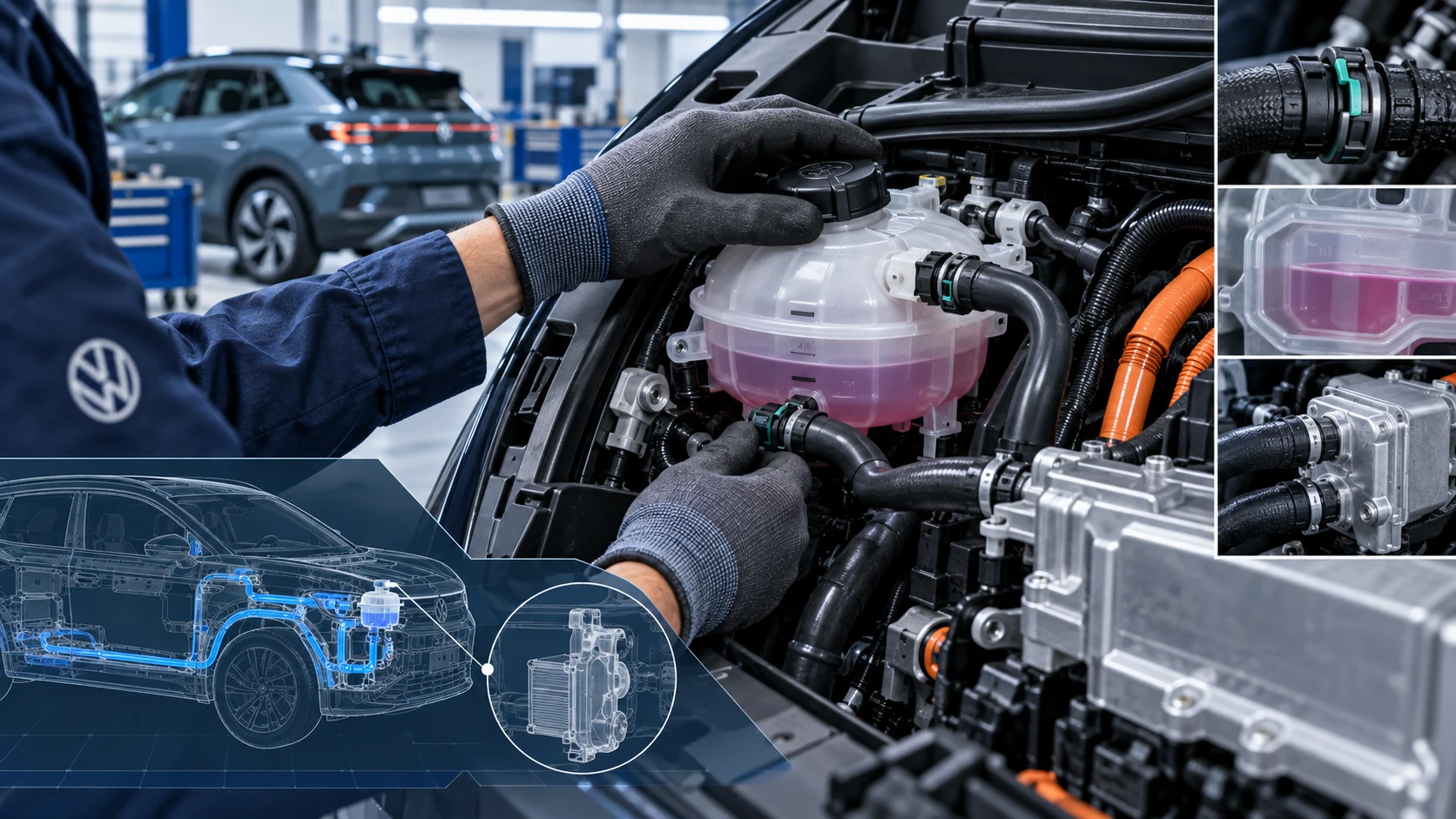 ID.4 Guide
Volkswagen ID.4 cooling system guidance covering coolant-related service information, inspection points and important precautions for thermal management components.
Read guide