



Bidirectional Charging
Learn the basics of Volkswagen ID.4 bidirectional charging, including energy flow concepts, home power use and vehicle-to-home charging capability.
Read guide




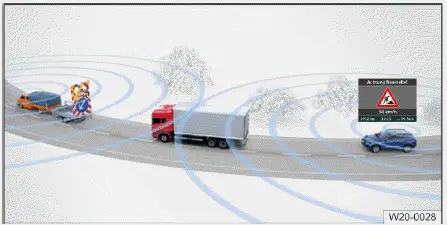
Fig. 1 A traffic hazard alert due to temporary or moving
roadworks (general example).
The traffic hazard alert system in the Volkswagen ID.4 uses active V2X communication to warn the driver of nearby hazards in real time.
This feature can help prevent accidents and contribute to smoother traffic flow.
Depending on the detected hazard, vehicle speed, and deceleration, the Volkswagen ID.4 provides warnings in various forms:
WARNING
Ignoring traffic hazard alerts in the Volkswagen ID.4 can lead to dangerous situations, including serious or fatal accidents.
Red symbols
Red symbols in the Volkswagen ID.4 indicate immediate hazards in close proximity.
 Accident site ahead.
 Emergency vehicle in action.
 Traffic jam ahead.
 Intervention by an assistance
system in a vehicle driving ahead, e.g. Autonomous Emergency Braking (Front Assist).
Intervention by an assistance
system in a vehicle driving ahead, e.g. Autonomous Emergency Braking (Front Assist).
Yellow symbols
Yellow symbols indicate detected hazards that may require attention in the Volkswagen ID.4.
 Accident site ahead.
 Emergency vehicle in action.
 Traffic jam ahead.
 Stationary object or breakdown
ahead.
Stationary object or breakdown
ahead.
 Construction site ahead.
Hide traffic hazard alert displayed
1. Press OK on the multi-function steering wheel of the Volkswagen ID.4 to dismiss the alert.
Troubleshooting
V2X deactivates automatically
Adjust privacy settings to restore connectivity and enable certificate updates.
Contact an authorized Volkswagen service partner for assistance.
No V2X data is being displayed
Ensure antenna areas remain unobstructed.
Introduction
External devices can be connected to the Volkswagen ID.4 Infotainment system via wired or wireless interfaces, depending on equipment and regional specifications.
The number and type of connections in the Volkswagen ID.4 may vary based on configuration and optional features.
For wired connections, always use original or manufacturer-approved cables supplied with the device or vehicle.
If a connector does not fit properly, verify its orientation and compatibility before applying force.
NOTICE
Using unsuitable or damaged cables in the Volkswagen ID.4 may lead to device malfunctions or damage.
 If a connected device is not recognized in the Volkswagen ID.4, disconnect all devices and reconnect them one by one.
Check the functionality of the cable if necessary.
 If issues persist, restart the connected device, as this may resolve temporary errors.
Using proper connections and maintaining V2X awareness ensures safer and more efficient driving in the Volkswagen ID.4.

Selected owner and service information from our Volkswagen ID.4 manual library.
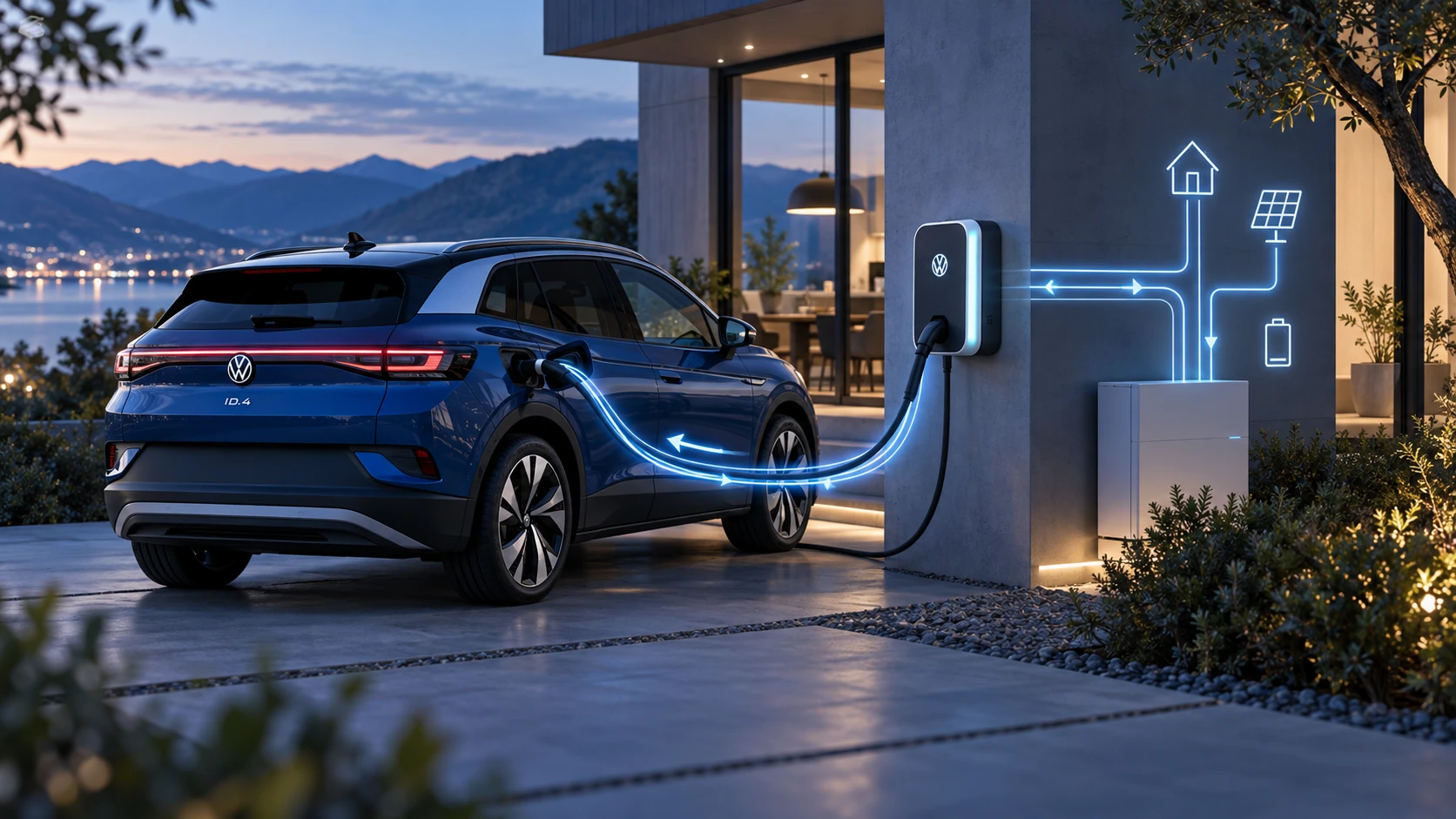 ID.4 Guide
Learn the basics of Volkswagen ID.4 bidirectional charging, including energy flow concepts, home power use and vehicle-to-home charging capability.
Read guide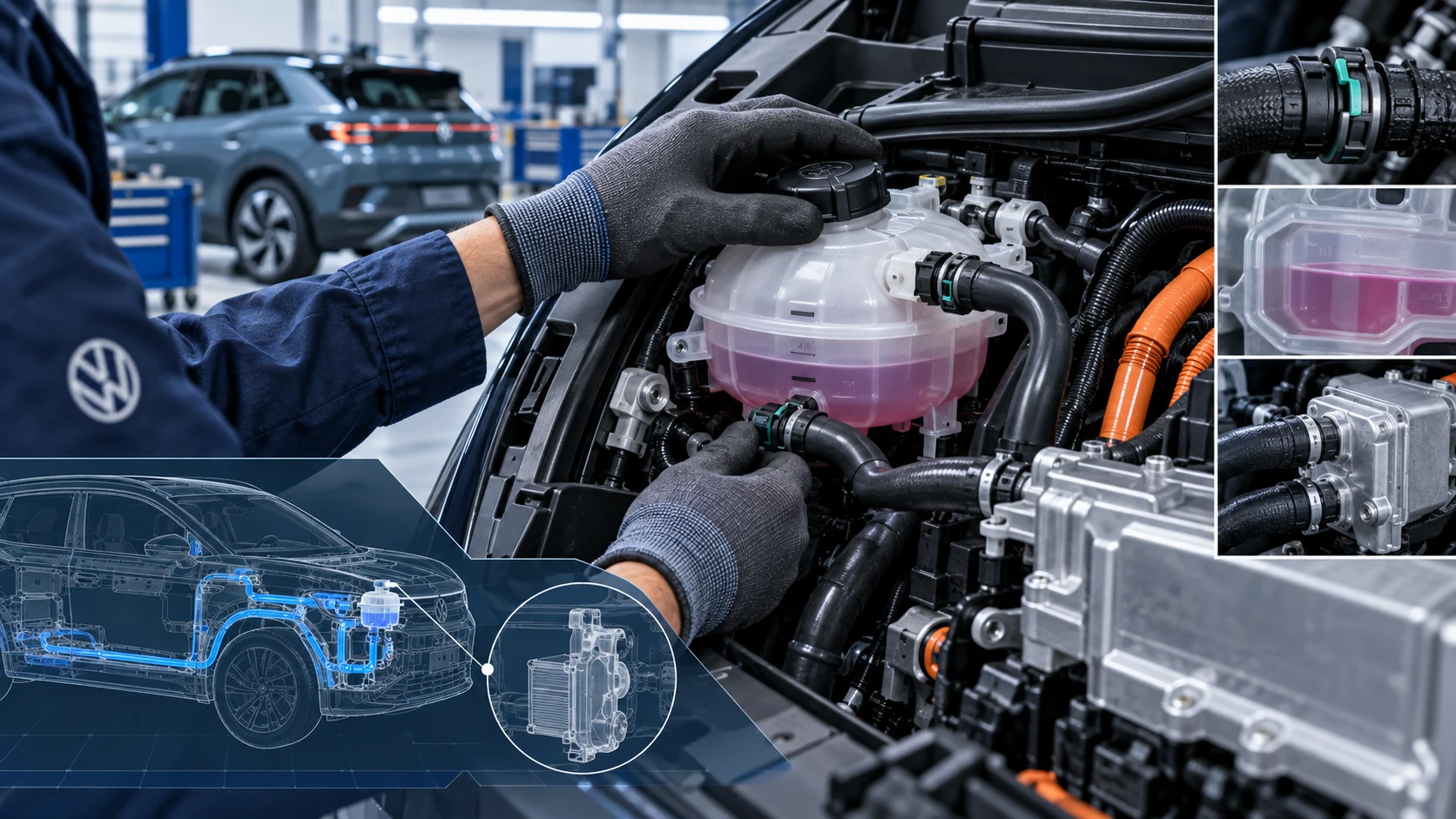 ID.4 Guide
Volkswagen ID.4 cooling system guidance covering coolant-related service information, inspection points and important precautions for thermal management components.
Read guide