



Welding Plastic Attachments
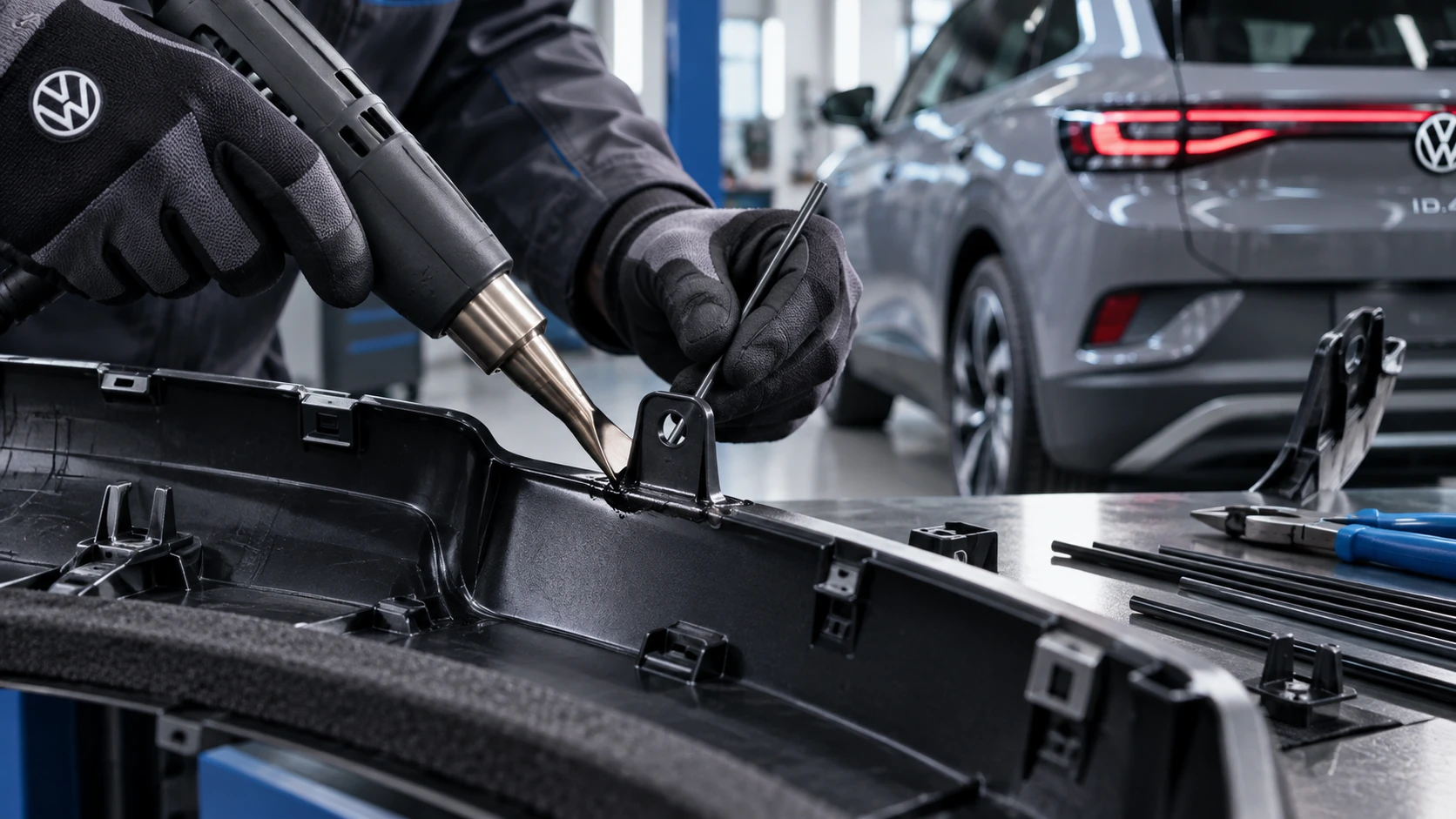
Professional Volkswagen ID.4 repair guidance for welding plastic attachments, securing damaged mounting points and restoring plastic components correctly.
Read guide




Data transfer
The V2X system in the Volkswagen ID.4 communicates exclusively with other participants that are equipped with fully functional and compatible V2X technology, ensuring reliable and standardized data exchange.
Vehicles or infrastructure elements with deactivated, malfunctioning, or incompatible V2X systems will not be detected or included in communication by the Volkswagen ID.4.
Range
Depending on environmental factors such as weather conditions, terrain, and surrounding obstacles, V2X communication in the Volkswagen ID.4 can typically operate within a range of up to approximately 800 m (about 2,600 ft). However, not all V2X-based features utilize the full available range.
WARNING
V2X technology in the Volkswagen ID.4 is an assistance feature and does not replace driver awareness. It may fail to detect certain hazards or may provide delayed warnings. Relying solely on V2X can result in accidents, serious injuries, or fatal consequences.
Functional limitations
The V2X functionality in the Volkswagen ID.4 may be restricted under certain conditions:
Activating and deactivating V2X
When setting up your Volkswagen ID.4 user profile for the first time, verify whether V2X technology is enabled according to your preferences and deactivate it manually if required.
Activating V2X technology
1. Tap HOME
 Privacy settings.
2. Enable V2X technology in the Volkswagen ID.4.
WARNING
When V2X technology is active, electromagnetic radiation levels outside the Volkswagen ID.4 may increase. This may pose a risk to individuals with active medical implants such as pacemakers.
The V2X antennas are typically located on the roof and near the windshield area.
Manually deactivating V2X technology
1. Tap HOME
 Privacy settings.
2. Disable V2X technology.
Automatically deactivating V2X technology
In certain situations, the Volkswagen ID.4 may automatically deactivate V2X functionality (→ V2X technology).
Once the issue is resolved, V2X may reactivate automatically if conditions allow.
1. To verify the status, tap HOME
 Privacy settings.

Selected owner and service information from our Volkswagen ID.4 manual library.
 ID.4 Guide
Professional Volkswagen ID.4 repair guidance for welding plastic attachments, securing damaged mounting points and restoring plastic components correctly.
Read guide ID.4 Guide
How to switch the Volkswagen ID.4 ignition on and off correctly, including the basic operating conditions and what the driver should expect from the vehicle.
Read guide