



Apple CarPlay
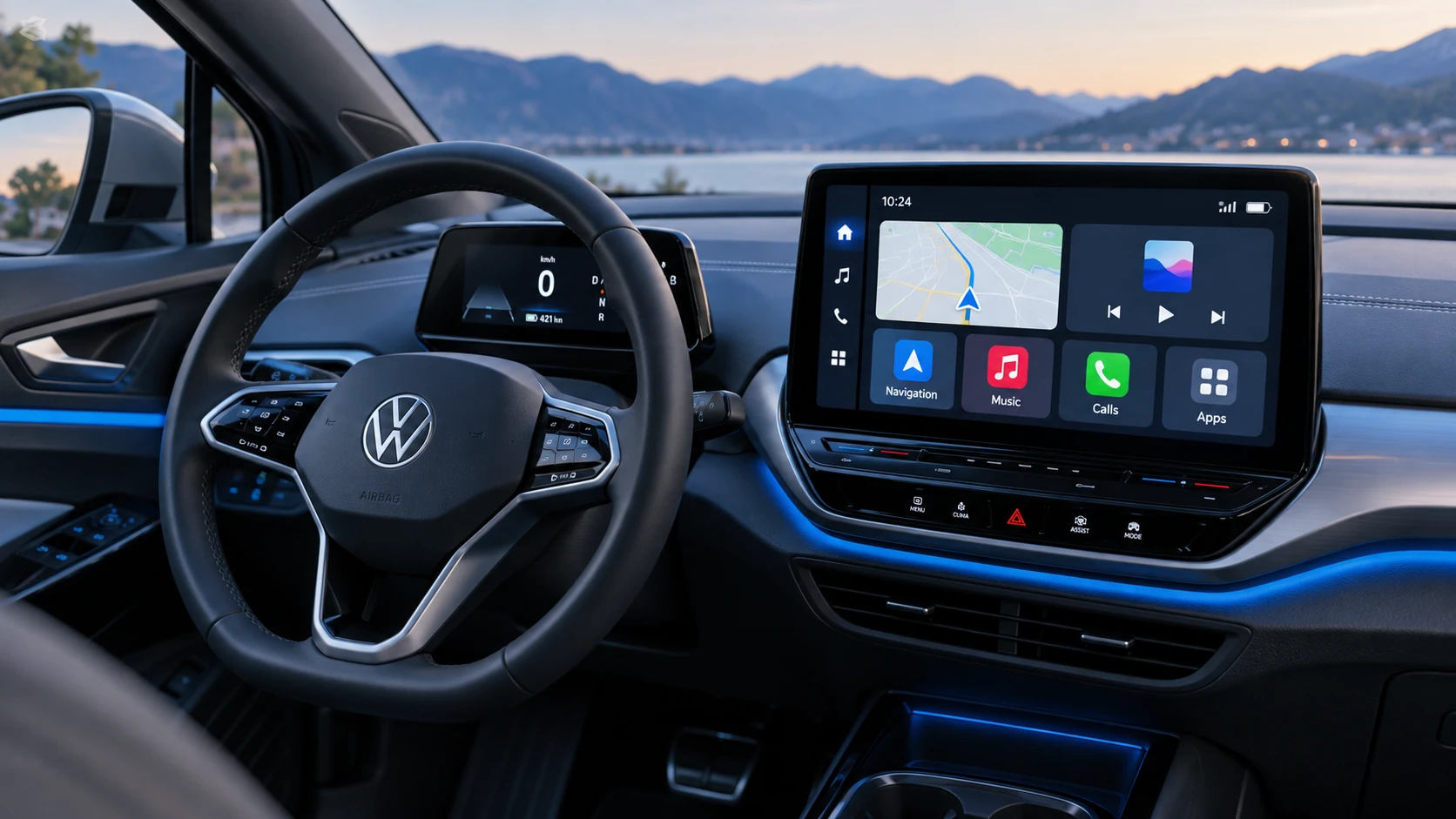
See how Apple CarPlay works in the Volkswagen ID.4, including smartphone integration, navigation, calls, music and key infotainment functions.
Read guide




In the Volkswagen ID.4, content from both Volkswagen applications and third-party apps installed on your smartphone can be seamlessly displayed and controlled via the Infotainment system using Volkswagen App-Connect, enhancing connectivity and convenience.
However, compatibility with third-party applications in the Volkswagen ID.4 cannot always be guaranteed, as some apps may not function correctly depending on the device or software version.
Using apps and maintaining a mobile data connection in the Volkswagen ID.4 may result in additional charges depending on your mobile network provider and data plan.
Applications vary widely in design, functionality, and availability. In the Volkswagen ID.4, app content, supported features, and providers may differ depending on the country, vehicle configuration, and third-party services.
It cannot be guaranteed that all available apps will function on every smartphone or operating system when used with the Volkswagen ID.4.
Volkswagen reserves the right to modify, deactivate, or expand the range of apps available for the Volkswagen ID.4 without prior notice.
To minimize driver distraction, only certified and approved applications should be used while driving the Volkswagen ID.4.
Symbols and settings for App-Connect
Symbols in the App-Connect menu
The symbols displayed in the Volkswagen ID.4 App-Connect menu depend on the Infotainment system version and vehicle configuration.
 Show further information.
 Open the App-Connect settings
menu.
Open the App-Connect settings
menu.
 Select the Apple CarPlay
technology.
Select the Apple CarPlay
technology.
 Select the Android Auto
technology.
Select the Android Auto
technology.
 Select the MirrorLink
technology.
Select the MirrorLink
technology.
Setting options in the App-Connect settings menu
The available settings depend on the Infotainment system installed in your Volkswagen ID.4.
Mobile devices: Open the device manager to manage connected smartphones.
 Allow
MirrorLink messages to display:
Notifications will appear when using MirrorLink in the Volkswagen ID.4.
Allow
MirrorLink messages to display:
Notifications will appear when using MirrorLink in the Volkswagen ID.4.

Selected owner and service information from our Volkswagen ID.4 manual library.
 ID.4 Guide
See how Apple CarPlay works in the Volkswagen ID.4, including smartphone integration, navigation, calls, music and key infotainment functions.
Read guide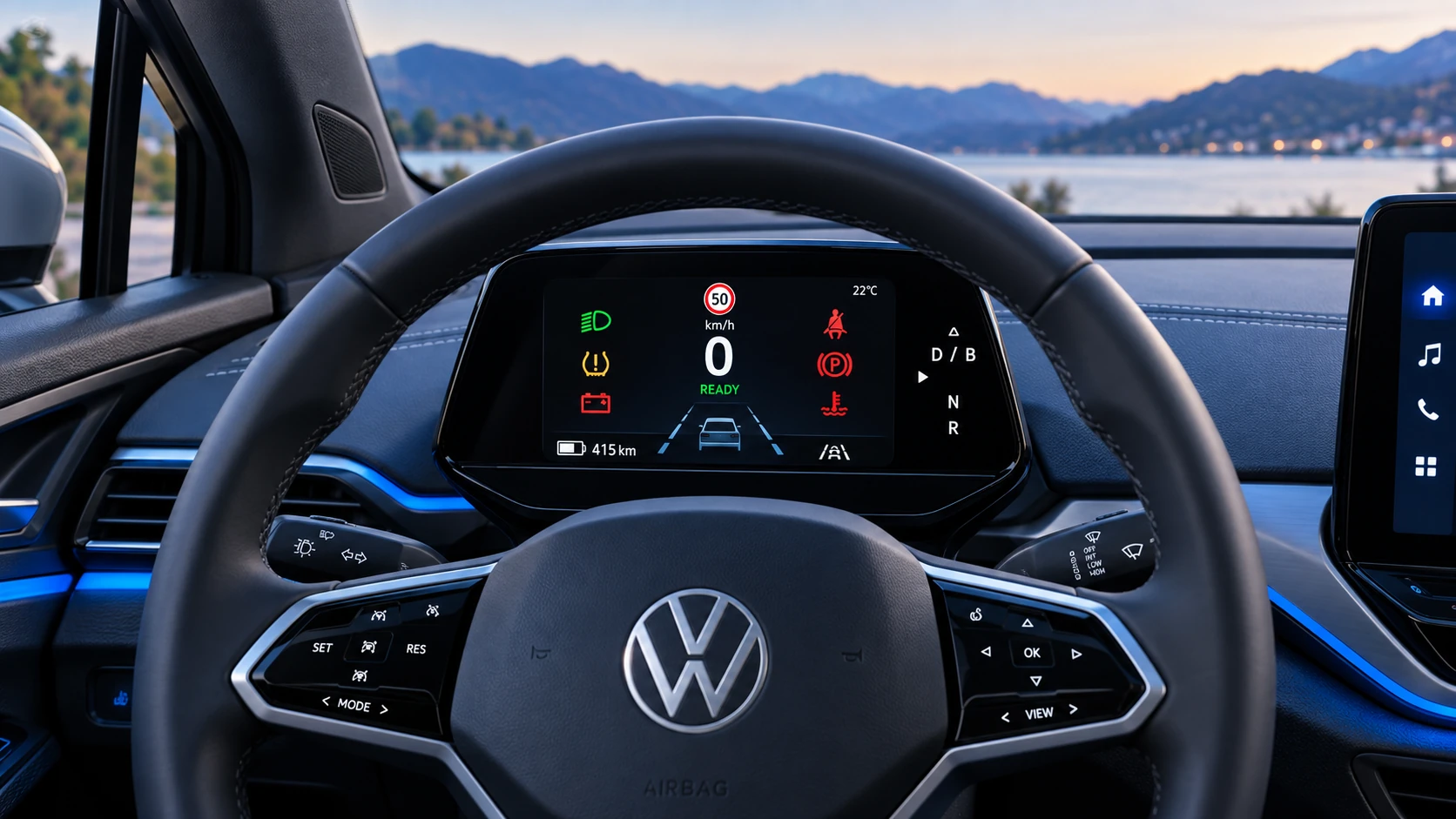 ID.4 Guide
A practical overview of Volkswagen ID.4 instrument cluster symbols, warning lights and status indicators to help drivers understand the display quickly.
Read guide