



Joining and Separating Techniques
Practical Volkswagen ID.4 service procedures for joining and separating components, connectors and assemblies correctly and without unnecessary damage.
Read guide




Requirements
The following conditions must be met to use Apple CarPlay in the Volkswagen ID.4:
✓ The iPhone must support Apple CarPlay functionality.
✓ Siri voice control must be enabled on the iPhone.
✓ Apple CarPlay must be activated in the iPhone settings without restrictions.
✓ If Apple CarPlay Wireless is not available, connect the iPhone using a USB port that supports data transfer.
✓ Use an original Apple USB cable for optimal performance.
For Apple CarPlay Wireless in the Volkswagen ID.4, Bluetooth and Wi-Fi must also be enabled on the iPhone.
 These technologies may not be
available in all countries.
These technologies may not be
available in all countries.
 Information on technical
requirements, supported iPhones, and app compatibility can be found via Volkswagen or Apple CarPlay resources.
Information on technical
requirements, supported iPhones, and app compatibility can be found via Volkswagen or Apple CarPlay resources.
Connecting
When connecting an iPhone to the Volkswagen ID.4 for the first time, follow the instructions displayed on both the Infotainment system and the iPhone.
Ensure that all requirements are fulfilled before attempting to use Apple CarPlay.
Starting Apple CarPlay
1. Tap HOME
 to open the App-Connect main menu.
2. Tap
 to
launch Apple CarPlay.
to
launch Apple CarPlay.
Disconnecting
1. To return to the App-Connect main menu, tap
 in Apple CarPlay mode.
2. Tap
 to
end the connection.
to
end the connection.
The layout of the controls may vary depending on the Infotainment system version in the Volkswagen ID.4.
Special conditions
When Apple CarPlay is active in the Volkswagen ID.4, the following applies:
Voice control
1. Tap
 briefly to activate the Volkswagen ID.4 voice control.
Or: Press and hold
 to activate Siri on the iPhone.

Selected owner and service information from our Volkswagen ID.4 manual library.
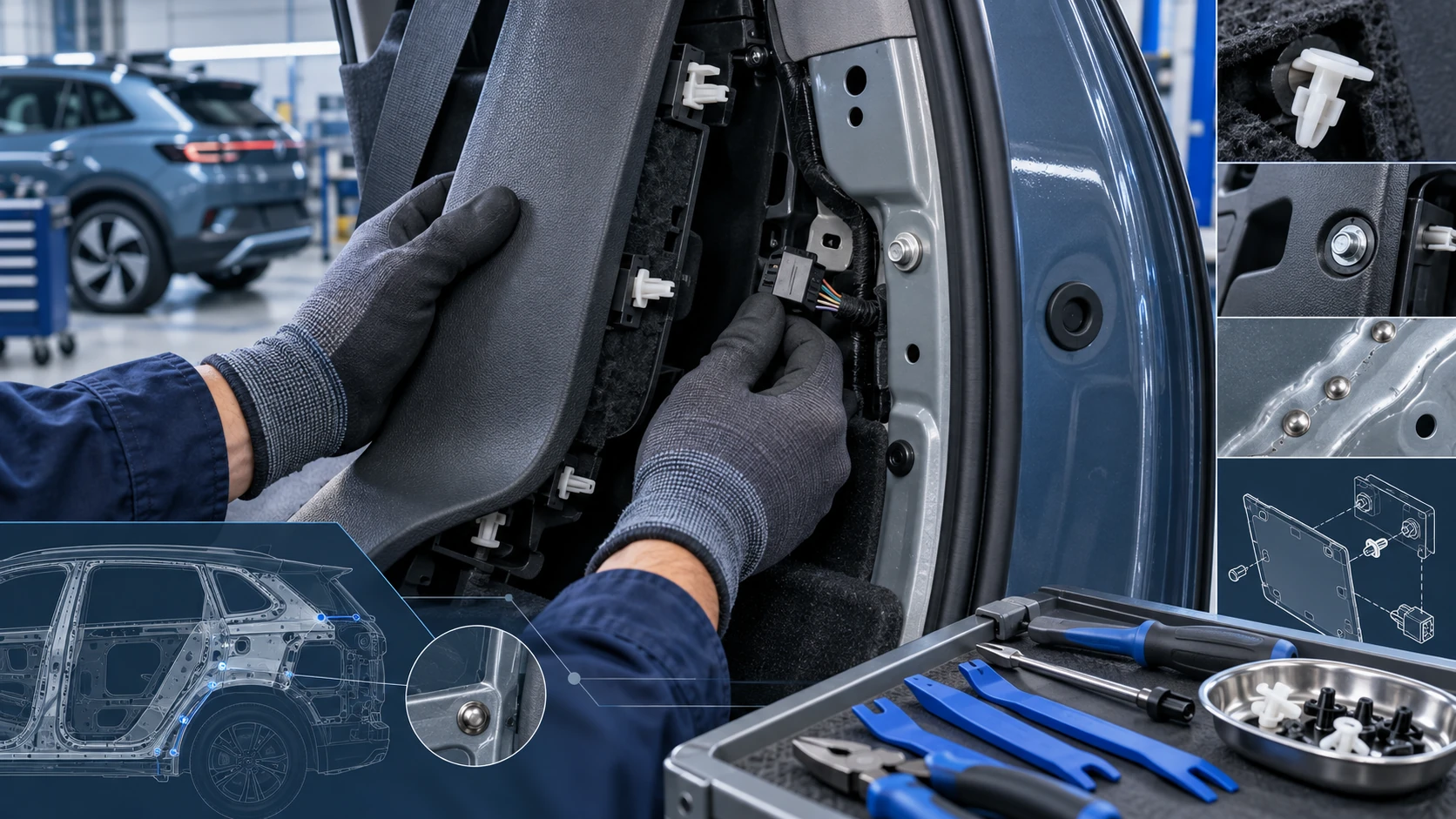 ID.4 Guide
Practical Volkswagen ID.4 service procedures for joining and separating components, connectors and assemblies correctly and without unnecessary damage.
Read guide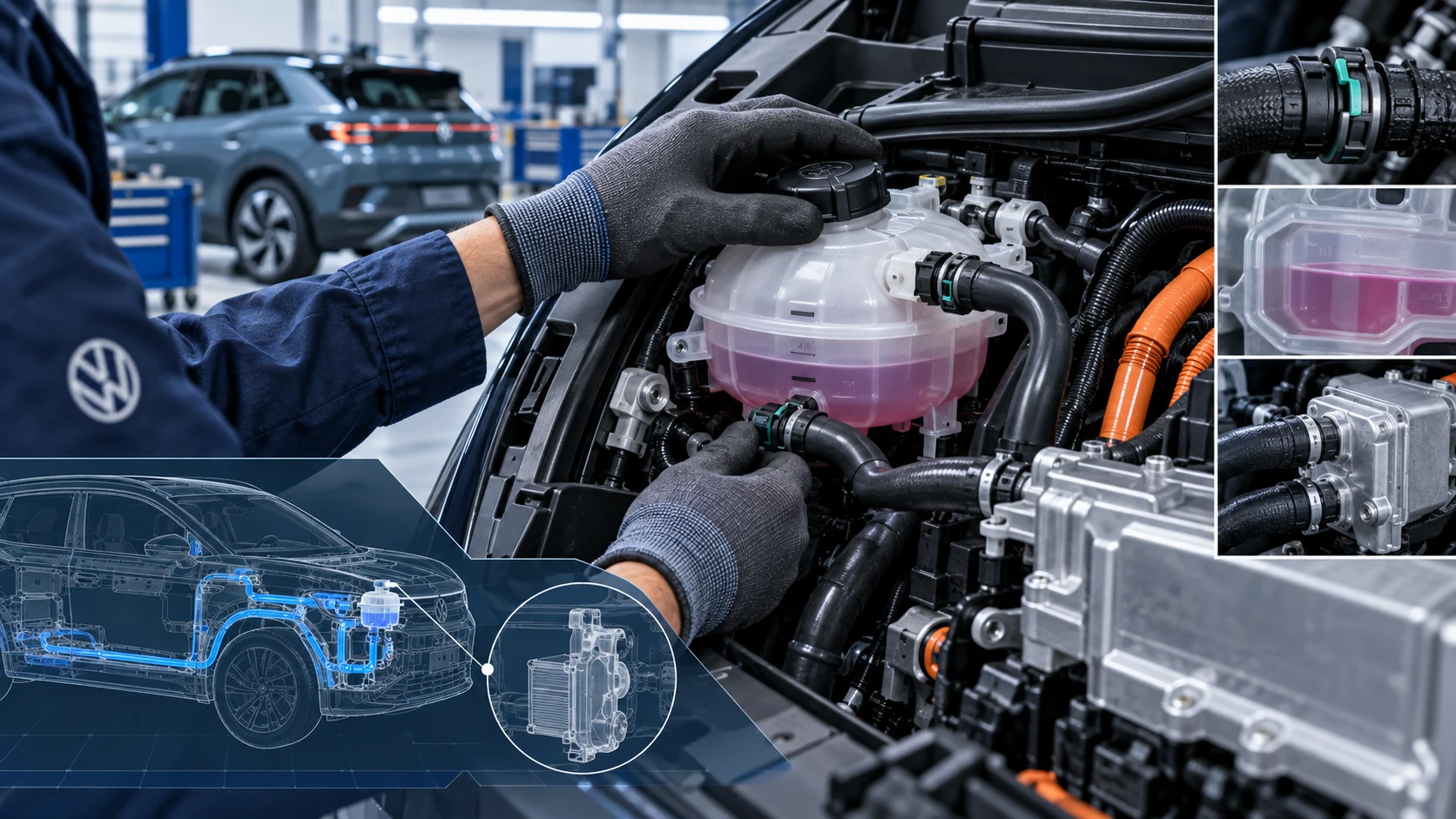 ID.4 Guide
Volkswagen ID.4 cooling system guidance covering coolant-related service information, inspection points and important precautions for thermal management components.
Read guide