



Rear Cross Member
Service information for the Volkswagen ID.4 rear cross member, including component location, attachment points and repair-oriented removal and installation guidance.
Read guide




The Bluetooth interface in the Volkswagen ID.4 provides a reliable wireless connection for compatible devices.
In Bluetooth audio mode, audio files stored on a connected device, such as a smartphone, can be streamed directly through the Volkswagen ID.4 sound system.
This functionality is available in Volkswagen ID.4 models equipped with a factory-installed mobile phone interface that supports Bluetooth audio.
Bluetooth profiles
The Infotainment system in the Volkswagen ID.4 supports multiple Bluetooth profiles for enhanced functionality.
Up to three Bluetooth devices can be connected simultaneously in the Volkswagen ID.4.
Supported Bluetooth profiles may include the following versions or similar:
Starting Bluetooth audio
Requirements
✓ The Bluetooth device is paired and connected to the Volkswagen ID.4 Infotainment system.
✓ The connected device supports the Advanced Audio Distribution Profile (A2DP).
1. Reduce the volume on the Volkswagen ID.4 Infotainment system.
2. Enable Bluetooth visibility on the external device.
3. Open the Media menu.
4. Tap Source and select Bluetooth audio.
5. Start playback on the connected device if required.
After playback ends, the Volkswagen ID.4 remains in Bluetooth audio mode until another source is selected.
Controlling playback
The level of control available in the Volkswagen ID.4 depends on the capabilities of the connected Bluetooth device.
Devices supporting the AVRCP profile allow playback control directly via the Infotainment system.
Playback may start or stop automatically depending on the selected audio source, and track information may be displayed if supported.
 Due to the wide variety of Bluetooth devices, not all features may function consistently in the Volkswagen ID.4.
 Disable system tones on connected devices to avoid interference or audio disruptions.
 If a device is connected via both Bluetooth and USB in the Volkswagen ID.4, the Bluetooth connection may automatically disconnect.
 This behavior ensures optimal data handling and system performance.
Introduction
The Wi-Fi hotspot function in the Volkswagen ID.4 may not be available in all regions or configurations.
Certain Volkswagen ID.4 Infotainment systems can operate as a Wi-Fi hotspot, allowing up to eight devices to connect to the Internet.
Alternatively, the system can connect as a client to an external Wi-Fi network (→ Wi-Fi).
An active data connection is required for Internet-based services such as We Connect in the Volkswagen ID.4.
 The Wi-Fi connection in the Volkswagen ID.4 is secured using WPA2 encryption by default. Always comply with local regulations.
 Data usage may incur charges; a flat-rate data plan is recommended for the Volkswagen ID.4.
 Additional roaming fees may apply when using data services abroad.
 In regions with different radio frequency regulations, wireless functions must be disabled.
Opening the Wi-Fi settings
1. Tap HOME
 Wi-Fi.
2. Adjust settings or select the desired functions.
All changes in the Volkswagen ID.4 are automatically saved when exiting the menu.
Setting options
Proper use of USB, Bluetooth, and Wi-Fi features enhances connectivity, convenience, and overall user experience in the Volkswagen ID.4.

Selected owner and service information from our Volkswagen ID.4 manual library.
 ID.4 Guide
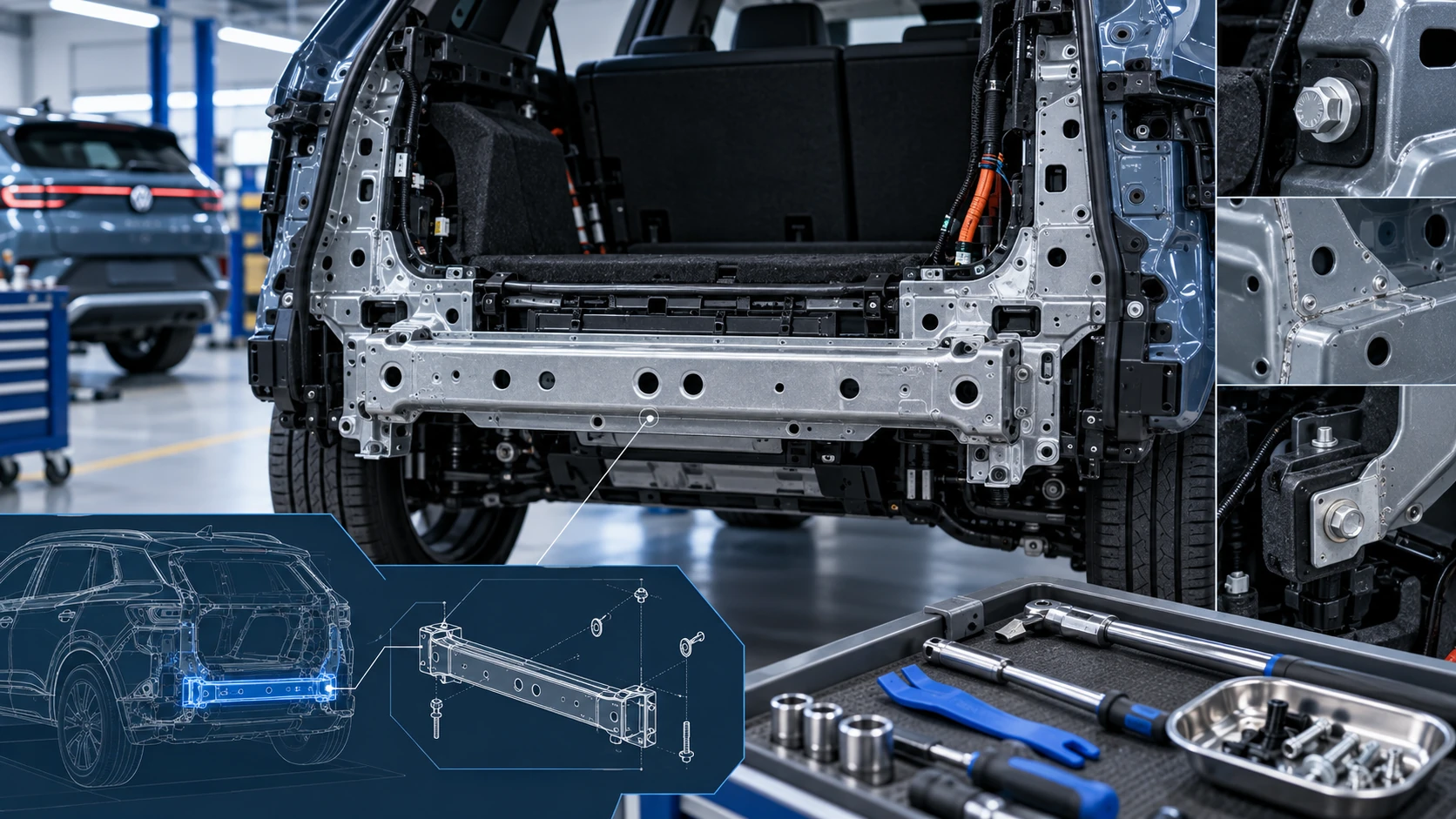
Service information for the Volkswagen ID.4 rear cross member, including component location, attachment points and repair-oriented removal and installation guidance.
Read guide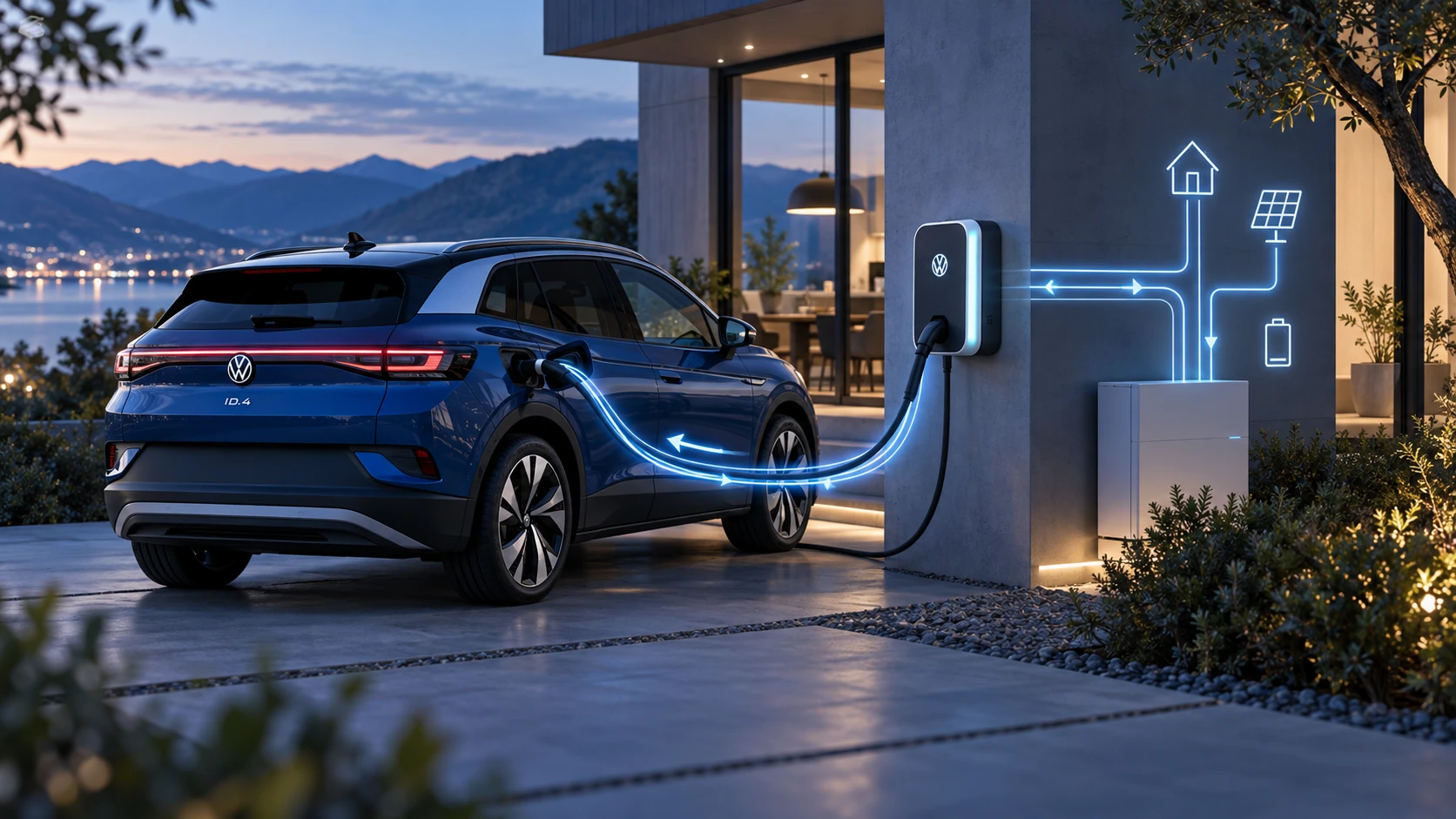 ID.4 Guide
Learn the basics of Volkswagen ID.4 bidirectional charging, including energy flow concepts, home power use and vehicle-to-home charging capability.
Read guide