



Cooling System Coolant
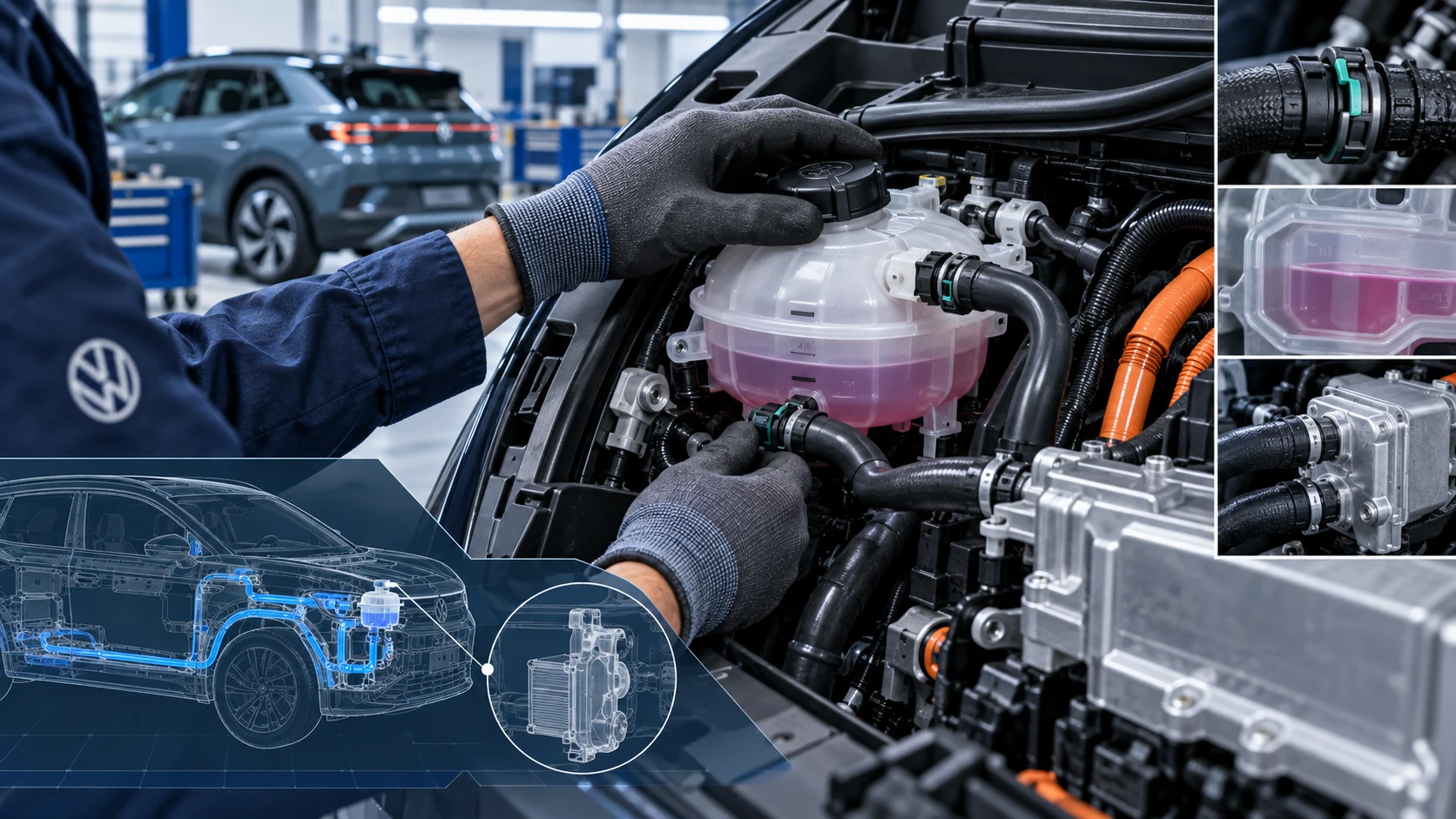
Volkswagen ID.4 cooling system guidance covering coolant-related service information, inspection points and important precautions for thermal management components.
Read guide




Using a phone
In the Volkswagen ID.4, you can initiate a phone call by selecting a telephone number through various intuitive methods provided by the Infotainment system. These options are designed to ensure convenient and safe communication while driving.
Using contact data
If a contact stored in your Volkswagen ID.4 phonebook has multiple numbers, you will need to choose the appropriate number before placing the call.
1. Tap
 .
.
2. To search for a contact, tap
 and enter the contact name.
Or: To call a saved favorite, tap Favorites.
Or: Tap All to display the full contact list.
3. Select a contact to start the call.
 When searching, enter the last name followed by the first name separated by a space for more accurate results.
Using a call list
The Volkswagen ID.4 phone interface stores incoming, outgoing, and missed calls in a structured call history. Frequently used numbers are also accessible via favorites.
1. Tap
 and filter the call list, for example by missed calls.
2. Tap a number or contact to place the call.
Manually entering the telephone number
1. Tap
 and enter the desired phone number.
2. Tap
 to initiate the call.
 As you enter a number, matching contacts are automatically displayed on the Infotainment screen.
Sending text messages
Depending on your mobile device and system compatibility, the Volkswagen ID.4 allows you to send and receive SMS messages and, in some regions, e-mails directly through the Infotainment interface.
E-mail functionality depends on the application installed on your smartphone.
Sending an SMS
1. Tap
 SMS
SMS
 New message and enter your text.
2. Enter the recipient in the search field.
3. Tap OK to send the message.
Sending an e-mail
1. Tap
 E-MAIL and compose your message.
2. Enter the desired contact or search using the contact search function.
3. Tap OK to send the e-mail.
Switching between SMS and e-mail
To choose between SMS and e-mail, activate the relevant option. The selected mode will be clearly indicated on the display.
1. Tap
 .
.
2. Select the desired communication method.

Selected owner and service information from our Volkswagen ID.4 manual library.
 ID.4 Guide
Volkswagen ID.4 cooling system guidance covering coolant-related service information, inspection points and important precautions for thermal management components.
Read guide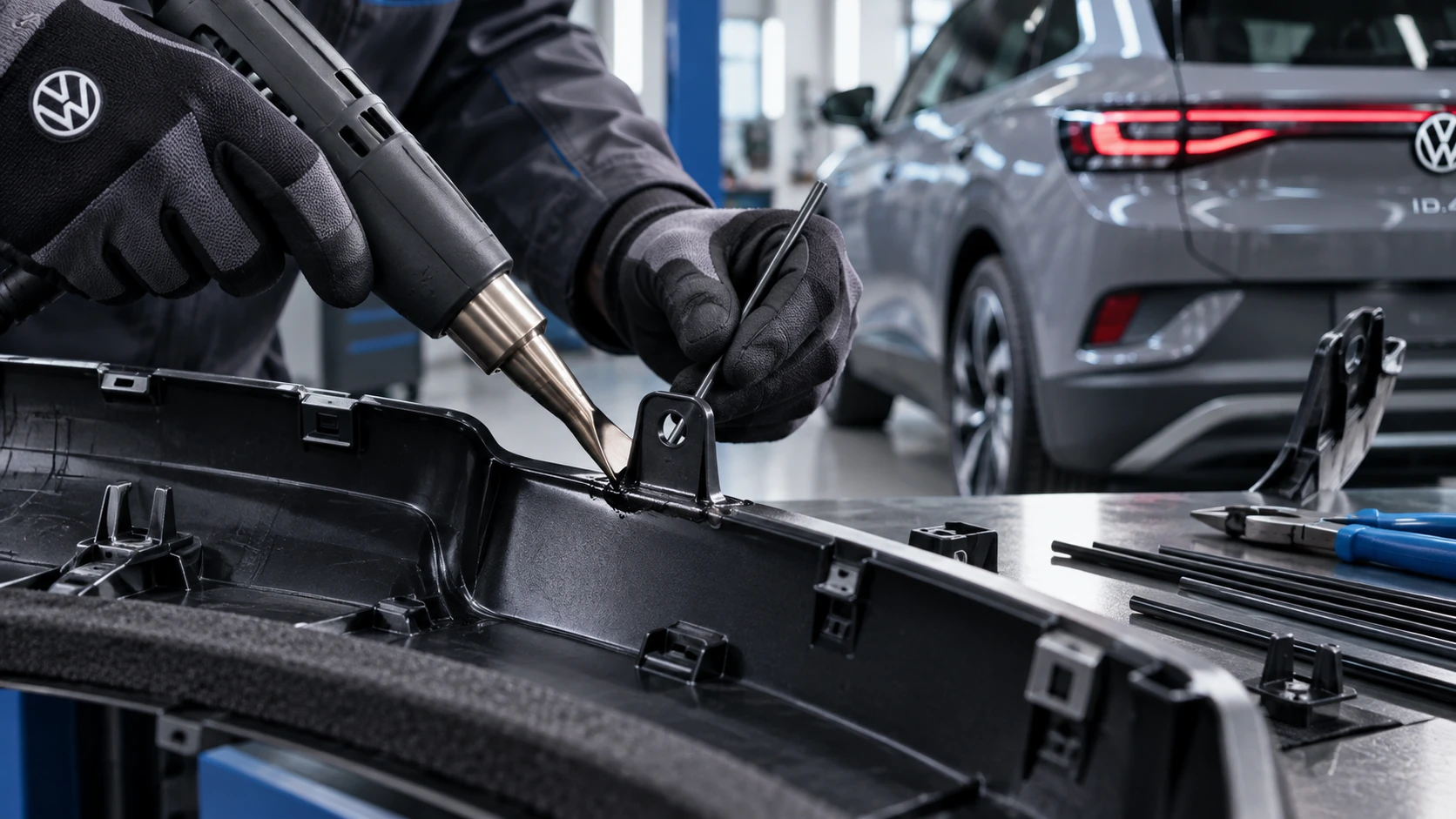 ID.4 Guide
Professional Volkswagen ID.4 repair guidance for welding plastic attachments, securing damaged mounting points and restoring plastic components correctly.
Read guide