



Welding Plastic Attachments
Professional Volkswagen ID.4 repair guidance for welding plastic attachments, securing damaged mounting points and restoring plastic components correctly.
Read guide




To use the phone interface features in the Volkswagen ID.4, your smartphone must first be paired with the Infotainment system.
Up to two smartphones can be connected simultaneously. However, only one device can be actively used for calls at a time, while the second device can still receive calls and be used for media playback.
Function availability depends on the smartphone model, its operating system, and compatibility with the Volkswagen ID.4 system.
The phone interface supports Bluetooth version 2.1 or higher.
Pairing a cell phone
Before first use, pair your mobile device with the Volkswagen ID.4 Infotainment system. A user profile will automatically be created and stored → User profiles. The pairing process may take a few minutes.
Requirements:
✓ Bluetooth is enabled on the smartphone.
✓ Bluetooth is enabled in the Infotainment system.
1. Open the list of available Bluetooth devices on your smartphone and select the Volkswagen ID.4 Infotainment system.
2. Confirm any prompts displayed on both the smartphone and the Infotainment system.
If pairing is successful, the device data will be saved in the user profile.
3. Optional: Approve data access permissions if requested.
WARNING
Pairing a device while driving can distract the driver and increase the risk of accidents or injuries.
Connecting a cell phone
Precondition:
✓ The smartphone is already paired.
1. Activate Bluetooth on the mobile device.
Connection management
Precondition:
✓ The device is paired and connected.
1. Tap HOME
 Mobile devices.
2. Select the desired connection method.
Active and passive connection
At least one smartphone must be connected to use the phone interface functions in the Volkswagen ID.4.
If multiple devices are connected, you can switch between active and passive modes to control which device is used for calls.
Difference between the types of connection
Active The smartphone is paired and connected, allowing full access to all phone interface features.
Passive The smartphone is connected but limited to receiving incoming calls only.
Other functions will not be available in passive mode.
Paired smartphones remain stored in the system even when not actively connected.
Change connection type (inactive to active)
Precondition:
✓ Multiple smartphones are connected simultaneously.
1. Tap
 .
.
The currently active device will be highlighted.
2. Select the preferred smartphone.
Other devices will automatically switch to inactive mode.
User profiles
The Volkswagen ID.4 automatically creates a user profile for each paired device. This profile stores contact data and user preferences.
Up to ten user profiles can be stored simultaneously.
Deleting a user profile
1. Tap
 .
.
User profiles can be found under Select cell phone or Mobile devices.
2. Select the desired profile and tap
 to remove it.
The Volkswagen ID.4 phone interface offers seamless connectivity, intelligent device management, and enhanced communication features for a modern driving experience.

Selected owner and service information from our Volkswagen ID.4 manual library.
 ID.4 Guide
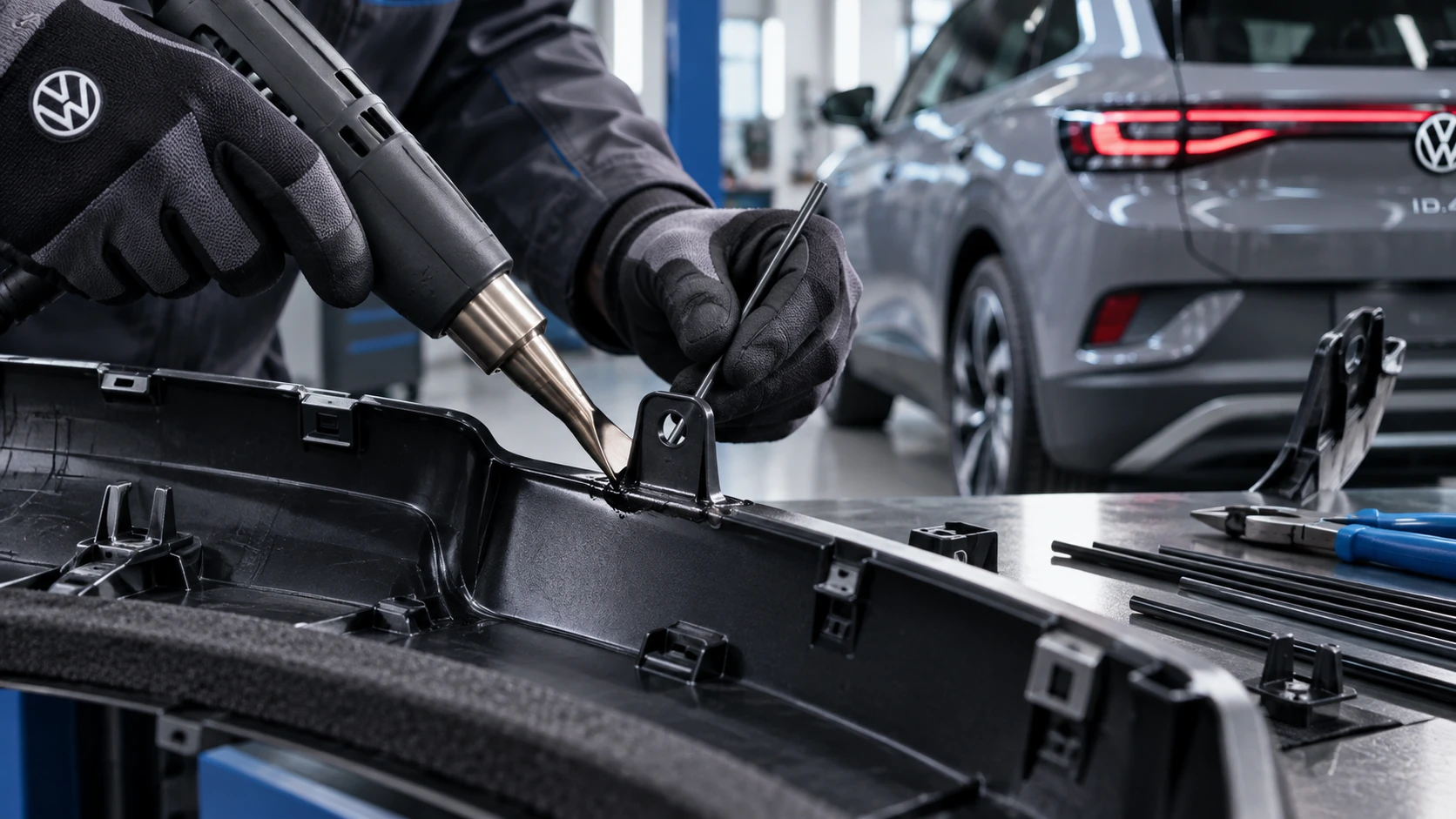
Professional Volkswagen ID.4 repair guidance for welding plastic attachments, securing damaged mounting points and restoring plastic components correctly.
Read guide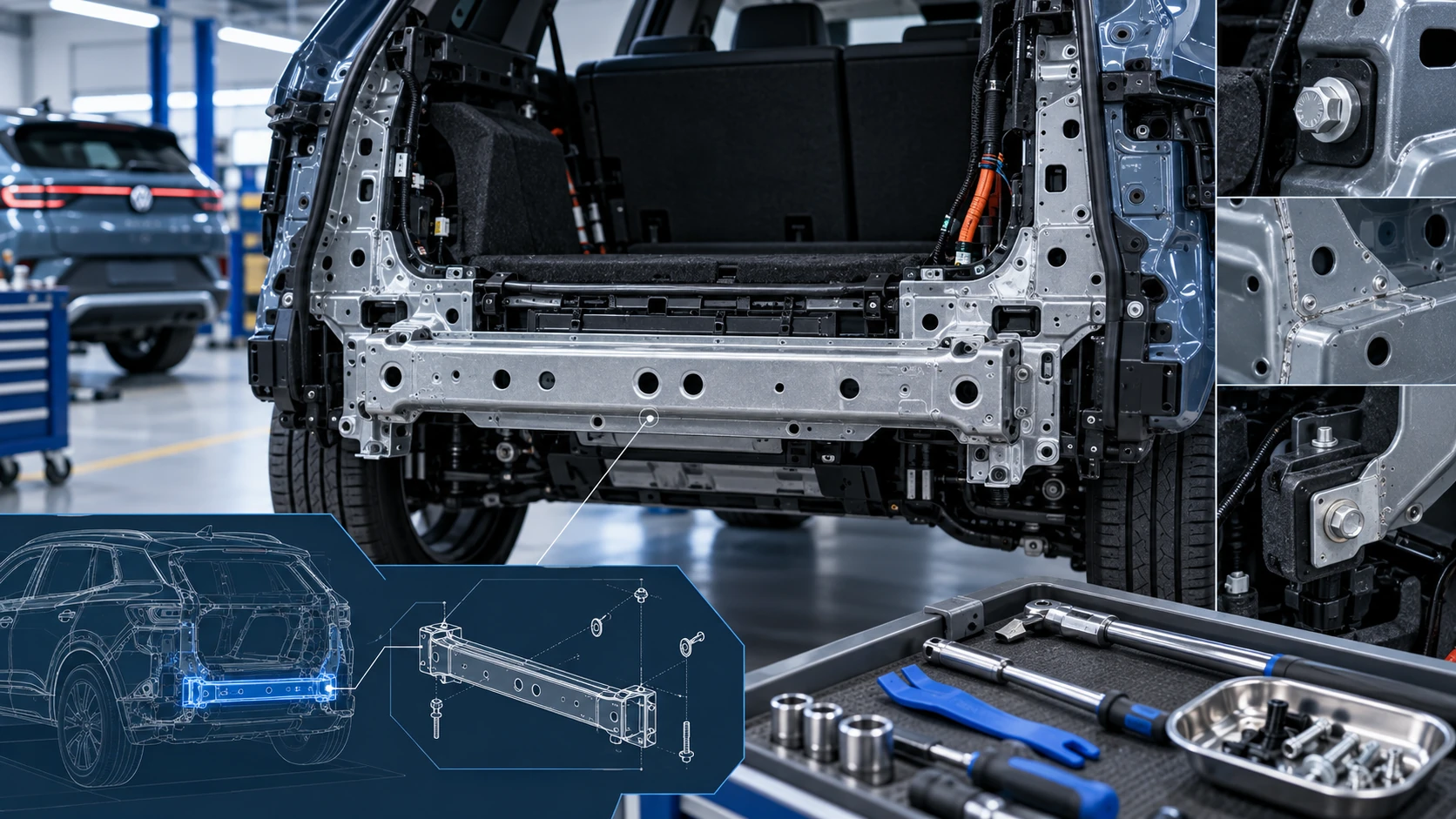 ID.4 Guide
Service information for the Volkswagen ID.4 rear cross member, including component location, attachment points and repair-oriented removal and installation guidance.
Read guide