



Plastic Repair
Volkswagen ID.4 plastic repair procedures covering surface preparation, filler work, sanding and restoration of damaged plastic exterior components.
Read guide




Opening the menu
Up to five saved parking processes can be displayed as favorites in the Volkswagen ID.4 Park Assist Plus memory menu.
1. Tap the
 control for the
parking menu.
control for the
parking menu.
2. Tap
 for Park Assist Plus with
memory function.
for Park Assist Plus with
memory function.
Managing parking spaces
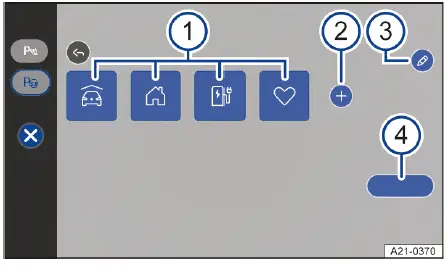
Fig. 1 Infotainment system: menu for Park Assist Plus with
memory function.
Editing, sorting and deleting parking spaces
1. Tap
 → fig. 1 -3-.
All saved parking entries in the Volkswagen ID.4 can now be modified.
2. To rename or change the symbol, tap
 on the parking space icon.
Or: rearrange parking spaces by pressing and dragging them to a new position.
Or: delete a parking space by tapping
 on the icon.
To remove all saved parking spaces, tap
 .
.
Status of saved parking spaces
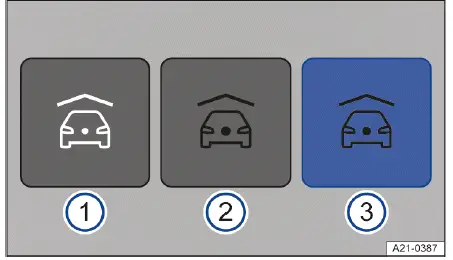
Fig. 2 Infotainment system: parking spaces without
navigation.
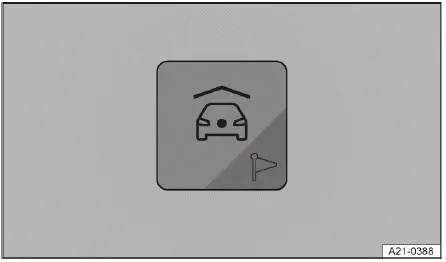
Fig. 3 Infotainment system: parking space with route
guidance for navigation (depending on the country).
For best results, always ensure that the cameras and sensors of the Volkswagen ID.4 remain clean and unobstructed, and use the parking memory function as a support tool alongside attentive driving.

Selected owner and service information from our Volkswagen ID.4 manual library.
 ID.4 Guide
Volkswagen ID.4 plastic repair procedures covering surface preparation, filler work, sanding and restoration of damaged plastic exterior components.
Read guide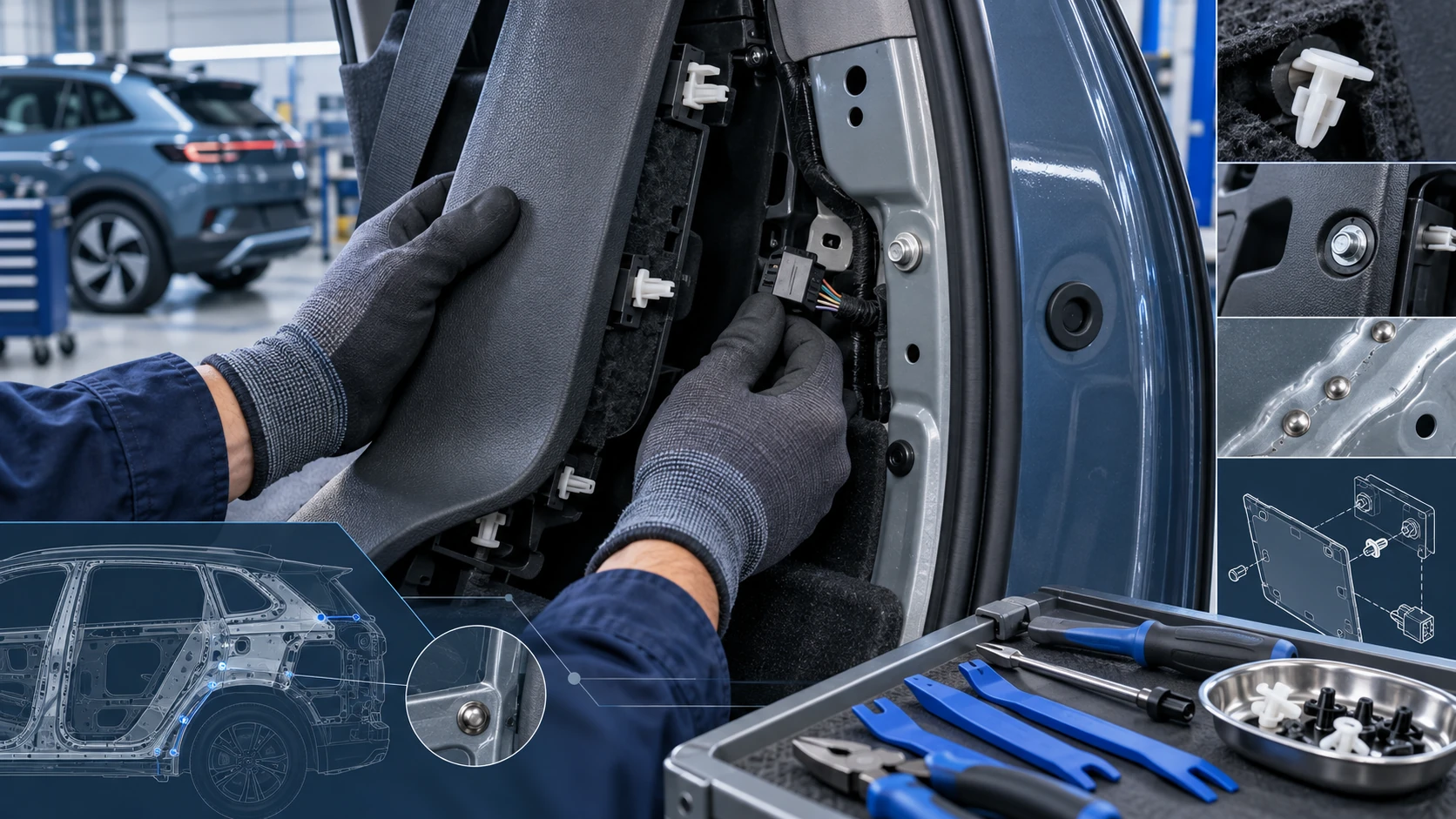 ID.4 Guide
Practical Volkswagen ID.4 service procedures for joining and separating components, connectors and assemblies correctly and without unnecessary damage.
Read guide