



Symbols in the Instrument Cluster
A practical overview of Volkswagen ID.4 instrument cluster symbols, warning lights and status indicators to help drivers understand the display quickly.
Read guide




Driving into parking spaces
When the Volkswagen ID.4 approaches the vicinity of a previously saved parking location, the system automatically suggests a parking maneuver in the Infotainment display, making the process faster and more convenient.
 If visibility conditions are poor, such as at night, in heavy snow, or during fog, the Volkswagen ID.4 parking system may have limited functionality when driving into or out of parking spaces.
Variant 1: menu for Park Assist Plus with memory function
1. Bring the Volkswagen ID.4 to a complete stop using the brake pedal.
2. If necessary, select the available parking space in the Infotainment parking menu.
The selected function key will be highlighted in blue.
3. Tap
 .
.
4. Release the steering wheel and gently release the brake pedal.
The Volkswagen ID.4 will begin the automated parking process →
 .
.
5. At the end of the maneuver, wait until all steering movements are completed to ensure precise positioning →
 .
.
Once completed, a message appears in the Infotainment system of the Volkswagen ID.4 and an acoustic signal confirms the successful maneuver.
The electronic parking brake is automatically activated.
6. Secure the Volkswagen ID.4 and finish the parking procedure.
Variant 2: Navigation in the Infotainment system
When the Volkswagen ID.4 reaches the selected destination, a notification appears in the Infotainment system.
1. Stop the vehicle using the brake pedal.
2. Tap
 in the message.
3. Release the steering wheel.
4. Release the brake pedal.
5. Follow the instructions displayed in the Infotainment system.
The Volkswagen ID.4 begins the automatic parking maneuver →
 .
.
6. Continue following the same steps as described in Variant 1 from item 5 onward.
WARNING
During automated maneuvering, the steering wheel in the Volkswagen ID.4 can rotate rapidly. Interfering with it may result in serious injury.
NOTICE
While the Volkswagen ID.4 is automatically maneuvering along the saved path, nearby obstacles may cause damage if not properly monitored.
Exiting a parking space
This function depends on the specific equipment of the Volkswagen ID.4.
1. Switch on the ignition and ensure the Volkswagen ID.4 is ready to drive.
2. Open the parking system menu in the Infotainment system.
3. Select the saved parking space that includes an exit maneuver.
The selected function key will be highlighted in blue.
4. Press and hold the brake pedal.
5. Tap
 .
.
6. Release the steering wheel.
7. Release the brake pedal.
8. Carefully observe the Infotainment system instructions.
The Volkswagen ID.4 initiates the automatic exit maneuver.
9. Wait until all steering adjustments are completed for optimal positioning →
 .
.
10. Resume full control of the Volkswagen ID.4 →
 .
.
WARNING
When exiting a parking space, the Volkswagen ID.4 may enter active traffic. This can lead to accidents and serious or fatal injuries.
Navigation to a parking space as a destination
Which parking spaces are available as navigation destinations?
Saved parking locations in the Volkswagen ID.4 that include a navigation symbol can be used as destinations within the navigation system. Availability may vary depending on the region.
Starting route guidance
1. Select a parking space with the navigation symbol in the Infotainment parking menu.
2. Confirm the prompt displayed on the screen.
Route guidance begins automatically, and the parking menu closes.
Alternatively, you can follow the guided steps for exiting a parking space using the parking system.
3. Once the Volkswagen ID.4 reaches the destination, a message will appear in the Infotainment system.
Park Assist Plus with memory function is now ready to automatically guide the Volkswagen ID.4 into the parking space.
For best performance, always keep sensors and cameras clean and use the Volkswagen ID.4 assistance systems as support tools alongside attentive driving.

Selected owner and service information from our Volkswagen ID.4 manual library.
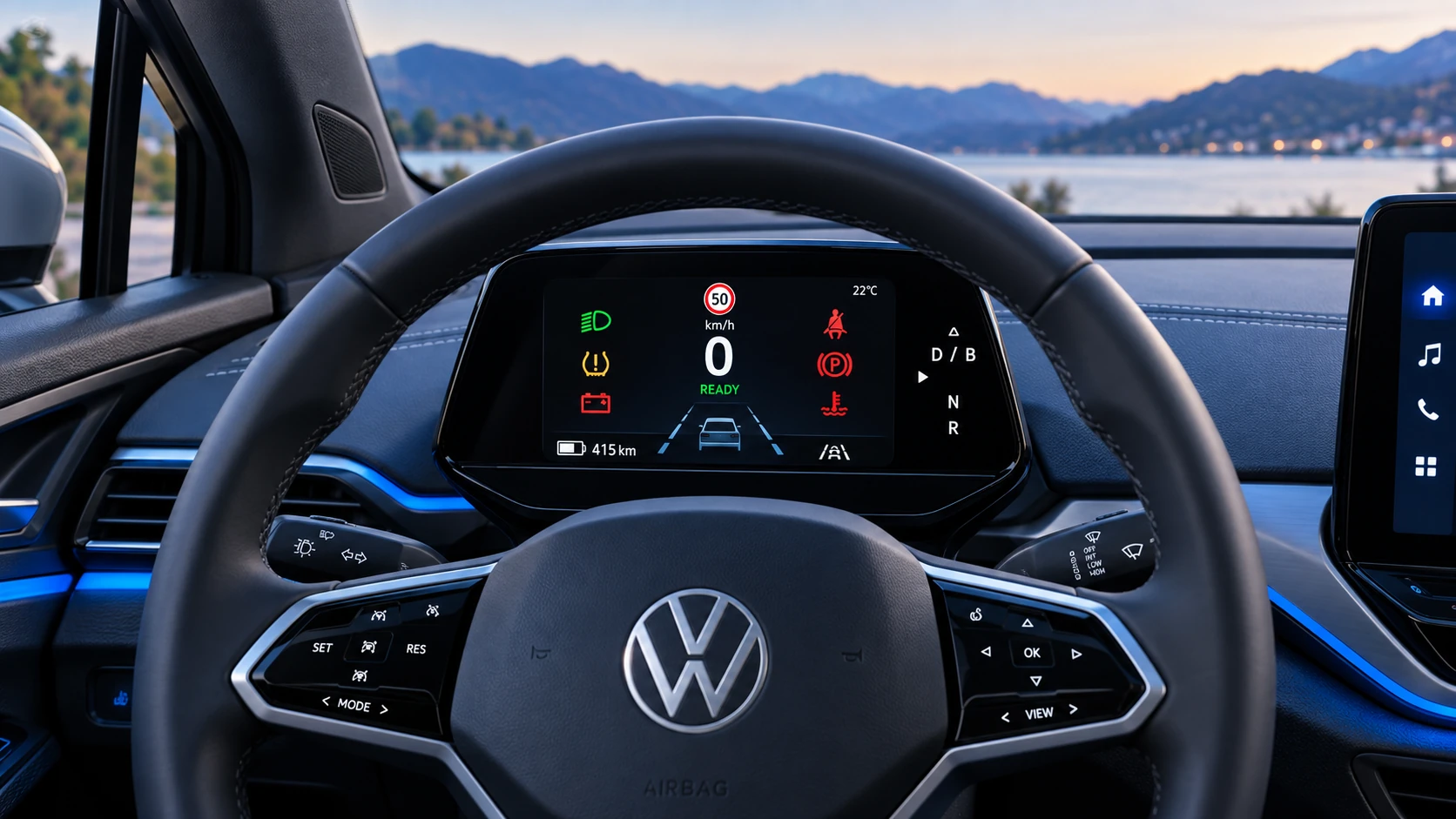 ID.4 Guide
A practical overview of Volkswagen ID.4 instrument cluster symbols, warning lights and status indicators to help drivers understand the display quickly.
Read guide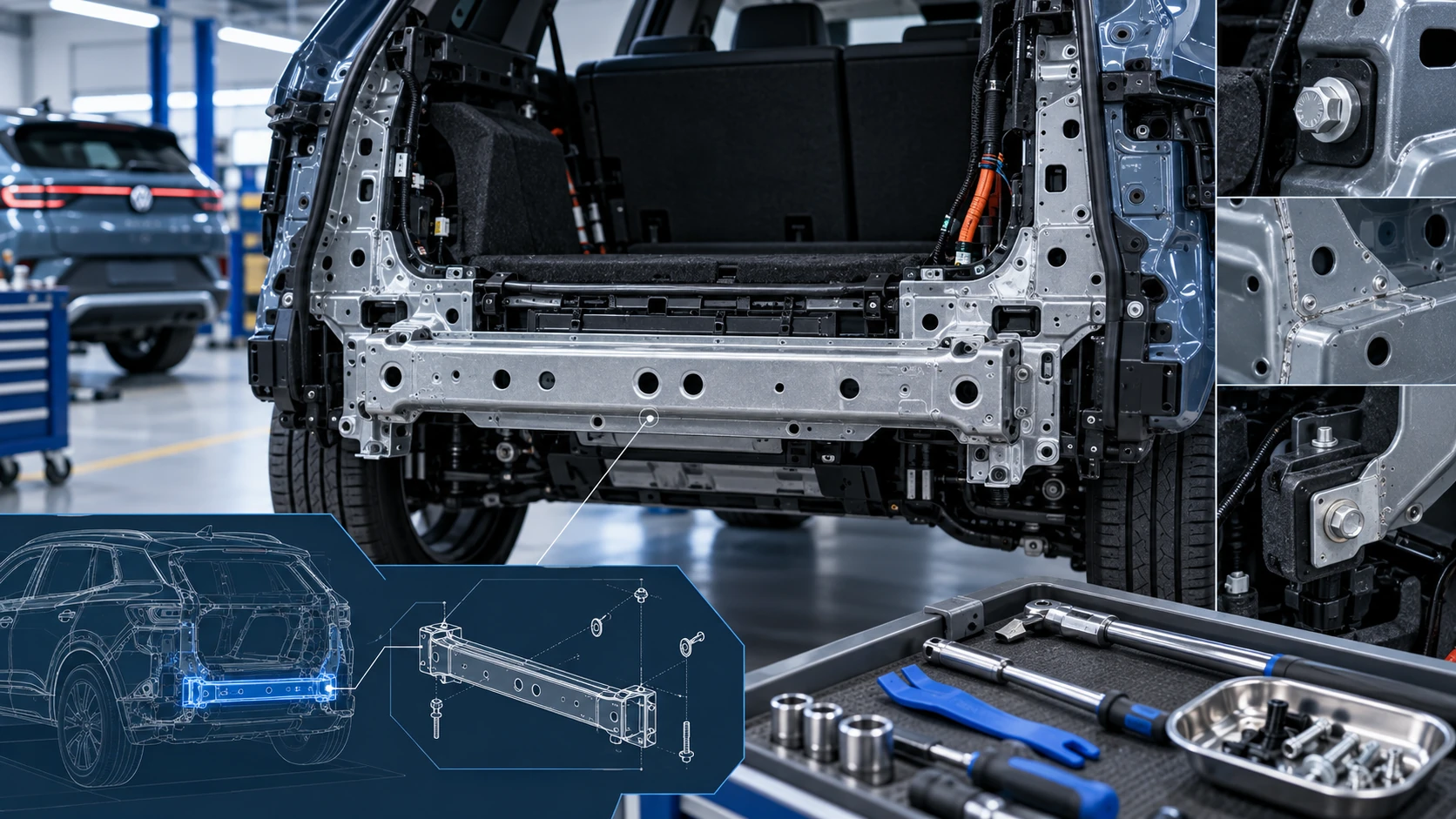 ID.4 Guide
Service information for the Volkswagen ID.4 rear cross member, including component location, attachment points and repair-oriented removal and installation guidance.
Read guide