



Apple CarPlay
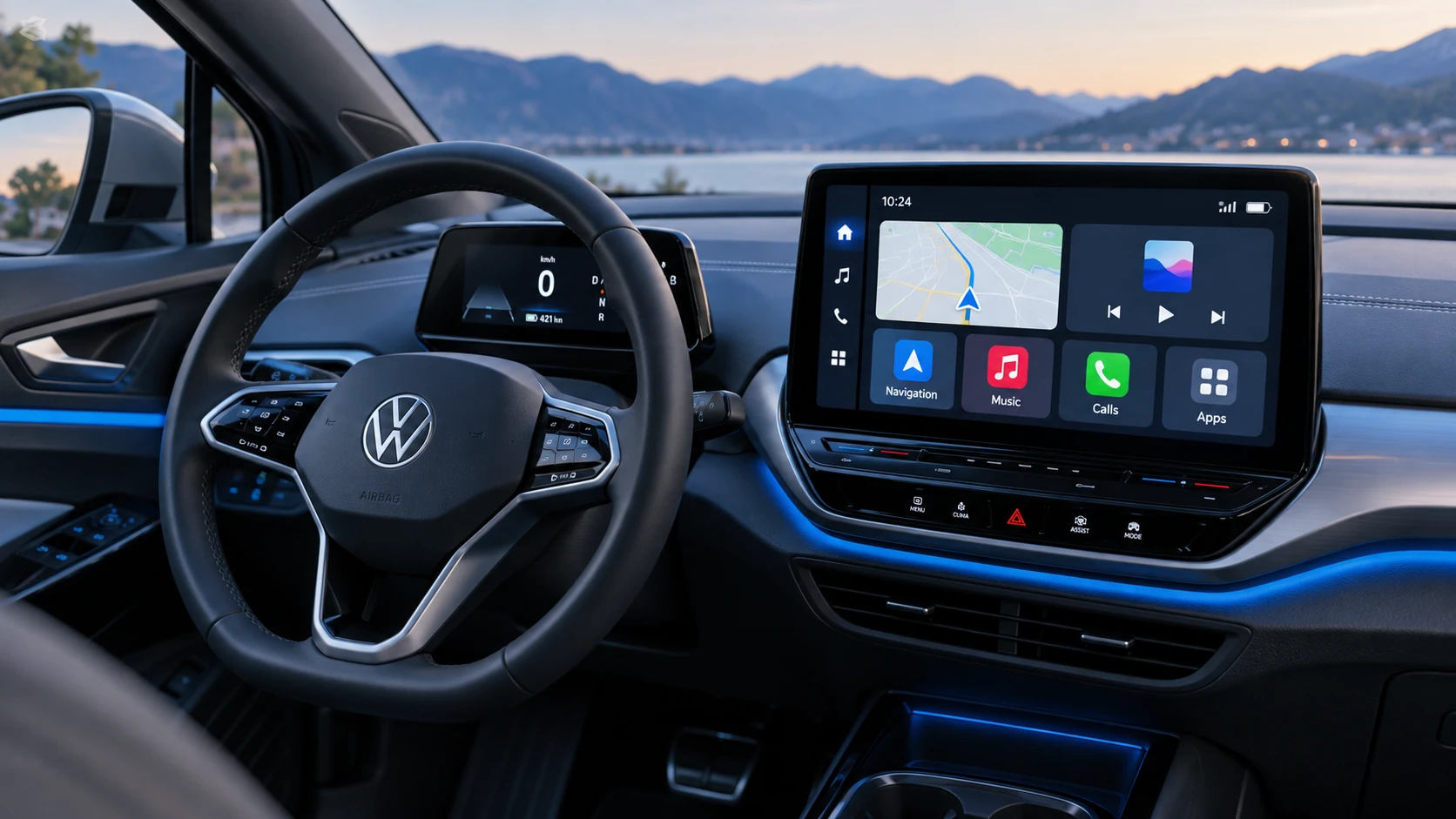
See how Apple CarPlay works in the Volkswagen ID.4, including smartphone integration, navigation, calls, music and key infotainment functions.
Read guide




Finding a suitable parking space
✓ In the Volkswagen ID.4, the selected parking space must be clearly visible and free from obstacles →
 . Underground parking areas and enclosed garages are generally not suitable for calibration.
✓ Ensure optimal visibility conditions for the Volkswagen ID.4, such as good lighting and absence of heavy rain, fog, snow, or darkness.
NOTICE
If the parking space does not provide sufficient clearance from curbs or nearby obstacles, the Volkswagen ID.4 may be damaged during the automated parking process.
Calibrating driving into a parking space
1. Drive the Volkswagen ID.4 into the selected parking space as you normally would.
2. Park the Volkswagen ID.4 safely and precisely.
3. Save the parking maneuver in the Infotainment system of the Volkswagen ID.4.
For the best results, observe the following recommendations:
Version 1: saving a parking space in the Park Assist Plus memory menu
1. Tap the
 control for the
parking menu.
control for the
parking menu.
2. Tap
 for Park Assist Plus with
memory function in the Infotainment system.
for Park Assist Plus with
memory function in the Infotainment system.
3. Tap
 .
.
4. Assign a name and symbol to the saved parking process and confirm your selection.
A new parking space is now stored in the Volkswagen ID.4 system menu.
Version 2: saving a parking space via the exit menu
When exiting the Volkswagen ID.4, an exit menu appears automatically in the Infotainment system.
1. Tap
 Save parking process.
The parking path is saved with geocoordinates as an unnamed parking space.
 To assign a custom name, edit the saved parking space in the parking system menu of the Volkswagen ID.4.
Calibrating the exiting procedure
This feature depends on the specific equipment of the Volkswagen ID.4.
✓ The Volkswagen ID.4 must be positioned at a previously saved parking location.
1. Switch on the ignition and ensure the Volkswagen ID.4 is ready to drive.
2. Tap the
 control for the parking
menu.
control for the parking
menu.
3. Tap
 for Park Assist Plus with
memory function.
for Park Assist Plus with
memory function.
4. Select the saved parking space.
A message appears in the Infotainment system of the Volkswagen ID.4.
5. Carefully drive the Volkswagen ID.4 out of the parking space.
6. Confirm completion of the exiting procedure using the function key in the Infotainment system.
The exit maneuver is now stored together with the parking process.
 The calibration process will be interrupted if the Volkswagen ID.4 moves too quickly or travels too far during the procedure.
Recalibrating the parking process for a saved parking space
If recalibration is required (for example, to improve accuracy or change the approach direction), first delete the stored parking space in the Volkswagen ID.4 system.
 Deleting a saved parking space also removes all associated entry and exit paths.

Selected owner and service information from our Volkswagen ID.4 manual library.
 ID.4 Guide
See how Apple CarPlay works in the Volkswagen ID.4, including smartphone integration, navigation, calls, music and key infotainment functions.
Read guide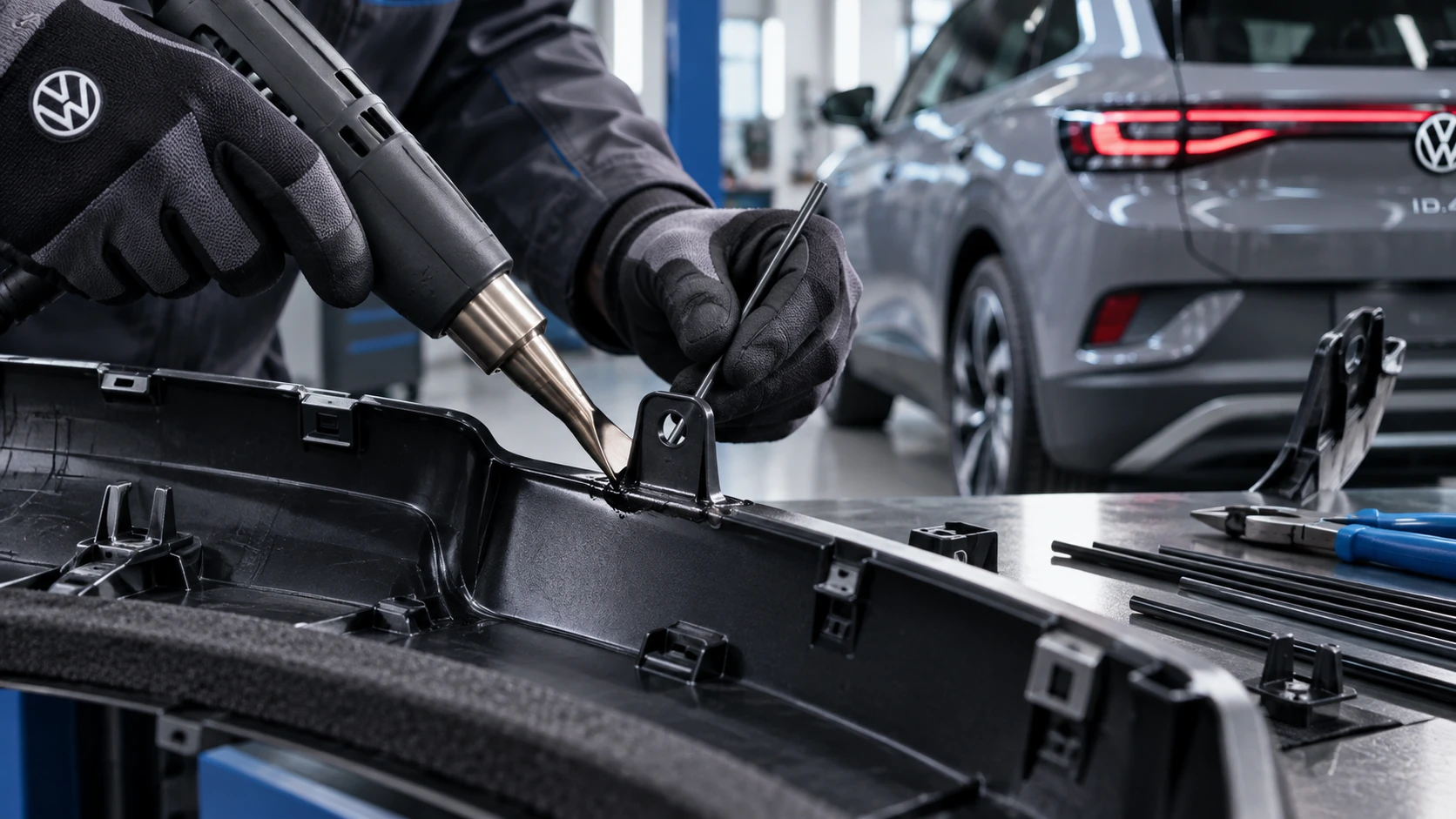 ID.4 Guide
Professional Volkswagen ID.4 repair guidance for welding plastic attachments, securing damaged mounting points and restoring plastic components correctly.
Read guide