



Joining and Separating Techniques
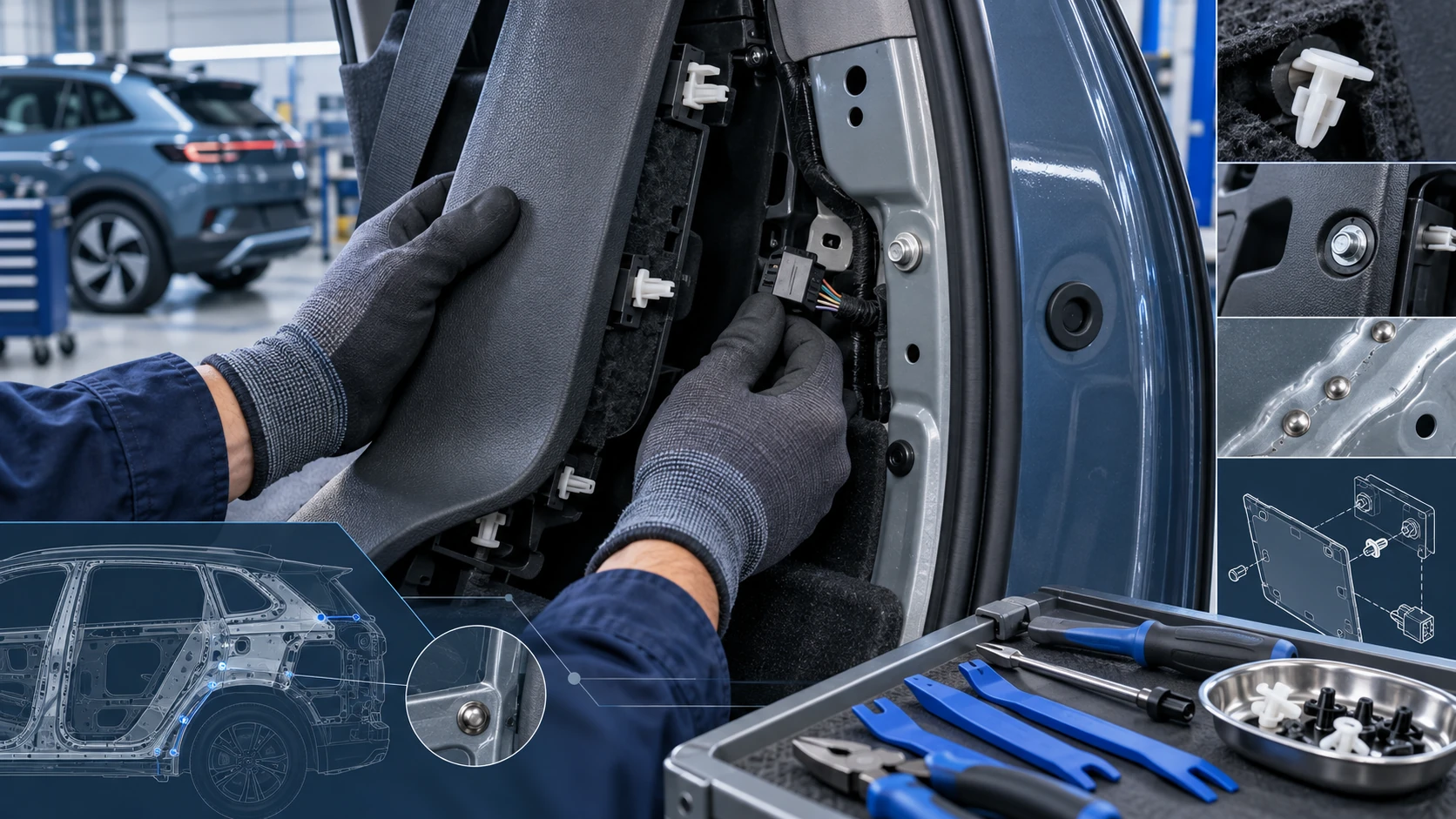
Practical Volkswagen ID.4 service procedures for joining and separating components, connectors and assemblies correctly and without unnecessary damage.
Read guide




Download
In the Volkswagen ID.4, system updates are downloaded automatically without requiring prior confirmation and may even take place while driving, ensuring that the vehicle software remains up to date with minimal driver interaction.
 The duration of the download in the Volkswagen ID.4 depends on factors such as network quality, file size, and the type of update being installed.
 The download process can be paused at any time and resumed later by switching on the ignition in the Volkswagen ID.4.
Prerequisites for download
✓ All requirements for the Volkswagen ID.4 system update have been fulfilled (→ System update).
✓ A stable Internet connection is available via the integrated eSIM at the vehicle’s location.
✓ The Volkswagen ID.4 is parked safely in accordance with local laws and environmental conditions (→ Parking).
Software installation
Select a suitable time for installing the software update in your Volkswagen ID.4 when the vehicle will not be needed by you or other users.
WARNING
During software installation, important control units in the Volkswagen ID.4 are temporarily deactivated. Driving the vehicle in this state can result in serious accidents or fatal injuries.
Functional limitations during software installation
While the software is being installed in the Volkswagen ID.4, several systems and features will be unavailable. The vehicle must not be used, and the Infotainment system should not be operated during this period.
Following the software installation
After the update is completed in the Volkswagen ID.4, review the confirmation message displayed in the Infotainment system and instrument cluster before enabling drive-ready mode. The system may take up to one minute to display the update status.
Troubleshooting
Software installation is unsuccessful
Functions and displays may remain unavailable until the issue is resolved. Do not operate the Volkswagen ID.4 in this condition. Contact Volkswagen Customer Care immediately.
Should I allow the system update?
It is strongly recommended to install system updates in the Volkswagen ID.4 as soon as they become available. Ignoring updates repeatedly may require consultation with a qualified Volkswagen service specialist.
Can I interrupt the software installation?
No, once initiated, the software installation in the Volkswagen ID.4 cannot be interrupted.
What happens if the software installation is interrupted?
If the installation process is interrupted, for example due to an electrical system failure, control modules in the Volkswagen ID.4 may not be updated correctly and could be permanently damaged.
Introduction
V2X technology in the Volkswagen ID.4 enables communication between nearby vehicles and surrounding traffic infrastructure, referred to as "participants".
System function of V2X
Communication between participants in the Volkswagen ID.4 takes place using standardized V2X and Wi-Fi protocols, allowing real-time exchange of relevant driving information.
When V2X is activated in the Volkswagen ID.4, data is continuously exchanged between vehicles and infrastructure, regardless of whether the system is in online or offline mode.
Availability of V2X technology depends on the region and specific Volkswagen ID.4 configuration.
Does my vehicle have V2X technology?
If the following option is accessible, your Volkswagen ID.4 is equipped with V2X functionality:
1. Tap HOME
 Privacy settings.
V2X technology display
 Online mode is active; depending on settings, V2X in the Volkswagen ID.4 may transmit or restrict data.
 Offline mode is active, but V2X continues to transmit essential data.
Transferring data
When V2X technology is enabled in the Volkswagen ID.4, the following data may be transmitted and received:
To protect privacy, the Volkswagen ID.4 uses constantly changing temporary identifiers, reducing the risk of tracking or misuse of transmitted data.
To maintain active V2X functionality, ensure that the Volkswagen ID.4 connects to online mode at least once per month to update certificates.
 You can find additional information about data processing in the Infotainment system
 .
.
Keeping your Volkswagen ID.4 software updated ensures improved security, enhanced system performance, and access to the latest connected vehicle features.

Selected owner and service information from our Volkswagen ID.4 manual library.
 ID.4 Guide
Practical Volkswagen ID.4 service procedures for joining and separating components, connectors and assemblies correctly and without unnecessary damage.
Read guide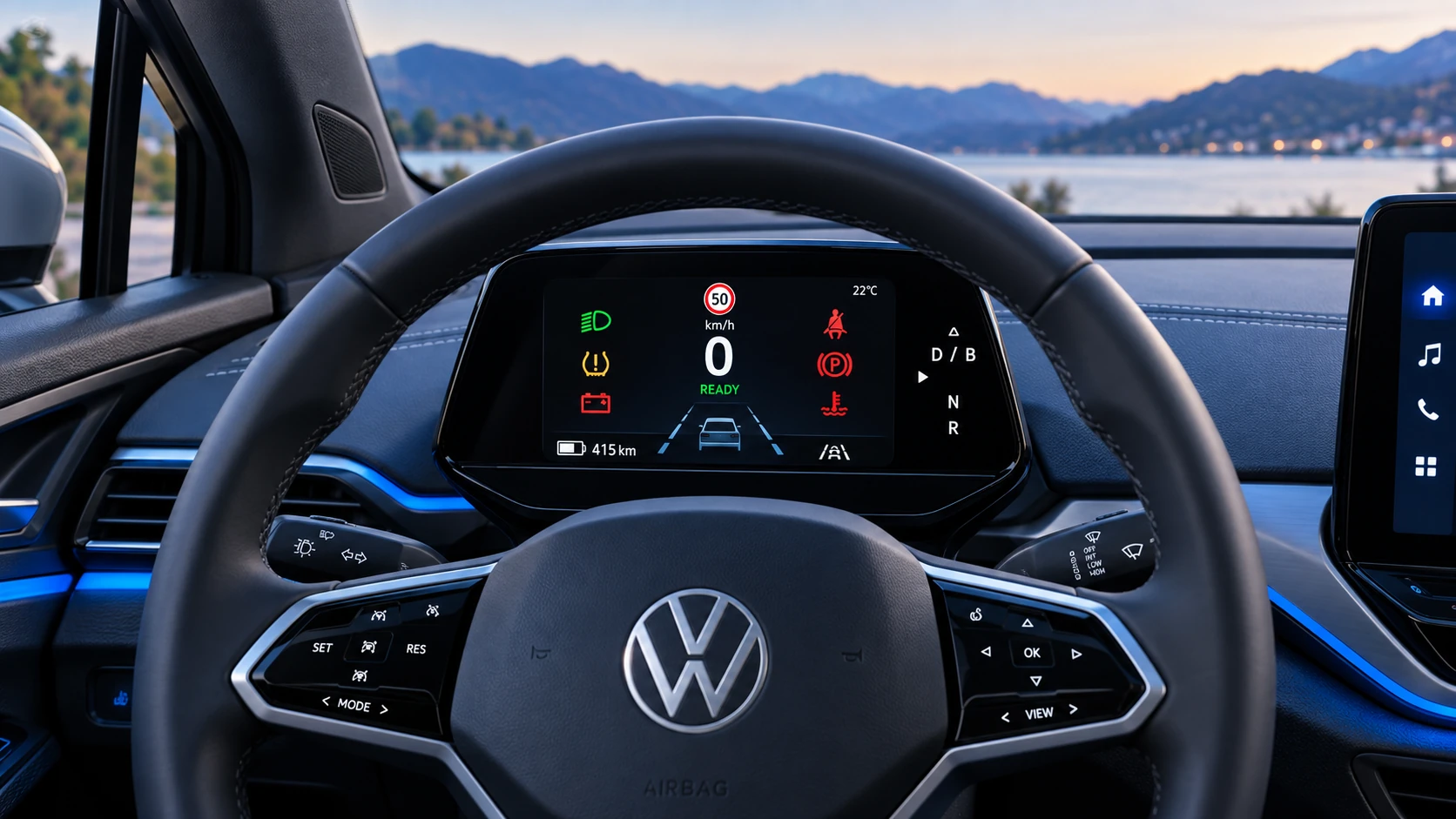 ID.4 Guide
A practical overview of Volkswagen ID.4 instrument cluster symbols, warning lights and status indicators to help drivers understand the display quickly.
Read guide