



Cooling System Coolant
Volkswagen ID.4 cooling system guidance covering coolant-related service information, inspection points and important precautions for thermal management components.
Read guide




The Rear Traffic Alert system in the Volkswagen ID.4 actively monitors cross traffic when reversing or maneuvering out of parking spaces, helping the driver detect potential hazards from the rear and sides.
WARNING
Rear Traffic Alert in the Volkswagen ID.4 is a driver assistance feature and does not replace driver awareness. Due to system limitations, certain objects such as pedestrians or fast-approaching vehicles may not always be detected. Failure to remain attentive can lead to accidents and serious injuries.
Switching on and off
1. Tap the
 control for the
parking menu in the Volkswagen ID.4.
control for the
parking menu in the Volkswagen ID.4.
2. Tap the
 function key in the
Infotainment system.
function key in the
Infotainment system.
3. Activate or deactivate the Rear Traffic Alert function as required.
 This setting can be stored in the driver personalization profiles of the Volkswagen ID.4 and will automatically adjust when switching user accounts.
System function
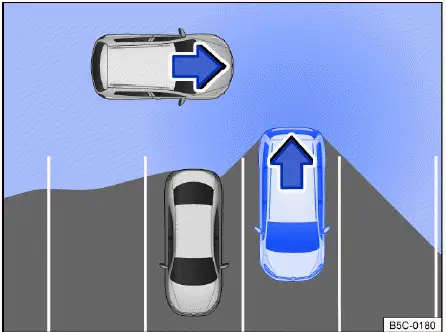
Fig. 1 Rear Traffic Alert, general example: monitored area
around the vehicle that is exiting a parking space.
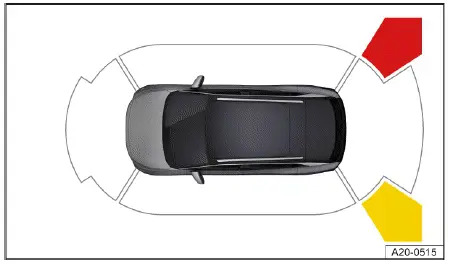
Fig. 2 Infotainment system: Rear Traffic Alert display.
The Rear Traffic Alert system in the Volkswagen ID.4 operates using radar sensors integrated into the rear bumper.
It detects approaching or moving objects from the rear and sides of the Volkswagen ID.4 and alerts the driver to potential hazards → fig. 1, →
 .
.
If an object is detected, the system emits an audible warning and highlights the relevant area in the Infotainment display → fig. 2.
If the driver does not react in time, the Volkswagen ID.4 may initiate automatic braking intervention to reduce the risk of collision.
 Automatic braking intervention by Rear Traffic Alert.
1. Press the brake pedal immediately to bring the Volkswagen ID.4 to a complete stop.
Malfunction
If a malfunction occurs, the following indicator light will appear in the Volkswagen Digital Cockpit:
 Rear Traffic Alert malfunction (e.g., due to dirty sensors or system error).
Driving with a trailer
Rear Traffic Alert in the Volkswagen ID.4 is automatically deactivated when a trailer is connected to the electrical system.
If the trailer hitch was not installed at the factory, the Rear Traffic Alert system must be manually switched off when towing a trailer with the Volkswagen ID.4.
For optimal performance, ensure that radar sensors remain clean and unobstructed, and always use the Volkswagen ID.4 Rear Traffic Alert system as a support tool alongside attentive driving.

Selected owner and service information from our Volkswagen ID.4 manual library.
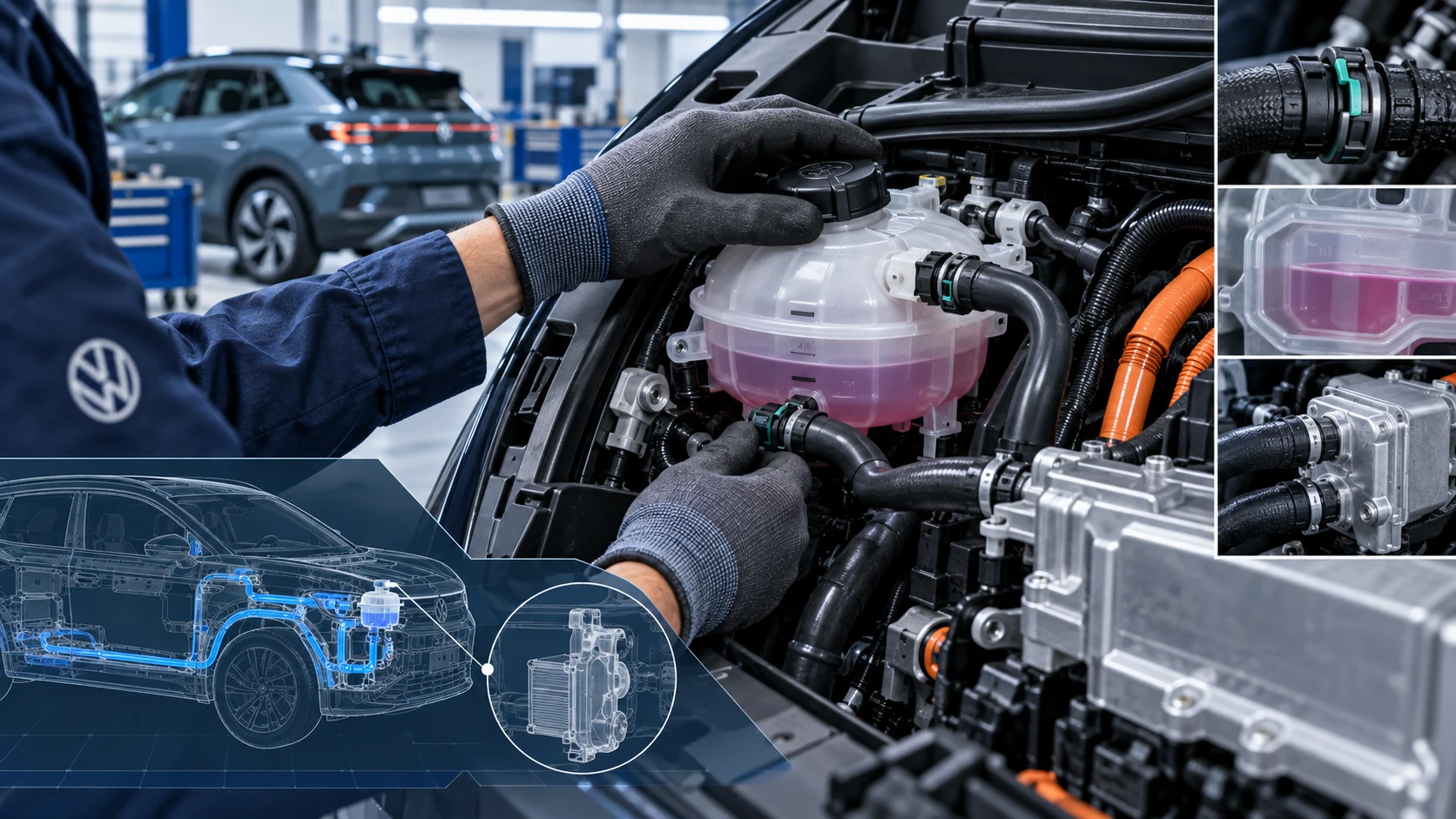 ID.4 Guide
Volkswagen ID.4 cooling system guidance covering coolant-related service information, inspection points and important precautions for thermal management components.
Read guide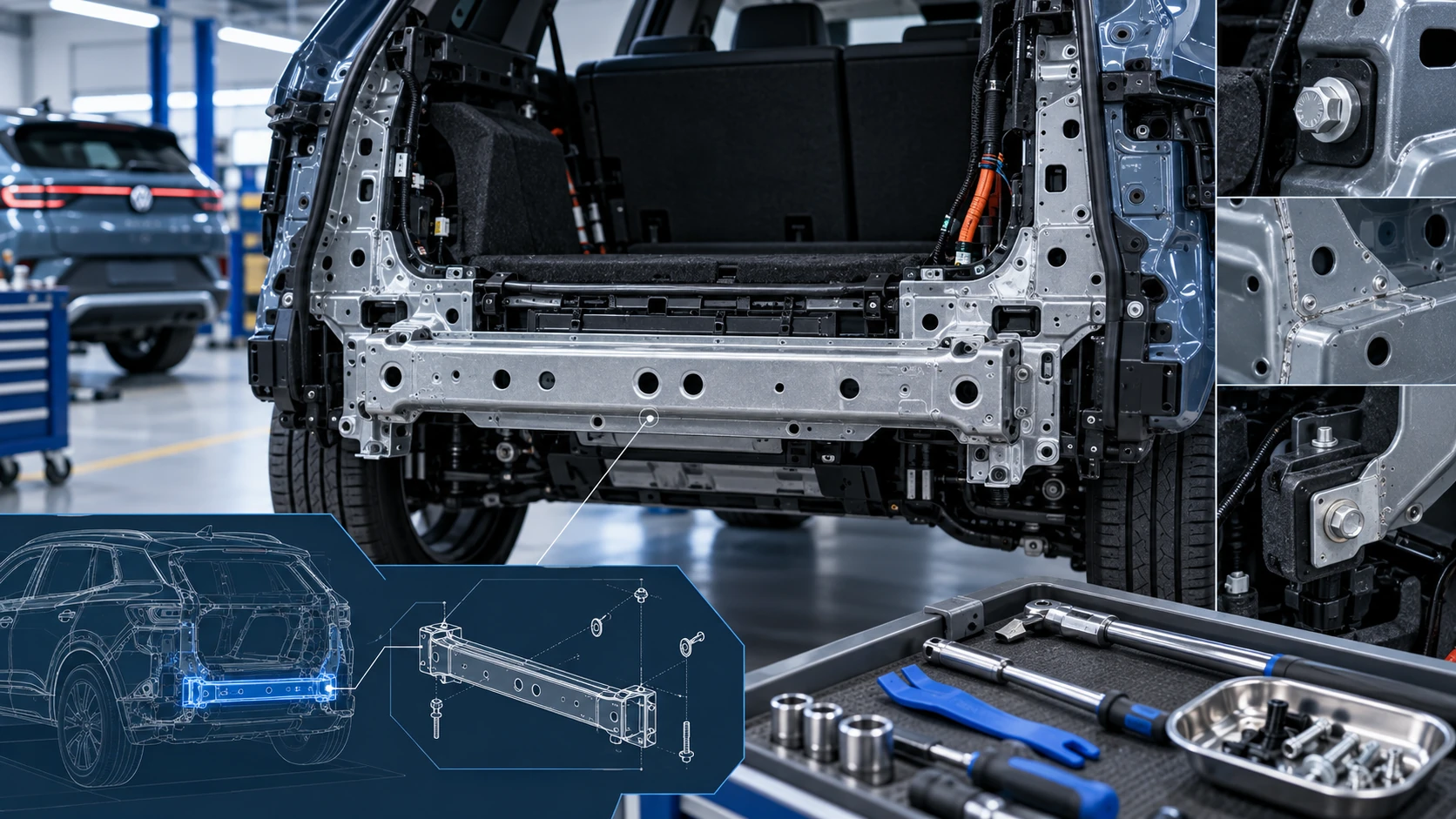 ID.4 Guide
Service information for the Volkswagen ID.4 rear cross member, including component location, attachment points and repair-oriented removal and installation guidance.
Read guide