



Apple CarPlay
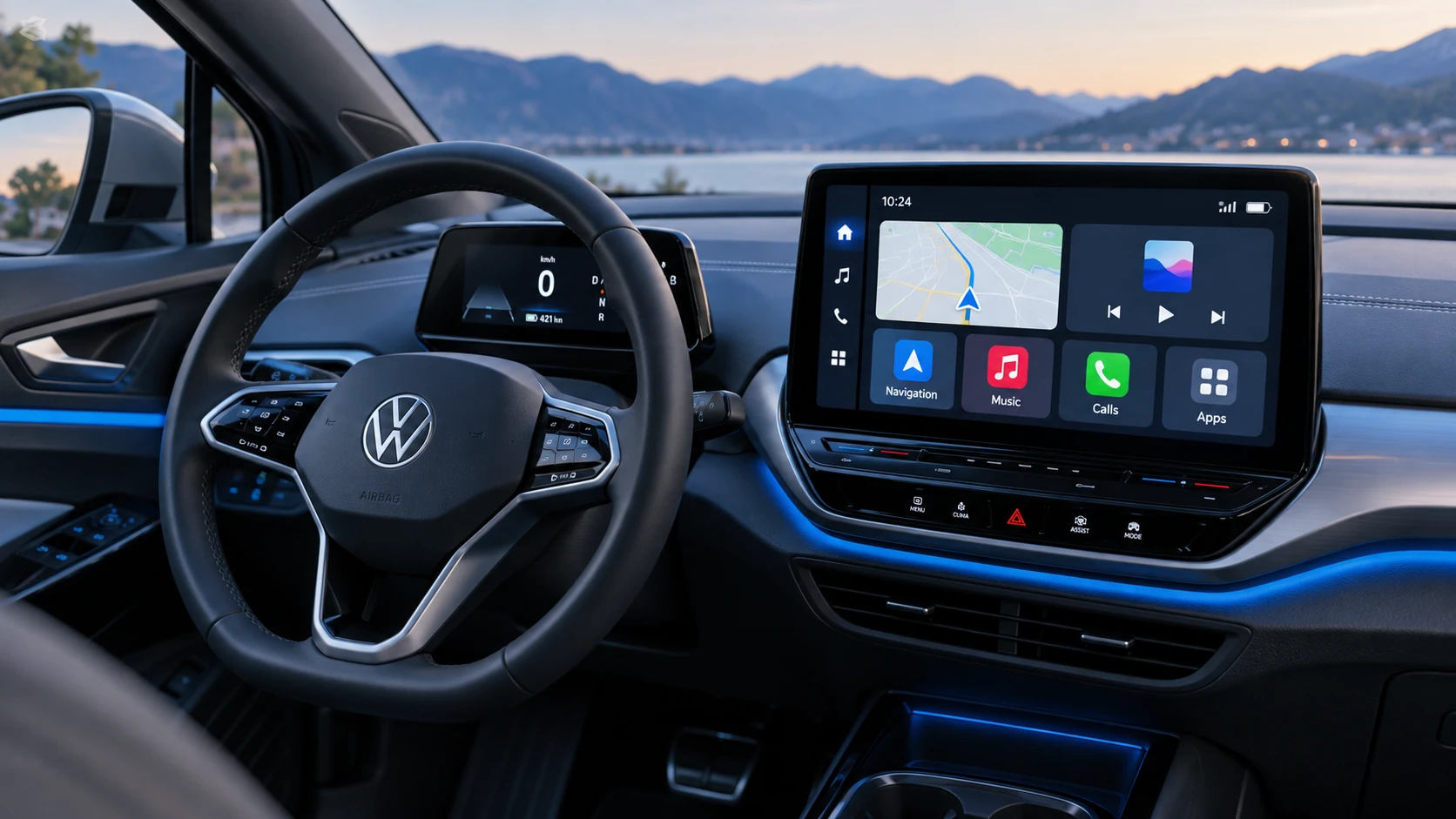
See how Apple CarPlay works in the Volkswagen ID.4, including smartphone integration, navigation, calls, music and key infotainment functions.
Read guide




Requirements
✓ Park Assist Plus is activated in the Volkswagen ID.4.
✓ A suitable parking space has been detected and selected.
✓ The Volkswagen ID.4 is correctly positioned at the starting point, and its trajectory is highlighted in blue in the Infotainment display.
Driving into parking spaces
1. Stop the Volkswagen ID.4 using the brake pedal.
2. Tap
 in the Infotainment system.
3. Release the steering wheel to allow the Volkswagen ID.4 to steer automatically.
4. Release the brake pedal.
The automatic parking process in the Volkswagen ID.4 begins.
5. Monitor the instructions and visual feedback in the Infotainment system carefully.
During the maneuver, Park Assist Plus in the Volkswagen ID.4 may independently change direction as needed.
6. Once the vehicle reaches the final position, wait until all steering movements are completed to ensure optimal alignment →
 .
.
When parking is complete, a confirmation message appears in the Infotainment system and an audible signal is emitted.
The electronic parking brake is automatically engaged in the Volkswagen ID.4.
7. Secure the vehicle.
WARNING
During automatic parking in the Volkswagen ID.4, the steering wheel may turn rapidly. Interfering with it may lead to serious injury.
Assistance during a parking attempt
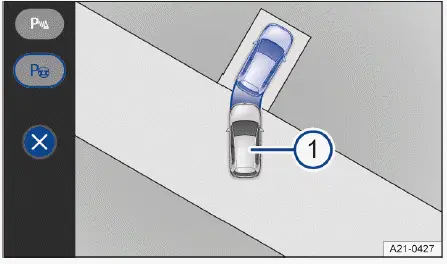
Fig. 1 Infotainment system: taking over the parking
process from the driver.
In complex situations, where an initial parking attempt has already been made, the Volkswagen ID.4 Park Assist Plus can take over and complete the maneuver automatically → fig. 1.
Requirements
✓ Park Assist Plus is currently not active.
✓ The Volkswagen ID.4 has already partially entered a parking space.
Reversing into a parking space
1. Stop the Volkswagen ID.4 with the brake pedal.
In the Infotainment system, the
 function key signals a detected parking space.
2. Activate Park Assist Plus by tapping
 .
.
3. Start the maneuver by tapping
 .
.
4. Release the steering wheel.
5. Release the brake and follow the system instructions displayed for the Volkswagen ID.4.
Drive the front of the vehicle into a parking space
1. Stop the Volkswagen ID.4 with the brake pedal.
2. Tap the
 control for the parking
menu.
control for the parking
menu.
3. Tap
 in the Infotainment system
to begin the parking maneuver.
in the Infotainment system
to begin the parking maneuver.
4. Release the steering wheel.
5. Release the brake and follow all displayed instructions for the Volkswagen ID.4.
 You can reduce the speed during automatic parking by gently applying the brake pedal, ensuring maximum control and safety.
For best performance, always ensure that the sensors and cameras of the Volkswagen ID.4 are clean and unobstructed, and remain attentive throughout the parking process.

Selected owner and service information from our Volkswagen ID.4 manual library.
 ID.4 Guide
See how Apple CarPlay works in the Volkswagen ID.4, including smartphone integration, navigation, calls, music and key infotainment functions.
Read guide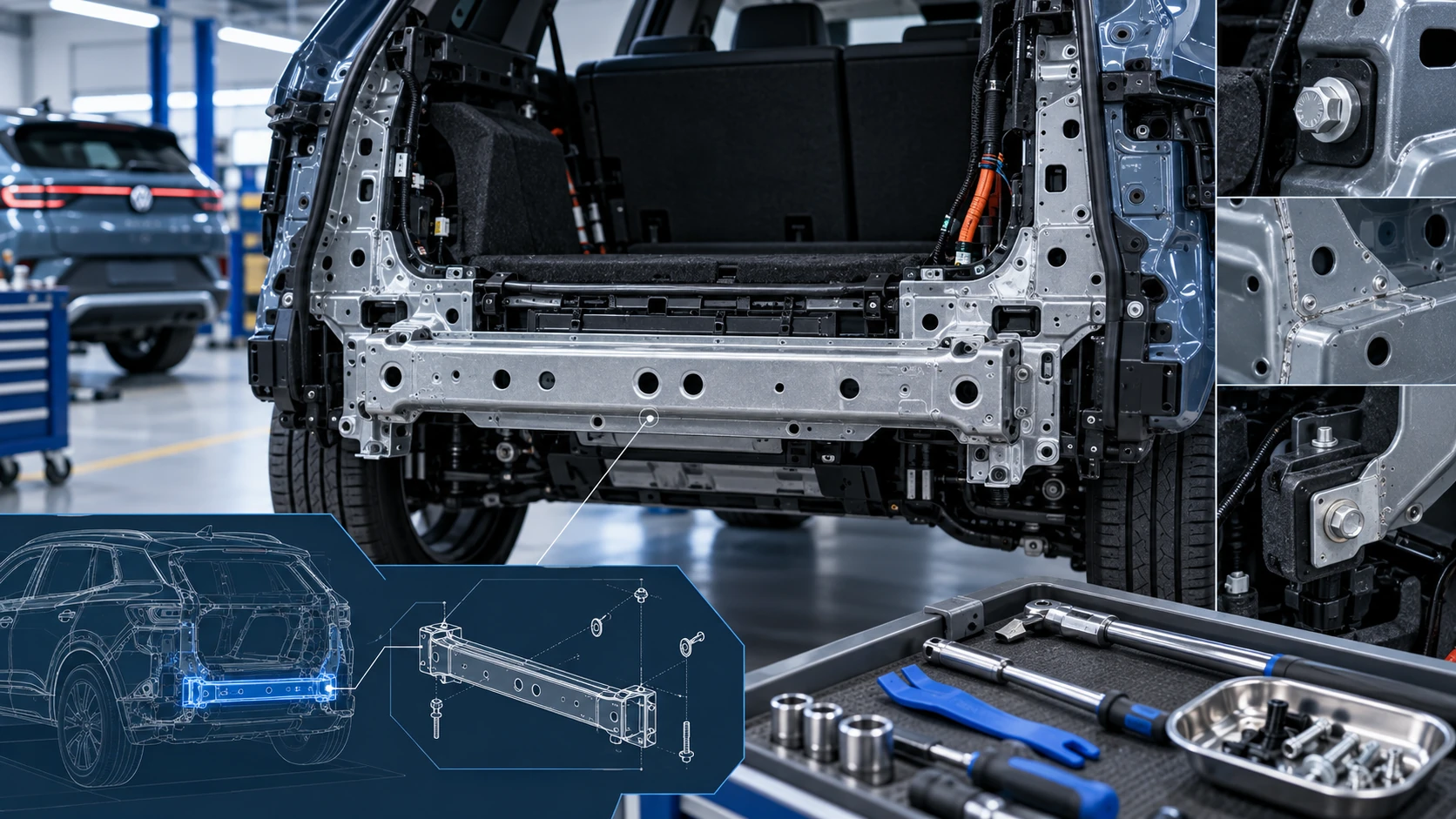 ID.4 Guide
Service information for the Volkswagen ID.4 rear cross member, including component location, attachment points and repair-oriented removal and installation guidance.
Read guide