



Plastic Repair
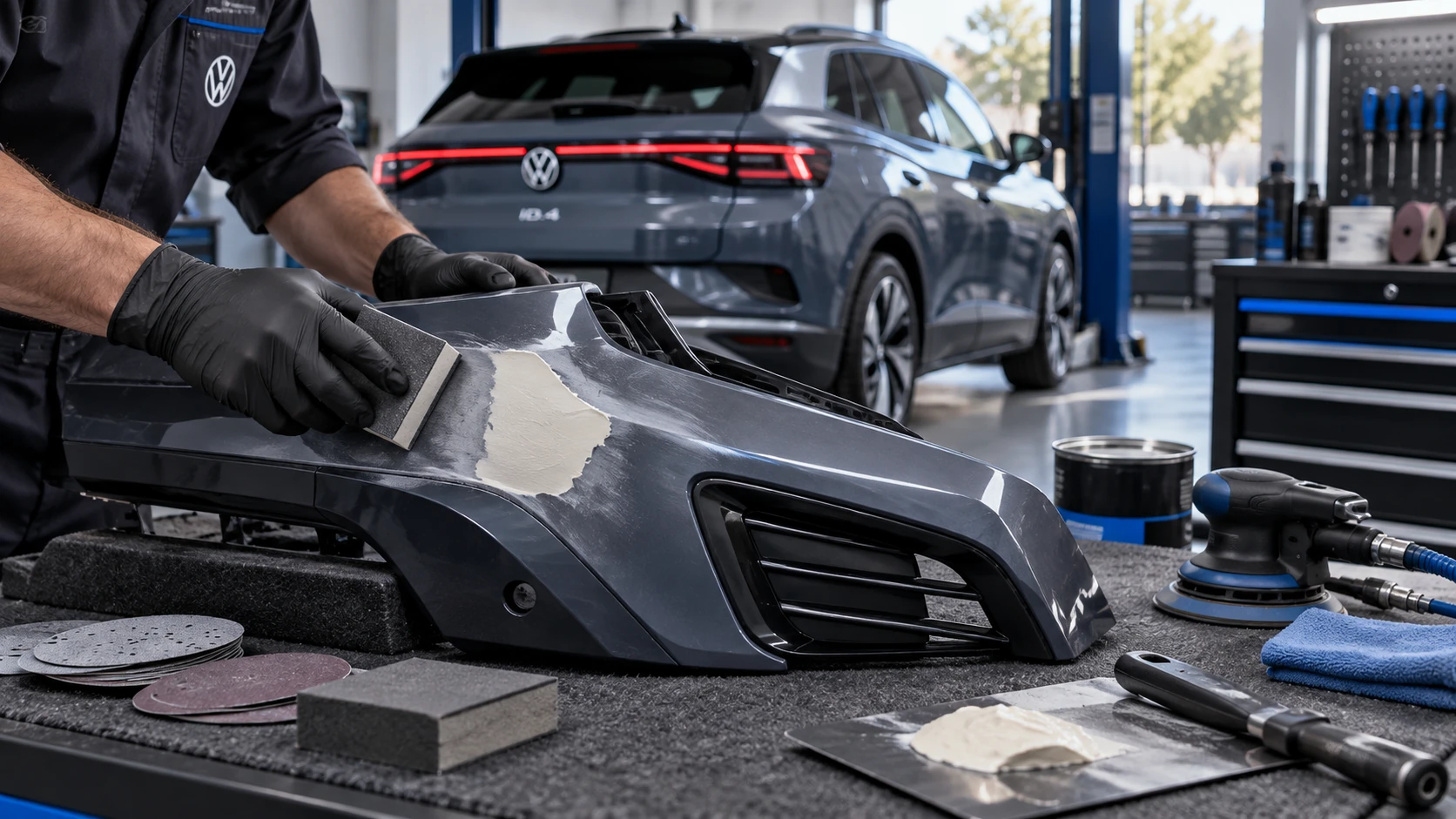
Volkswagen ID.4 plastic repair procedures covering surface preparation, filler work, sanding and restoration of damaged plastic exterior components.
Read guide




Audio, media, connectivity
The range of available multimedia functions in the Volkswagen ID.4 depends on the vehicle configuration and regional availability. Not all features or formats may be supported in every market, but the Volkswagen ID.4 is designed to deliver a modern, flexible, and high-quality media experience.
General symbols for media operation
1. To open the main media menu, access the home screen and tap
 .
.
 Open the currently playing media.
 Start playback.
 Pause playback.
 Go to the previous track.
 Skip to the next track.
 Repeat the current track.
 Repeat all tracks in the playlist.
 Enable random playback mode.
 Display the favorites list.
 Add a media file to the favorites list.
 Top right: Select the desired media source.
 Open media settings.
 Open search function.
 Navigate back one folder level in the media directory.
Symbols for media sources
 Select My Media as a source. Connected USB devices are displayed here.
 Select a Bluetooth-connected device as a media source.
Symbols for categories and groups of media files
 Music tracks.
 Videos.
 Playlists.
 Albums.
 Artists.
 Genres.
 Podcasts.
 Audiobooks.
Video replay symbols
 Play video in full-screen mode.
 Minimize video playback.

Selected owner and service information from our Volkswagen ID.4 manual library.
 ID.4 Guide
Volkswagen ID.4 plastic repair procedures covering surface preparation, filler work, sanding and restoration of damaged plastic exterior components.
Read guide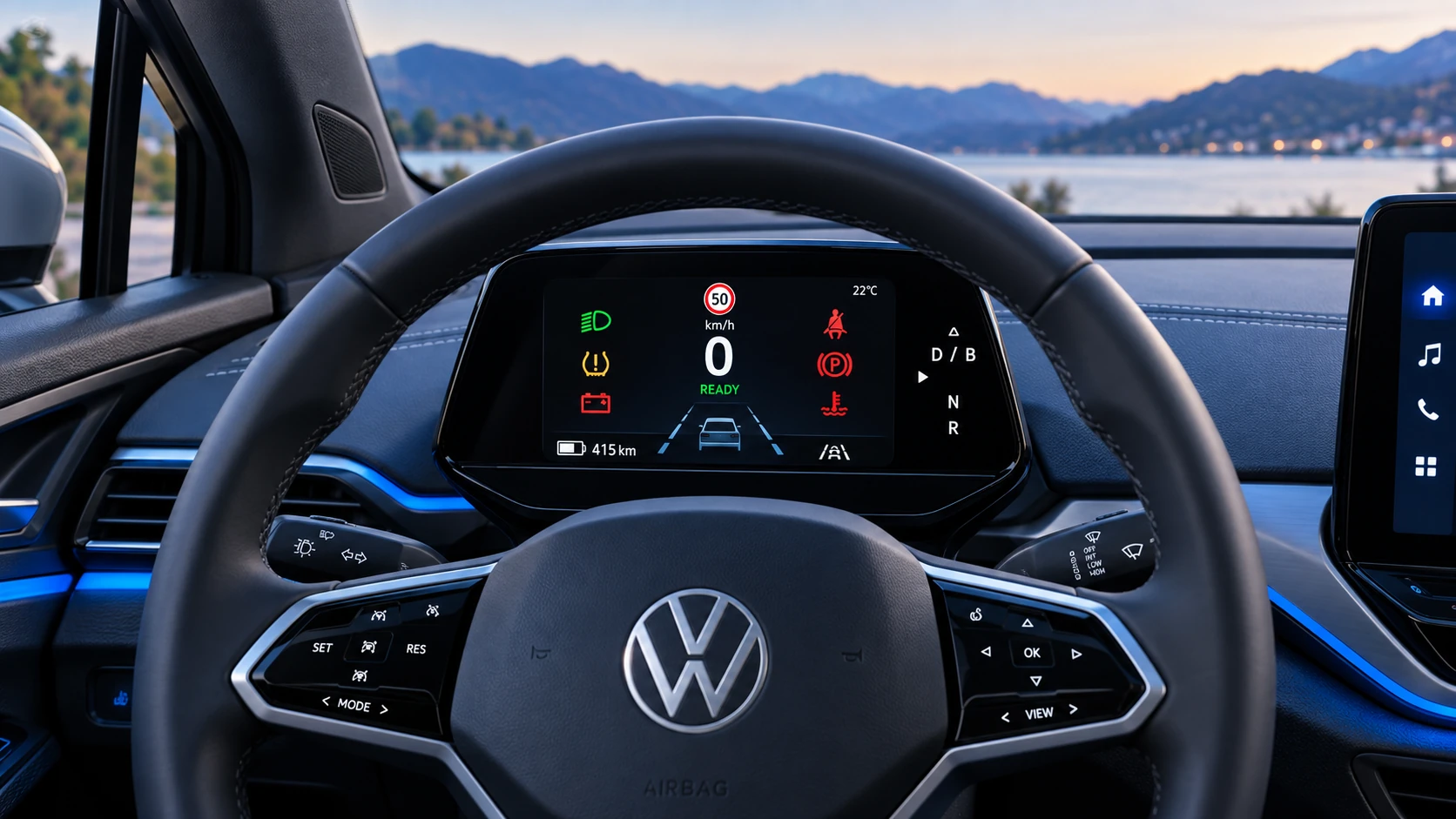 ID.4 Guide
A practical overview of Volkswagen ID.4 instrument cluster symbols, warning lights and status indicators to help drivers understand the display quickly.
Read guide