



Bidirectional Charging
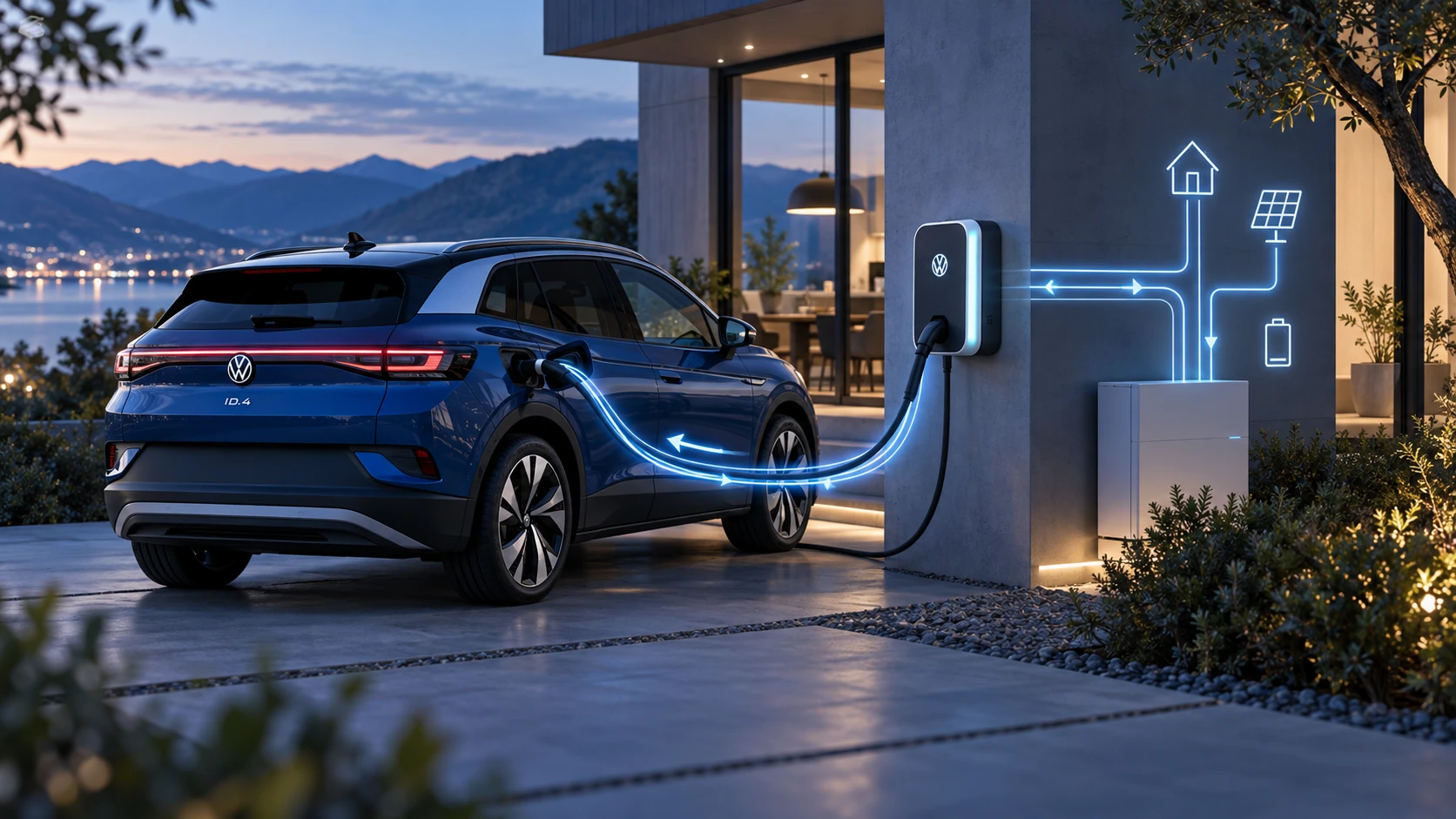
Learn the basics of Volkswagen ID.4 bidirectional charging, including energy flow concepts, home power use and vehicle-to-home charging capability.
Read guide




Selecting a media source
1. To play content from an external device in the Volkswagen ID.4, first connect the device.
2. Select the connected media source from the available list.
 Playing audio and video files
Before playback begins in the Volkswagen ID.4, a valid media source must be connected and selected.
The system provides several intuitive ways to browse and play media content.
 Searching the folder structure
All files stored on USB devices are categorized automatically (e.g. albums or artists). This structured view is always accessible under My Media in the Volkswagen ID.4.
1. Tap the desired folder.
The selected folder structure will be displayed. In My Media, both categories and connected devices are visible.
2. Browse through folders to find the desired track.
Or: tap the search function to start a full-text search.
The input field will appear.
3. Enter the name of the track.
Results update dynamically as you type.
4. Tap the desired track to begin playback.
If the selected track belongs to a folder, all files within that folder will be added to the playback queue.
If a playlist is selected, all tracks within the playlist will be queued for playback.
5. Close the selection window.
 Selecting from favorites
You can save frequently played content such as tracks, albums, artists, or genres as favorites in the Volkswagen ID.4.
1. Open the Favorites menu.
2. Select your saved favorite.
Depending on the selection, related tracks may also be added to the playback queue.
 Saving favorites
Only media files visible in the Music and Video sections of My Media can be saved as favorites in the Volkswagen ID.4.
1. Start playback of the desired content.
2. Tap
 .
.
3. Tap
 .
.
Or: press and hold an existing favorite slot for approximately three seconds.
4. Select the type of favorite, such as track or album.
The selection is saved. If the slot is already occupied, the previous entry will be replaced.
The Volkswagen ID.4 Infotainment system provides a highly customizable and intuitive multimedia environment, ensuring seamless access to your preferred content across all connected devices.

Selected owner and service information from our Volkswagen ID.4 manual library.
 ID.4 Guide
Learn the basics of Volkswagen ID.4 bidirectional charging, including energy flow concepts, home power use and vehicle-to-home charging capability.
Read guide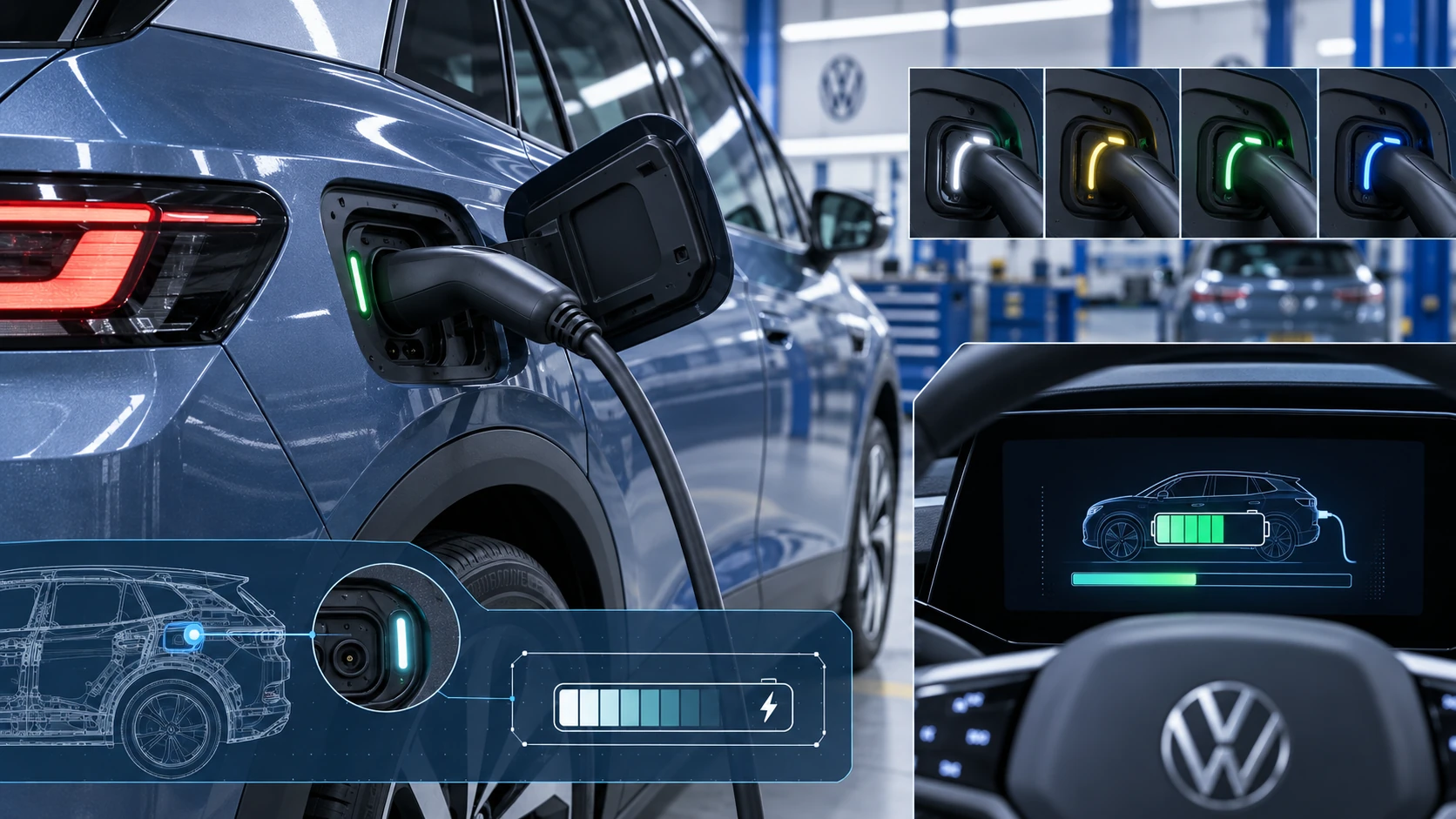 ID.4 Guide
Learn how the Volkswagen ID.4 charging process indicator shows charging status, progress and key visual signals during AC and DC charging.
Read guide