



Switching the Ignition On and Off
How to switch the Volkswagen ID.4 ignition on and off correctly, including the basic operating conditions and what the driver should expect from the vehicle.
Read guide




The available functions and displayed symbols in the Volkswagen ID.4 phone interface may vary depending on the vehicle equipment, country, and the connected mobile device. Compatibility also depends on the operating system of the smartphone being used.
Functions
Symbols in the main menu
1. To open the main menu, access the home screen and tap
 .
.
 Open contact list.
 Open incoming and outgoing calls lists.
 Dial a telephone number.
 Open messages (SMS
and, depending on your region, e-mail).
Open messages (SMS
and, depending on your region, e-mail).
 Select the active device from multiple connected smartphones.
 Opening the settings menu.
Symbols for telephone calls
 Handle and display an ongoing call.
 End or decline a call.
 Mute the hands-free system.
 Put a call on hold.
 Decline a call using an SMS
template.
Decline a call using an SMS
template.
 Add participants to a conference call or initiate one.
 Make an emergency call (SOS).
 Receive breakdown assistance.
 Access voice mail.
 Receive Volkswagen service information and travel services.
Symbols in the contact list
1. To open the contact list, tap
 .
.
 Input to search for contacts.
 Address details.
 Editing favorites.
 Add favorites.
 Remove favorites.
Call list symbols
1. To open the call lists, tap on
 .
.
 Received incoming call.
 Outgoing call.
 Missed call.
 Frequent calls or favorites from your mobile device.
 Telephone number (company).
 Telephone number (private).
 Cell phone number.
 Fax device.
 Fax device (company).
 Fax device (private).
Text message symbols
1. To open the text messages, tap on
 .
.
 Top left: Select active input.
 Received text message.
 Sent text message.
 Template for text messages.

Selected owner and service information from our Volkswagen ID.4 manual library.
 ID.4 Guide
How to switch the Volkswagen ID.4 ignition on and off correctly, including the basic operating conditions and what the driver should expect from the vehicle.
Read guide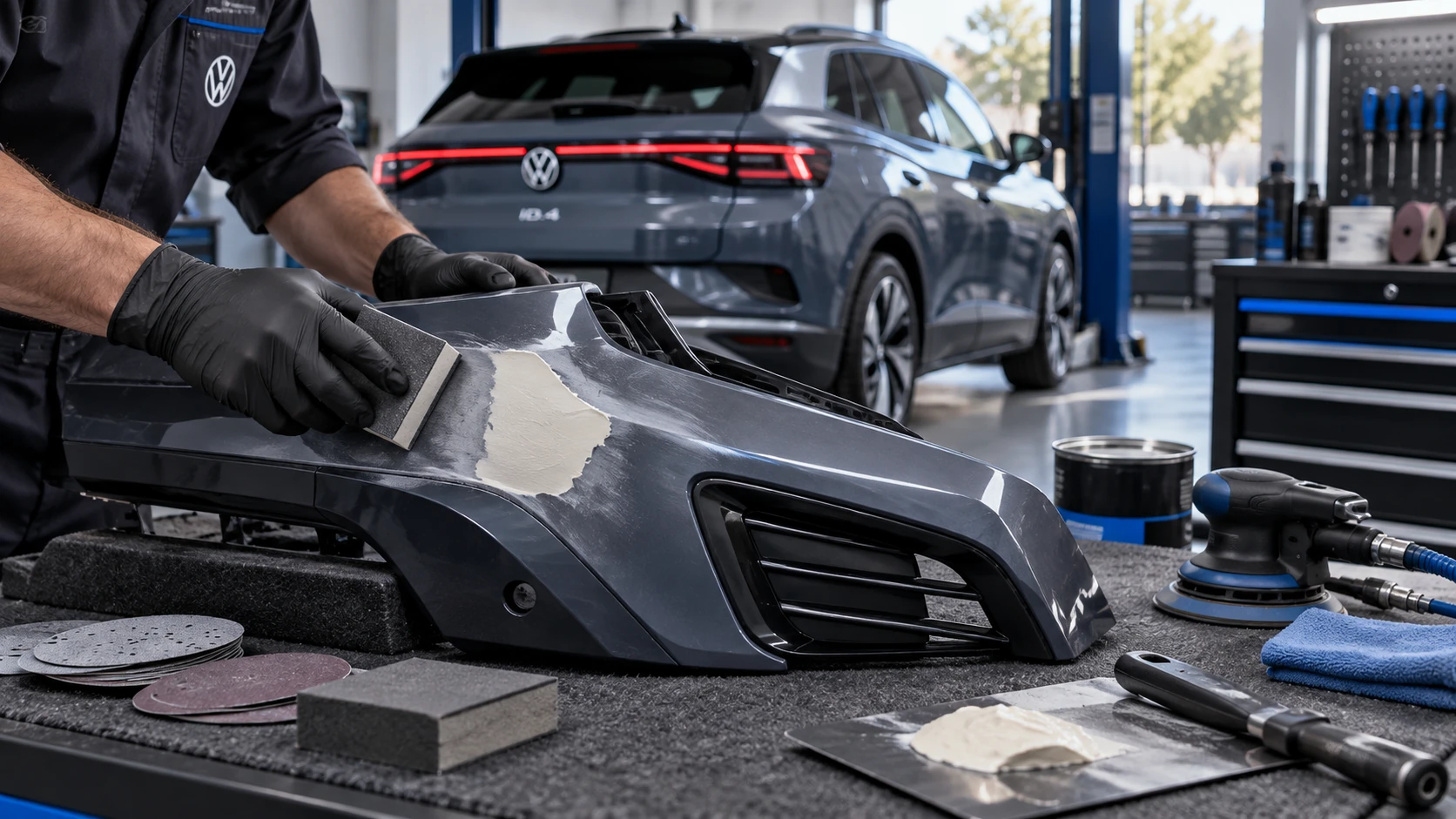 ID.4 Guide
Volkswagen ID.4 plastic repair procedures covering surface preparation, filler work, sanding and restoration of damaged plastic exterior components.
Read guide