



Joining and Separating Techniques
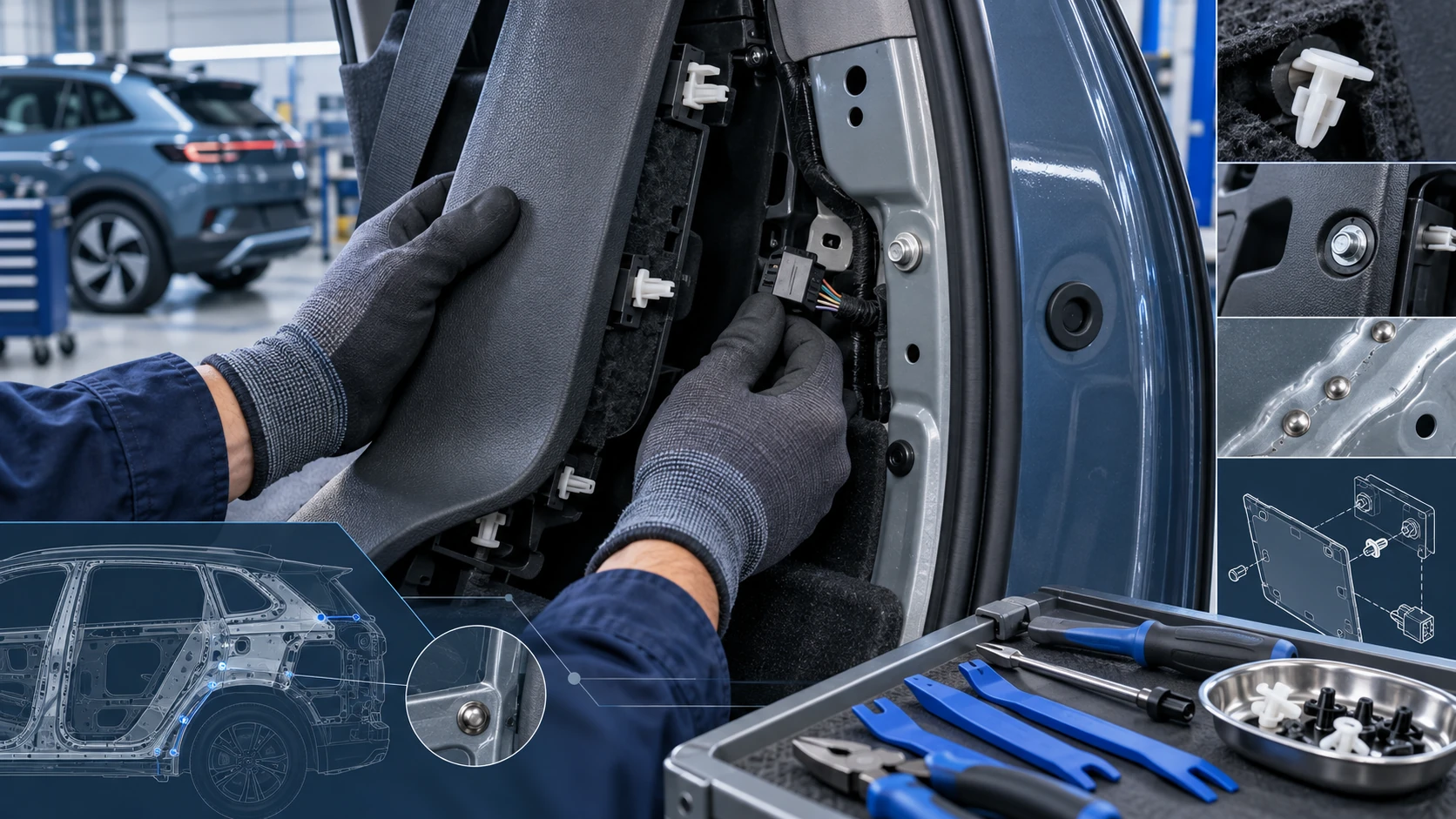
Practical Volkswagen ID.4 service procedures for joining and separating components, connectors and assemblies correctly and without unnecessary damage.
Read guide




Depending on the equipment version of the Volkswagen ID.4, traffic information reception may not be available in all Infotainment systems or in every country.
With an active Internet connection, the Volkswagen ID.4 Infotainment system automatically receives detailed, real-time traffic data. This information is clearly visualized on the navigation map using symbols and color-coded road segments, helping the driver better understand current traffic conditions.
 Traffic information in the Volkswagen ID.4 is only available if permitted by the selected privacy settings. No traffic data is received when the system is operating in offline mode.
Traffic disruptions
Traffic disruptions such as congestion, accidents, or road closures are displayed directly on the navigation map of the Volkswagen ID.4 using intuitive symbols (→ Navigation).
If relevant data is available, these disruptions are also listed in the route plan, allowing you to quickly identify delays along your journey.
When route guidance is active in the Volkswagen ID.4, disruptions affecting your current route are highlighted. You can choose to avoid these disruptions by adjusting your route accordingly.
Avoiding traffic disruptions
1. Tap the traffic disruption symbol on the map.
2. Tap Avoid.
The Volkswagen ID.4 navigation system will automatically recalculate the route to bypass the selected disruption.
 Only one traffic disruption can be actively avoided at a time during a single route guidance session.
 Local warnings, such as severe weather alerts, may appear as pop-up notifications in the Infotainment system of the Volkswagen ID.4.
Traffic flow display
The Volkswagen ID.4 navigation system uses color-coded road markings to indicate traffic flow conditions in real time.
Orange Stop-and-go traffic.
Red Traffic jam.
Introduction
The phone interface in the Volkswagen ID.4 allows you to connect your smartphone and control its functions directly through the Infotainment system. Audio is transmitted via the vehicle’s speaker system for clear and convenient communication.
Up to two mobile devices can be connected simultaneously to the Volkswagen ID.4 Infotainment system (→ Phone interface), offering flexibility for multiple users.
Available features depend on the vehicle equipment, regional availability, and the compatibility of the connected smartphone and its operating system.
External factors such as high driving speeds, adverse weather conditions, road surface quality, background noise, and mobile network coverage may affect call quality in the Volkswagen ID.4.
The integrated phone interface may include a signal amplifier to enhance reception quality for connected mobile devices.
 Typically, a smartphone only needs to be paired once with the Volkswagen ID.4. After initial pairing, the device can reconnect automatically via Bluetooth or Wi-Fi without repeating the process.
 When using the hands-free system at high volume, conversations may be audible outside the Volkswagen ID.4, which could affect privacy.
The Volkswagen ID.4 combines real-time traffic intelligence with advanced connectivity features, ensuring a safer, more informed, and комфортний driving experience.
Locations with special regulations
In the Volkswagen ID.4, it is essential to switch off your cell phone and deactivate the phone interface in environments where there is a potential risk of explosion. These areas are not always clearly marked, so extra caution is required. Typical examples include:
WARNING
In potentially explosive environments, such as near gas stations or similar restricted areas, ignition sparks caused by electrostatic discharge or active mobile devices can trigger explosions or fires, leading to severe or fatal injuries.
NOTICE
Radio signals emitted by active mobile phones can interfere with sensitive electronic or medical equipment, potentially causing malfunctions or damage.
Types of phone interface
Depending on the configuration and market version of the Volkswagen ID.4, the vehicle may support different types of mobile phone interfaces designed for enhanced connectivity and convenience.
The standard phone interface in the Volkswagen ID.4 operates using the Hands-Free Profile (HFP) via Bluetooth technology. This allows drivers to manage calls directly through the Infotainment system, with audio playback routed through the vehicle’s speakers for safe, hands-free communication.
In addition to the basic functionality, the Convenience phone interface in the Volkswagen ID.4 also utilizes the HFP Bluetooth profile for seamless connectivity.
This enhanced system may include wireless charging capabilities (→ Sockets). To use this feature, a compatible smartphone must be correctly positioned within the designated storage compartment.
Depending on the vehicle equipment and smartphone compatibility, placing the device in the compartment may also connect it to the vehicle’s external antenna. This improves signal strength, call clarity, and overall communication quality inside the Volkswagen ID.4.
The Volkswagen ID.4 ensures safe and reliable mobile connectivity while maintaining strict compliance with safety regulations in sensitive environments.

Selected owner and service information from our Volkswagen ID.4 manual library.
 ID.4 Guide
Practical Volkswagen ID.4 service procedures for joining and separating components, connectors and assemblies correctly and without unnecessary damage.
Read guide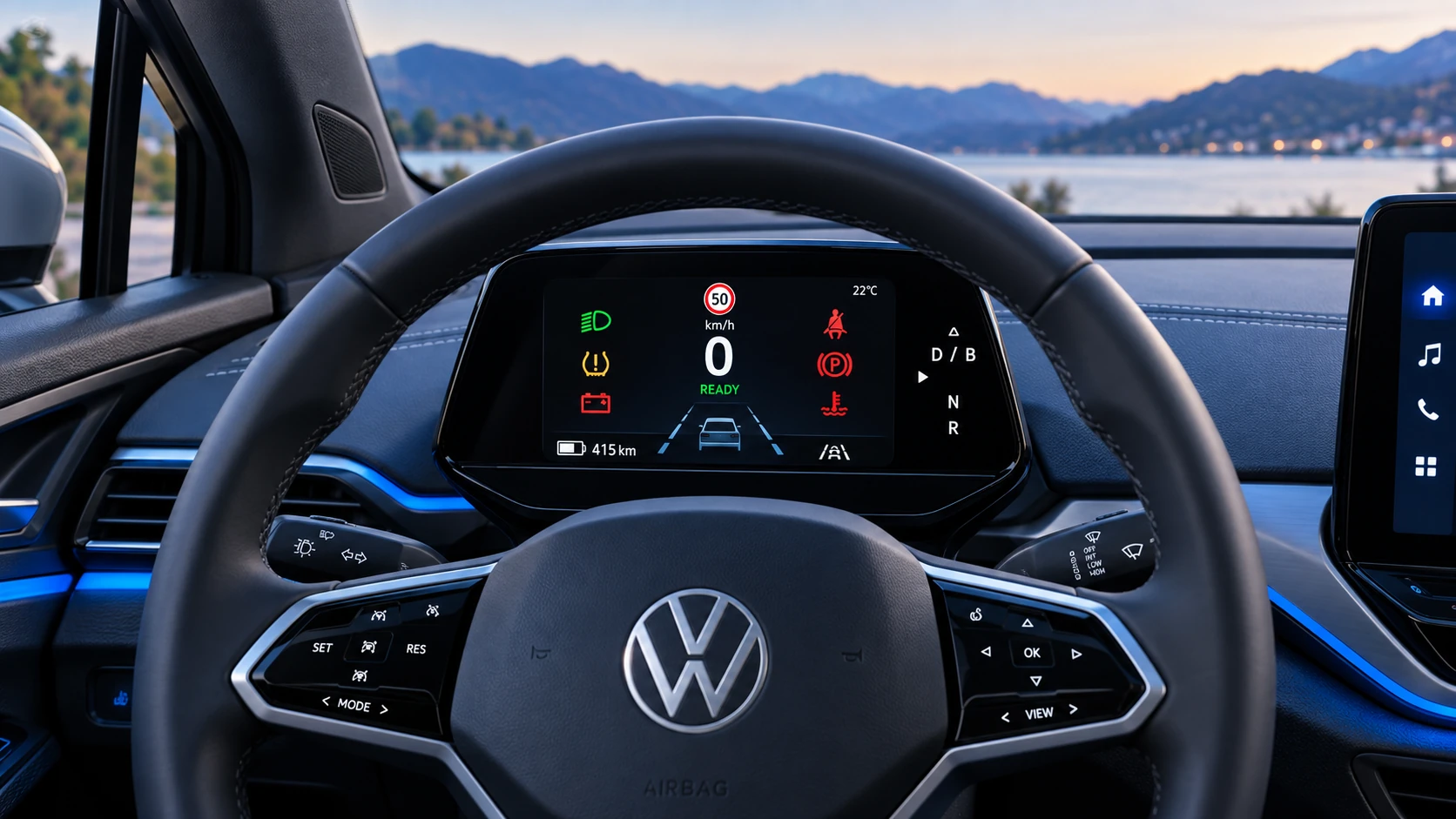 ID.4 Guide
A practical overview of Volkswagen ID.4 instrument cluster symbols, warning lights and status indicators to help drivers understand the display quickly.
Read guide