



Apple CarPlay
See how Apple CarPlay works in the Volkswagen ID.4, including smartphone integration, navigation, calls, music and key infotainment functions.
Read guide




Left-hand drive vehicles: Opening the fuse box in the instrument panel
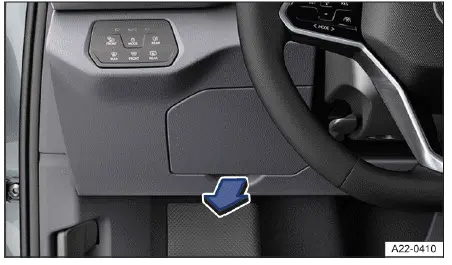
Fig. 1 Fuse box cover on the instrument panel on the driver's side (left-hand drive vehicles).
Removing the cover
1. Reach behind the fuse cover and pull it in the direction of the arrow → fig. 1 to remove it.
Fitting the cover
1. Reinstall the cover by positioning it on the opposite side first, then press it into place until it clicks securely.
Right-hand drive vehicles: opening the fuse box in the instrument panel
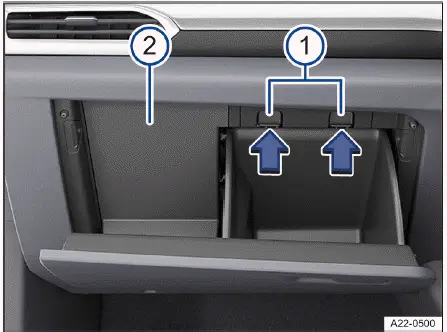
Fig. 2 On the passenger's side: Fuse box in the instrument panel (right-hand drive vehicles).
Removing the cover
1. Open the glove compartment of the Volkswagen ID.4 and remove any stored items if necessary.
2. Press the retaining clips in the direction of the arrow while opening the glove compartment further → fig. 2 -1-.
3. Reach behind the cover from the side and pull it backward → fig. 2 -2-.
Fitting the cover
1. Insert the cover back into position and press it forward until it locks securely.
2. Close the glove compartment.

Selected owner and service information from our Volkswagen ID.4 manual library.
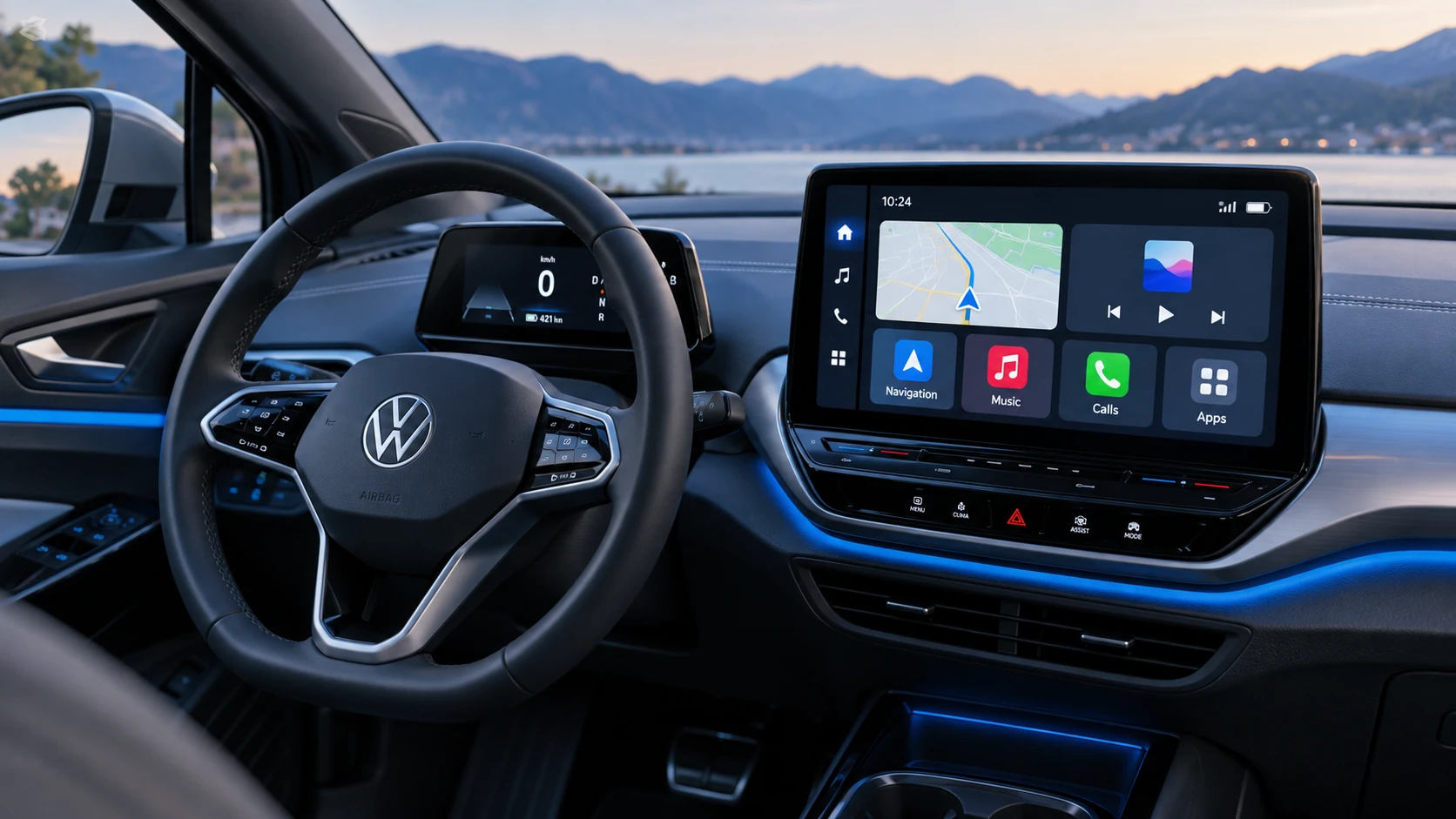 ID.4 Guide
See how Apple CarPlay works in the Volkswagen ID.4, including smartphone integration, navigation, calls, music and key infotainment functions.
Read guide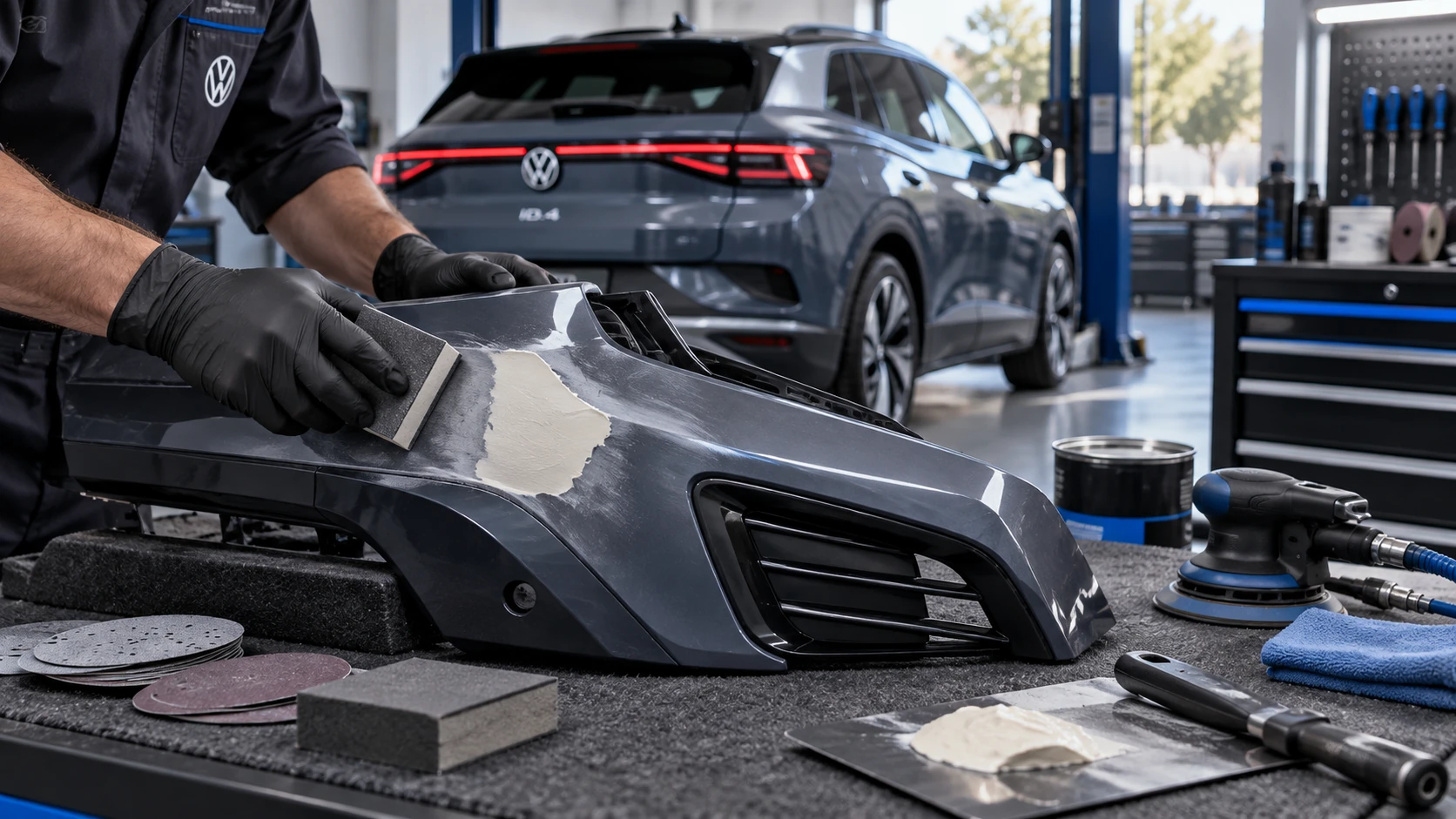 ID.4 Guide
Volkswagen ID.4 plastic repair procedures covering surface preparation, filler work, sanding and restoration of damaged plastic exterior components.
Read guide