



Joining and Separating Techniques
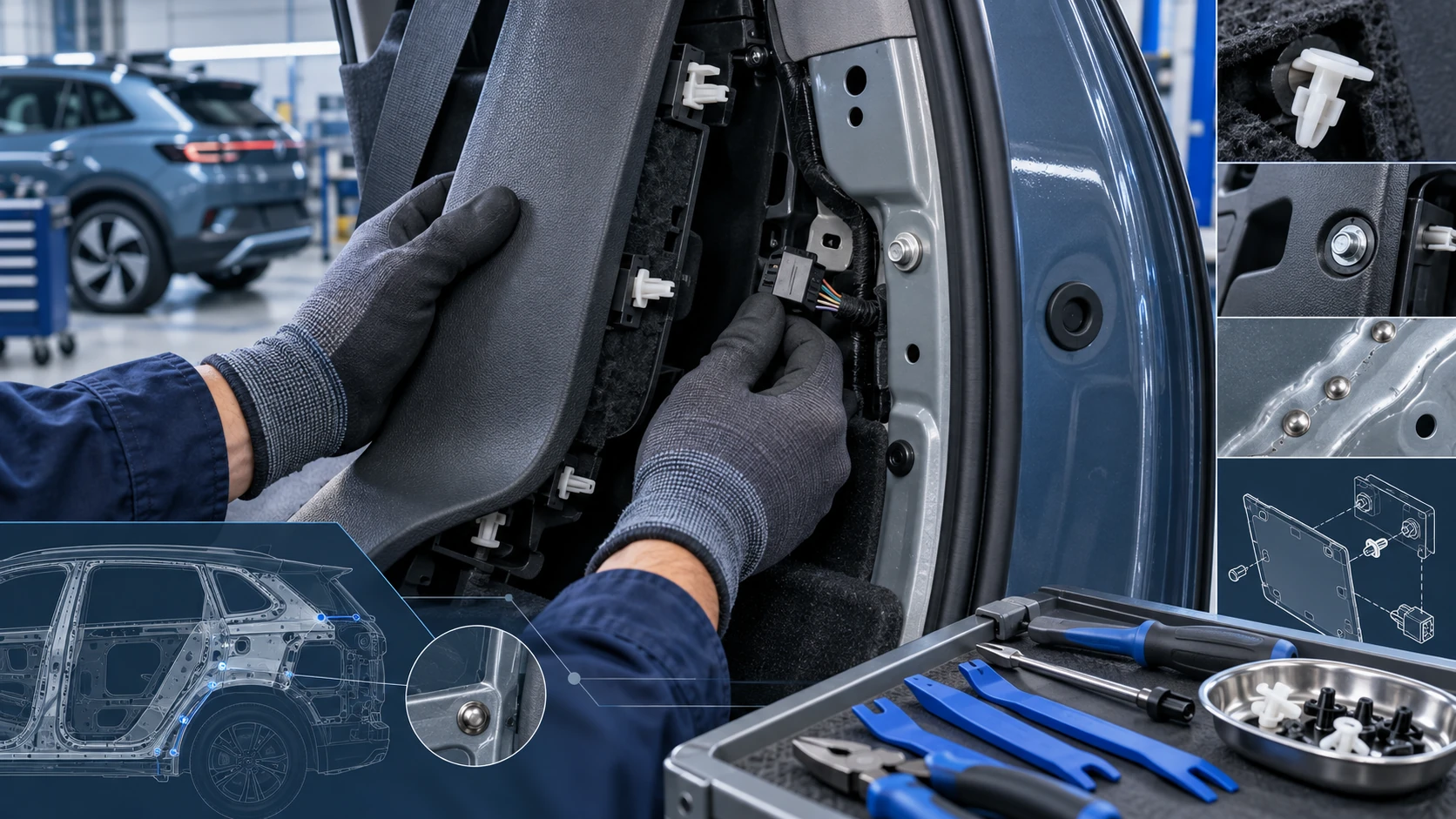
Practical Volkswagen ID.4 service procedures for joining and separating components, connectors and assemblies correctly and without unnecessary damage.
Read guide




Function keys
 Returns to the App-Connect main
menu in the Volkswagen ID.4. From here, you can disconnect MirrorLink, connect another smartphone, or switch to a different App-Connect technology.
Returns to the App-Connect main
menu in the Volkswagen ID.4. From here, you can disconnect MirrorLink, connect another smartphone, or switch to a different App-Connect technology.
 Tap to mirror the smartphone display directly onto the Volkswagen ID.4 Infotainment system screen.
 Tap to open the list of applications supported by MirrorLink in the Volkswagen ID.4.
 Tap to close running applications. You can close individual apps or select the Close all option to exit all active apps.
Requirements
✓ The smartphone must support MirrorLink technology.
✓ The smartphone must be connected to the Volkswagen ID.4 via a USB connection that supports data transfer.
✓ Use an original USB cable from the smartphone manufacturer for stable performance.
✓ Depending on the device, a compatible Car Mode app may be required to operate MirrorLink in the Volkswagen ID.4.
 Information about supported devices, certified apps, and system requirements can be found via Volkswagen or MirrorLink resources.
Connecting
When connecting a smartphone to the Volkswagen ID.4 for the first time, carefully follow the instructions displayed on both the Infotainment system and the smartphone screen.
Ensure all requirements are fulfilled before attempting to use MirrorLink in the Volkswagen ID.4.
1. Tap HOME
 App-Connect
 to open the App-Connect main menu.
2. Tap
 to
establish the connection with the smartphone.
to
establish the connection with the smartphone.
Disconnecting
1. To access the MirrorLink main menu, tap
 .
.
2. Tap
 to
terminate the active connection.
to
terminate the active connection.
Special conditions
When MirrorLink is active in the Volkswagen ID.4, the following conditions apply:

Selected owner and service information from our Volkswagen ID.4 manual library.
 ID.4 Guide
Practical Volkswagen ID.4 service procedures for joining and separating components, connectors and assemblies correctly and without unnecessary damage.
Read guide ID.4 Guide
How to switch the Volkswagen ID.4 ignition on and off correctly, including the basic operating conditions and what the driver should expect from the vehicle.
Read guide