



Rear Cross Member
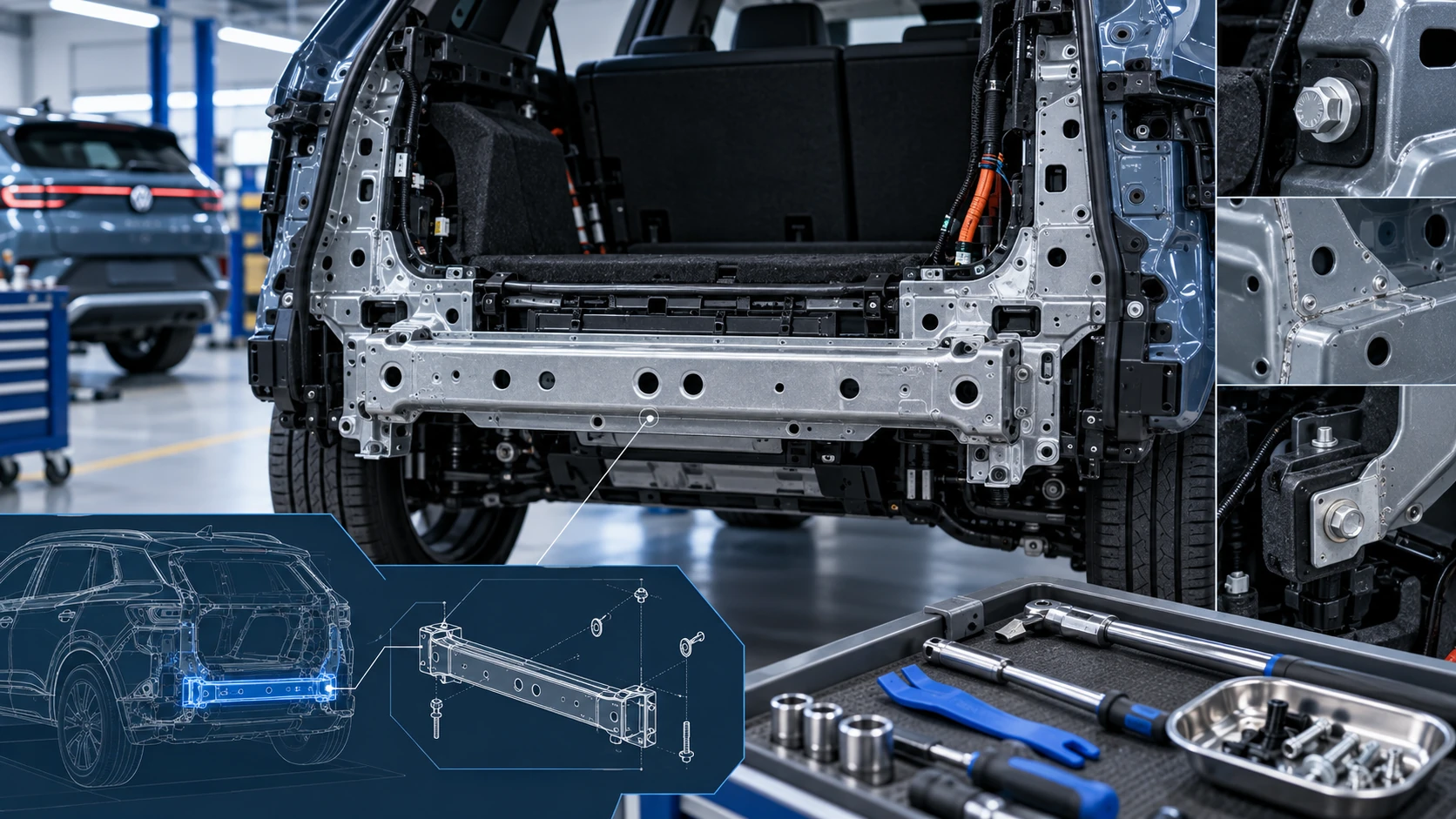
Service information for the Volkswagen ID.4 rear cross member, including component location, attachment points and repair-oriented removal and installation guidance.
Read guide




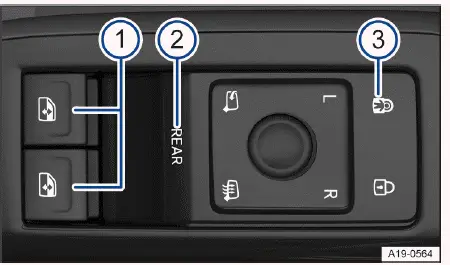
Fig. 1 In the driver door: Buttons for the front and rear
power windows.
 for activating the
rear power windows and convenience opening and closing.
for activating the
rear power windows and convenience opening and closing.In the Volkswagen ID.4, the
 → fig. 1 -1-
buttons are used to operate the front power windows quickly and conveniently.
→ fig. 1 -1-
buttons are used to operate the front power windows quickly and conveniently.
Opening the windows
1. Press the
 button to lower the selected window in the Volkswagen ID.4.
Closing the windows
1. Pull the
 switch upward to close the window.
Deactivating the power window buttons in the rear doors
1. Press the control panel → fig. 1 -3-.
The electric child safety lock in the Volkswagen ID.4 is activated simultaneously. When this function is active, the yellow indicator light confirms that rear window controls are disabled.
The windows in the Volkswagen ID.4 can still be operated for a short time after the ignition is switched off, provided the driver’s or front passenger door remains closed.
Using the Control

1. Briefly press the control
 →
fig. 1 -2- to enable operation of the rear power windows in the Volkswagen ID.4.
→
fig. 1 -2- to enable operation of the rear power windows in the Volkswagen ID.4.
When rear window operation is active, the indicator light illuminates.
2. Press the control
 →
fig. 1 -2- again to return control to the front windows.
→
fig. 1 -2- again to return control to the front windows.
If rear windows are not used after activation, the Volkswagen ID.4 automatically switches control back to the front windows after approximately ten seconds.
One-touch opening and closing function
The Volkswagen ID.4 is equipped with a one-touch function that allows windows to open or close fully with a single press or pull.
One-touch closing function
1. Briefly pull the window switch to the second detent.
One-touch opening function
1. Briefly press the window switch to the second detent.
Stopping the automatic closing/opening
1. Press or pull the window switch again to stop the motion.
Convenience opening and closing
Press and hold the REAR control to activate convenience opening or closing of all windows in the Volkswagen ID.4. When activated, the indicator light flashes.
Both buttons
 allow simultaneous control of all four windows.
If the function is not used within a few seconds, the system automatically reverts to standard front window operation.
Press and hold the control
 again to deactivate the feature.
The windows of the Volkswagen ID.4 can also be operated remotely when the ignition is off:
1. Press and hold the unlock or lock button on the key.
Or: On Volkswagen ID.4 models with Keyless Access, touch and hold the door handle sensor until the windows close. The key must be nearby.
2. Release the button or remove your finger to stop the process.
The turn signals will flash once to confirm that all windows are fully closed.
Convenience opening and closing settings can be adjusted in the Vehicle menu of the Infotainment system.
WARNING
Improper use of the power windows in the Volkswagen ID.4 may result in serious injuries.
WARNING
If the Volkswagen ID.4 is locked, windows cannot be opened from the inside, which may prevent escape in emergencies.
NOTICE
If windows remain open, rain or moisture may enter the Volkswagen ID.4 interior and damage electronic components.
 If the power windows malfunction, the one-touch function and pinch protection may not operate correctly. Contact a qualified specialist or Volkswagen service center.
 Convenience opening and closing in the Volkswagen ID.4 only works if one-touch functionality is active for all windows.
For optimal comfort and safety, regularly check the window mechanisms and ensure all controls in your Volkswagen ID.4 are functioning properly.

Selected owner and service information from our Volkswagen ID.4 manual library.
 ID.4 Guide
Service information for the Volkswagen ID.4 rear cross member, including component location, attachment points and repair-oriented removal and installation guidance.
Read guide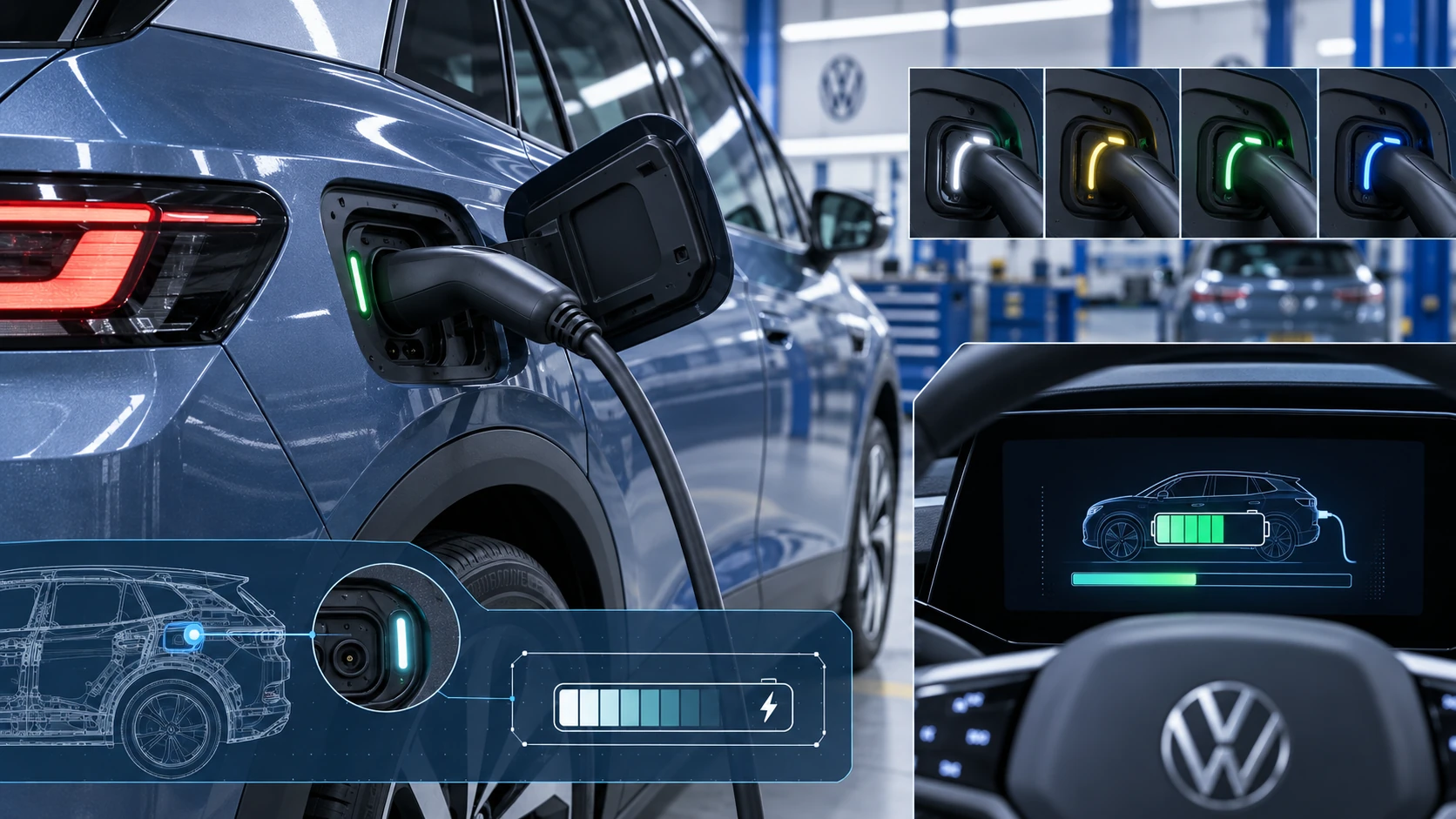 ID.4 Guide
Learn how the Volkswagen ID.4 charging process indicator shows charging status, progress and key visual signals during AC and DC charging.
Read guide