



Welding Plastic Attachments
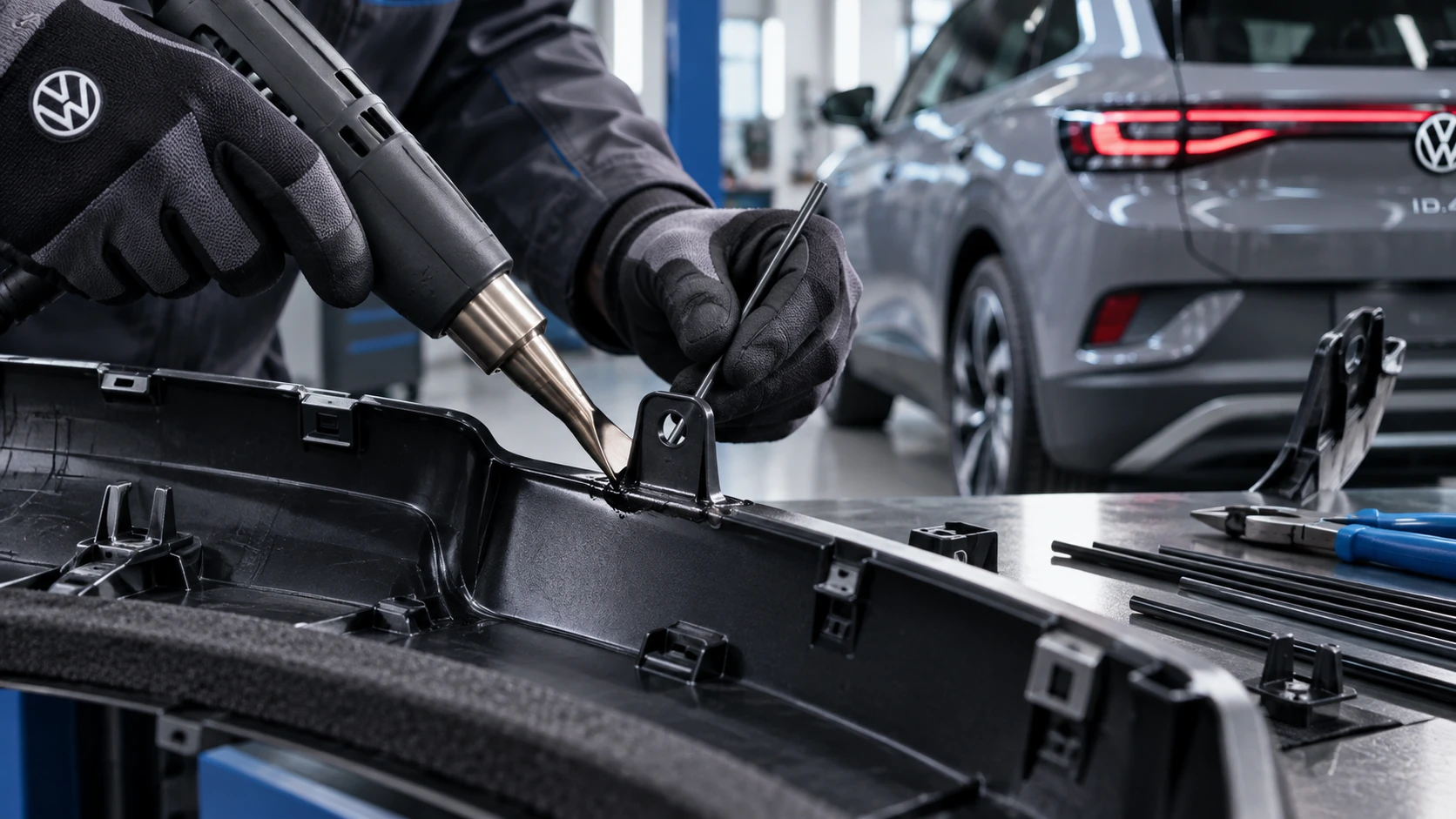
Professional Volkswagen ID.4 repair guidance for welding plastic attachments, securing damaged mounting points and restoring plastic components correctly.
Read guide




The stationary air conditioning system in the Volkswagen ID.4 allows you to pre-condition the cabin even when the vehicle is not in motion. This feature can operate without a charging connector being plugged in. In such cases, the system is powered directly by the high-voltage battery of the Volkswagen ID.4.
If no charging connector is connected, stationary air conditioning will only function when the high-voltage battery has sufficient charge. The system will not start if the Volkswagen Digital Cockpit indicates a critically low battery level (→ Charge level display and range).
Opening the Stationary air conditioning menu in the Infotainment system
 Stationary air conditioning menu
in the Infotainment system.
Stationary air conditioning menu
in the Infotainment system.
1. Tap the
 home button.
2. Tap
 to access the stationary air conditioning controls.
Setting your desired temperature
1. Open the Stationary air conditioning menu in the Infotainment system.
2. Tap
 .
.
3. Adjust the desired cabin temperature using the - and + controls to suit your comfort preferences in the Volkswagen ID.4.
Activating the air conditioning in the stationary vehicle immediately
 Activate immediate air
conditioning via the exit menu in the Infotainment system.
Activate immediate air
conditioning via the exit menu in the Infotainment system.
1. Engage the electronic parking brake.
2. Release the driver seat belt.
The exit menu will automatically appear in the Infotainment system.
3. In the exit menu, tap
 (→ Exit menu).
The stationary air conditioning in the Volkswagen ID.4 will run for approximately 30 minutes before switching off automatically.
Alternatively, you can program the system to activate before a scheduled departure time, ensuring a comfortable cabin temperature when you begin your journey (→ Stationary air conditioning).
Switching off the stationary air conditioning manually
1. Activate the electronic parking brake.
2. Release the driver seat belt.
The exit menu will be displayed.
3. Tap Immediate air conditioning in the exit menu to turn the system off.
Or: Tap
 in the Air conditioner
menu.
in the Air conditioner
menu.
Or: Deactivate stationary air conditioning remotely using the compatible mobile app connected to your Volkswagen ID.4.
The stationary air conditioning switches off automatically
The system will automatically deactivate under the following conditions in the Volkswagen ID.4:
 Audible operating sounds may occur while the stationary air conditioning system is running. This is normal and indicates that the system is actively regulating the cabin environment.
The stationary air conditioning feature in the Volkswagen ID.4 significantly improves comfort by allowing pre-heating or pre-cooling of the interior, while also helping maintain optimal battery efficiency when used correctly.

Selected owner and service information from our Volkswagen ID.4 manual library.
 ID.4 Guide
Professional Volkswagen ID.4 repair guidance for welding plastic attachments, securing damaged mounting points and restoring plastic components correctly.
Read guide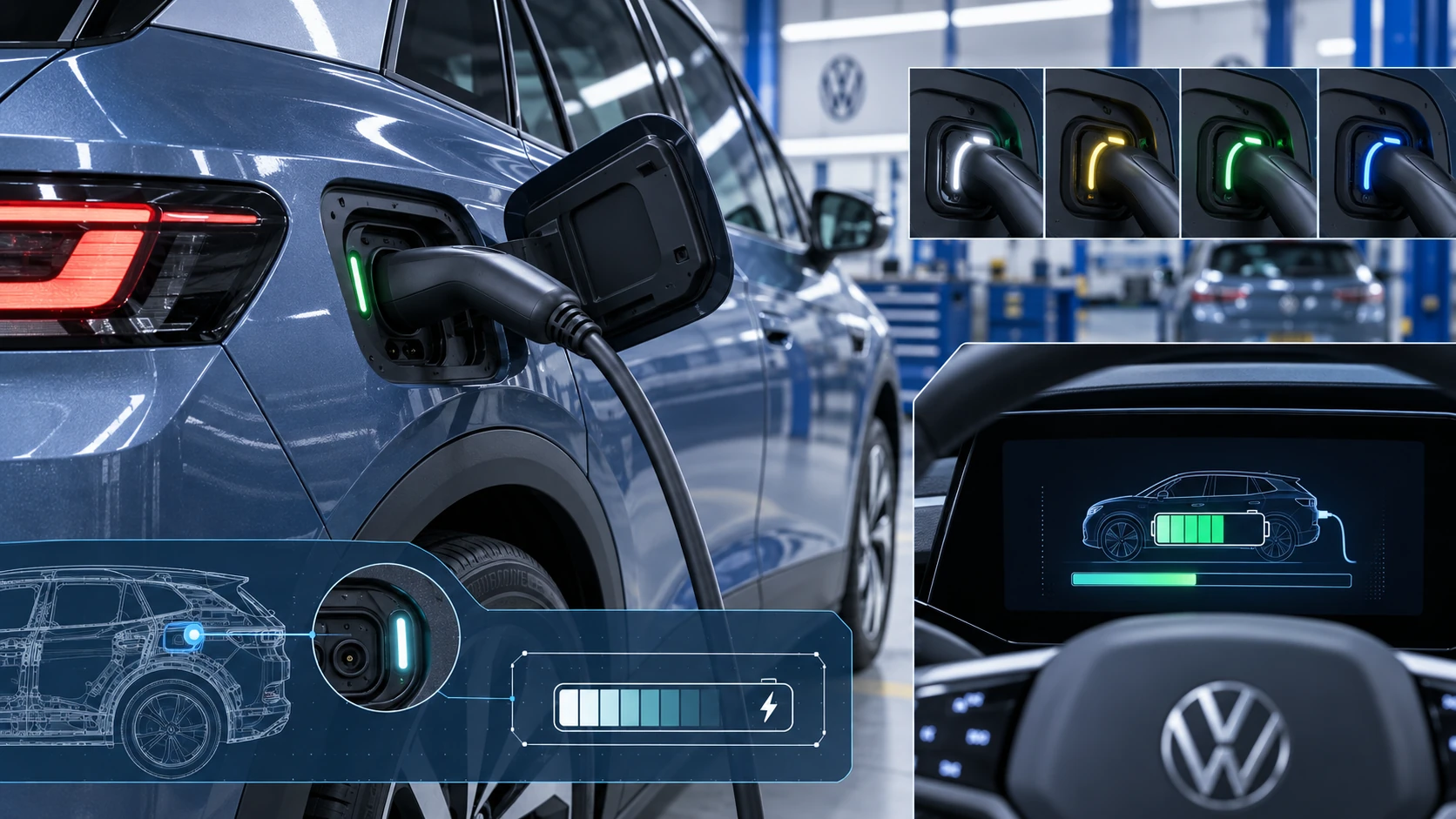 ID.4 Guide
Learn how the Volkswagen ID.4 charging process indicator shows charging status, progress and key visual signals during AC and DC charging.
Read guide