



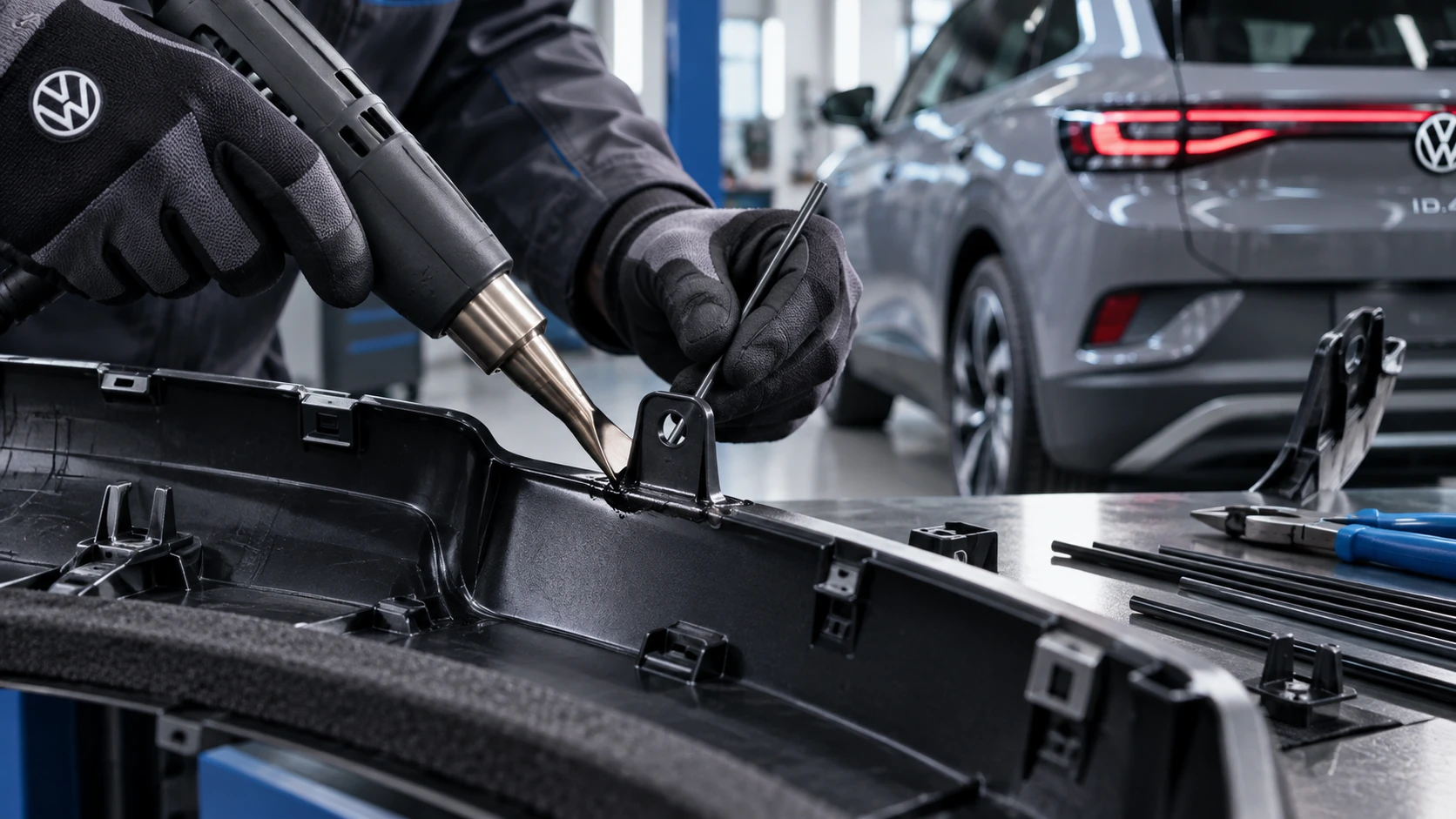
Welding Plastic Attachments
Professional Volkswagen ID.4 repair guidance for welding plastic attachments, securing damaged mounting points and restoring plastic components correctly.
Read guide




In the Volkswagen ID.4, the stationary air conditioning system can be conveniently programmed through the Infotainment system to prepare the cabin climate for a planned departure time. This feature allows you to set a preferred interior temperature so that the vehicle is already comfortable when you begin your journey.
The Volkswagen ID.4 automatically calculates when to start the stationary air conditioning based on the selected temperature and the scheduled departure time. The system begins operation in advance, with a maximum preconditioning period of approximately 30 minutes to ensure optimal results.
Activating the air conditioning in the vehicle before departure
1. Open the Stationary air conditioning menu.
2. Tap
 to open the timer menu.
3. Set your desired departure time.
4. Tap
 .
.
5. Activate the timer by selecting the checkbox.
The earliest scheduled departure time is displayed in the exit menu of the Volkswagen ID.4 Infotainment system and can be enabled or disabled directly from there (→ Exit menu).
 If the vehicle remains locked, the stationary air conditioning can be activated a maximum of five consecutive times.
This limitation is automatically reset once the Volkswagen ID.4 becomes ready to drive again.
Stationary air conditioning with convenience functions
When preconditioning is active in the Volkswagen ID.4, additional comfort features may also be activated automatically depending on the outside temperature. These functions can begin operating up to ten minutes before the scheduled departure time.
Depending on the vehicle equipment, the Volkswagen ID.4 may automatically activate the following convenience features:
To ensure these features are activated automatically, follow these steps:
1. Open the Stationary air conditioning menu.
2. Tap
 .
.
3. Select the front seats for which comfort functions should be enabled before departure.
Only the selected seating positions will receive automatic comfort activation in the Volkswagen ID.4.
4. Enable additional functions such as window heating if required, for example to activate the rear window defroster automatically.
Activating the air conditioning in the vehicle after charging the high-voltage battery
If the Volkswagen ID.4 is connected to a power source for charging (AC or DC), the stationary air conditioning can also be scheduled to operate before departure. This setting can be configured within the charging settings in the Infotainment system (→ Delayed charging).
Activating the air conditioning in the vehicle after unlocking
1. Open the Stationary air conditioning menu in the Infotainment system.
2. Tap
 .
.
3. Enable the option to activate air conditioning after unlocking.
In the Volkswagen ID.4, the system will automatically start air conditioning for approximately five minutes when a door is opened. This function will not activate if the vehicle is currently charging via alternating current (AC).
 Depending on the vehicle configuration, models equipped with Keyless Access allow you to choose whether unlocking a single door or all doors will trigger the system. If set to Single door, the system activates when the driver’s door is opened. If set to All doors, opening any door or the trunk lid will start the air conditioning.
Checking the programming
When the ignition is switched off, the Volkswagen ID.4 Infotainment system displays the next scheduled timer event along with the selected functions, allowing you to easily verify the programmed settings.
Troubleshooting
 or
or
 Atmospheric CO2 concentration in
the vehicle interior is too high
Atmospheric CO2 concentration in
the vehicle interior is too high
If elevated CO2 levels are detected in the Volkswagen ID.4 cabin, the system may adjust ventilation automatically to improve air quality. In such cases, it is recommended to increase fresh air intake or briefly open the windows to restore optimal conditions.
The intelligent stationary air conditioning system in the Volkswagen ID.4 ensures maximum comfort, energy efficiency, and convenience by allowing precise climate control tailored to your daily schedule.
In the Volkswagen ID.4, the indicator light may illuminate in yellow or red to signal a potential issue with the climate system or cabin air quality.
A warning message such as Health risk! High CO2 concentration. Open windows! or Health risk! CO2 too high. Open windows immediately! may appear in the instrument cluster display of the Volkswagen ID.4.
1. Immediately open all windows to improve ventilation inside the vehicle.
2. Contact an authorized Volkswagen dealer or an authorized Volkswagen Service Facility to have the air conditioning system inspected. Volkswagen strongly recommends professional diagnostics for safety reasons.
 Air conditioner is not
working correctly or CO2 concentration cannot be measured
Air conditioner is not
working correctly or CO2 concentration cannot be measured
In this case, a yellow indicator light will illuminate in the Volkswagen ID.4.
A message such as Air conditioner is not working correctly. Please contact workshop. may be displayed in the instrument cluster.
1. Arrange for inspection by a qualified technician at an authorized Volkswagen service center.
The cooling mode
 or heating
cannot be switched on or the function is limited
or heating
cannot be switched on or the function is limited
The
 cooling mode in the Volkswagen ID.4 becomes active once the driver’s seat is occupied.
If the high-voltage battery temperature is too high, outside temperatures are extreme, or the battery charge level is too low, the performance of cooling mode
 , heating, and defrosting functions may be restricted.
NOTICE
Continuing to operate the climate system in the Volkswagen ID.4 when it is malfunctioning may cause further damage.
The windows are fogged up
In the Volkswagen ID.4, windows may fog up when their surface temperature is lower than the ambient air and humidity levels are high. Cold air retains less moisture than warm air, which is why fogging is more common in colder conditions.
1. Keep the air intake area in front of the windshield free from snow, ice, and debris to maintain proper airflow (→ Vehicle care).
2. Ensure that rear air ducts in the luggage compartment are not blocked, allowing air to circulate efficiently through the cabin.
3. Activate the defrost function (→ Defrost function) to clear the windshield quickly.
The temperature unit has changed
In the Volkswagen ID.4, you can customize temperature units across all displays using the Infotainment system.
1. Tap the
 home button.
2. Open the Settings menu.
3. Select the Units option and adjust as needed.
Water or water vapor under the vehicle
In certain conditions, especially in warm and humid weather, condensation from the air conditioning system of the Volkswagen ID.4 may drip beneath the vehicle. This is normal and does not indicate a malfunction.
In colder conditions with high humidity, condensation may evaporate and appear as water vapor under the vehicle while the system is operating. This is also normal and not a sign of damage.
Stationary air conditioning cannot be switched on
If the stationary air conditioning in the Volkswagen ID.4 has been used extensively without being connected to a charging source, the high-voltage battery may be depleted. In such cases, the system will not activate until sufficient charge is restored.
Noises when the stationary air conditioning is switched on
Operating sounds during the activation of stationary air conditioning in the Volkswagen ID.4 are normal and indicate that the system components are functioning correctly.
Controls are responding differently than expected
In the Volkswagen ID.4, control responsiveness may be affected by moisture, dirt, or grease on touch-sensitive surfaces.
1. Always keep control panels clean and dry to ensure proper operation.
The advanced climate and air quality management systems in the Volkswagen ID.4 are designed to maintain comfort and safety, while also providing intelligent diagnostics and user feedback to help prevent potential issues.

Selected owner and service information from our Volkswagen ID.4 manual library.
 ID.4 Guide
Professional Volkswagen ID.4 repair guidance for welding plastic attachments, securing damaged mounting points and restoring plastic components correctly.
Read guide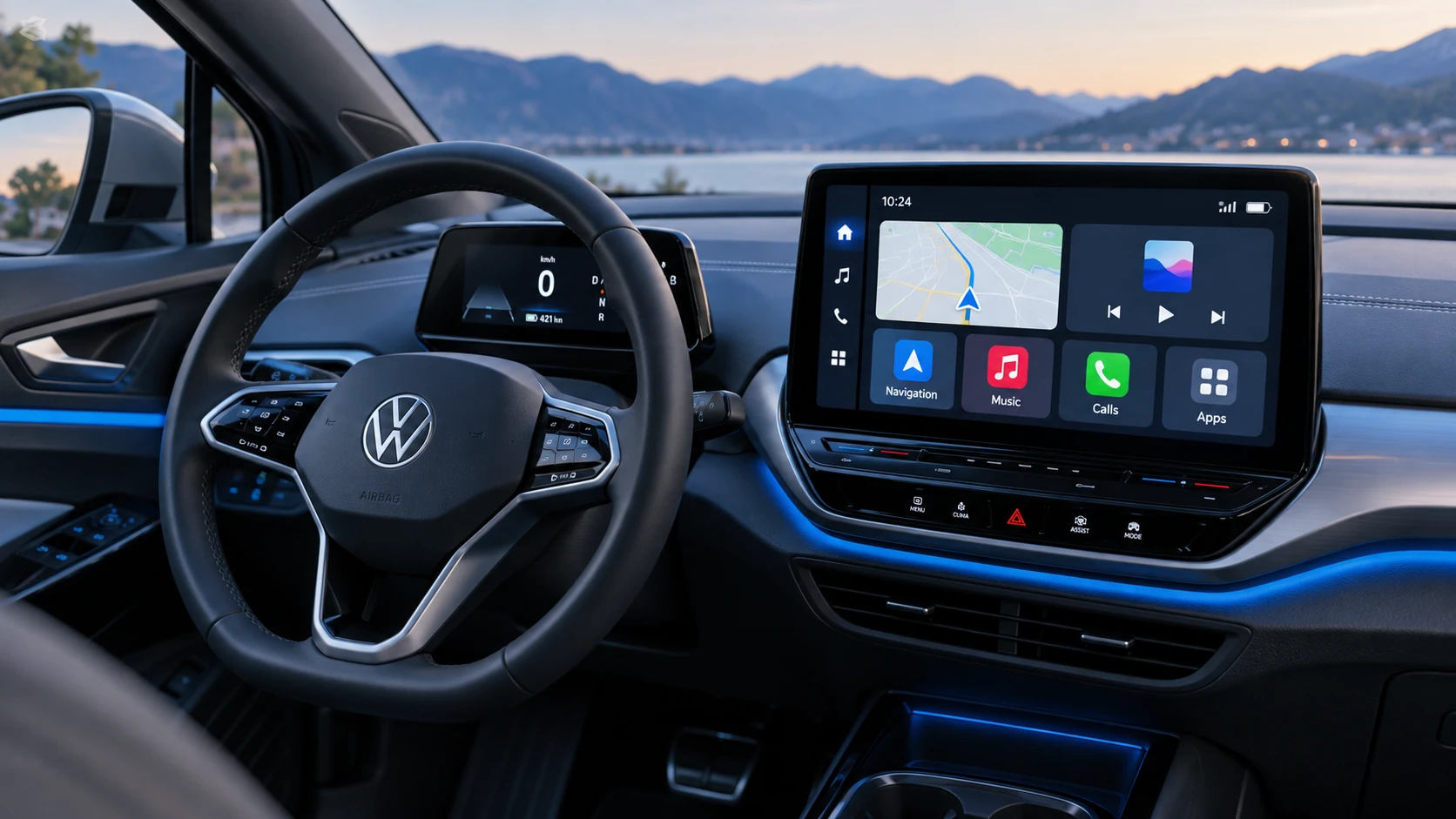 ID.4 Guide
See how Apple CarPlay works in the Volkswagen ID.4, including smartphone integration, navigation, calls, music and key infotainment functions.
Read guide