



Switching the Ignition On and Off
How to switch the Volkswagen ID.4 ignition on and off correctly, including the basic operating conditions and what the driver should expect from the vehicle.
Read guide




Ordering Services via myVolkswagen
 Always review important information regarding data protection, right of withdrawal, General Terms and Conditions, and Terms of Use when ordering services for your Volkswagen ID.4.
1. Confirm your consent to the General Terms and Conditions and Terms of Use in the myVolkswagen customer portal for your Volkswagen ID.4.
2. Select the option Order now for €0 to begin activation of digital services.
3. Wait for the confirmation email verifying your order.
4. To activate services in your Volkswagen ID.4, identify yourself as the primary user by following the on-screen instructions.
 Contracts that are nearing expiration can be extended directly via the vehicle overview using the Extend contract function in your Volkswagen ID.4.
 For pre-owned Volkswagen ID.4 vehicles with expired service contracts, only basic services may initially be available to the primary user.
Additional services can later be activated or extended via the online portal or the In-Car Shop within the Volkswagen ID.4.
Ordering Services via the App
 Carefully read and accept all legal information, including privacy policies and terms of use, when ordering services through the mobile app for the Volkswagen ID.4.
1. Accept the General Terms and Conditions directly in the app.
2. Tap Order now for €0 to proceed.
3. Wait for the confirmation email.
4. Complete activation by verifying your identity as the primary user in the Volkswagen ID.4 via the app instructions.
Activating Services in the Vehicle (Becoming the Primary User)
 A smartphone capable of scanning QR codes is recommended to simplify activation of services in the Volkswagen ID.4.
The following steps are required to activate services in the Volkswagen ID.4:
Requirements
✓ A Volkswagen ID user account has been created.
✓ The Volkswagen ID.4 has been added to your account.
✓ Desired services have been successfully ordered.
✓ The ignition of the Volkswagen ID.4 is switched on.
✓ The Infotainment system is active.
✓ The Volkswagen ID.4 has an active Internet connection via hotspot or built-in eSIM.
Services Activating
1. Download and install the We Connect ID app if not already installed.
2. In the Infotainment system of the Volkswagen ID.4, open System settings
 Connect with We Connect.
3. Scan the displayed QR code using the app.
4. Optional: complete identity verification (Volkswagen Ident procedure) if required for security-related services.
 Once registration is complete, you become the primary user of the Volkswagen ID.4 and all selected services are activated.

Selected owner and service information from our Volkswagen ID.4 manual library.
 ID.4 Guide
How to switch the Volkswagen ID.4 ignition on and off correctly, including the basic operating conditions and what the driver should expect from the vehicle.
Read guide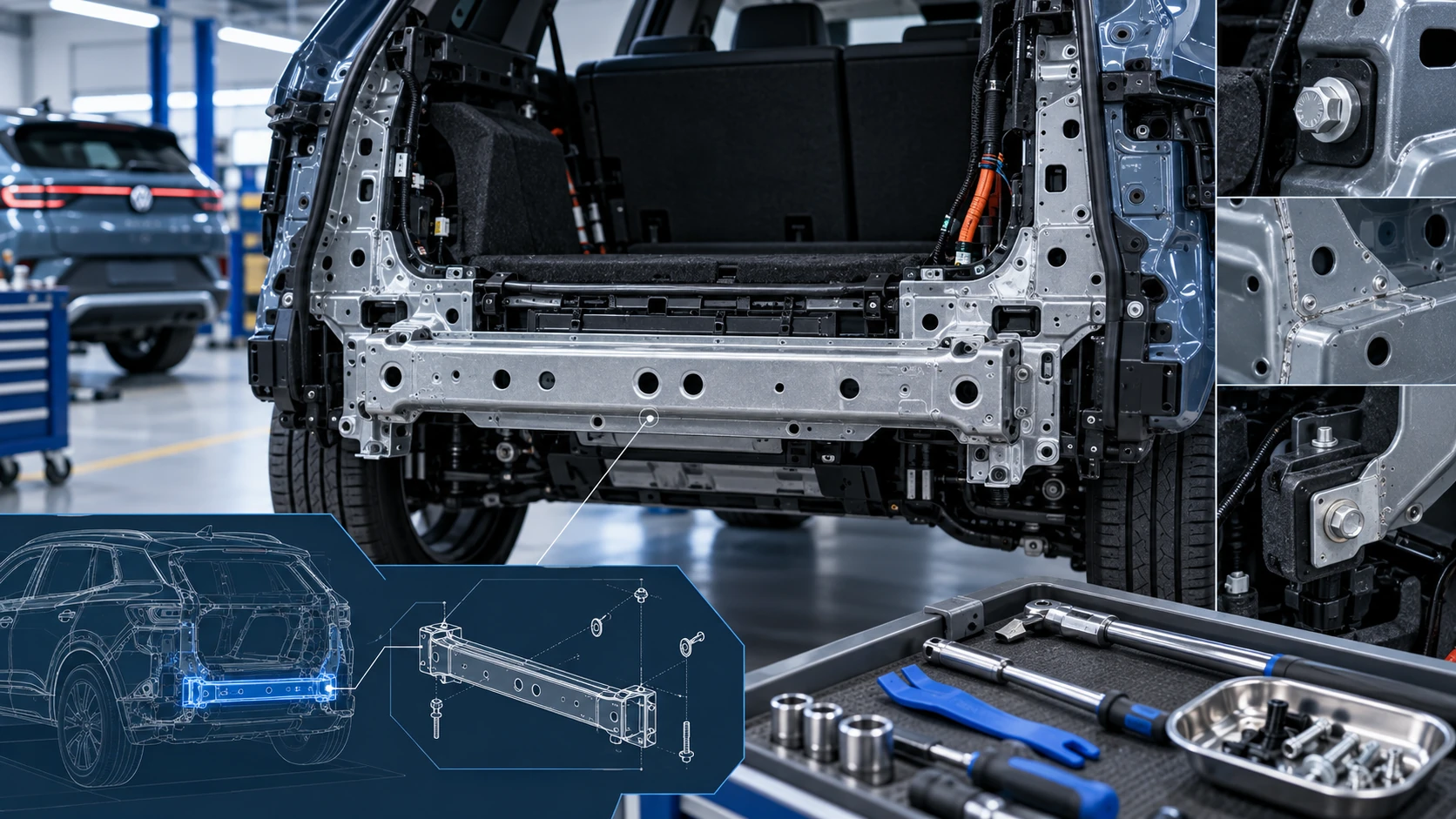 ID.4 Guide
Service information for the Volkswagen ID.4 rear cross member, including component location, attachment points and repair-oriented removal and installation guidance.
Read guide