



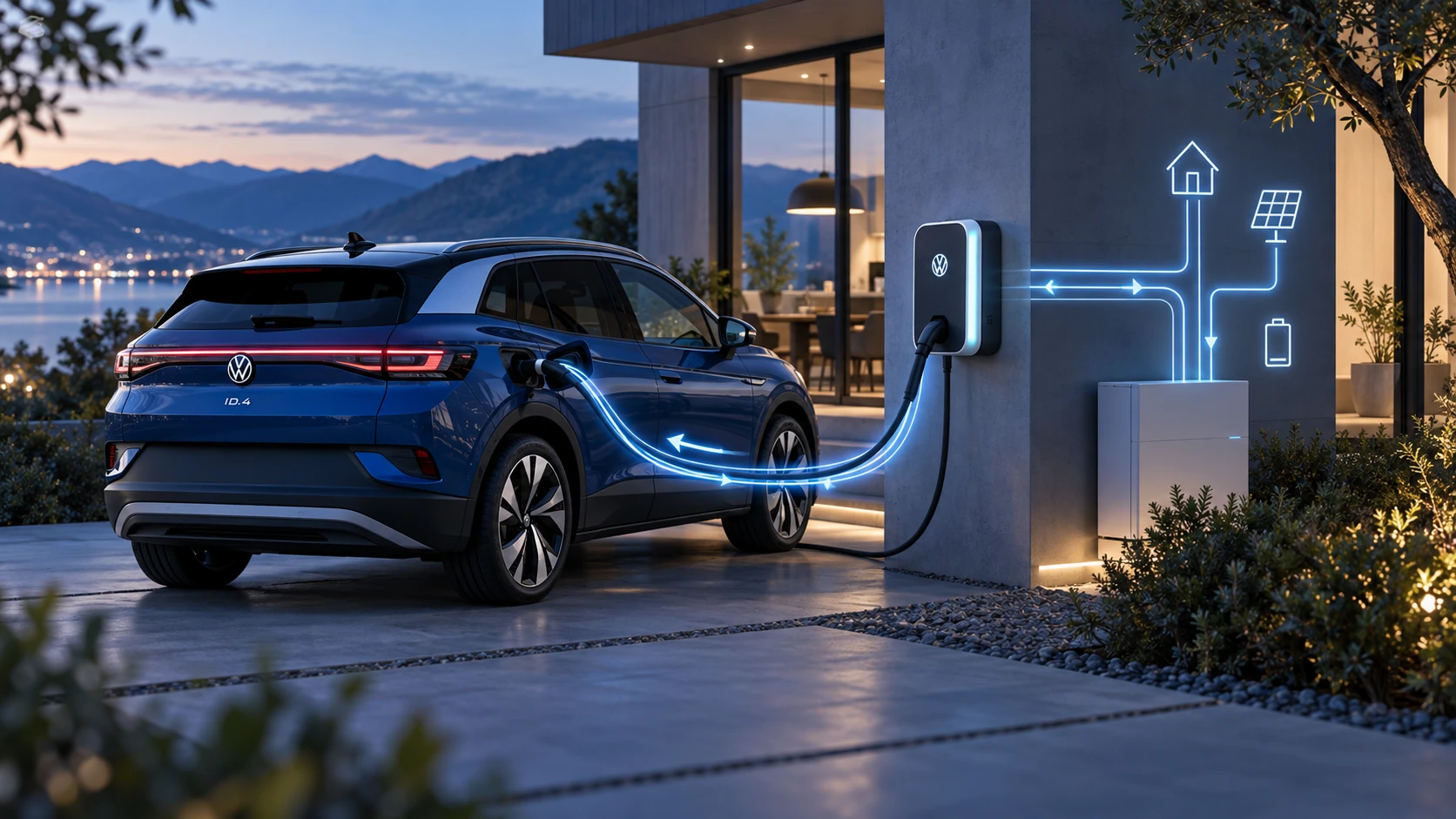
Bidirectional Charging
Learn the basics of Volkswagen ID.4 bidirectional charging, including energy flow concepts, home power use and vehicle-to-home charging capability.
Read guide




Certain functions in the Volkswagen ID.4 can be used even without linking the vehicle to a Volkswagen user account.
The availability of these services may vary depending on region and equipment.
 Additional information about these services is available online via Volkswagen resources.
Setting Up Volkswagen ID
The Volkswagen ID provides secure access to the digital services ecosystem of the Volkswagen ID.4, including apps and connected features.
To use connected services in the Volkswagen ID.4, you must first create a Volkswagen ID via myVolkswagen or the We Connect ID app.
Registration via myVolkswagen
1. Open www.myvolkswagen.net.
2. Create a Volkswagen account using the registration or login section.
3. Follow the on-screen instructions to complete setup.
Registration via the App
1. Install the We Connect ID application on your smartphone.
2. Follow the guided setup instructions within the app.
Managing Vehicles
After creating your Volkswagen ID, you must link your Volkswagen ID.4 to your account using the 17-character VIN.
Adding via myVolkswagen
1. Navigate to My vehicles and select Add vehicle.
2. Enter the VIN of your Volkswagen ID.4 and confirm.
Adding Your First Vehicle via the App
1. Open the app and go to the Add vehicle section.
2. Enter or scan the VIN and confirm.
Adding Further Vehicles via the App
1. Open the app and go to the My Garage section.
2. Select Add vehicle and follow the instructions.
Removing a Vehicle via the App
1. Open the vehicle view in the app and select Delete vehicle to remove the Volkswagen ID.4 from your account.
Managing your Volkswagen ID account properly ensures full access to all connected services and enhances the overall digital experience of the Volkswagen ID.4.

Selected owner and service information from our Volkswagen ID.4 manual library.
 ID.4 Guide
Learn the basics of Volkswagen ID.4 bidirectional charging, including energy flow concepts, home power use and vehicle-to-home charging capability.
Read guide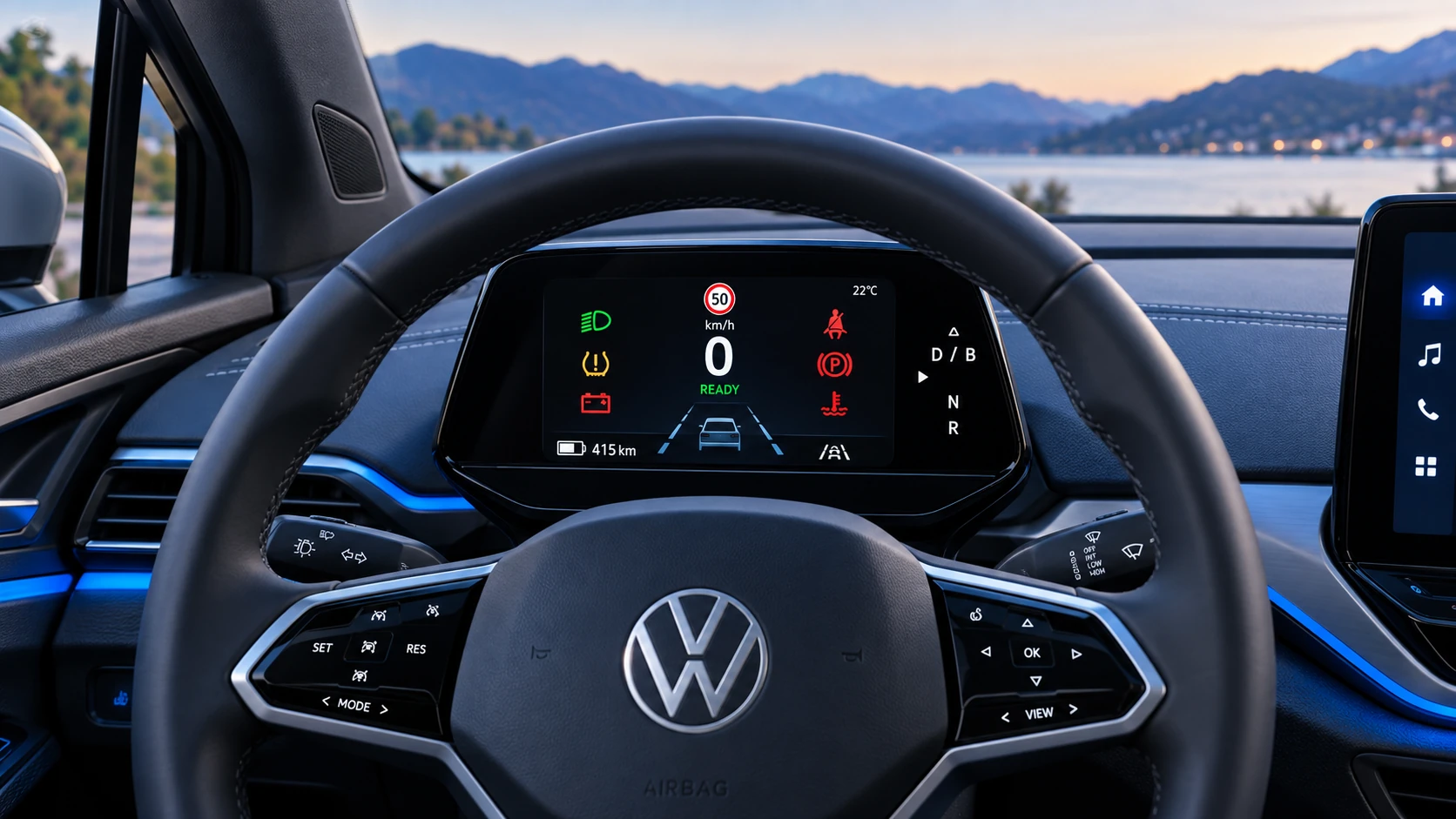 ID.4 Guide
A practical overview of Volkswagen ID.4 instrument cluster symbols, warning lights and status indicators to help drivers understand the display quickly.
Read guide