



Rear Cross Member
Service information for the Volkswagen ID.4 rear cross member, including component location, attachment points and repair-oriented removal and installation guidance.
Read guide




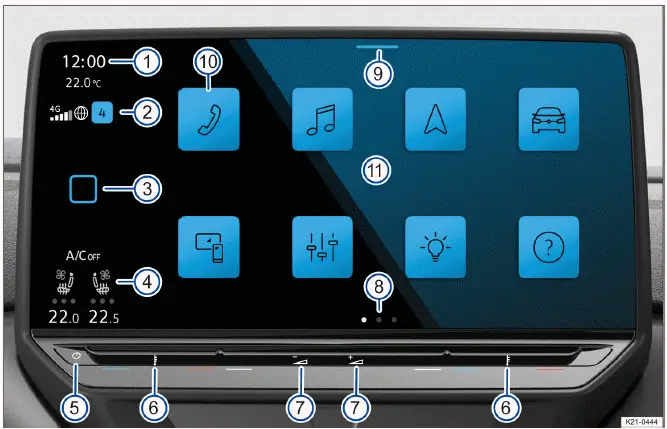
Fig. 1 Overview: display and control unit, 12" version.
 (referred to as HOME).
 Additional tips and operational guidance for the Volkswagen ID.4 Infotainment system can be found in this Owner's Manual (→ First steps in the Infotainment system).
 (referred to as HOME)
In some regions, the HOME button in the Volkswagen ID.4 can be customized for quicker access to frequently used functions (→ First steps in the Infotainment system).
1. Tap HOME to open the main screen of the Volkswagen ID.4 Infotainment system.
1. Tap this sensor area to manually power the Volkswagen ID.4 Infotainment system on or off.
Separate controls are available for the driver and front passenger in the Volkswagen ID.4.
Different menus in the Volkswagen ID.4 may offer multiple layouts or views with varying information.
The Control Center in the Volkswagen ID.4 provides quick access to key functions and notifications, such as enabling or disabling Auto Hold. You can customize which functions appear here (→ First steps in the Infotainment system).
1. Swipe down from the top of the screen to open the Control Center.
The arrangement of main menu function keys in the Volkswagen ID.4 can be customized for easier navigation.
1. Tap a function key to open the corresponding menu, such as navigation or media.
All core functions of the Volkswagen ID.4 Infotainment system are controlled via the touchscreen. Brightness and display settings can be adjusted through the Control Center. Detailed gesture instructions are available in the digital manual.
1. Tap HOME
 Operation.
Gesture control (without position numbers)
The Volkswagen ID.4 also supports gesture control for selected functions, enhancing ease of use while minimizing physical interaction.
1. Tap HOME
 Screen
 Hand gesture.
Using these intuitive controls, the Volkswagen ID.4 delivers a modern and user-friendly digital experience, ensuring that drivers can access essential functions quickly and safely.

Selected owner and service information from our Volkswagen ID.4 manual library.
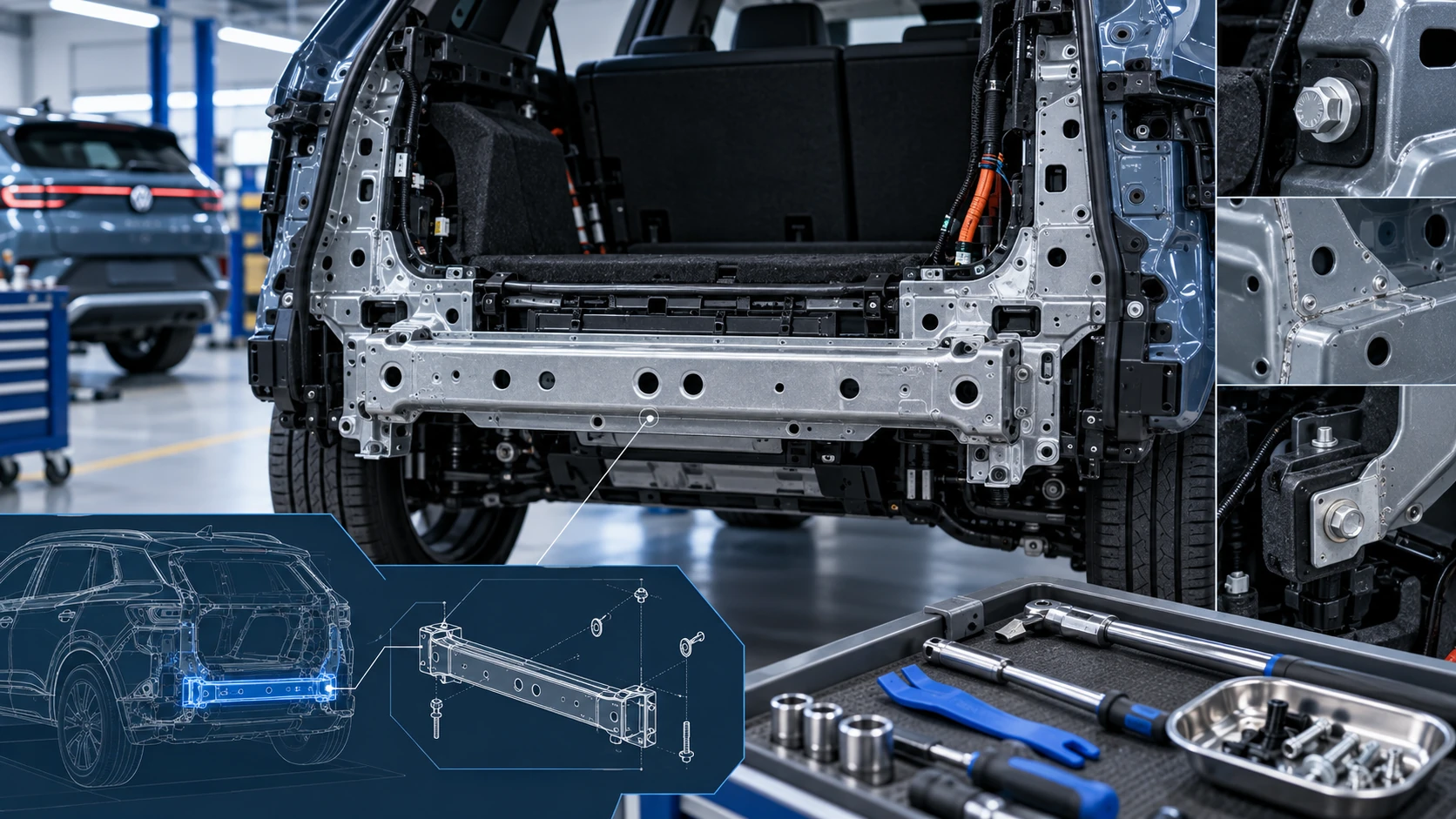 ID.4 Guide
Service information for the Volkswagen ID.4 rear cross member, including component location, attachment points and repair-oriented removal and installation guidance.
Read guide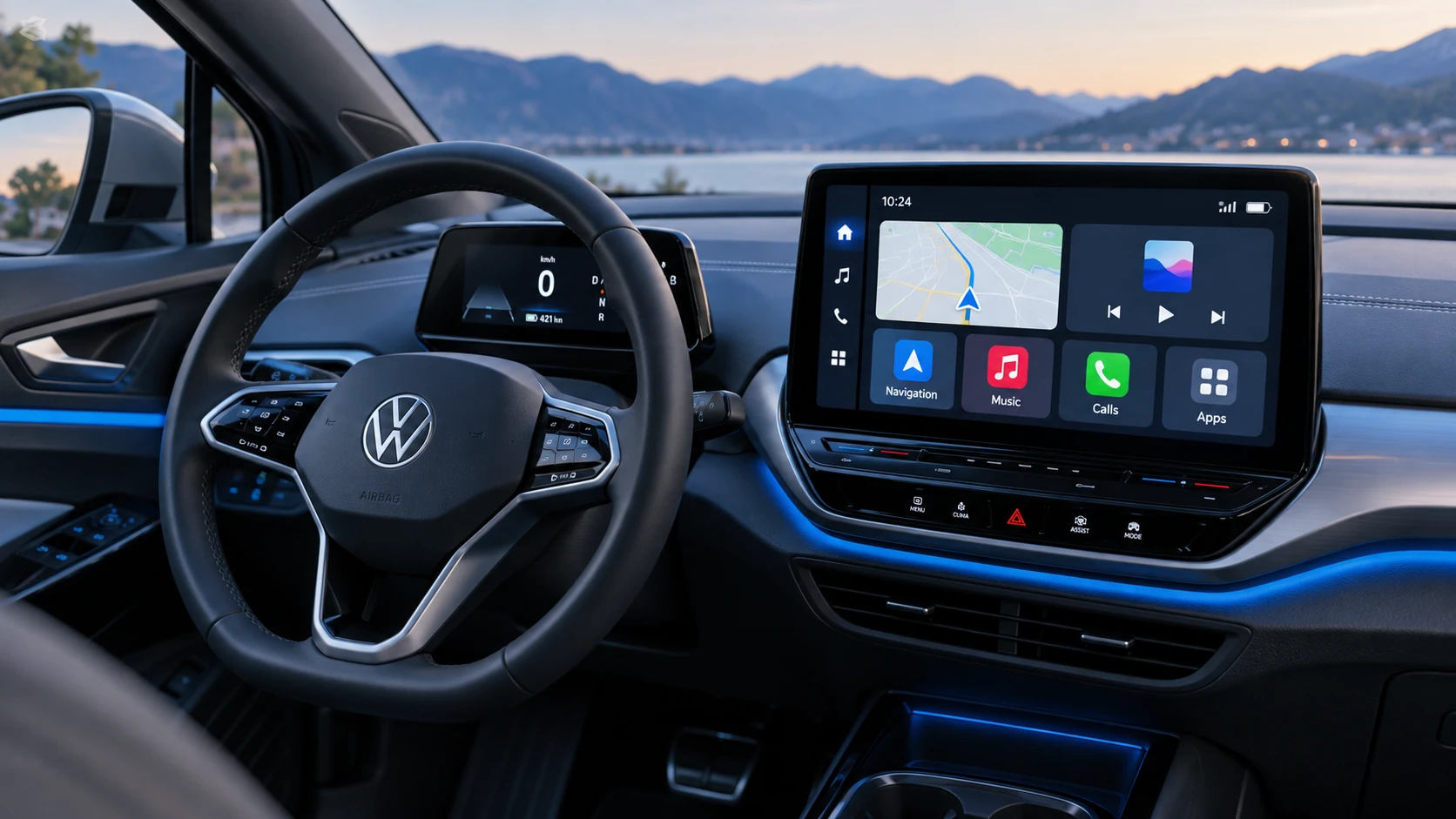 ID.4 Guide
See how Apple CarPlay works in the Volkswagen ID.4, including smartphone integration, navigation, calls, music and key infotainment functions.
Read guide