



Bidirectional Charging
Learn the basics of Volkswagen ID.4 bidirectional charging, including energy flow concepts, home power use and vehicle-to-home charging capability.
Read guide




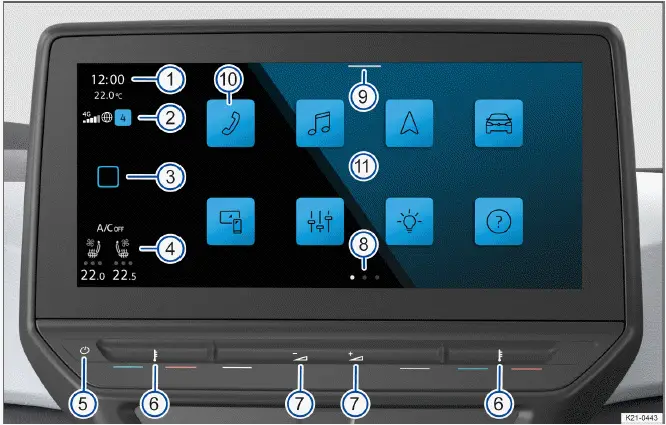
Fig. 1 Overview: display and control unit, 10" version.
 (referred to as HOME).
 Additional guidance and operational tips for the Volkswagen ID.4 Infotainment system are available in this Owner's Manual (→ First steps in the Infotainment system).
 (referred to as HOME)
In some markets, the HOME button in the Volkswagen ID.4 can be customized for faster access to frequently used functions.
1. Tap HOME to open the main screen of the Volkswagen ID.4 Infotainment system.
1. Tap this sensor area to manually power the Volkswagen ID.4 Infotainment system on or off.
Separate temperature controls are available for the driver and front passenger in the Volkswagen ID.4.
Menus within the Volkswagen ID.4 may provide multiple layouts or views displaying different types of information.
The Control Center in the Volkswagen ID.4 provides quick access to essential features and notifications, such as Auto Hold. Displayed functions can be customized according to driver preferences.
1. Swipe down from the top of the screen to open the Control Center.
The arrangement of function keys in the Volkswagen ID.4 can be adjusted for improved usability and quicker navigation.
1. Tap a function key to open the desired main menu, such as navigation or media.
The touchscreen is the primary interface for controlling the Volkswagen ID.4 Infotainment system. Screen brightness and display options can be adjusted via the Control Center. Additional gesture instructions are available in the digital manual.
1. Tap HOME
 Operation.
Gesture control (without position numbers)
The Volkswagen ID.4 also supports gesture control, allowing intuitive interaction with the system without physical contact.
1. Tap HOME
 Screen
 Hand gesture.

Selected owner and service information from our Volkswagen ID.4 manual library.
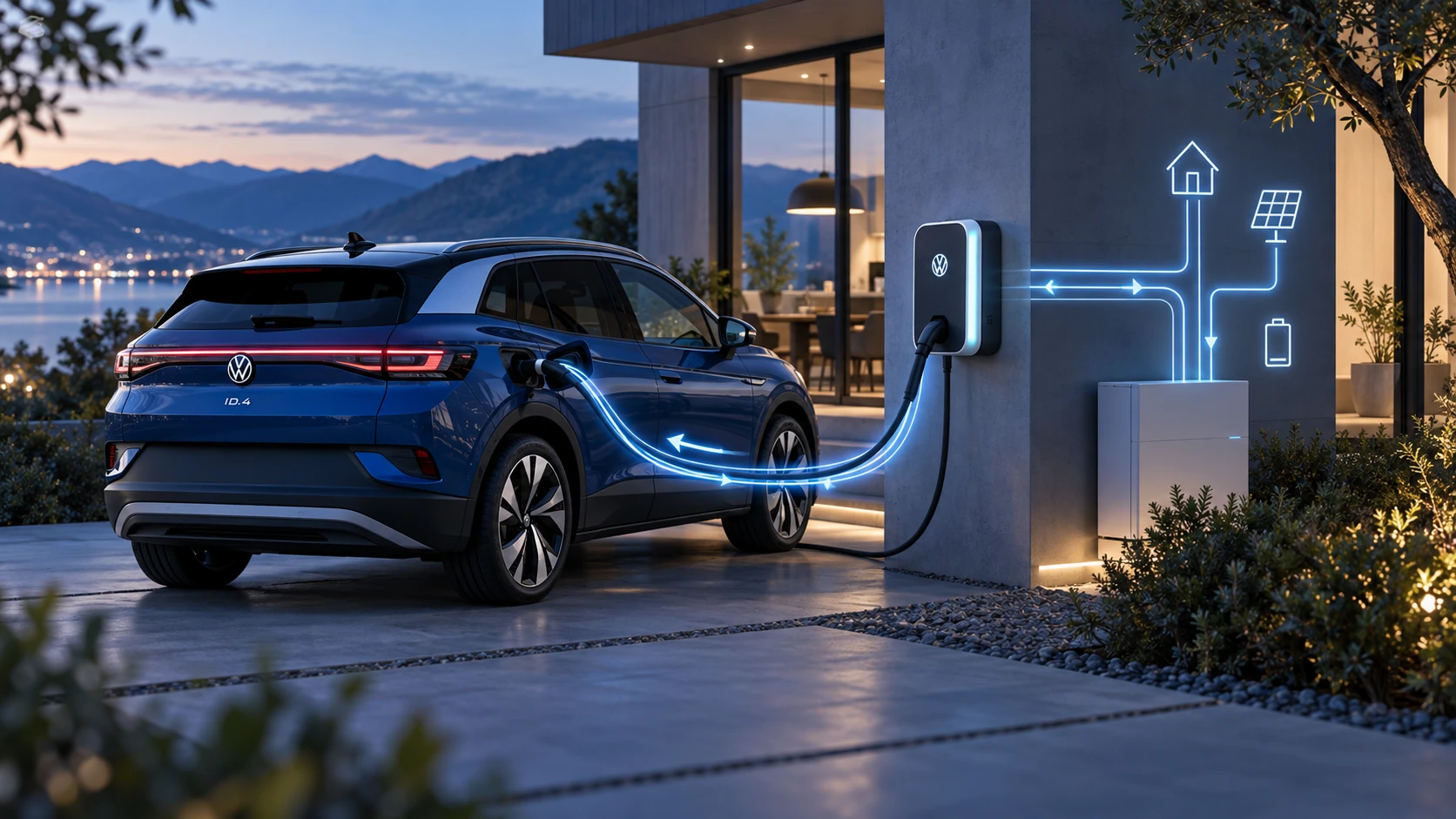 ID.4 Guide
Learn the basics of Volkswagen ID.4 bidirectional charging, including energy flow concepts, home power use and vehicle-to-home charging capability.
Read guide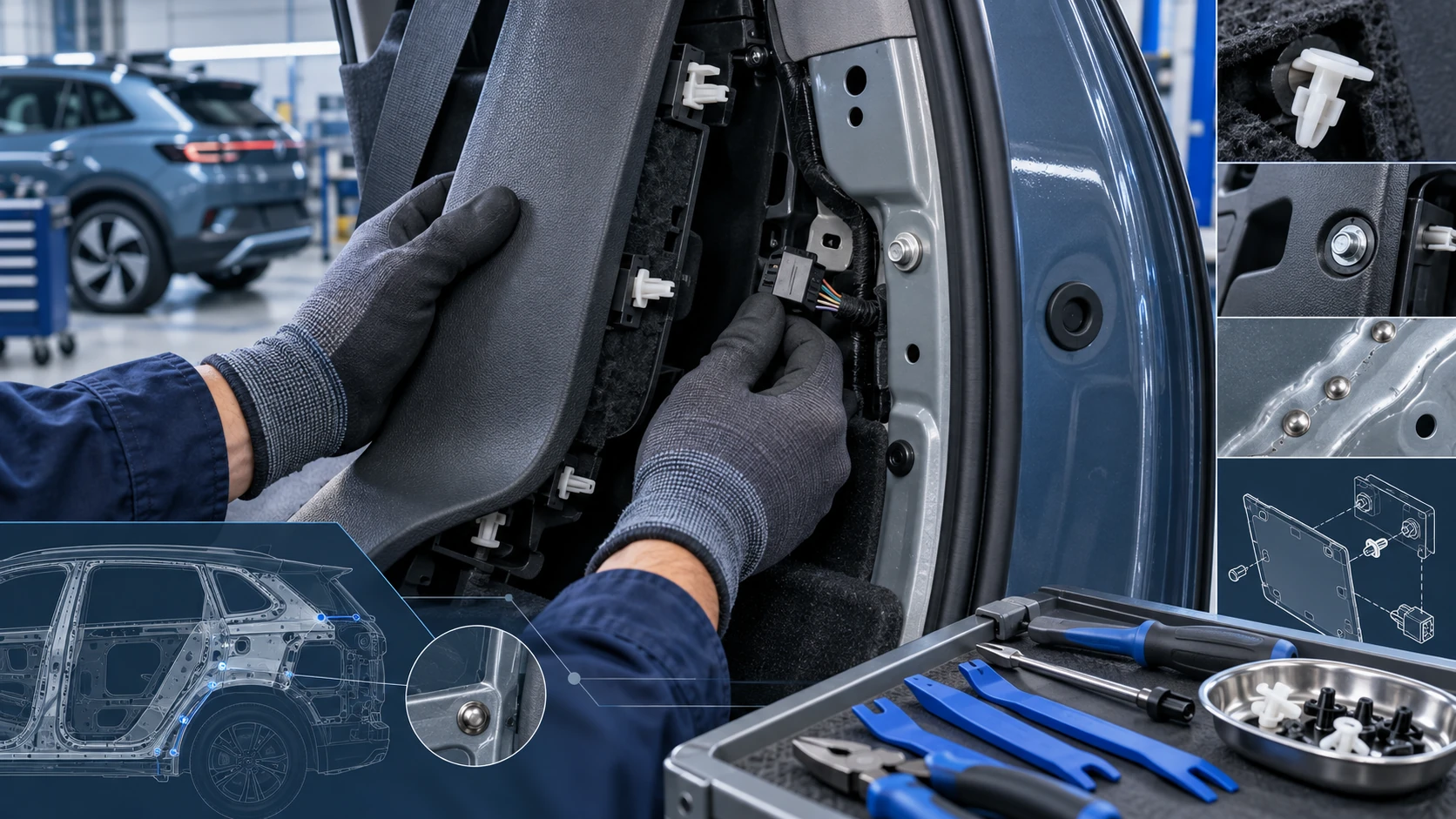 ID.4 Guide
Practical Volkswagen ID.4 service procedures for joining and separating components, connectors and assemblies correctly and without unnecessary damage.
Read guide