



Plastic Repair
Volkswagen ID.4 plastic repair procedures covering surface preparation, filler work, sanding and restoration of damaged plastic exterior components.
Read guide




Settings in the Charging menu
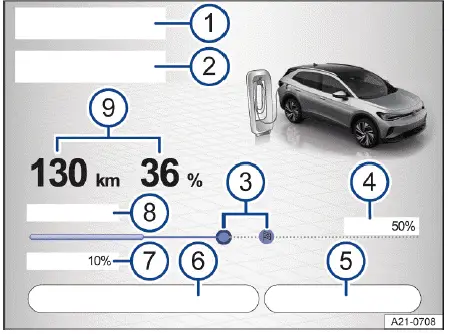
Fig. 1 Infotainment system: function keys and displays for
charging (general example).
Or: stationary air conditioning scheduled for departure (depending on vehicle equipment).
E-route planning symbol: automatically calculated recommended position for optimal efficiency.
Many of these displays and settings are also shown automatically on the charging information screen when the charging connector is inserted into the Volkswagen ID.4.
 Charging power and estimated charging duration in the Volkswagen ID.4 may vary depending on the charging infrastructure, environmental conditions, and the temperature of the high-voltage battery. It is also normal for charging power to fluctuate during the charging process.
Settings in the Setup menu
1. Tap HOME in the Infotainment system.
2. Tap
 Charging.
3. Tap
 Setup.
Plug & Charge function
The Volkswagen ID.4 supports Plug & Charge technology, allowing the high-voltage battery to begin charging automatically when connected to a compatible charging station or wall box, without manual authentication.
This feature depends on vehicle equipment and regional availability.
Requirements
✓ The charging station supports Plug & Charge according to ISO 15118.
✓ A valid electricity contract is stored via the We Connect ID. app in the Volkswagen ID.4.
✓ Location sharing is enabled in the Infotainment system.
✓ Plug & Charge is activated in the Volkswagen ID.4 settings.
✓ An active We Connect service contract is available.
 For further information about We Connect services, contact Volkswagen Customer Care.
Switching on and off
1. Tap
 Settings in the Charging menu.
2. Activate or deactivate the Plug & Charge function.
The Plug & Charge feature in the Volkswagen ID.4 can be managed by both the primary user and guest users. However, only the primary user has full control to enable or disable the function.

Selected owner and service information from our Volkswagen ID.4 manual library.
 ID.4 Guide
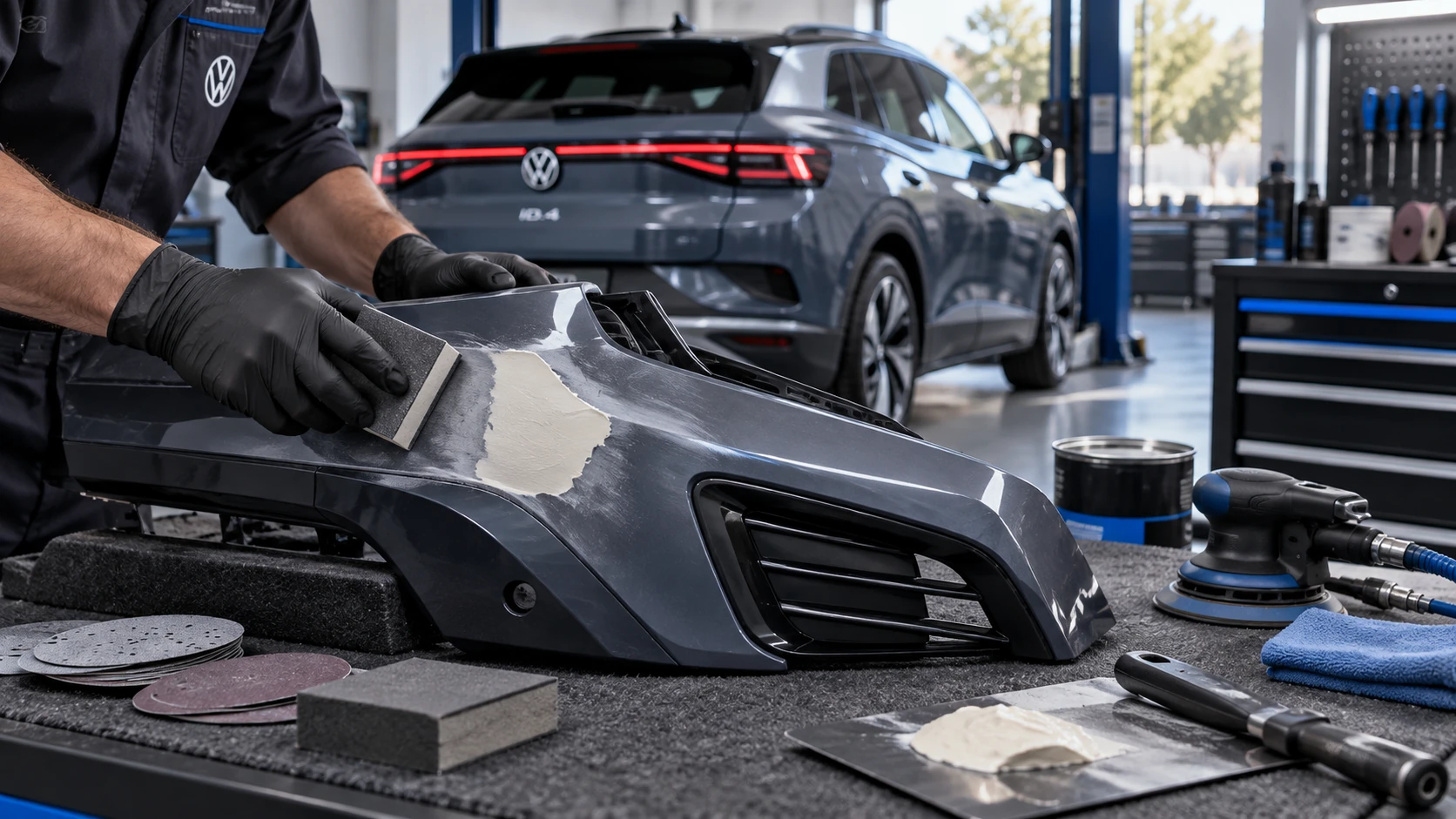
Volkswagen ID.4 plastic repair procedures covering surface preparation, filler work, sanding and restoration of damaged plastic exterior components.
Read guide ID.4 Guide
How to switch the Volkswagen ID.4 ignition on and off correctly, including the basic operating conditions and what the driver should expect from the vehicle.
Read guide