



Plastic Repair
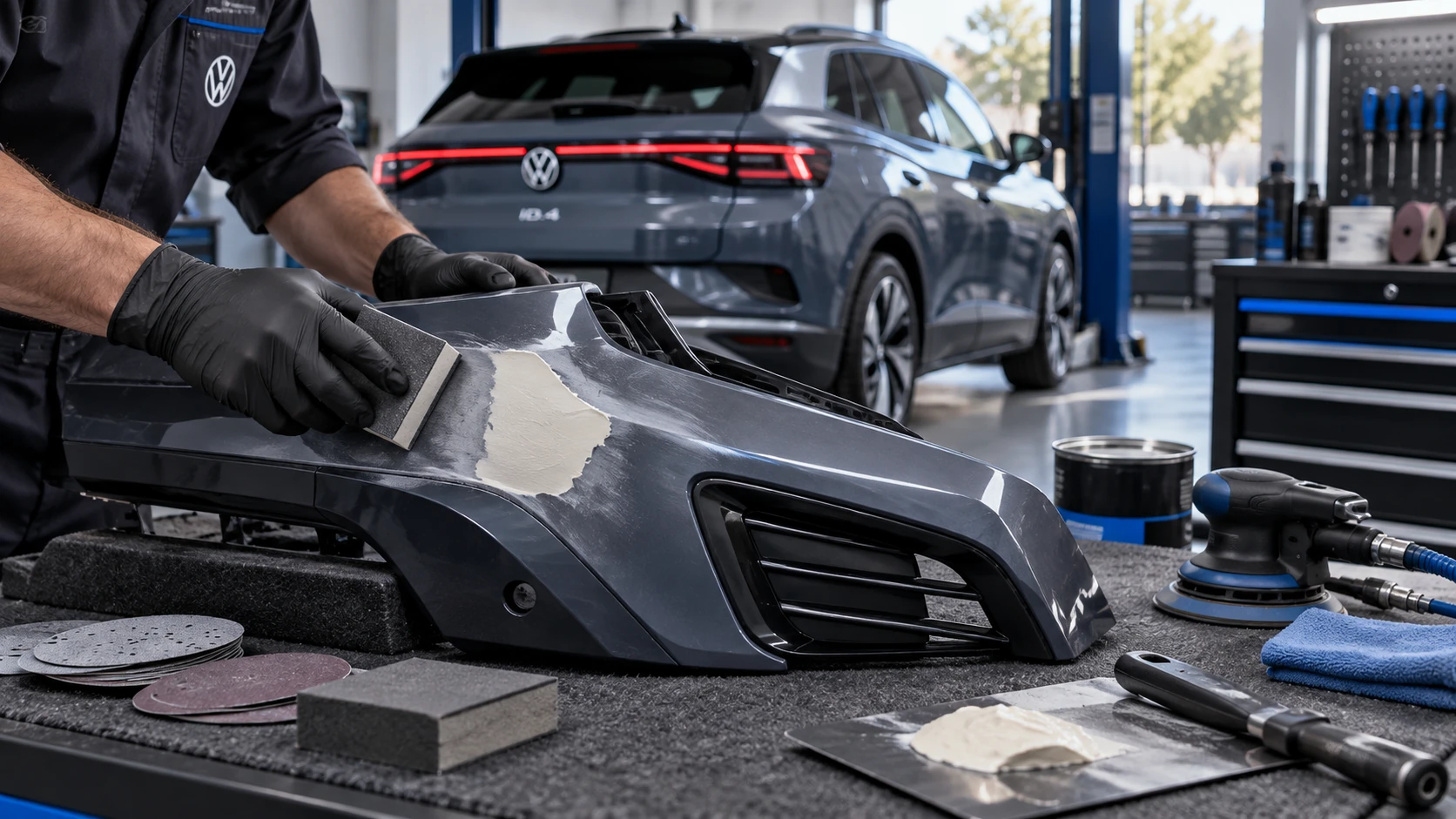
Volkswagen ID.4 plastic repair procedures covering surface preparation, filler work, sanding and restoration of damaged plastic exterior components.
Read guide




Depending on the equipment level of your Volkswagen ID.4, the Infotainment system can be customized to provide quicker access to frequently used features and preferred functions, enhancing overall driving comfort and usability.
The Infotainment interface in the Volkswagen ID.4 is organized into views containing tiles that provide direct access to menus and system functions.
Configuring tiles
You can modify the layout of tiles by adding or removing views according to your preferences in the Volkswagen ID.4.
1. Tap and hold any tile until an additional configuration window appears.
2. To access the configuration interface, tap
 .
.
 and select the preferred template. Newly created tiles will initially be empty.
 to delete an existing tile view.
3. Tap
 to exit the configuration mode.
4. Tap any empty area on the screen to return to the main view.
 At least two views are always available in the Volkswagen ID.4 and cannot be removed. Depending on the configuration, up to four views can be displayed.
Adjusting tiles
Customize tile content in the Volkswagen ID.4 Infotainment system to match your individual needs and driving habits.
1. Tap and hold a tile until the additional window appears.
2. Select a tile to assign a function.
3. Choose the desired function from the available options. The number of available functions depends on tile size.
4. To remove a function, tap the tile and select
 .
.
5. Tap
 or any empty space to exit.
 Some tiles in the Volkswagen ID.4 provide more functions than initially visible. Swipe left or right within the selection window to view all options.
Adjusting the control center
The Control Center in the Volkswagen ID.4 can be personalized to provide immediate access to frequently used functions such as Auto Hold.
1. Tap and hold a function until the configuration window appears.
2. Select and hold the desired function until it is highlighted.
3. Drag the function to the preferred position and release it.
Previously assigned functions will automatically be moved back to the selection list.
 Swipe left or right to view all available Control Center functions in the Volkswagen ID.4.
Opening personalization tips (if available)
Additional guidance and tips for customizing the Volkswagen ID.4 Infotainment system can be found in the integrated digital manual.
1. Tap HOME
 Adjustment.

Selected owner and service information from our Volkswagen ID.4 manual library.
 ID.4 Guide
Volkswagen ID.4 plastic repair procedures covering surface preparation, filler work, sanding and restoration of damaged plastic exterior components.
Read guide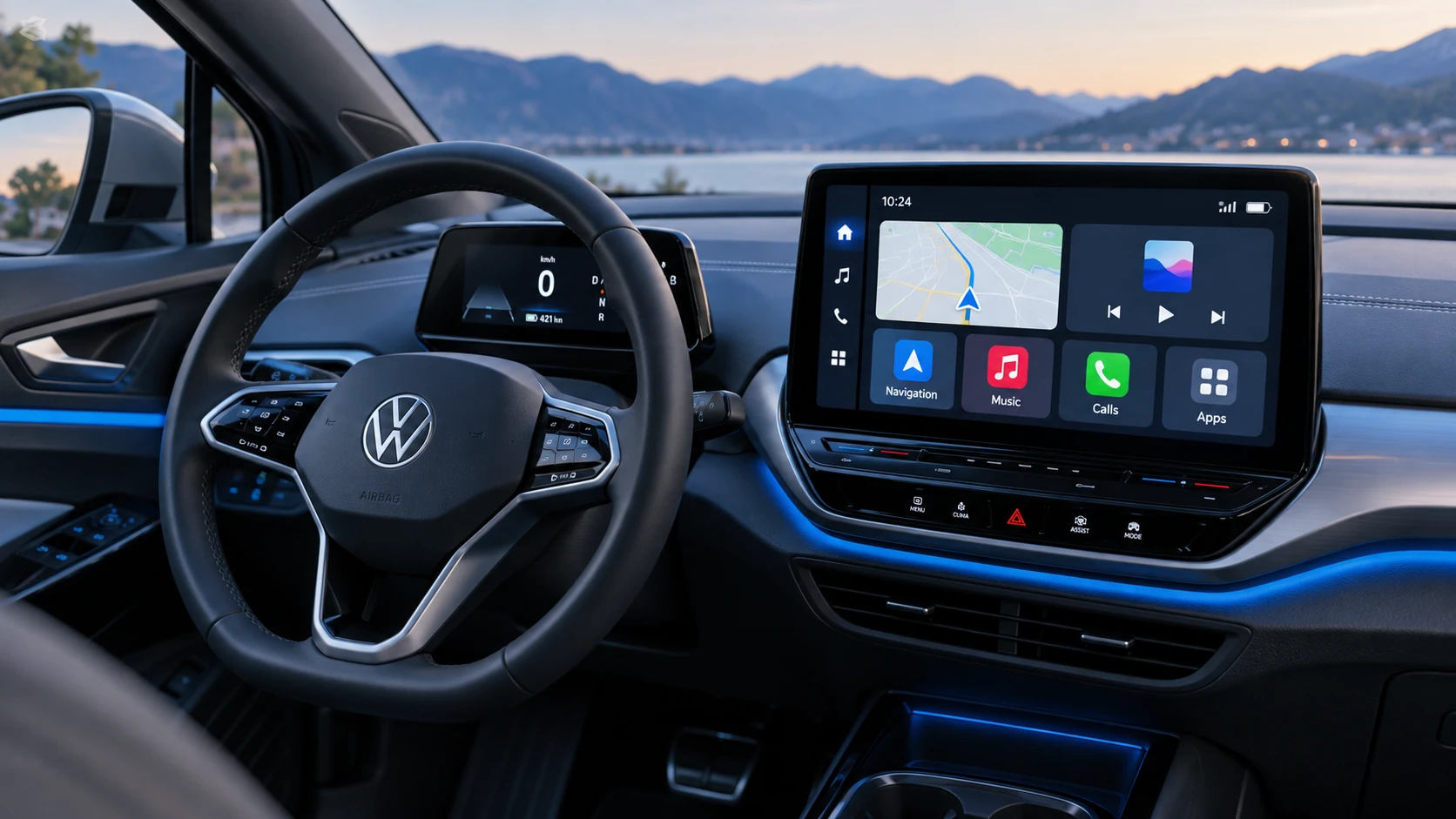 ID.4 Guide
See how Apple CarPlay works in the Volkswagen ID.4, including smartphone integration, navigation, calls, music and key infotainment functions.
Read guide