



Rear Cross Member
Service information for the Volkswagen ID.4 rear cross member, including component location, attachment points and repair-oriented removal and installation guidance.
Read guide




Changing settings
The following symbols are used throughout the Volkswagen ID.4 system and sound settings menus.
All changes are automatically saved when exiting the menu.
 or
or
 The function is enabled or activated.
 or
or
 The function is disabled or switched off.
 or
or
 Open a drop-down list.
 Increase a value.
 Decrease a value.
 Step backward.
 Step forward.
 Adjust values continuously using a slider.
System settings
Due to Over-the-Air updates in the Volkswagen ID.4, available system settings may change, and new features may be introduced over time.
Typical system settings in the Volkswagen ID.4 include:
Opening system settings
1. Tap HOME
 Setup.
Sound settings
Sound settings in the Volkswagen ID.4 allow adjustment of equalizer, sound positioning, volume levels, and audio profiles.
Opening sound settings
1. Tap HOME
 Sound.
Adjusting the volume of external audio sources
Before increasing the volume of an external audio device connected to the Volkswagen ID.4, lower the Infotainment system volume to prevent distortion.
If the external source is too quiet, increase its output level. If necessary, adjust the input level in the Infotainment system to Medium or Maximum.
If the sound is too loud or distorted, reduce the external device volume or adjust the input level to Medium or Low.

Selected owner and service information from our Volkswagen ID.4 manual library.
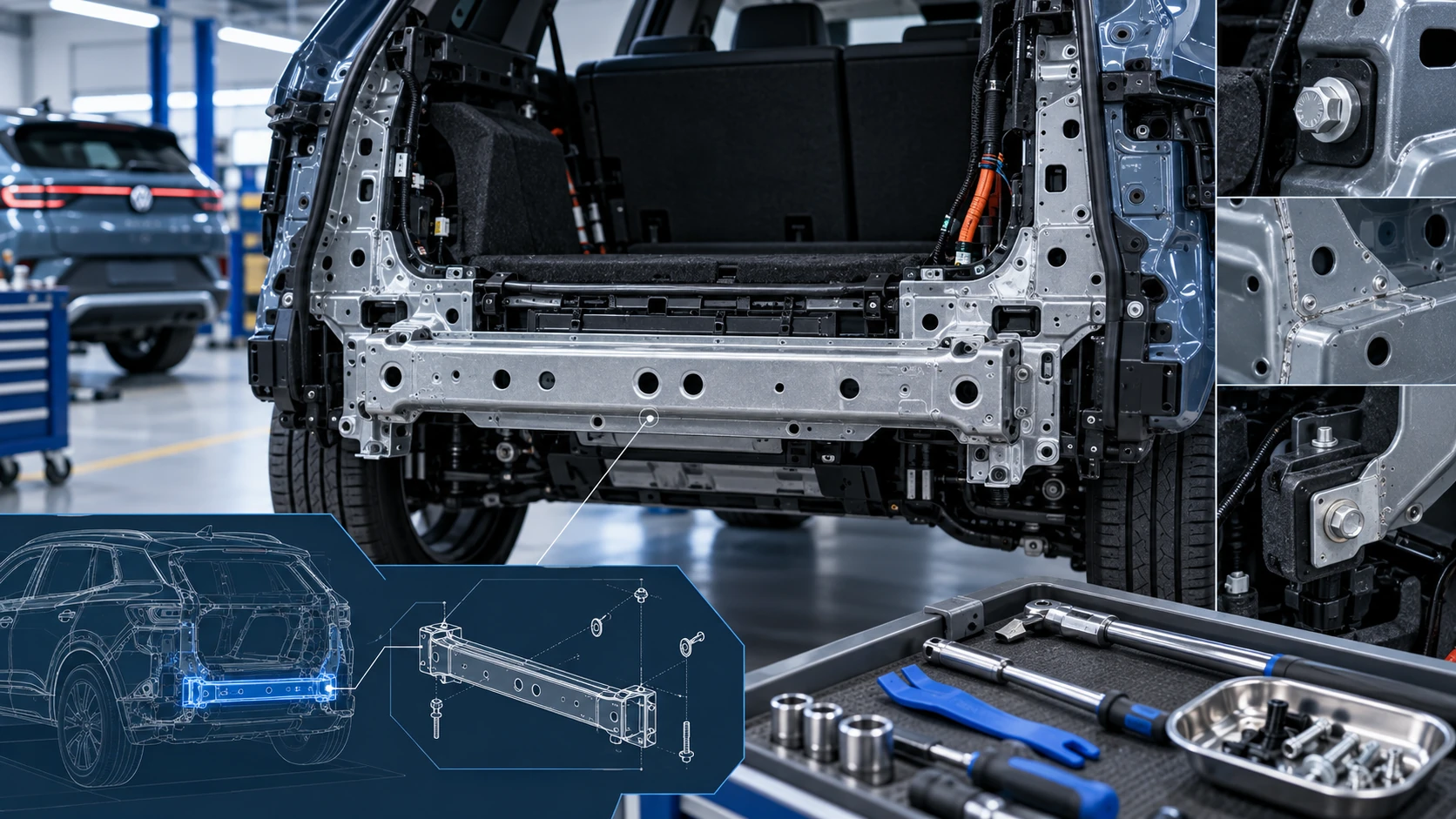 ID.4 Guide
Service information for the Volkswagen ID.4 rear cross member, including component location, attachment points and repair-oriented removal and installation guidance.
Read guide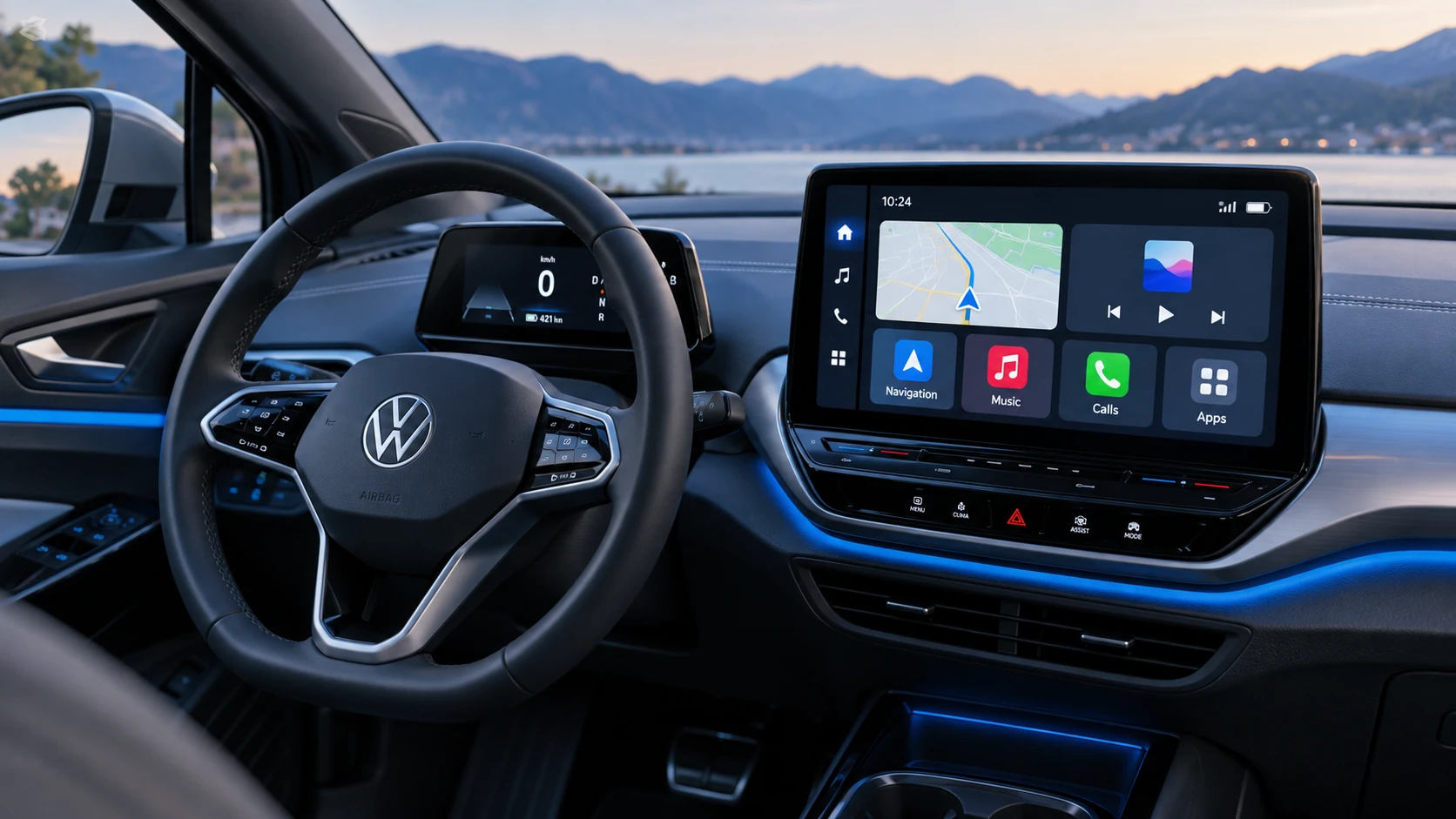 ID.4 Guide
See how Apple CarPlay works in the Volkswagen ID.4, including smartphone integration, navigation, calls, music and key infotainment functions.
Read guide