



Apple CarPlay
See how Apple CarPlay works in the Volkswagen ID.4, including smartphone integration, navigation, calls, music and key infotainment functions.
Read guide




WARNING
The central Infotainment processor in the Volkswagen ID.4 is connected to multiple control modules within the vehicle. Improper handling, repair, or replacement may lead to malfunctioning systems, increasing the risk of accidents or injury.
Volkswagen strongly recommends contacting an authorized Volkswagen dealer or service partner.
WARNING
Operating the Infotainment system, reading the display, or handling external devices while driving the Volkswagen ID.4 can distract the driver and significantly increase the risk of accidents.
WARNING
Displays and information shown on the screen of the Volkswagen ID.4 may be difficult to read in poor lighting conditions or if the screen is dirty or damaged.
Stay attentive and maintain full control of the vehicle at all times.
WARNING
Excessive volume levels in the Volkswagen ID.4 can prevent you from hearing important external sounds, such as emergency vehicle sirens, which may lead to dangerous situations.
WARNING
Listening to audio at high volume levels, even for a short period, can cause permanent hearing damage.
WARNING
Sudden changes in audio volume, for example when switching sources or connecting new media devices, may distract the driver.
This distraction can increase the risk of accidents in the Volkswagen ID.4.
WARNING
The following situations may prevent or interrupt emergency calls, phone calls, or data transmission in the Volkswagen ID.4:
Understanding and following these safety instructions will help ensure safe operation of the Volkswagen ID.4 and prevent unnecessary risks while using its advanced Infotainment and connectivity features.
WARNING
Radio stations may broadcast important alerts regarding emergencies, hazards, or disasters. In the Volkswagen ID.4, receiving or transmitting such information may not always be possible under certain conditions.
WARNING
In certain countries or depending on the mobile network, emergency calls from the Volkswagen ID.4 may only be possible under specific conditions.
WARNING
Using a mobile phone or CB radio inside the Volkswagen ID.4 without an external antenna may lead to increased electromagnetic radiation levels inside the cabin, which can pose health risks to occupants.
WARNING
Loose or improperly secured mobile devices, accessories, or external equipment inside the Volkswagen ID.4 can become dangerous projectiles during sudden braking, sharp maneuvers, or collisions.
WARNING
Navigation instructions and displayed traffic information in the Volkswagen ID.4 may differ from real-world conditions. Relying solely on system guidance can lead to unsafe driving decisions.
NOTICE
Active mobile devices in the Volkswagen ID.4 can emit radiation that may interfere with sensitive electronic or medical equipment, potentially causing malfunction or damage.
NOTICE
Excessively high volume levels or distorted audio playback in the Volkswagen ID.4 may damage the vehicle's speaker system over time.
Following these safety guidelines ensures that the advanced systems of the Volkswagen ID.4 operate reliably and helps protect both the driver and passengers during everyday use.

Selected owner and service information from our Volkswagen ID.4 manual library.
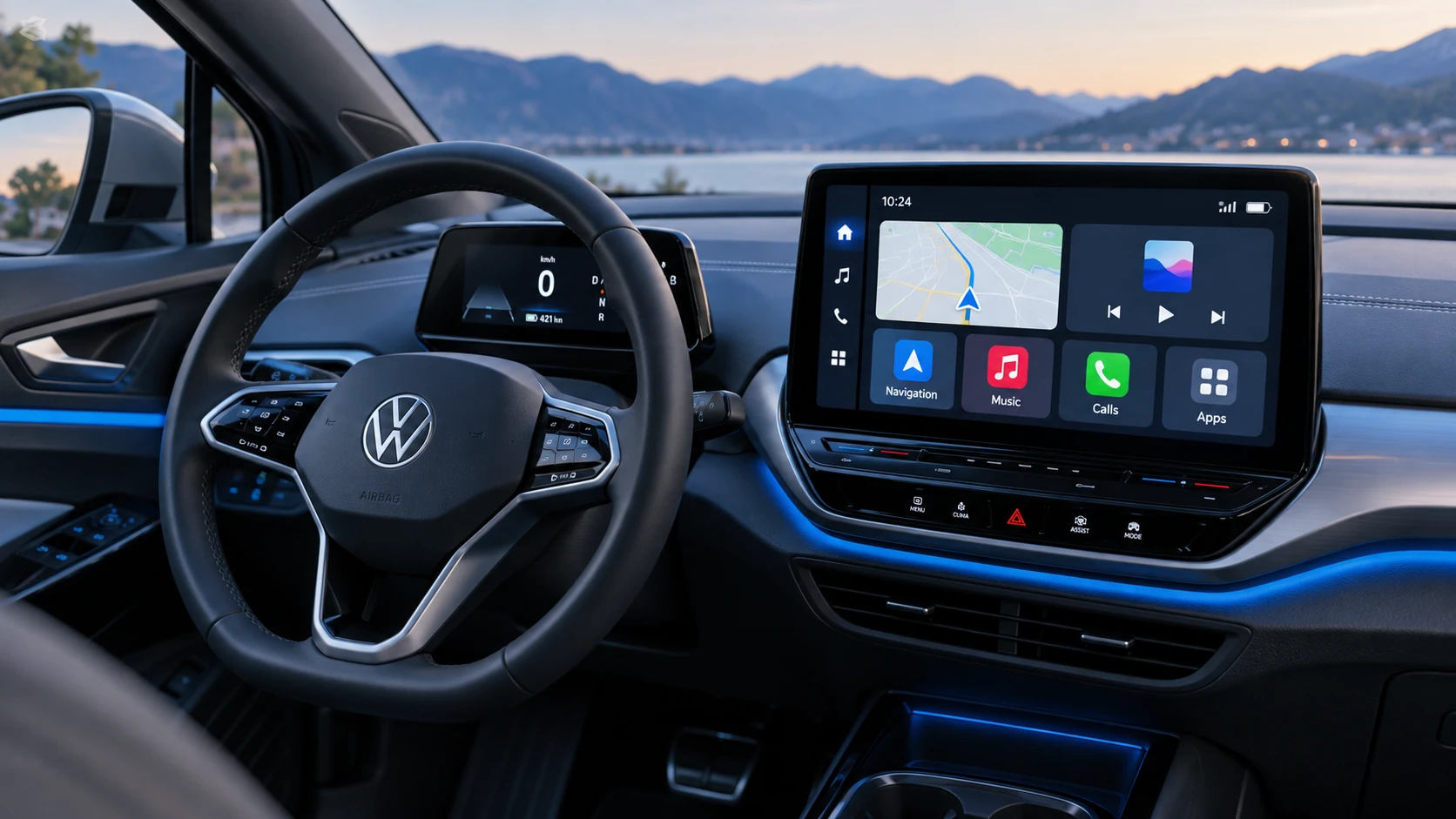 ID.4 Guide
See how Apple CarPlay works in the Volkswagen ID.4, including smartphone integration, navigation, calls, music and key infotainment functions.
Read guide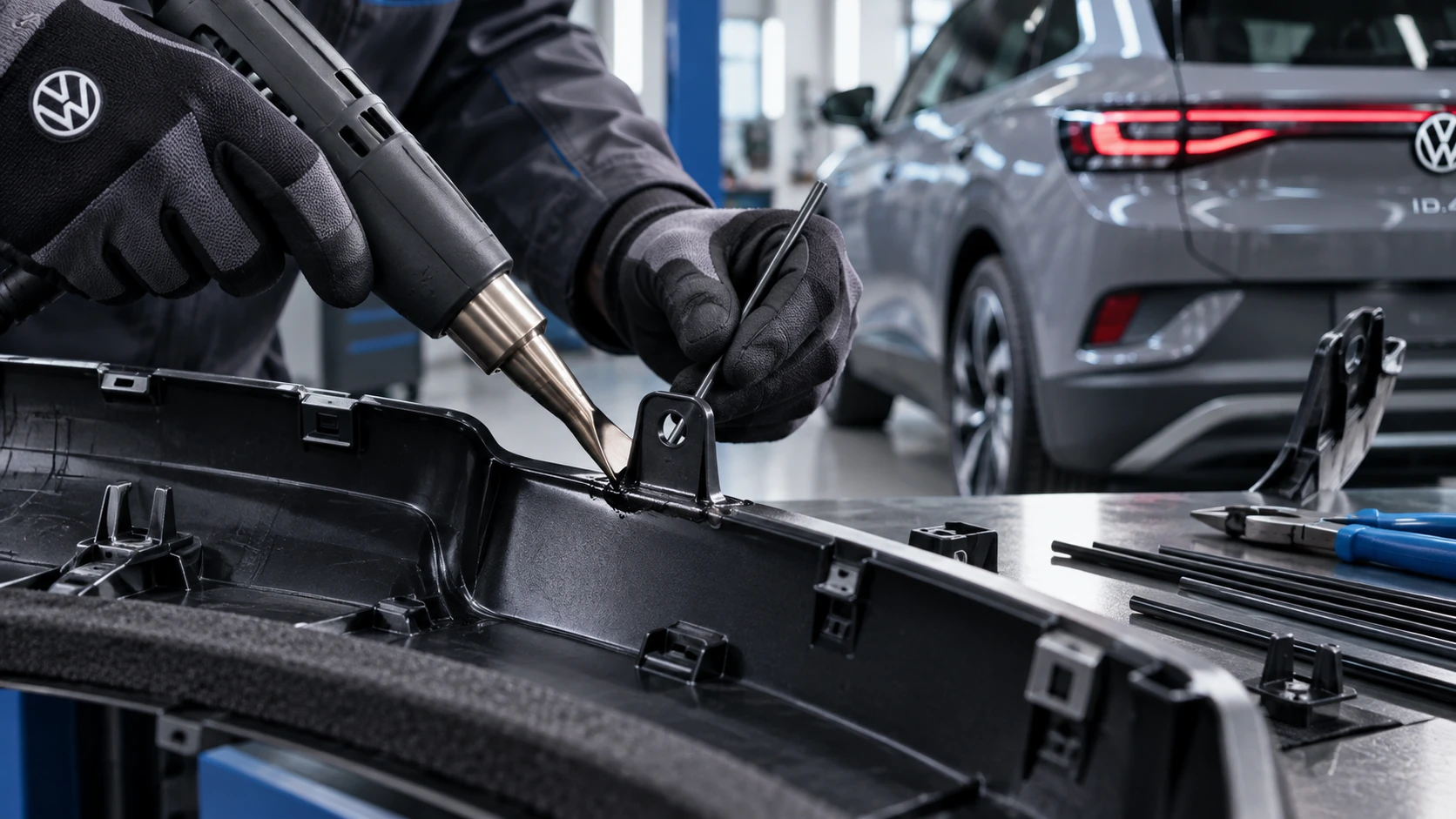 ID.4 Guide
Professional Volkswagen ID.4 repair guidance for welding plastic attachments, securing damaged mounting points and restoring plastic components correctly.
Read guide