



Cooling System Coolant
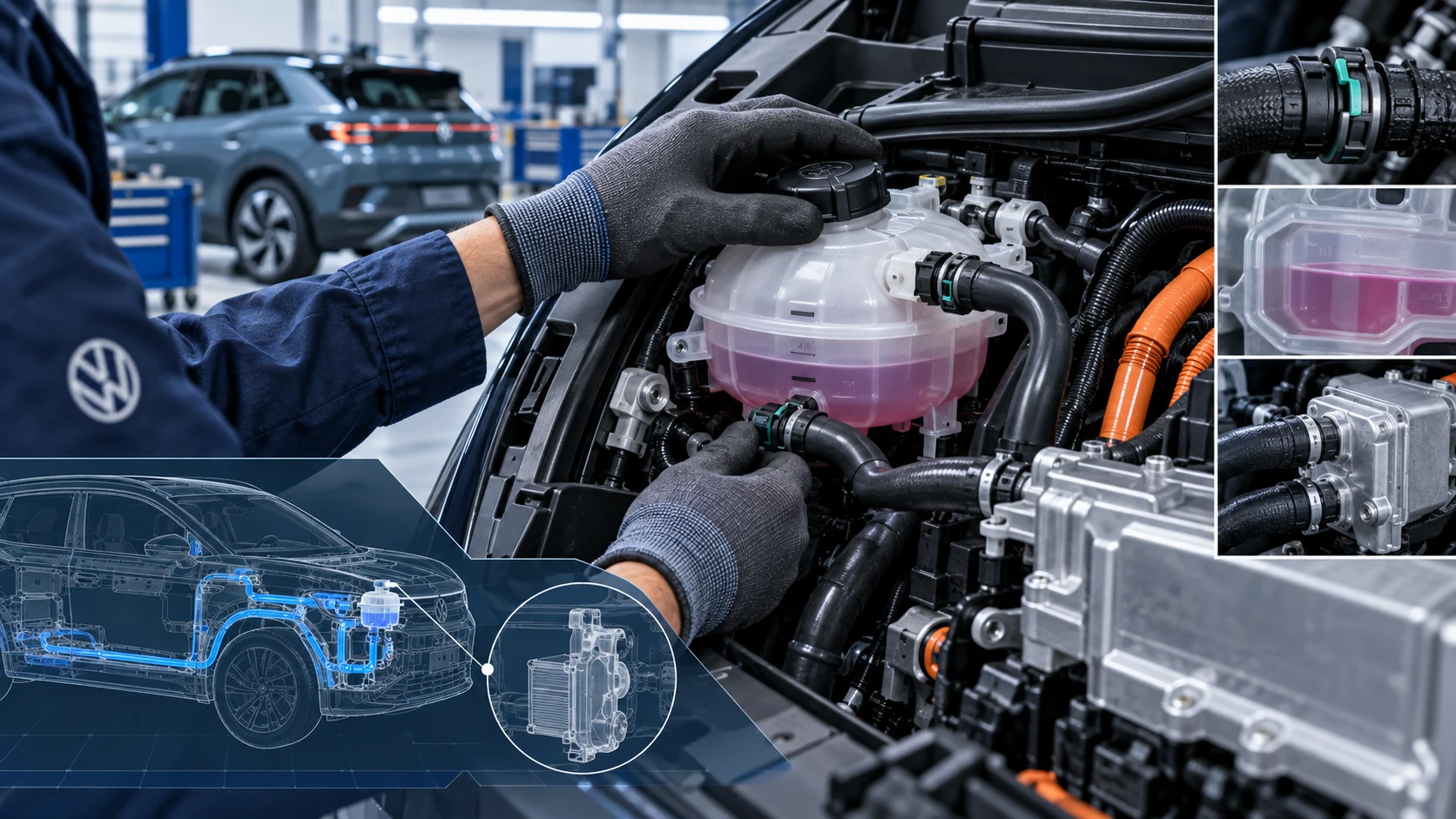
Volkswagen ID.4 cooling system guidance covering coolant-related service information, inspection points and important precautions for thermal management components.
Read guide




Viewing functions
Requirements
✓ The Volkswagen ID.4 is linked to an active Volkswagen user account.
✓ The vehicle’s electrical system is functioning correctly.
✓ The 12-volt battery of the Volkswagen ID.4 is sufficiently charged.
1. Tap HOME
 We Upgrade.
 All available upgrade functions for the Volkswagen ID.4 can also be viewed directly in the In-Car Shop.
Activate functions
Within the In-Car Shop of the Volkswagen ID.4 Infotainment system, all compatible Upgrades functions are displayed and can be activated according to your vehicle configuration.
Requirements
✓ You are registered as the primary user of the Volkswagen ID.4.
✓ A valid We Connect contract is active.
✓ The Volkswagen ID.4 is linked to your Volkswagen ID account.
✓ Sufficient mobile network coverage is available at the vehicle’s location.
✓ The vehicle electrical system is operational.
✓ The 12-volt battery is adequately charged.
✓ Internet connectivity is available via smartphone tethering or integrated eSIM.
1. To open the In-Car Shop, tap HOME
 .
.
2. Select the desired function in the In-Car Shop and follow the instructions shown on the Infotainment system of the Volkswagen ID.4.
 During and after activation, carefully follow all messages displayed in the system.
 As the primary user, you can also review activated Upgrades features in the mobile app connected to your Volkswagen ID.4.
Troubleshooting
Where can I find functions?
Available functions for the Volkswagen ID.4 can be accessed via the online portal linked to your Volkswagen ID or directly through the In-Car Shop in the Infotainment system.
Depending on equipment, certain features may only be available via the vehicle interface.
Are there functional limitations during activation?
Yes. While a function is being activated in the Volkswagen ID.4, it cannot be used until the process is complete.
Where is successful activation displayed?
A confirmation message will appear in the Infotainment system once activation is successfully completed.
When is the enabled function available?
Depending on the feature, it may be available immediately or only after restarting the driving cycle (switching the Volkswagen ID.4 off and on again).
Introduction
The availability of Infotainment functions and settings in the Volkswagen ID.4 depends on the specific equipment and may vary by region.
Prior to the first use
Before using the Infotainment system in your Volkswagen ID.4 for the first time, consider the following recommendations to ensure optimal functionality:
Other applicable documents
In addition to this manual, you should also consult the following resources when using the Volkswagen ID.4 Infotainment system:
Understanding and properly using the available functions in the Volkswagen ID.4 ensures a safer, more convenient, and fully connected driving experience.

Selected owner and service information from our Volkswagen ID.4 manual library.
 ID.4 Guide
Volkswagen ID.4 cooling system guidance covering coolant-related service information, inspection points and important precautions for thermal management components.
Read guide ID.4 Guide
How to switch the Volkswagen ID.4 ignition on and off correctly, including the basic operating conditions and what the driver should expect from the vehicle.
Read guide