



Joining and Separating Techniques
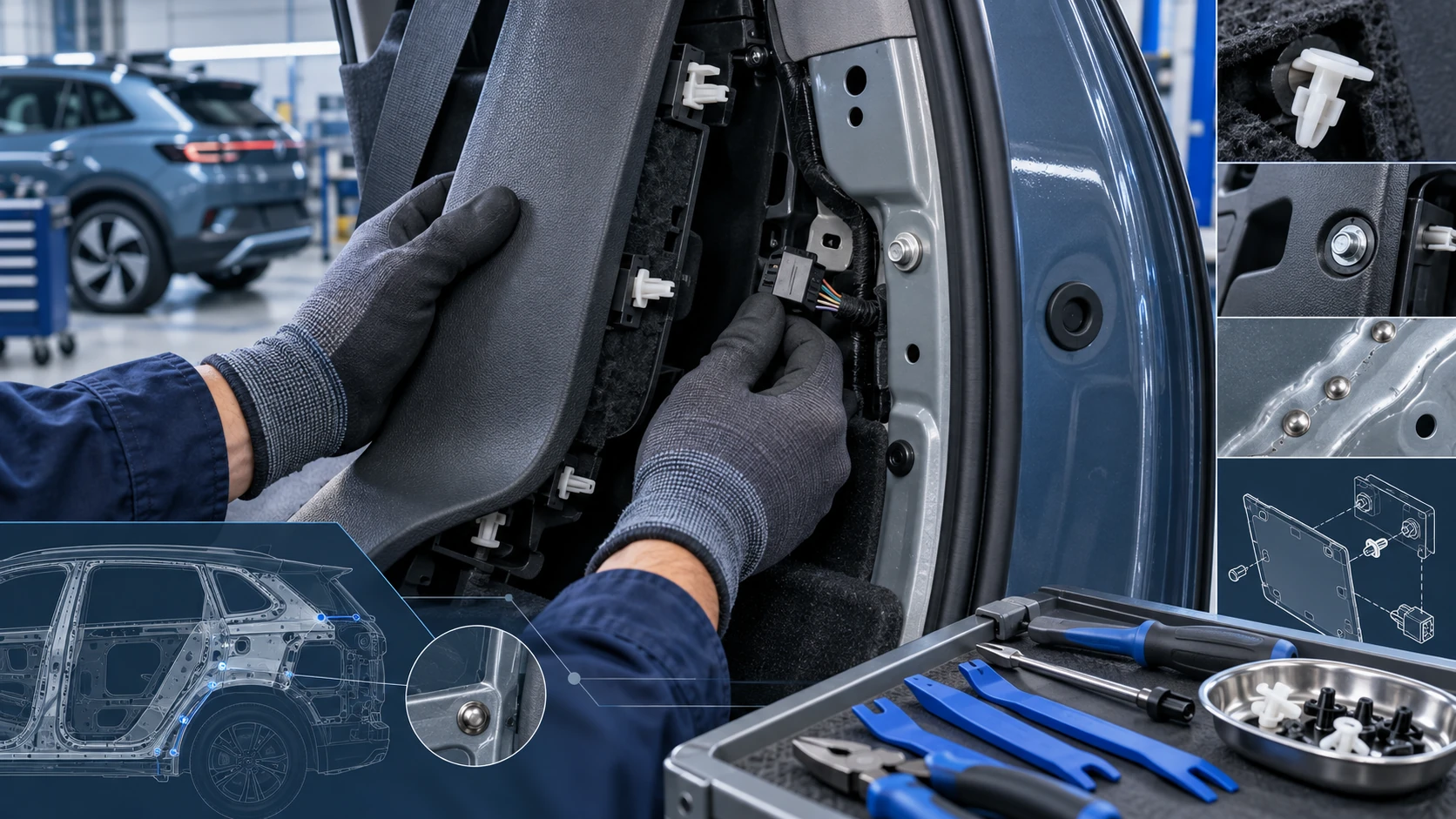
Practical Volkswagen ID.4 service procedures for joining and separating components, connectors and assemblies correctly and without unnecessary damage.
Read guide




In the Volkswagen ID.4, service-related notifications are clearly presented both in the Volkswagen Digital Cockpit and within the Infotainment system, ensuring that the driver is always informed about upcoming maintenance requirements and vehicle condition.
Service notification
If an inspection service for the Volkswagen ID.4 is approaching, a reminder will automatically appear when the ignition is switched on, helping you plan maintenance in advance.
The displayed mileage or time indicates how far or how long the Volkswagen ID.4 can be driven before the next scheduled service is due.
One of the following notifications may be shown:
Service event
When a service is due, the Volkswagen ID.4 will emit an acoustic warning signal and display a wrench symbol
 in the Digital Cockpit for several seconds. This is accompanied by a clear message when the ignition is switched on:
Checking a service interval in the Infotainment system
1. Tap the Vehicle function key.
2. Select the Status function.
3. Tap the Service function to access detailed service information for the Volkswagen ID.4.
Active functions are highlighted for clarity.
The system displays both the remaining mileage and the number of days until the next inspection.
Resetting the service display
The service display in the Volkswagen ID.4 can only be reset during an official inspection carried out by qualified professionals. Volkswagen strongly recommends visiting an authorized Volkswagen dealer or service facility.
 The service message disappears automatically after a few seconds once the vehicle is ready to drive or when the
 button on the multi-function steering wheel is pressed.
Time and date
Setting the time and date in the Infotainment system
1. Tap the Settings function key.
2. Select the Time and date menu.
 The time and date are displayed and adjusted exclusively via the Infotainment system.
Exit menu
The exit menu in the Volkswagen ID.4 allows you to adjust certain vehicle functions before leaving the vehicle. This menu appears automatically in the Infotainment system when the ignition is switched off.
The available options depend on the equipment level and current conditions. Typical adjustable functions include:

Selected owner and service information from our Volkswagen ID.4 manual library.
 ID.4 Guide
Practical Volkswagen ID.4 service procedures for joining and separating components, connectors and assemblies correctly and without unnecessary damage.
Read guide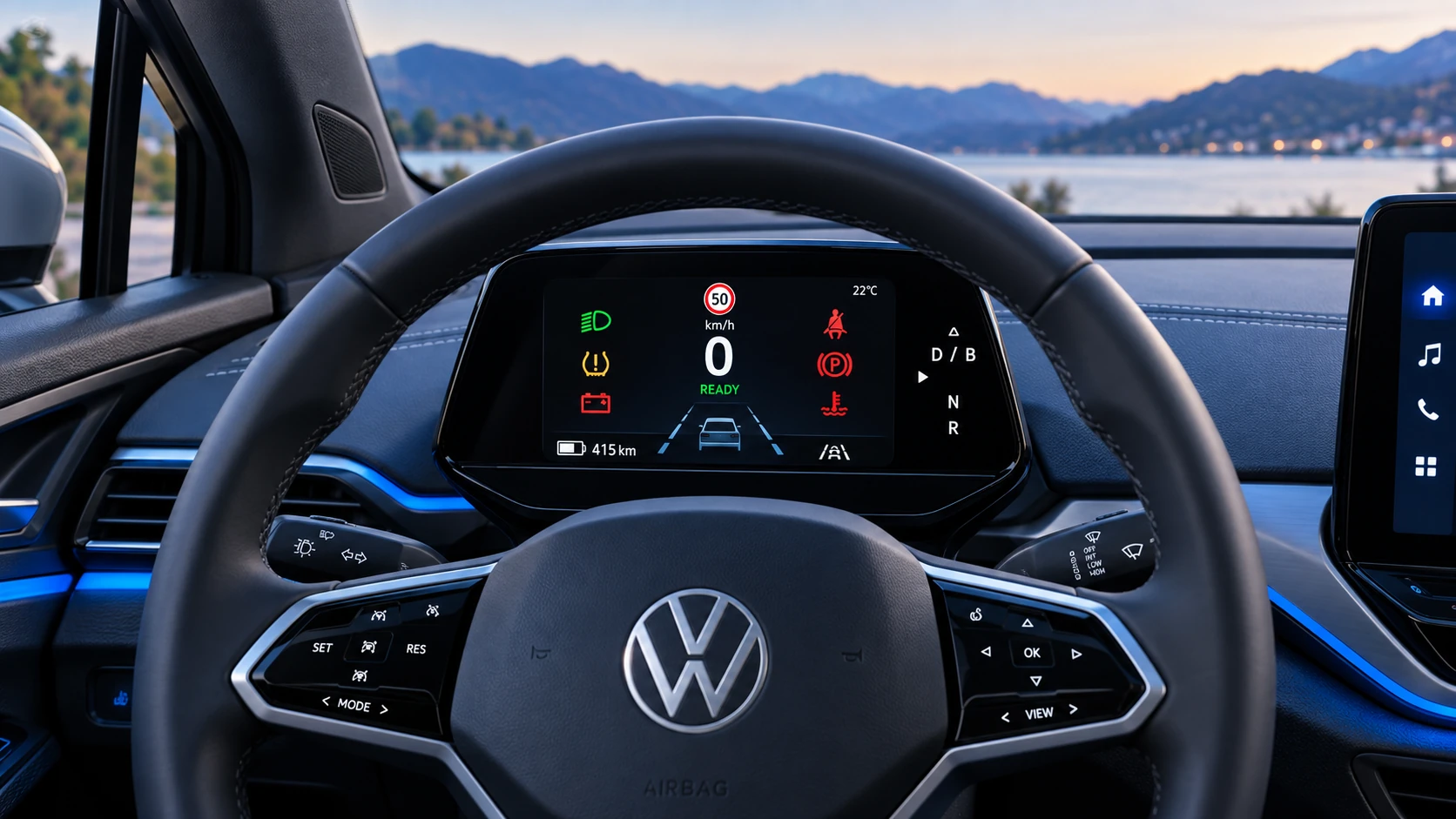 ID.4 Guide
A practical overview of Volkswagen ID.4 instrument cluster symbols, warning lights and status indicators to help drivers understand the display quickly.
Read guide