



Cooling System Coolant
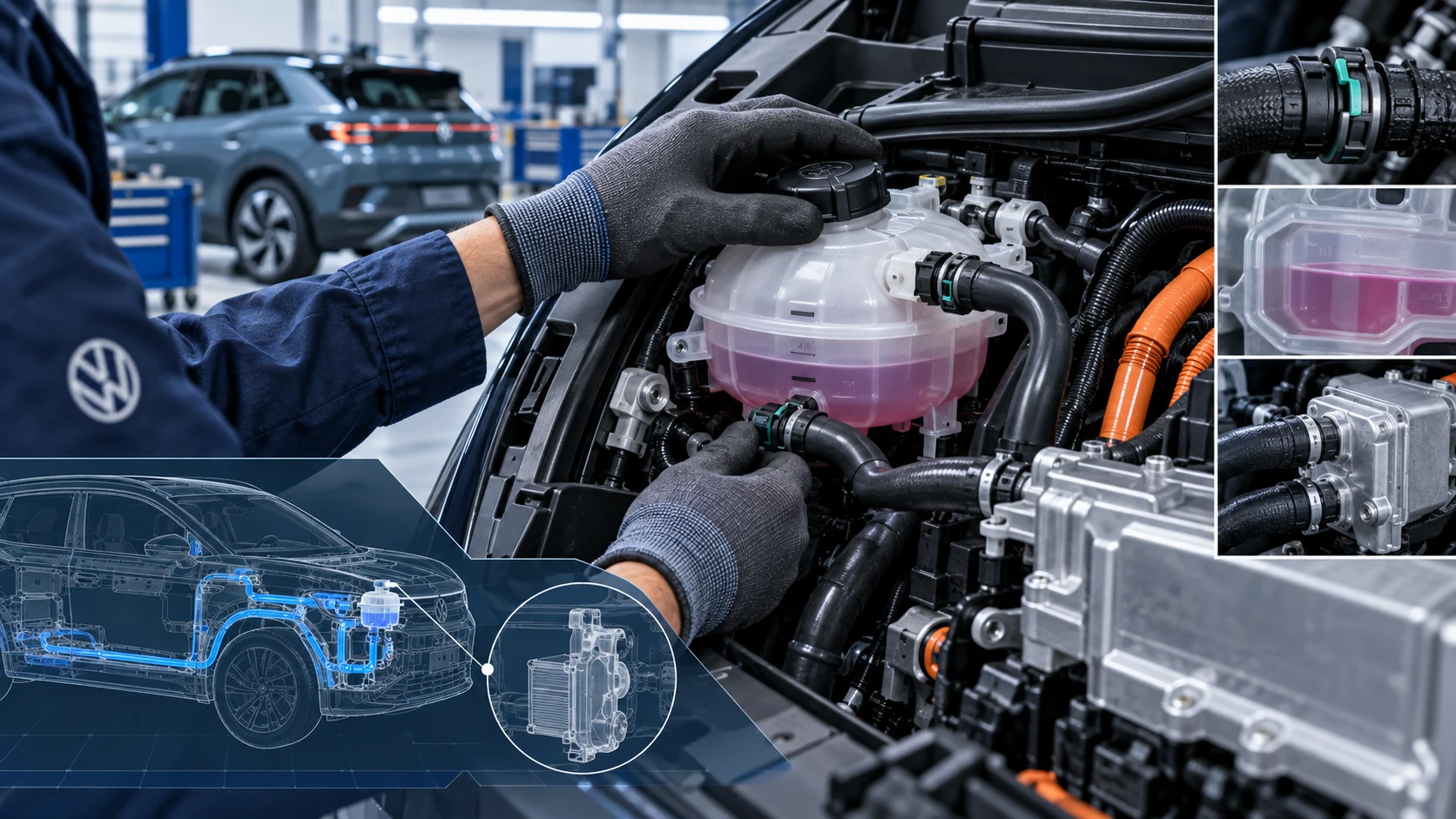
Volkswagen ID.4 cooling system guidance covering coolant-related service information, inspection points and important precautions for thermal management components.
Read guide




Opening the Service Menu
1. Tap the Vehicle function key in the Infotainment system.
2. Select the Status menu.
3. Tap the Service function to display service-related information for the Volkswagen ID.4.
Active functions are highlighted in color.
The system will display mileage and the remaining time until the next scheduled inspection.
4. Tap
 to return to the previous menu.
Resetting the trip odometer
1. Tap the Vehicle function key in the Infotainment system.
2. Open the Status menu.
3. Select Distance driven.
4. Tap the 0.0 button to reset the trip value.
Displaying the Vehicle Identification Number (VIN)
1. Tap the Vehicle function key in the Infotainment system.
2. Open the Status menu.
3. Select the Service function to display the VIN.
The vehicle identification number (VIN) for the Volkswagen ID.4 will be shown on the screen.

Selected owner and service information from our Volkswagen ID.4 manual library.
 ID.4 Guide
Volkswagen ID.4 cooling system guidance covering coolant-related service information, inspection points and important precautions for thermal management components.
Read guide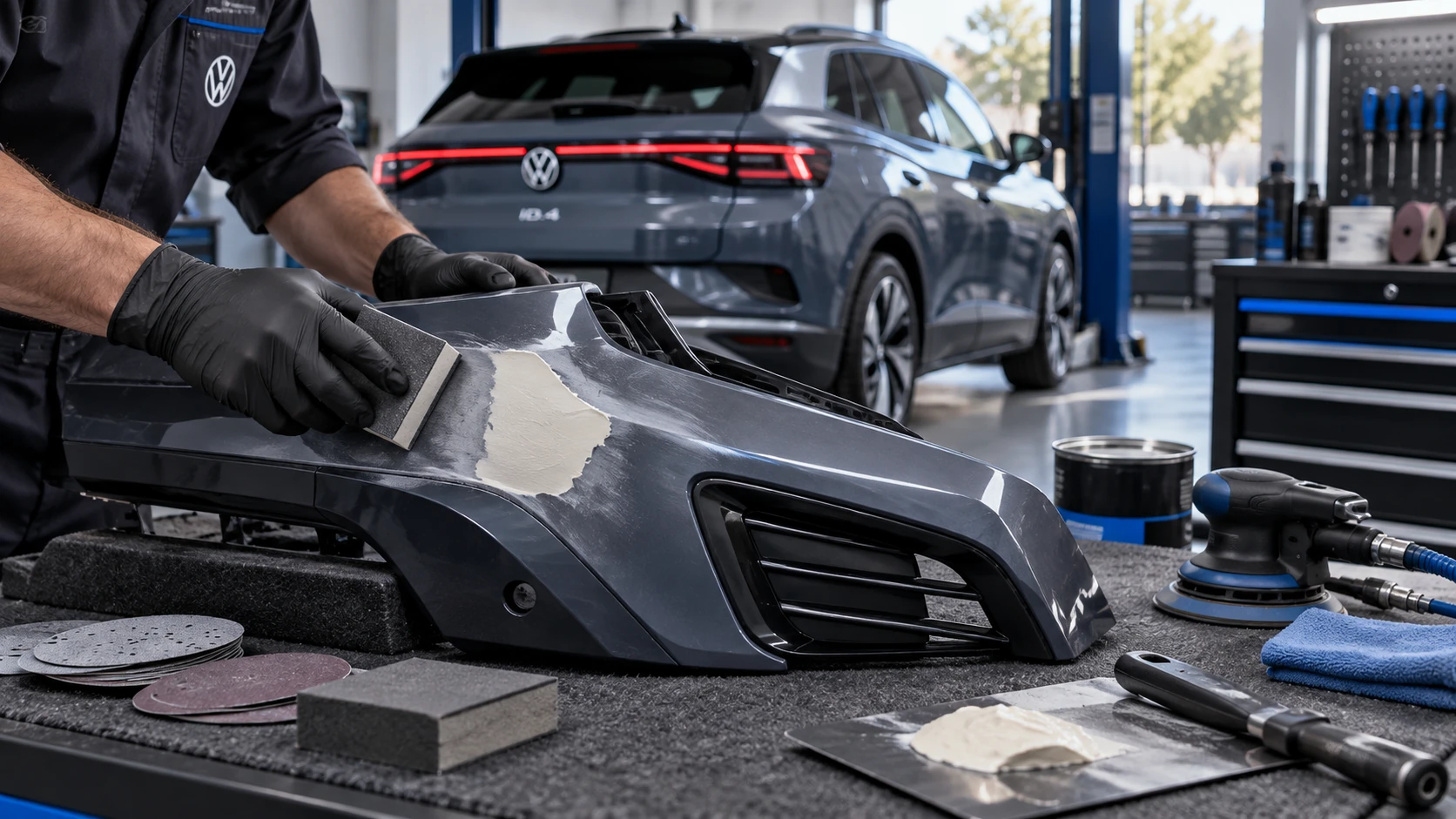 ID.4 Guide
Volkswagen ID.4 plastic repair procedures covering surface preparation, filler work, sanding and restoration of damaged plastic exterior components.
Read guide