



Welding Plastic Attachments
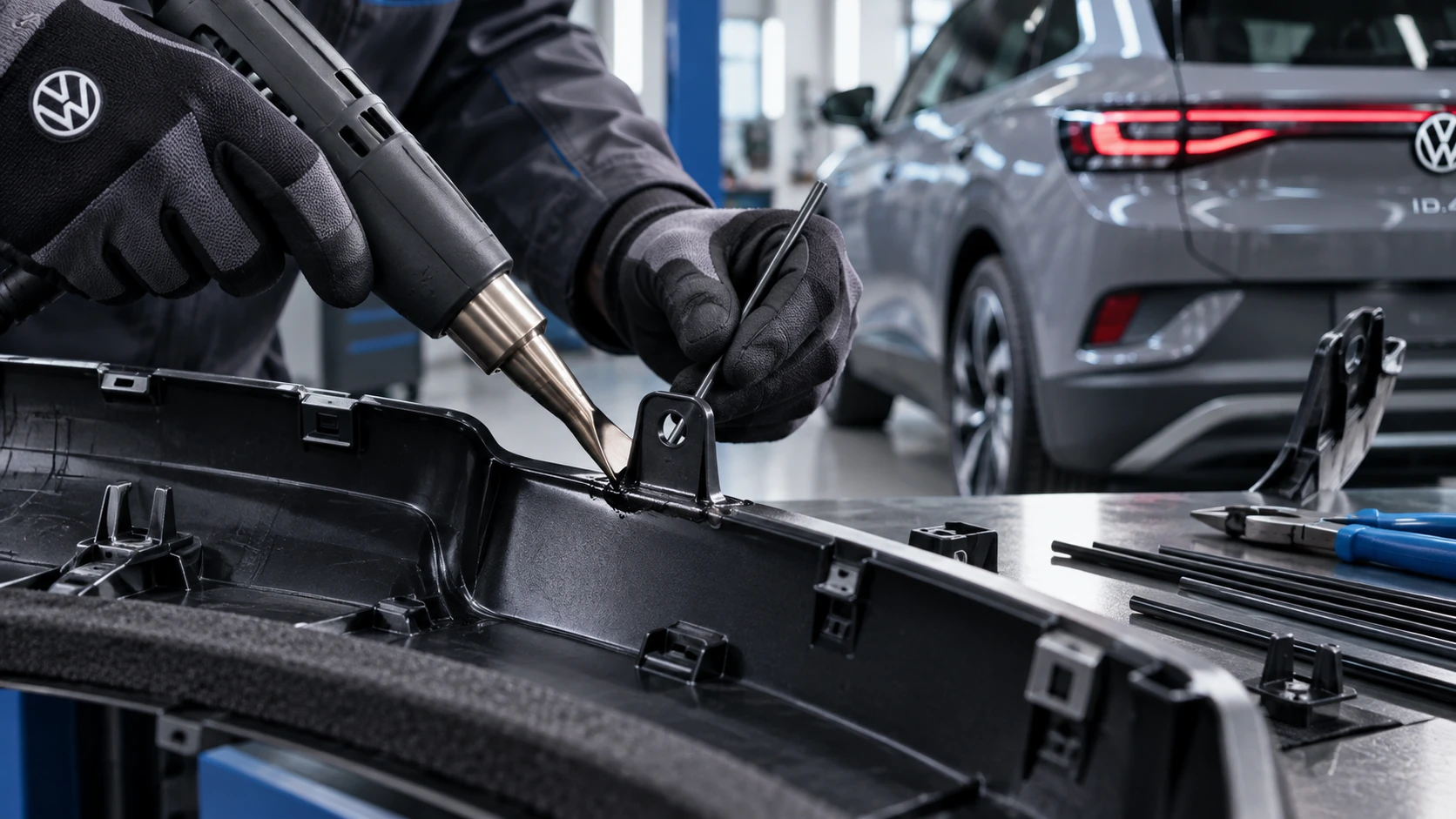
Professional Volkswagen ID.4 repair guidance for welding plastic attachments, securing damaged mounting points and restoring plastic components correctly.
Read guide




The vehicle settings menu in the Volkswagen ID.4 enables you to activate, deactivate, and customize various systems and features directly via the Infotainment system.
Opening the Vehicle settings Menu
1. Switch on the ignition.
2. Activate the Infotainment system if necessary.
3. Tap the Vehicle function key.
4. Depending on the equipment, select the Vehicle menu and choose between Interior and Exterior settings.
Or: select the
 menu item.
5. Open the desired submenu and adjust the settings according to your preferences.
System settings and vehicle information display
Depending on the version of the Volkswagen ID.4, the following information and configuration options may be available:
 After activating the drive system in the Volkswagen ID.4 following a deeply discharged, replaced, or jump-started 12 V battery, certain settings such as user preferences or configurations may be reset. Check and restore all settings once the battery is sufficiently charged.
WARNING
Operating the Infotainment system while driving the Volkswagen ID.4 can distract the driver and increase the risk of accidents and serious injuries.
Introduction

Fig. 1 Driver Alert System symbol on the instrument cluster display.
The Driver Alert System in the Volkswagen ID.4 detects signs of driver fatigue and helps increase safety during long journeys.
At the start of a journey, the Volkswagen ID.4 monitors driving behavior and establishes a baseline. It then continuously compares current driving patterns with this baseline to detect signs of fatigue. If fatigue is detected, the system issues an audible warning along with a visual alert on the instrument cluster display → fig. 1. The message remains visible for several seconds and may be repeated if necessary. The last warning is stored for later reference.
When is it active?
The Driver Alert System operates when the Volkswagen ID.4 is traveling at speeds above approximately 60 km/h (37 mph) and up to around 200 km/h (125 mph).
WARNING
The Driver Alert System does not replace driver responsibility and operates within system limitations.
This means that the system may not detect fatigue in all situations, may react late, or may provide incorrect alerts. This increases the risk of accidents and serious injuries.
 The Driver Alert System is primarily designed for use on highways and well-maintained roads.
 In case of malfunction, have the system inspected by qualified professionals. Volkswagen recommends contacting an authorized Volkswagen dealer or service facility.

Selected owner and service information from our Volkswagen ID.4 manual library.
 ID.4 Guide
Professional Volkswagen ID.4 repair guidance for welding plastic attachments, securing damaged mounting points and restoring plastic components correctly.
Read guide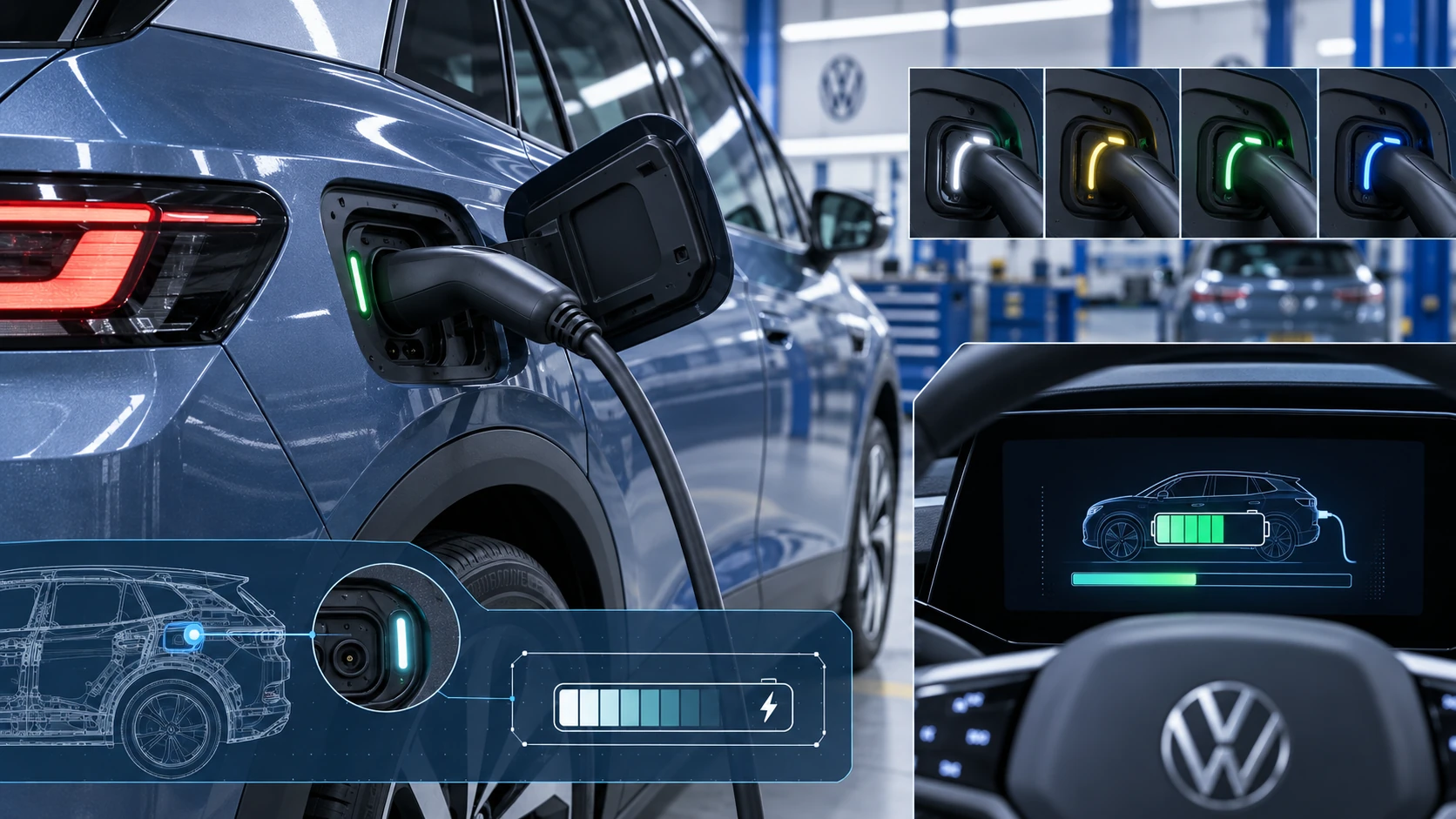 ID.4 Guide
Learn how the Volkswagen ID.4 charging process indicator shows charging status, progress and key visual signals during AC and DC charging.
Read guide