



Switching the Ignition On and Off
How to switch the Volkswagen ID.4 ignition on and off correctly, including the basic operating conditions and what the driver should expect from the vehicle.
Read guide




The Volkswagen ID.4 features ID. Light, an intelligent ambient lighting system that communicates vehicle status and driving information through dynamic light signals. When the drive system is active and during driving, ID. Light provides intuitive visual feedback directly within the driver’s field of view.
The ID. Light system in the Volkswagen ID.4 can display information related to the following functions:
 Some selectable options in the submenu may not be available depending on equipment.
 Additional features and display options can be added via over-the-air updates in the Volkswagen ID.4.
Brightness
1. Tap the Vehicle function key in the Infotainment system.
2. Select Inside display content and open the ID. Light settings.
3. Adjust the brightness using the touch slider.
4. Tap the home button
 to return to the previous menu.
Settings in the Infotainment system
Various ID. Light functions in the Volkswagen ID.4 can be enabled or disabled through the Infotainment system settings.
Active features are highlighted in color for easy identification.
1. Tap the home button
 to return to the previous menu.

Selected owner and service information from our Volkswagen ID.4 manual library.
 ID.4 Guide
How to switch the Volkswagen ID.4 ignition on and off correctly, including the basic operating conditions and what the driver should expect from the vehicle.
Read guide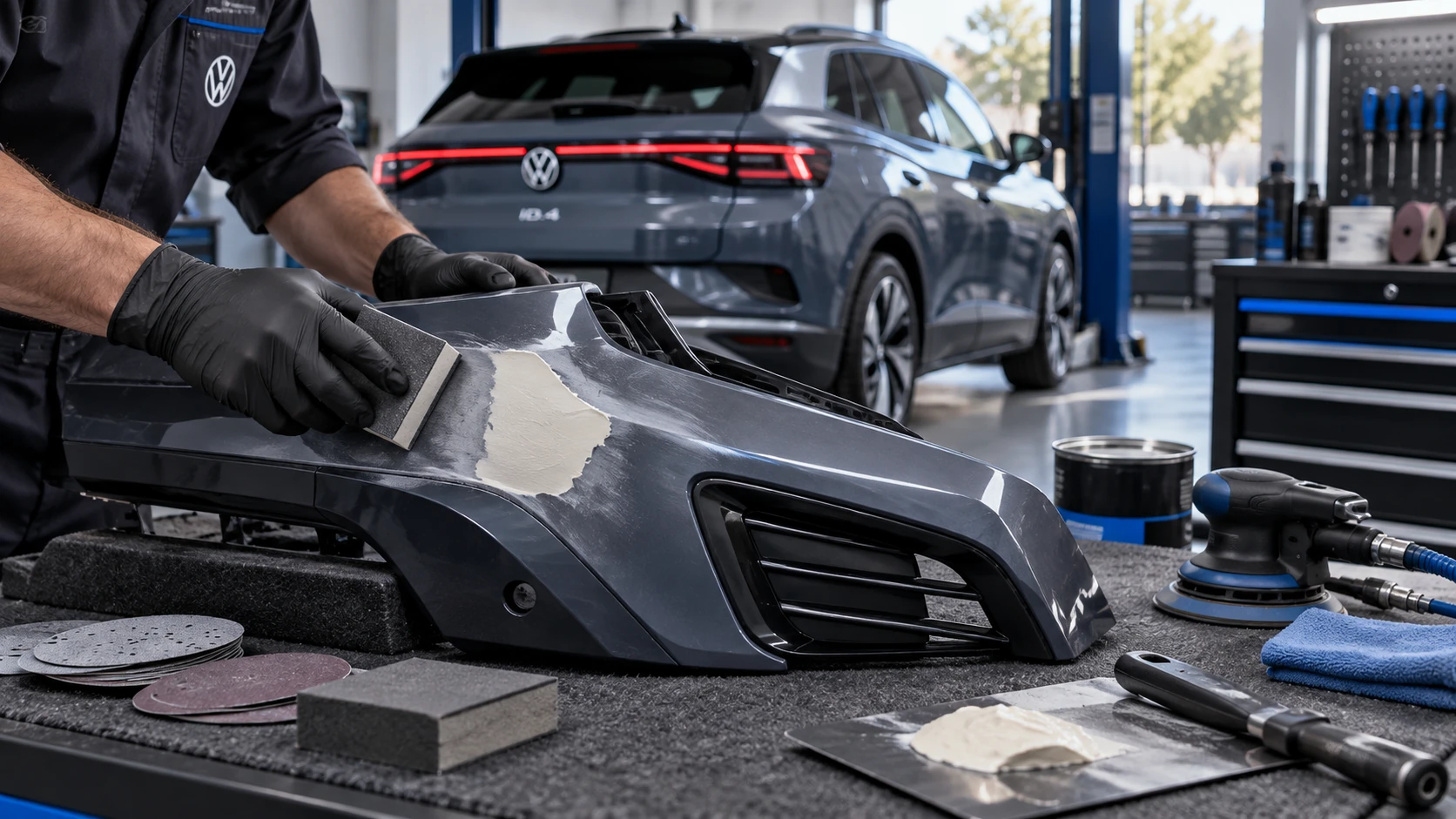 ID.4 Guide
Volkswagen ID.4 plastic repair procedures covering surface preparation, filler work, sanding and restoration of damaged plastic exterior components.
Read guide