



Bidirectional Charging
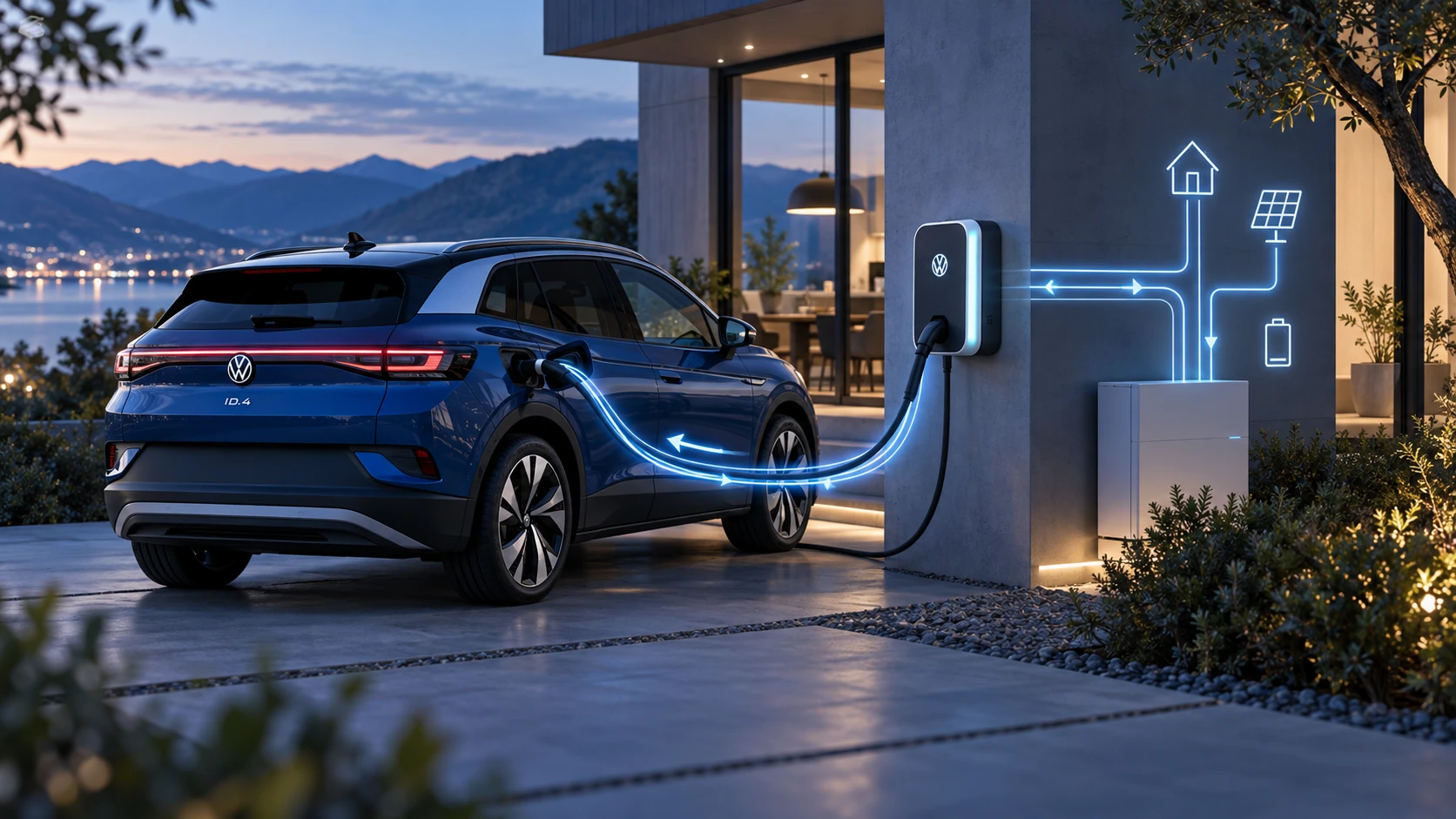
Learn the basics of Volkswagen ID.4 bidirectional charging, including energy flow concepts, home power use and vehicle-to-home charging capability.
Read guide




Range 360 display
The Range 360 display in the Volkswagen ID.4 provides a visual representation of the vehicle’s estimated driving range based on the current charge level of the high-voltage battery.
This visualization is calculated using current energy consumption values and driving conditions. The displayed range is only an estimate and may dynamically change during the journey. Both the upper and lower limits should be interpreted as approximate values rather than exact figures.
Activating and Deactivating the 360º Range Display
1. Tap
 .
.
 To view the complete range coverage on the navigation map in the Volkswagen ID.4, adjust the zoom level or map orientation if necessary (→ Navigation).
Electric Vehicle Route Planner
The Electric Vehicle Route Planner in the Volkswagen ID.4 automatically integrates charging stops into your route, ensuring optimal travel planning for electric mobility.
A maximum of five charging stations can be added automatically along the route.
You can define your preferred payment method for charging stations within the route options dialog (→ Navigation).
If the selected payment method is not supported at certain charging stations, the Volkswagen ID.4 provides an audible notification.
Based on your preferences and available data, the system identifies and prioritizes suitable charging stations, displaying them clearly on the map and within the route plan.
Within the route options, you can also define your preferred remaining battery level upon arrival at charging stations and at your final destination. This setting directly influences how the Volkswagen ID.4 plans charging stops.
Temporary adjustments made by the Electric Vehicle Route Planner may override settings defined under "Charging to the maximum battery charge level" (→ Charging settings).
Once route guidance is completed, the original charging settings are automatically restored.
If an active internet connection is available, the Volkswagen ID.4 displays real-time availability of charging stations within the Infotainment system. The status is indicated by a colored marker on the station icon.
Automatically adding charging stops
1. In the navigation settings, tap (→ Navigation) Route guidance
 Route options
 Add charging stops automatically and activate this option to enable automatic scheduling of charging stations along the route.
Selecting alternative charging stations
During route planning in the Volkswagen ID.4, you can manually replace automatically suggested charging stations with alternative options.
1. Enter or select your desired destination.
2. Tap Start.
3. Open the route plan.
4. Select a scheduled charging station from the route plan.
Detailed information about the selected charging station will be displayed.
5. Tap Display further charging stations.
Nearby charging stations will be shown on the map.
6. Select an alternative charging station from the list or map.
Detailed information about the selected alternative station will appear.
7. Tap Add destination as a stopover.
The previously planned charging stop is replaced, and the route is recalculated accordingly.
 If "Add as a stopover" is selected, the chosen charging station remains part of the route even if route conditions change.
Searching for Charging Stations with a Filter
The Volkswagen ID.4 allows you to apply filters when searching for charging stations, both on the map and in search results.
You can define criteria such as charging speed, provider, or compatibility. Only stations matching the selected criteria will be displayed on the map and in search results.
These filters can be adjusted at any time. Note that active filters only affect how charging stations are displayed and do not influence automatic route planning unless specified in route settings.
 An active filter is indicated by a colored marker within the navigation dialog (→ Navigation).
The Volkswagen ID.4 combines intelligent electric route planning, real-time charging data, and advanced range visualization to ensure efficient, stress-free long-distance travel.

Selected owner and service information from our Volkswagen ID.4 manual library.
 ID.4 Guide
Learn the basics of Volkswagen ID.4 bidirectional charging, including energy flow concepts, home power use and vehicle-to-home charging capability.
Read guide ID.4 Guide
How to switch the Volkswagen ID.4 ignition on and off correctly, including the basic operating conditions and what the driver should expect from the vehicle.
Read guide