



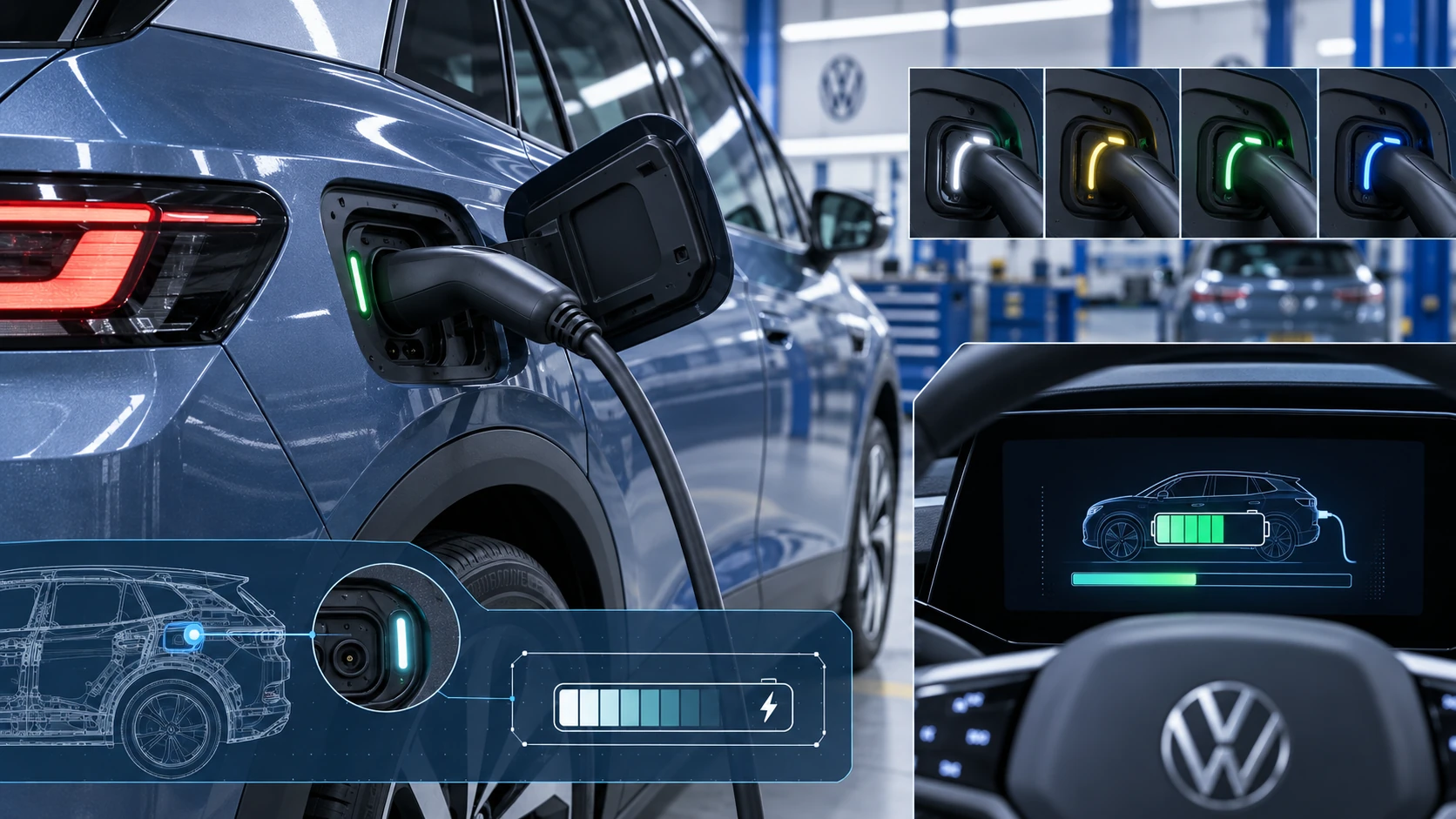
Charging Process Indicator
Learn how the Volkswagen ID.4 charging process indicator shows charging status, progress and key visual signals during AC and DC charging.
Read guide




Depending on the equipment level of the Volkswagen ID.4, various methods are available for entering destinations. Some of these features may be restricted in certain countries, but the Volkswagen ID.4 navigation system is designed to offer flexible and intuitive destination input options.
All available destination input functions can be accessed through the navigation system main menu (→ Navigation) in the Volkswagen ID.4.
You can refine your search results using contextual suggestions such as "nearby", making destination entry faster and more accurate.
For detailed explanations of symbols displayed on the Infotainment screen, refer to the navigation section (→ Navigation) in this Owner's Manual.
Enter address
Route guidance in the Volkswagen ID.4 can be started by entering a destination address. During input, the system automatically suggests previously used or known destinations. You may also manually enter a completely new address.
 When entering an address, it is recommended to input the destination name instead of the postal code for better accuracy.
Selecting the destination and starting the navigation system
1. Tap
 .
.
Or: tap
 .
.
2. Enter the destination address and select the correct result from the list.
3. Tap Start.
Or: tap
 .
.
Quick start
1. Tap
 .
.
2. Enter the destination and press and hold the desired result for a few seconds to immediately begin navigation.
 Always enter the destination as precisely as possible. Incorrect input may prevent route calculation or lead to an unintended destination.
Destination suggestions
The Volkswagen ID.4 navigation system uses stored data such as recent destinations, learned routes, favorites, and saved home or work addresses to provide intelligent suggestions.
Selecting the destination and starting the navigation system
1.
 Tap
Tap
 Suggestions.
2. Select the desired destination.
Route guidance in the Volkswagen ID.4 will start automatically.
Last destinations
The system stores up to 25 recently used destinations to allow quick access. When the limit is reached, the oldest entry is automatically replaced.
Selecting the destination and starting the navigation system
1. Tap
 Last destinations.
2. Tap the preferred destination.
3. Tap Start.
Or: tap
 .
.
Quick start
1. Tap
 Last destinations.
2. Press and hold the selected destination for a few seconds.
Favorite destinations
You can store up to 50 frequently used destinations as favorites in the Volkswagen ID.4 for fast and convenient access.
Saving a journey destination as a favorite
1. While entering a destination, tap on
 in the additional options window.
Selecting the destination and starting the navigation system
1. Tap
 Favorites.
2. Select the desired destination.
3. Tap Start.
Or: tap
 .
.
Quick start
1. Tap
 Favorites.
2. Press and hold a saved destination to start navigation instantly.
Selecting on the map
The navigation map in the Volkswagen ID.4 includes interactive areas that allow you to select destinations directly. Tap on any location on the map to set it as a destination if map data is available.
This feature depends on map data availability and may not be supported in all areas.
Use Offroad navigation when selecting destinations without mapped road data.
Offroad navigation
The Offroad navigation function in the Volkswagen ID.4 calculates routes to locations without mapped road data. The system guides you to the nearest known road and then continues in a straight line toward the selected destination.
To activate Offroad navigation, tap on an area of the map without available positioning data.
Starting the navigation
1. Tap
 .
.
2. Drag the map to position your desired location.
3. Tap the selected destination point.
4. Tap Start.
Or: tap
 .
.
Using a contact's address data
You can start navigation in the Volkswagen ID.4 using address data stored in your contacts, provided that the contact includes valid address information.
Starting the navigation
1. Tap
 .
.
2. Select the desired contact and associated address.
3. Tap Start.
Or: tap
 .
.
NOTICE
If the stored address data for a contact is outdated, the Volkswagen ID.4 navigation system will still guide you to that saved location. Always ensure contact details are up to date to avoid navigation errors.
The Volkswagen ID.4 navigation system combines intelligent destination input, adaptive suggestions, and flexible route guidance to provide a smooth and efficient driving experience.

Selected owner and service information from our Volkswagen ID.4 manual library.
 ID.4 Guide
Learn how the Volkswagen ID.4 charging process indicator shows charging status, progress and key visual signals during AC and DC charging.
Read guide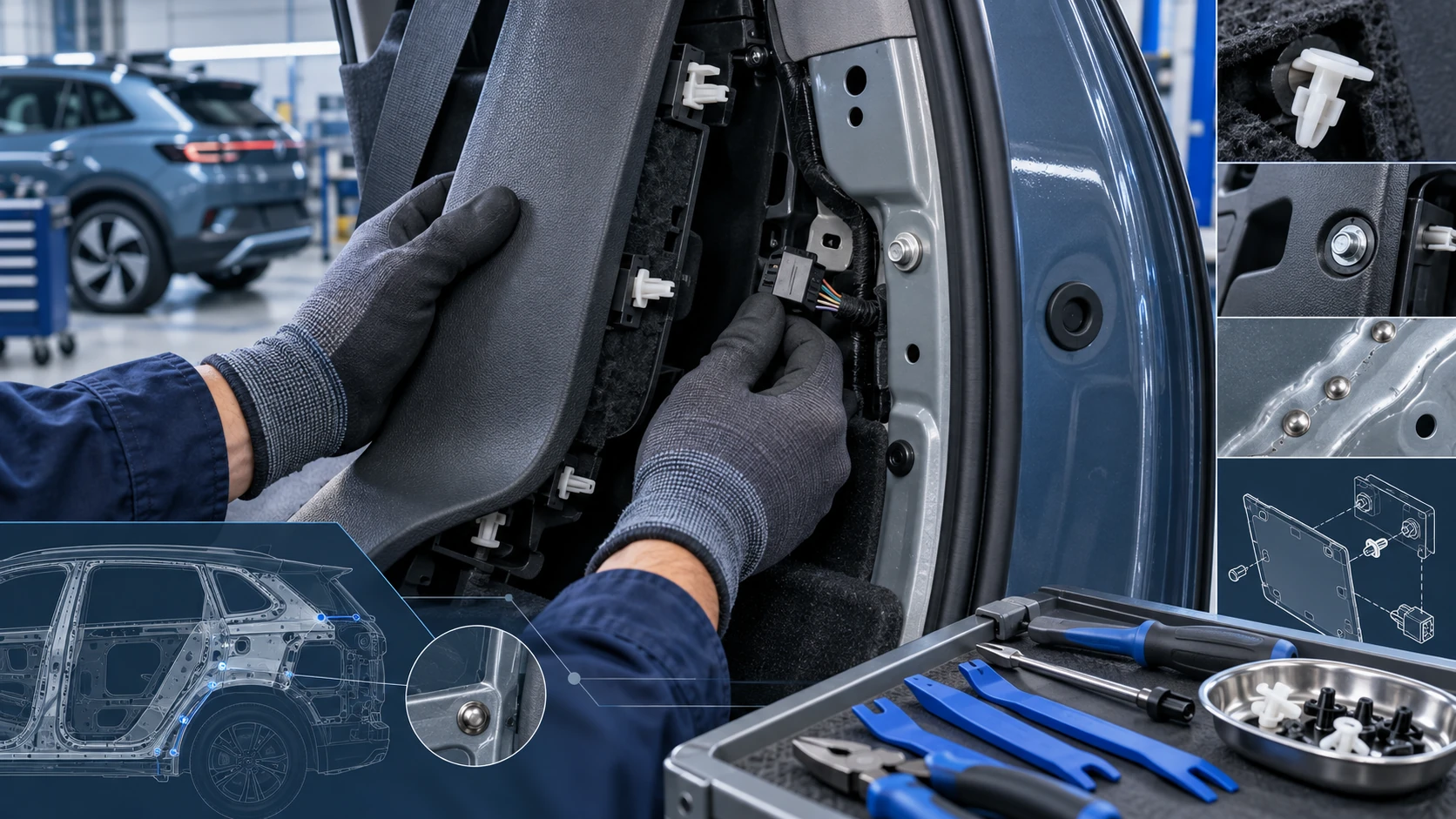 ID.4 Guide
Practical Volkswagen ID.4 service procedures for joining and separating components, connectors and assemblies correctly and without unnecessary damage.
Read guide