



Apple CarPlay
See how Apple CarPlay works in the Volkswagen ID.4, including smartphone integration, navigation, calls, music and key infotainment functions.
Read guide




Depending on equipment and country availability, the Volkswagen ID.4 Infotainment system can function as a Wi-Fi hotspot, allowing Internet access for up to eight connected devices such as smartphones or tablets.
To use this feature, an active data connection is required, either through the built-in eSIM or an external Wi-Fi source.
The available connection methods may vary depending on the specific Volkswagen ID.4 model and region.
Setting up a Wi-Fi hotspot
Configuration requires input both on the Wi-Fi-enabled device and within the Volkswagen ID.4 Infotainment system.
1. Tap HOME
 Wi-Fi
Wi-Fi
 Infotainment system as hotspot.
2. Tap Use as hotspot and activate the hotspot function in the Volkswagen ID.4.
3. On your external device, search for the Wi-Fi network name displayed by the Volkswagen ID.4.
4. Enter the network key shown on the Infotainment system and confirm the connection.
The connection will be established. Additional confirmation may be required depending on the device.
5. Optionally repeat the process to connect more devices to the Volkswagen ID.4 hotspot.
 The hotspot name and password are generated automatically but can be customized for better usability and security.
Deactivating a Wi-Fi hotspot
1. Tap HOME
 Wi-Fi
Wi-Fi
 Infotainment system as hotspot.
2. Tap Mobile hotspot and deactivate the function.

Selected owner and service information from our Volkswagen ID.4 manual library.
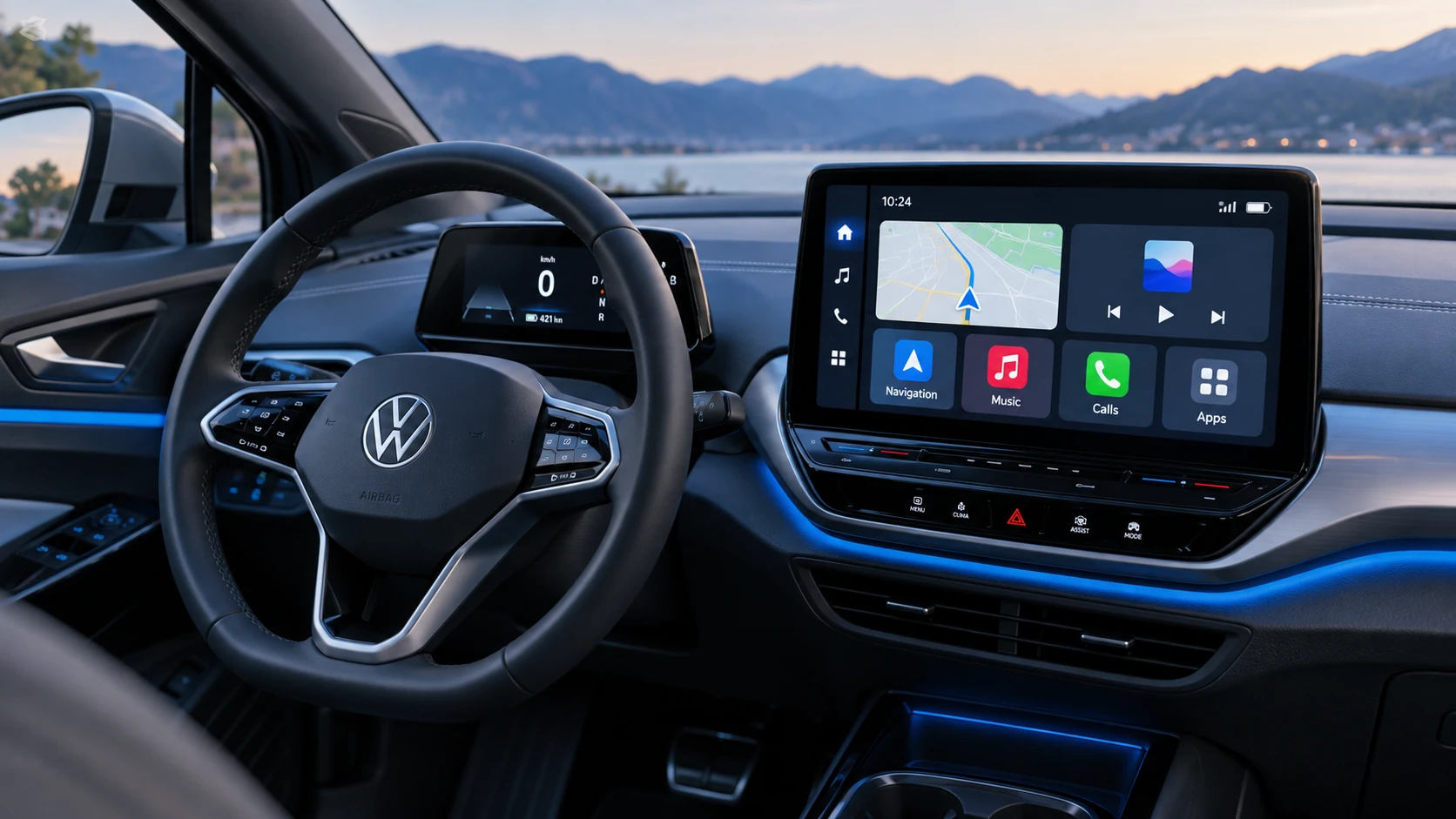 ID.4 Guide
See how Apple CarPlay works in the Volkswagen ID.4, including smartphone integration, navigation, calls, music and key infotainment functions.
Read guide ID.4 Guide
Service information for the Volkswagen ID.4 rear cross member, including component location, attachment points and repair-oriented removal and installation guidance.
Read guide