



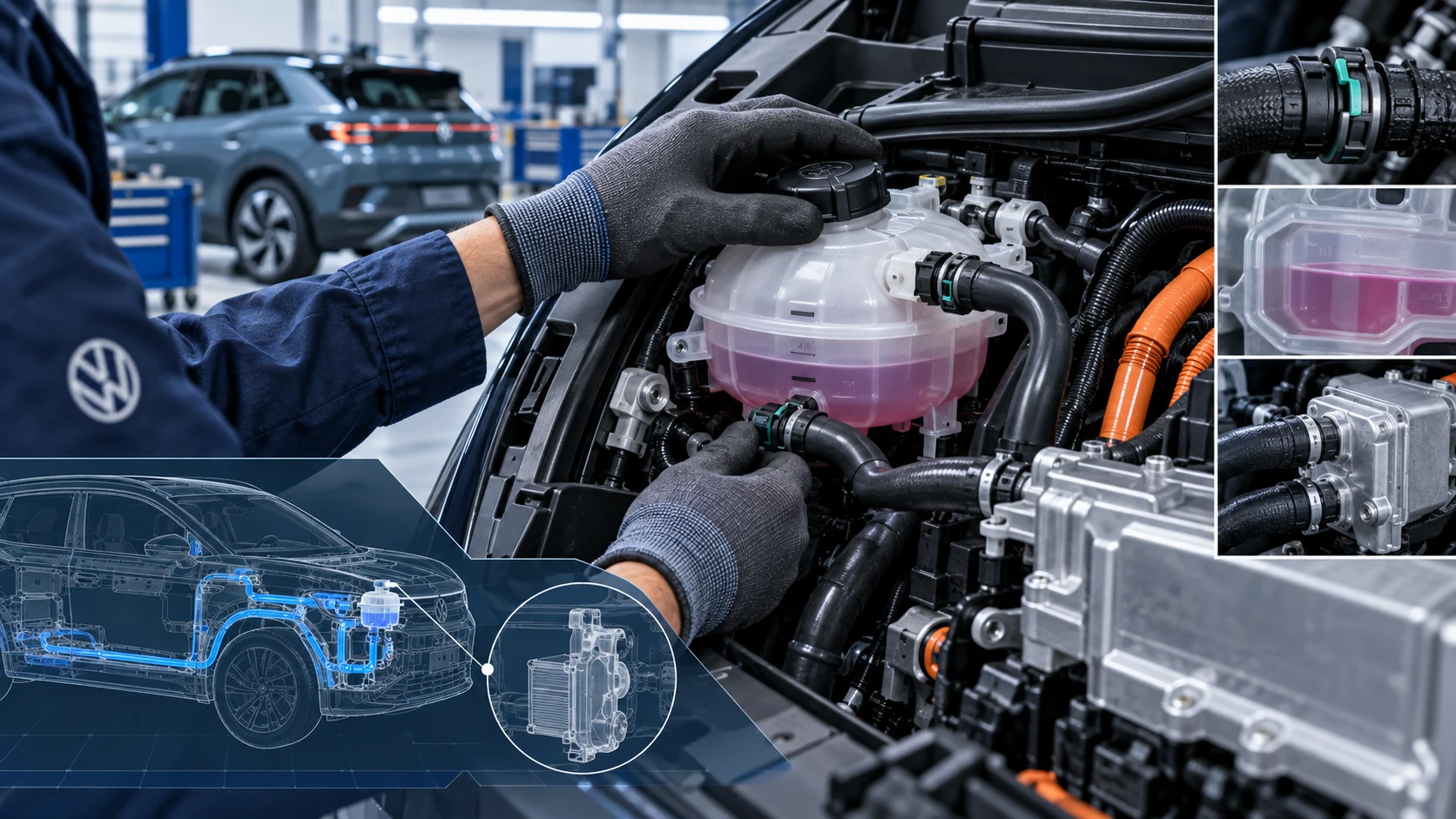
Cooling System Coolant
Volkswagen ID.4 cooling system guidance covering coolant-related service information, inspection points and important precautions for thermal management components.
Read guide




The Volkswagen ID.4 Infotainment system can connect to an external Wi-Fi hotspot, such as a smartphone, to enable Internet-based services and applications.
Connecting to Wi-Fi
1. Activate the Wi-Fi hotspot on the external device. Follow the manufacturer’s instructions.
2. Tap HOME
 Wi-Fi
Wi-Fi
 Wi-Fi:.
3. Tap Search for Wi-Fi networks.
The Volkswagen ID.4 scans for available networks; this may take a few seconds.
4. Select the desired Wi-Fi network.
5. Enter the network key and confirm the connection.
The connection will be established. Additional steps may be required depending on the device used.
 Due to the wide range of Wi-Fi devices, not all functions may be supported in every case.
 Wi-Fi functionality in the Volkswagen ID.4 may vary depending on country-specific regulations.
WPS with Infotainment system as client
✓ The external Wi-Fi device supports WPS functionality.
1. Tap HOME
 Wi-Fi
Wi-Fi
 Wi-Fi:.
2. Tap WPS quick connection.
3. Activate WPS on the external Wi-Fi device.
The Volkswagen ID.4 will automatically establish the connection. Additional confirmation may be required.
 If WPS is not supported, connect manually using standard Wi-Fi setup procedures:
Maintaining a stable and secure data connection in the Volkswagen ID.4 ensures seamless access to online services, navigation updates, and connected vehicle features.

Selected owner and service information from our Volkswagen ID.4 manual library.
 ID.4 Guide
Volkswagen ID.4 cooling system guidance covering coolant-related service information, inspection points and important precautions for thermal management components.
Read guide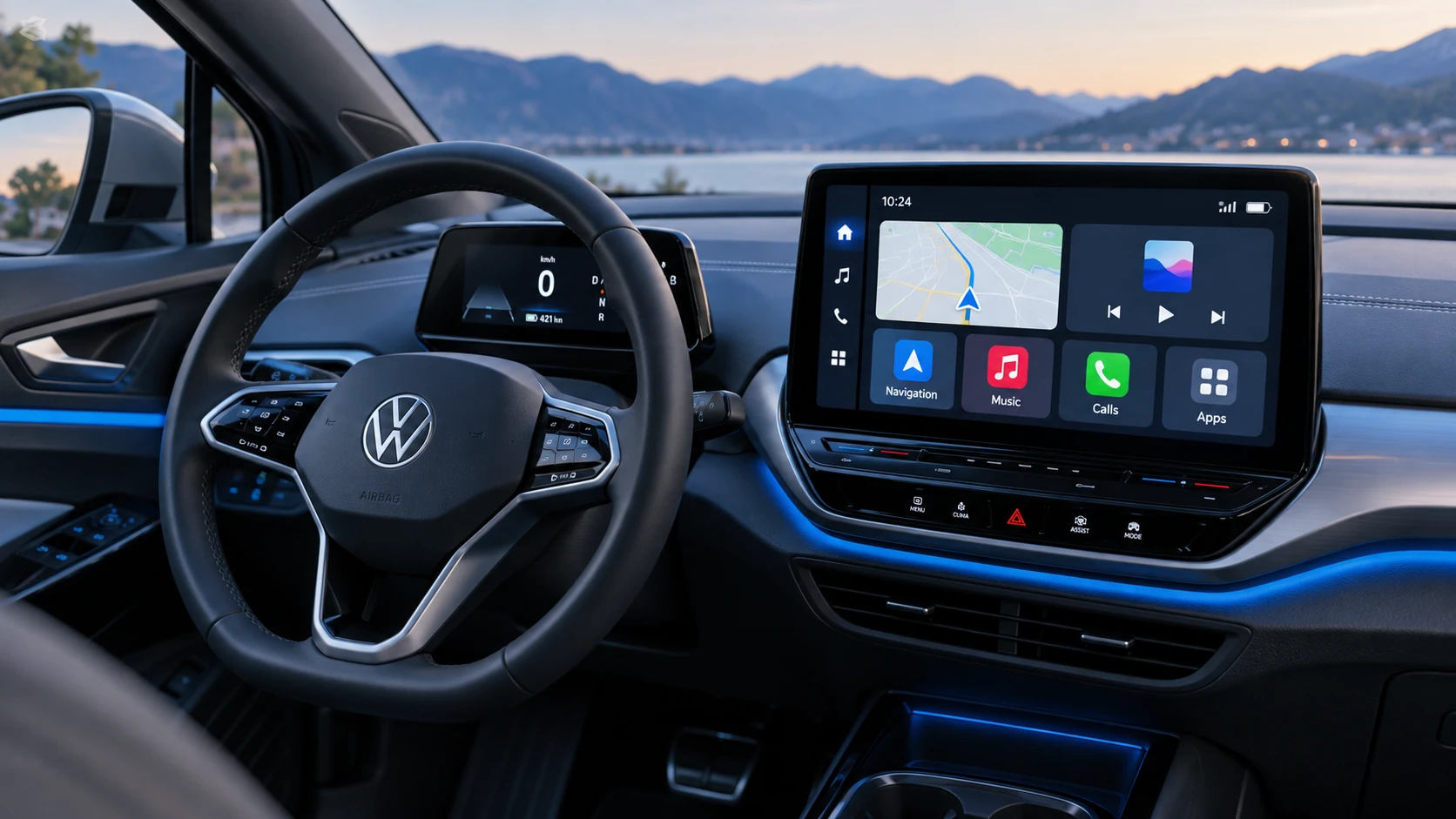 ID.4 Guide
See how Apple CarPlay works in the Volkswagen ID.4, including smartphone integration, navigation, calls, music and key infotainment functions.
Read guide