



Rear Cross Member
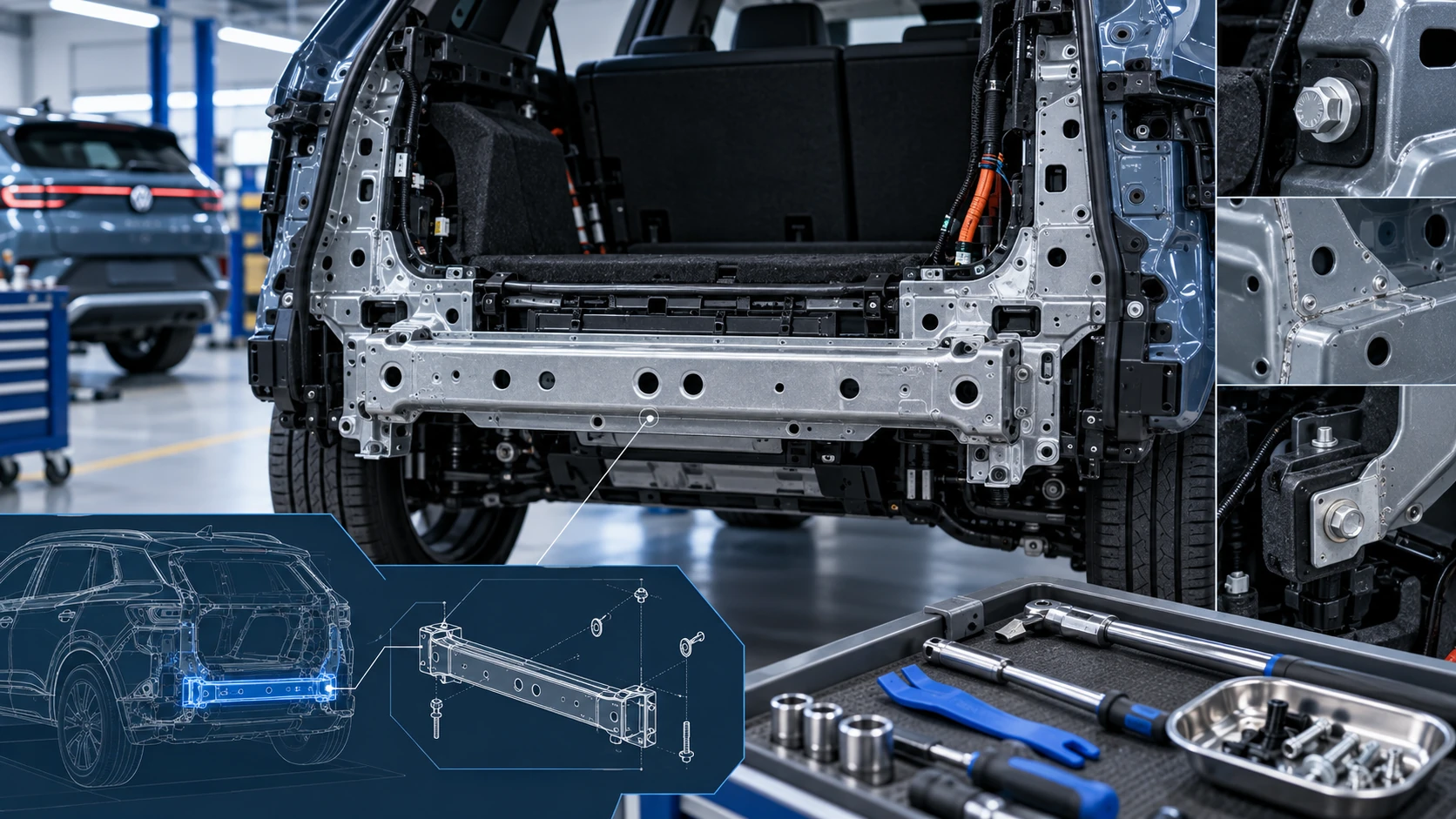
Service information for the Volkswagen ID.4 rear cross member, including component location, attachment points and repair-oriented removal and installation guidance.
Read guide




Follow all instructions and messages displayed on your smartphone during the setup process for your Volkswagen ID.4 to ensure a smooth and secure configuration.
When using the Mobile Key feature for the first time in your Volkswagen ID.4, the vehicle owner must be registered as the primary user. This setup ensures full control over digital access and vehicle-related services.
1. Create a user account in We Connect via www.connect.volkswagen-we.com.
2. Add your Volkswagen ID.4 to your user account using the We Connect ID. app.
3. Provide proof of ownership and identity verification for the primary user at an authorized Volkswagen service partner.
4. Unlock the Volkswagen ID.4 using the physical remote control key.
5. Switch on both the ignition and the Infotainment system of the Volkswagen ID.4.
6. In the Infotainment system, navigate to System settings and select Connect with We Connect.
7. Scan the QR code using the
 We
Connect ID. app.
We
Connect ID. app.
Once completed, your smartphone will be linked to the Volkswagen ID.4 and assigned as the primary user device within the We Connect ID. ecosystem.
Functions on the primary user cell phone
As the primary user of the Volkswagen ID.4, you gain access to a range of advanced digital functions through the We Connect ID. app:
 Both the primary user and recipients will receive notifications in the We Connect ID. app before a Mobile Key for the Volkswagen ID.4 expires.

Selected owner and service information from our Volkswagen ID.4 manual library.
 ID.4 Guide
Service information for the Volkswagen ID.4 rear cross member, including component location, attachment points and repair-oriented removal and installation guidance.
Read guide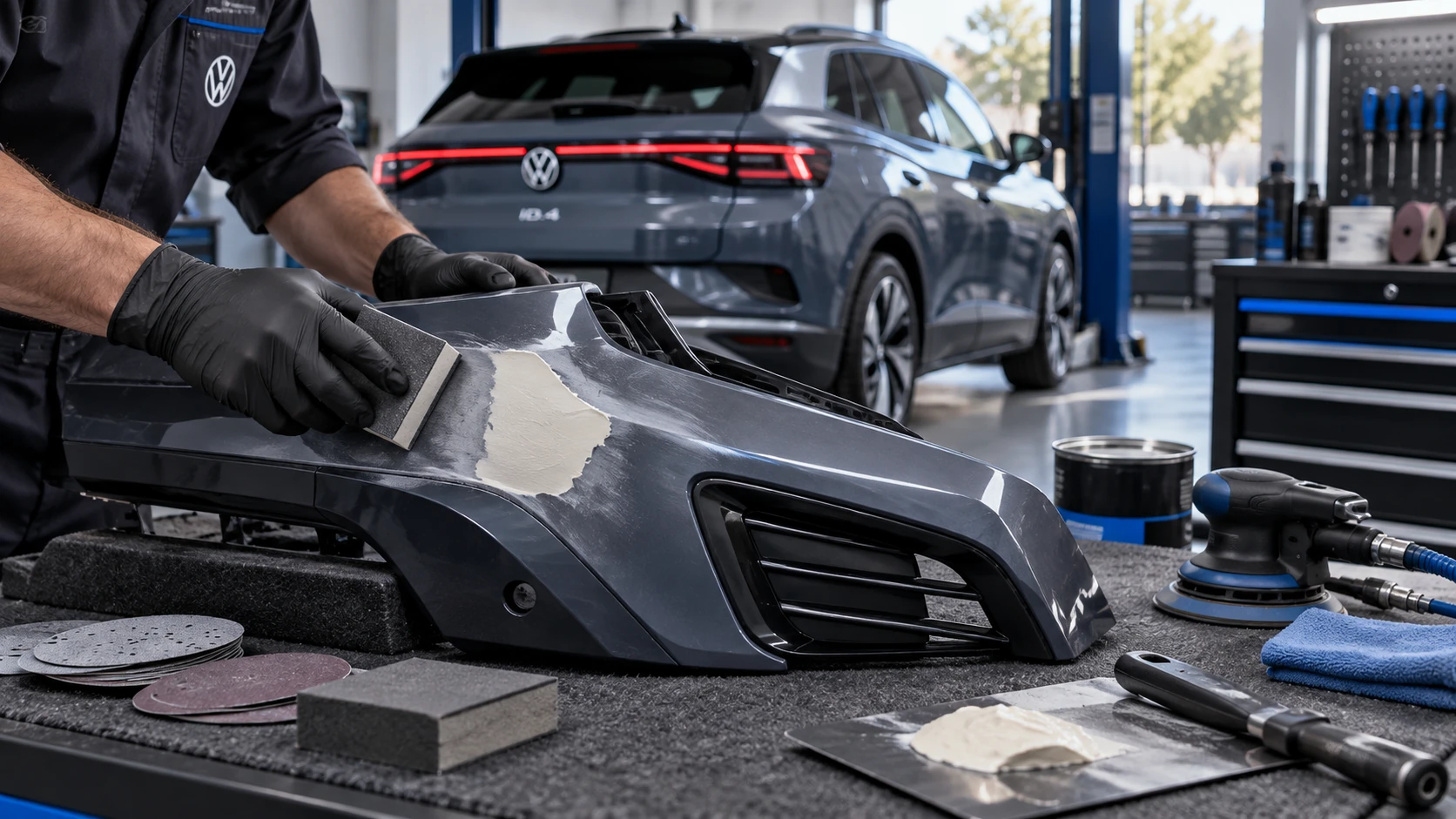 ID.4 Guide
Volkswagen ID.4 plastic repair procedures covering surface preparation, filler work, sanding and restoration of damaged plastic exterior components.
Read guide