



Switching the Ignition On and Off
How to switch the Volkswagen ID.4 ignition on and off correctly, including the basic operating conditions and what the driver should expect from the vehicle.
Read guide




If your Volkswagen ID.4 cannot be locked or unlocked using the remote control vehicle key, it may be necessary to synchronize the key again or replace the button cell battery (→ Vehicle key). This ensures reliable communication between the key and the vehicle systems.
Synchronizing a vehicle key
1. Stand close to your Volkswagen ID.4, ideally within direct proximity to ensure proper signal transmission.
2. Press the
 button on the vehicle
key twice in quick succession.
button on the vehicle
key twice in quick succession.
This simple step often restores synchronization between the vehicle key and the Volkswagen ID.4 system.
Or:
1. Remove the emergency key from the Volkswagen ID.4 key (→ Vehicle key).
2. If necessary, carefully remove the protective cap from the driver's door handle.
3. Press the
 button on the vehicle
key.
button on the vehicle
key.
4. Unlock the Volkswagen ID.4 manually using the emergency key.
5. Open the driver door.
If your Volkswagen ID.4 is equipped with an anti-theft alarm system, the alarm may be triggered immediately (→ Anti-theft alarm system).
6. Switch on the ignition.
To switch on the ignition, perform an emergency start procedure if required (→ Starting the engine).
Once these steps are completed, the synchronization of the Volkswagen ID.4 key is finalized and normal operation should resume.
Troubleshooting
Vehicle cannot be locked or unlocked
In the Volkswagen ID.4, remote control operation may be affected by environmental conditions such as heavy rain, interference from nearby transmitters (e.g. mobile phones), or physical obstacles blocking the signal. A drained button cell battery can also prevent proper function.
The central locking system of the Volkswagen ID.4 may temporarily deactivate to protect itself from overload.
1. Close the driver door securely.
Or: Synchronize the Volkswagen ID.4 key again (→ Vehicle key).
Or: Replace the button cell battery in the vehicle key (→ Vehicle key).
The indicator light is not blinking
If the indicator light on your Volkswagen ID.4 key does not flash when pressing a button, this is a clear indication that the button cell battery needs to be replaced.
 You can obtain an additional or replacement key for your Volkswagen ID.4 from an authorized Volkswagen dealer or authorized Volkswagen Service Facility.
Introduction
The Volkswagen ID.4 also offers a modern feature known as the "Mobile key", which allows your smartphone to function as a remote control key via the We Connect ID. app.
With the Mobile key activated, you can lock and unlock your Volkswagen ID.4 and even prepare it for driving without using a physical key. Notably, neither the smartphone nor the vehicle requires an active Internet connection during everyday use.
The Mobile key is an optional feature of the Volkswagen ID.4 and must be selected during vehicle configuration. If included, the vehicle is delivered with this functionality already enabled from the factory.
To use the Mobile key feature in your Volkswagen ID.4, you must have an active We Connect Plus contract, complete identity and ownership verification, and install the We Connect ID. app on a compatible smartphone. Additionally, a Volkswagen user account with login credentials is required.
After activation, your smartphone becomes a fully functional digital key for the Volkswagen ID.4, offering enhanced convenience and flexibility in everyday use.
For optimal performance, always keep your smartphone software updated and ensure compatibility with the latest Volkswagen ID.4 system updates.
A single smartphone can be used to manage the Mobile Key function for multiple vehicles, including the Volkswagen ID.4. Communication between the smartphone and the Volkswagen ID.4 is established via Bluetooth technology, ensuring a fast and reliable connection without requiring a permanent Internet link during everyday use.
Depending on the current system status, the primary user of the Volkswagen ID.4 has the ability to create additional Mobile Keys and securely share them with authorized third-party users. To use this feature, each additional user must have a valid Volkswagen ID account and the We Connect ID. app installed on their compatible smartphone.
This advanced functionality in the Volkswagen ID.4 enhances convenience, allowing families or shared users to access the vehicle without needing a physical key, while maintaining a high level of digital security.
WARNING
Loss, misuse, or unsupervised handling of a smartphone with an active Mobile Key for the Volkswagen ID.4 can lead to unauthorized vehicle access, theft, or dangerous situations that may result in serious or fatal injuries.
WARNING
If the primary user revokes access to a Mobile Key in the Volkswagen ID.4, the key may remain active for up to 24 hours. In certain cases, it may be deactivated immediately after the ignition is switched off.
Once deactivated, the Mobile Key will no longer allow locking, unlocking, or driving the Volkswagen ID.4. This may lead to unexpected situations, such as being unable to move the vehicle in traffic, increasing the risk of accidents.
 Pay attention to notifications and alerts displayed in the We Connect ID. app while using the Mobile Key feature in your Volkswagen ID.4.
Requirements
 Smartphones with low battery levels may not support the Mobile Key function reliably in the Volkswagen ID.4.
 When using the Mobile Key feature in the Volkswagen ID.4, certain emergency functions are not available. For example, emergency locking or unlocking cannot be performed if the 12 V battery is discharged. Additionally, the front passenger airbag cannot be deactivated using the Mobile Key.
For this reason, Volkswagen strongly recommends always carrying the standard remote control key for your Volkswagen ID.4 as a reliable backup in critical situations.

Selected owner and service information from our Volkswagen ID.4 manual library.
 ID.4 Guide
How to switch the Volkswagen ID.4 ignition on and off correctly, including the basic operating conditions and what the driver should expect from the vehicle.
Read guide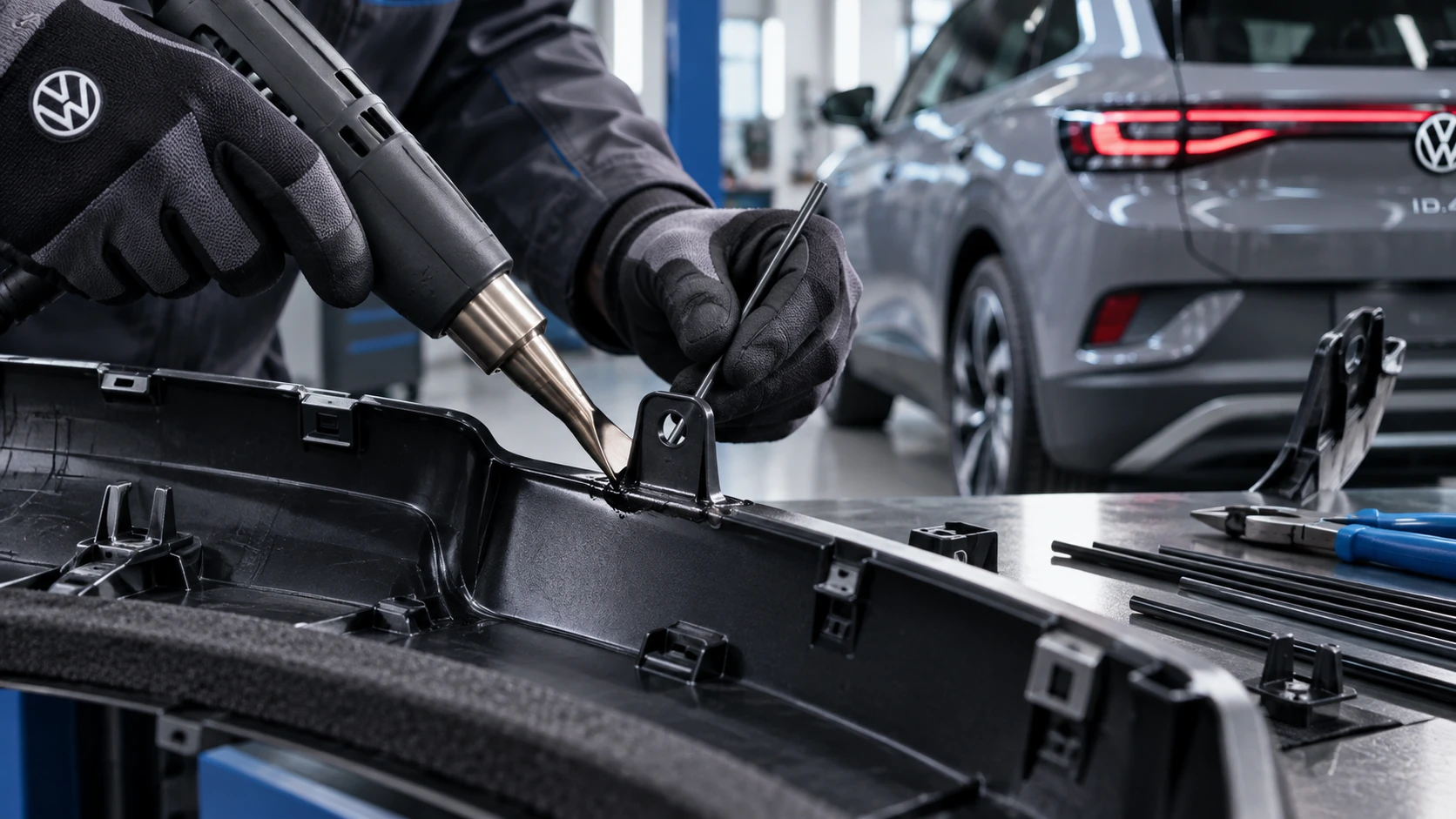 ID.4 Guide
Professional Volkswagen ID.4 repair guidance for welding plastic attachments, securing damaged mounting points and restoring plastic components correctly.
Read guide