



Joining and Separating Techniques
Practical Volkswagen ID.4 service procedures for joining and separating components, connectors and assemblies correctly and without unnecessary damage.
Read guide




Depending on configuration, up to eight Mobile Keys can be active simultaneously for a single Volkswagen ID.4, making it ideal for shared usage scenarios.
When a Mobile Key is shared, the recipient is granted access to the Volkswagen ID.4 and permission to operate the vehicle. This feature provides flexibility while maintaining digital control.
The Mobile Key in the Volkswagen ID.4 is regularly updated automatically. To ensure proper updates, both the smartphone and the vehicle require an active Internet connection at certain intervals.
WARNING
Improper or careless use of a Mobile Key or remote key in the Volkswagen ID.4 while the vehicle is drive-ready may lead to accidents and serious injuries.
NOTICE
Leaving a Mobile Key or remote key inside the Volkswagen ID.4 may result in locking issues or increase the risk of theft.
 For Android devices, proper Bluetooth functionality in the Volkswagen ID.4 requires granting location access permissions to the We Connect ID. app.
Activating a mobile key
1. Open the We Connect ID. app on your smartphone.
2. Log in using your Volkswagen ID credentials.
3. Select your Volkswagen ID.4 if multiple vehicles are linked.
4. Activate the Mobile Key feature in the app.
Unlocking the vehicle
1. Hold your smartphone near the Volkswagen ID.4.
2. Ensure Bluetooth is enabled.
3. Open the We Connect ID. app.
4. Log in to your Volkswagen ID account.
5. Select your Volkswagen ID.4 if necessary.
6. Access the "Mobile Key" feature.
7. Select the lock/unlock option.
Activating the vehicle's drive system
1. Place your smartphone inside the Volkswagen ID.4.
2. Open the We Connect ID. app.
3. Confirm that you are inside the vehicle and ready to drive.
4. Place the smartphone on the wireless charging pad during the drive.
5. Press the starter button once.
6. Press and hold the brake pedal.
7. Move the selector to D/B or R.
A visual and audible signal confirms that the Volkswagen ID.4 is ready to drive.
 After confirmation in the app, only a limited time window is available to make the Volkswagen ID.4 drive-ready. If this time expires, repeat the confirmation process.
Temporary trip interruption without revoking drive-readiness
The Volkswagen ID.4 allows short interruptions without disabling drive readiness, for example when briefly exiting the vehicle.
1. Bring the vehicle to a complete stop.
2. Press
 on the driving mode selector.
3. Exit the Volkswagen ID.4.
WARNING
The Volkswagen ID.4 may remain drive-ready and unlocked for a short period, which can allow unauthorized access and increase the risk of theft or accidents.
Locking the vehicle and ending drive-ready mode
1. Stop the Volkswagen ID.4 completely.
2. Press
 on the selector.
3. Exit the vehicle.
4. Open the We Connect ID. app.
5. Use the lock/unlock function.
 The Volkswagen ID.4 can be locked using a Mobile Key even if a physical key remains inside the vehicle.
 If locking without SAFELOCK, interior monitoring must be disabled in the Infotainment system beforehand. SAFELOCK cannot be deactivated after locking.
Troubleshooting
Message in the Volkswagen Digital Cockpit: "Key not recognized"
Message in the We Connect ID. app: "The key has expired"
Can I transfer mobile keys to my new cell phone?
Yes, the primary user can activate a new Mobile Key on a new smartphone for the Volkswagen ID.4.
What happens if the primary phone is reset?
After a factory reset, the smartphone will no longer function as a Mobile Key for the Volkswagen ID.4. Reactivate it via the We Connect ID. app.
Buying or selling a vehicle with mobile keys
Ensure all Mobile Keys are removed and the Volkswagen ID.4 is reset to factory settings when ownership changes.
Introduction
Keyless Access in the Volkswagen ID.4 allows convenient locking and unlocking without actively using the key. A valid key must simply be within range of the vehicle.

Selected owner and service information from our Volkswagen ID.4 manual library.
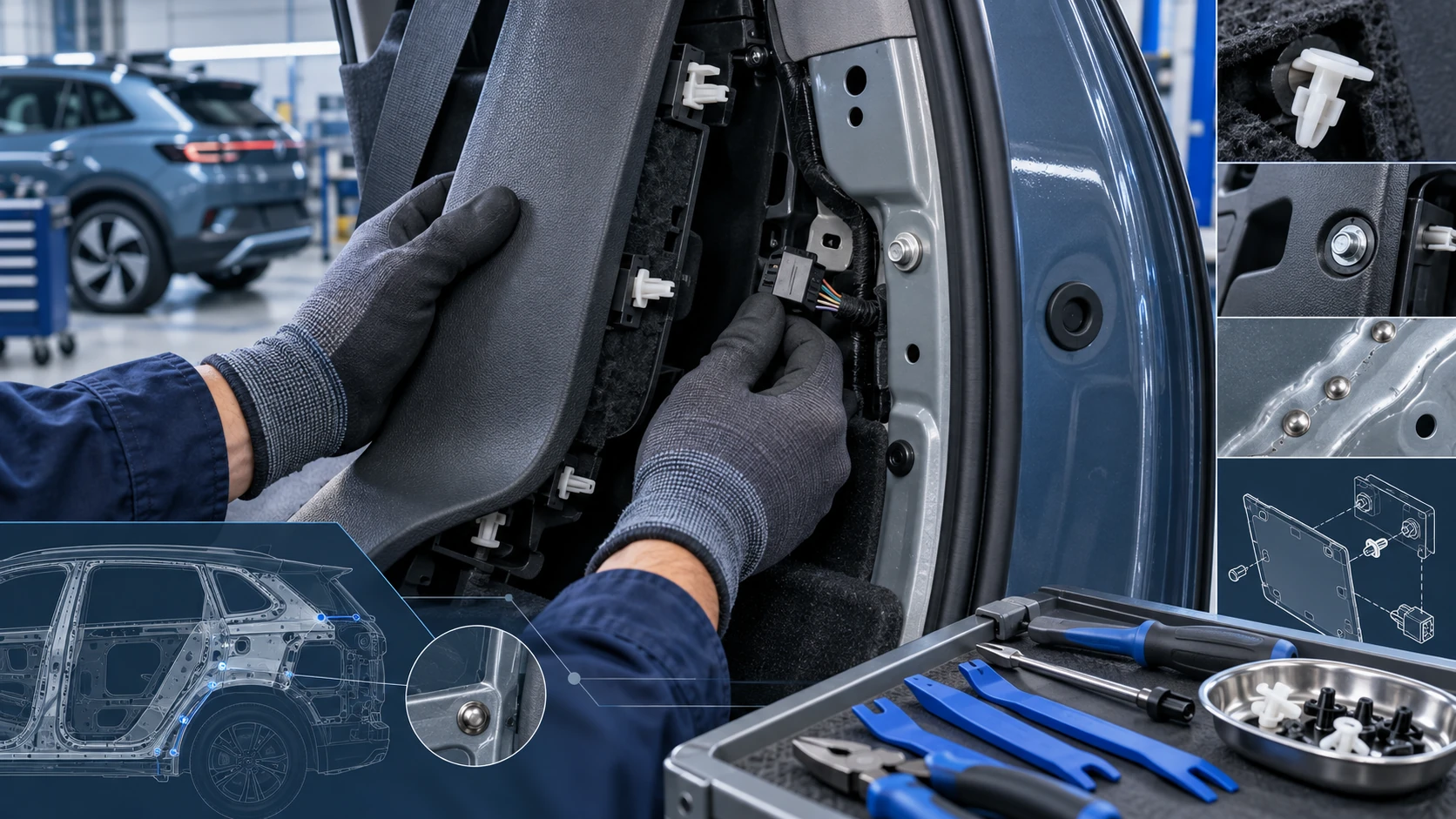 ID.4 Guide
Practical Volkswagen ID.4 service procedures for joining and separating components, connectors and assemblies correctly and without unnecessary damage.
Read guide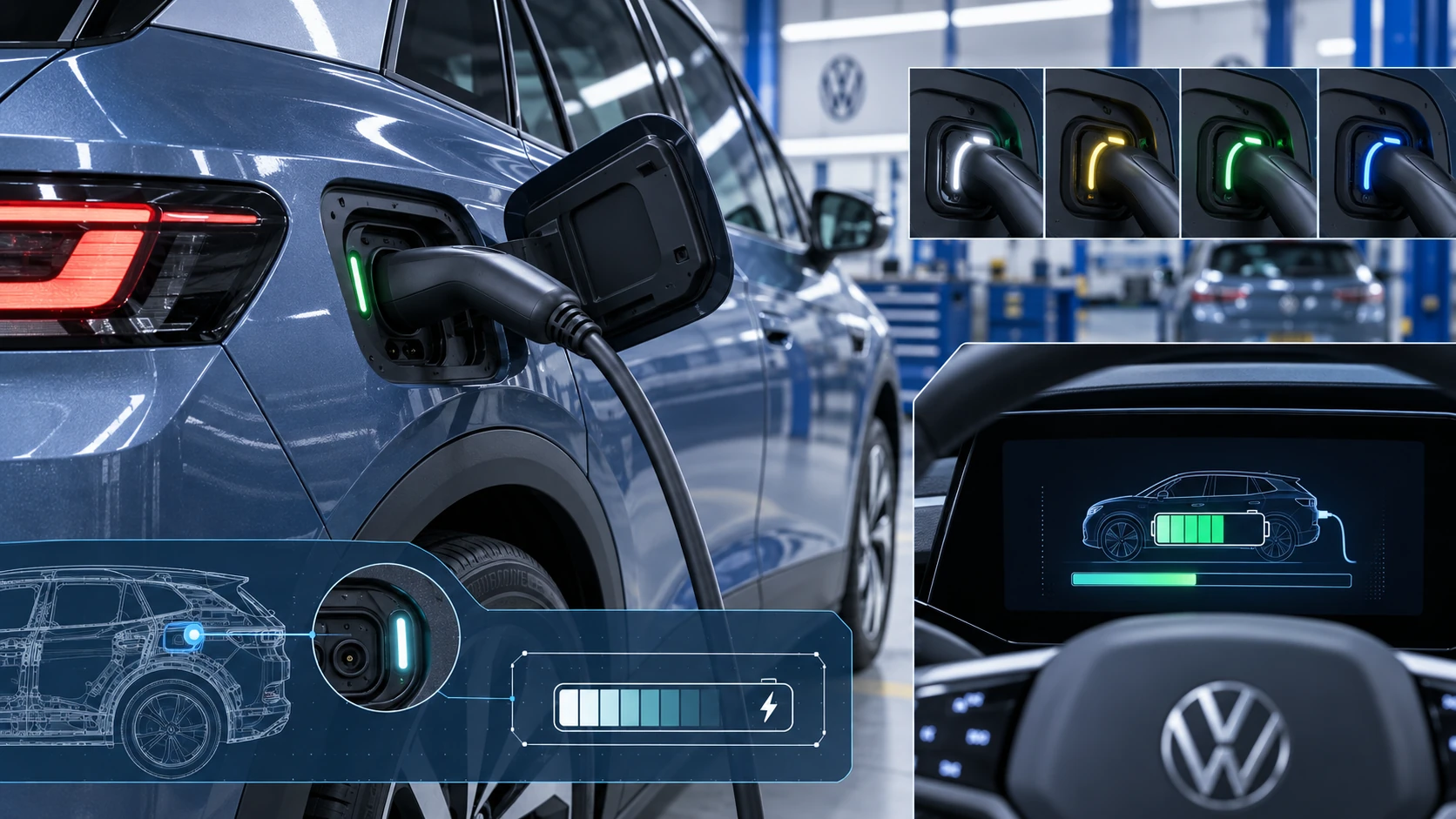 ID.4 Guide
Learn how the Volkswagen ID.4 charging process indicator shows charging status, progress and key visual signals during AC and DC charging.
Read guide